-
NBA 2K27 Hacks and Cheats for PC
NBA 2K27 can turn into a grind pretty quickly once you start building the MyPLAYER you actually want. There are animations to unlock, clothes and equipment to collect, badges to keep track of, and then you still need to get your shot timing right once you step onto the court.

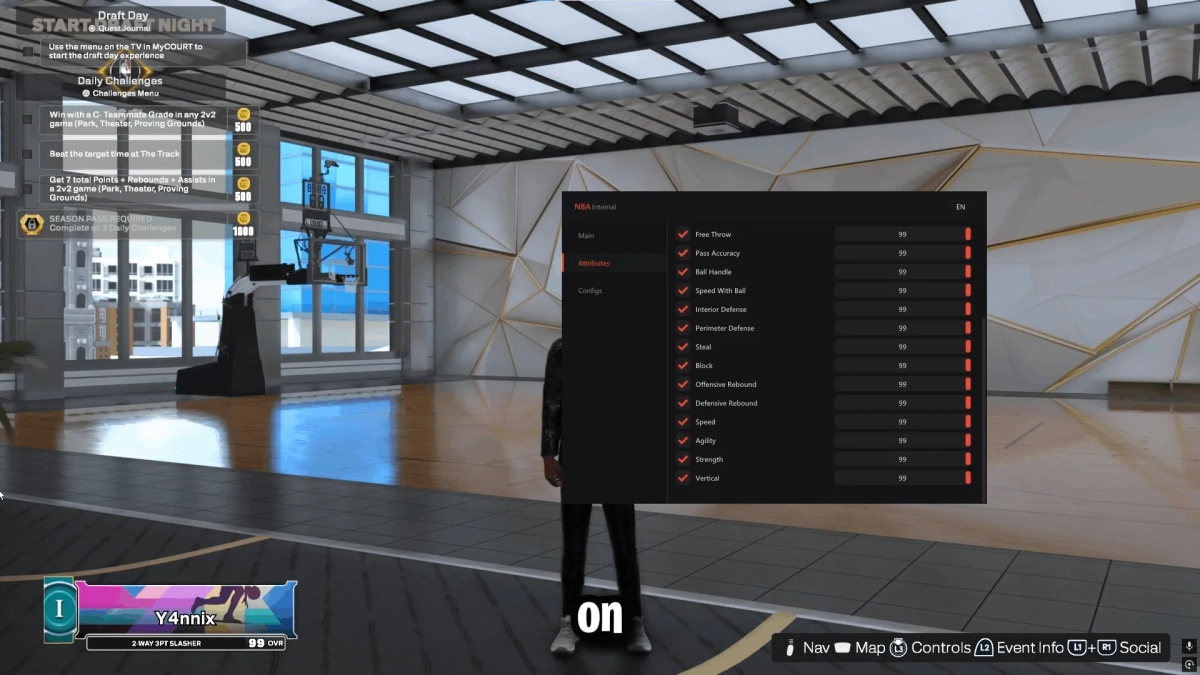
Our NBA 2K27 hacks are built around those exact parts of the game. Unlock the supported animations and equipment you want, check useful build and player information, and use Auto Green when you want help with shot timing. Instead of spending most of your time working toward a setup you might not even like in the end, you can get closer to the build you want and actually start playing with it.
NBA 2K27 Cheat Features
The package is not built around one feature doing everything. Different tools become useful depending on whether you are setting up a new MyPLAYER, testing animations, changing your look, checking a build, or actually playing a game.
Unlock All Animations
Animations make a huge difference in NBA 2K27.
Your jumper, dribble style, signature moves, dunks and other animation choices all affect how your MyPLAYER feels once the game starts. The annoying part is that the animation you want is not always sitting there ready to use. Requirements and progression can leave you building around whatever happens to be available instead.
Unlock All Animations gives you access to the supported animation options without having to work through every normal requirement first.
That makes experimenting a lot easier.
You can try another jump shot, swap your dribble style, test different signature moves or see how another dunk package feels without committing hours to the wrong setup. If something does not suit your build, change it and try something else.
This is especially useful if you make more than one MyPLAYER. Repeating the same unlock grind every time gets old fast, and having the animations available lets you spend more time figuring out what actually works for you.
Unlock Clothes and Equipment
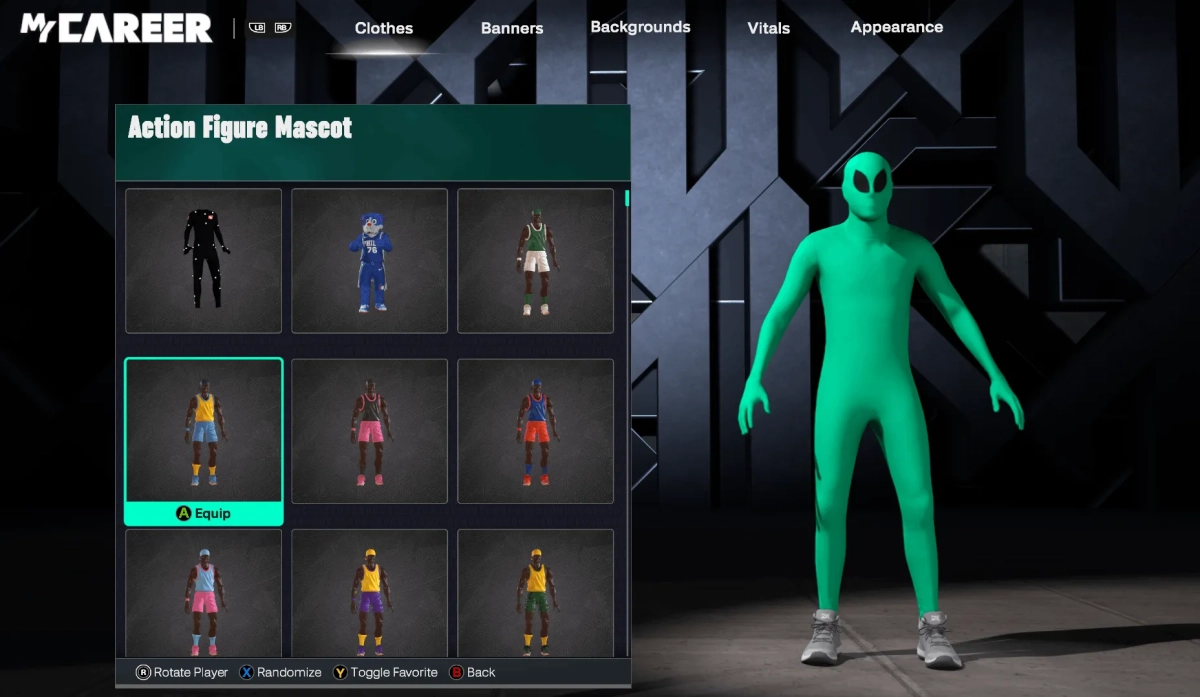
Not everything in NBA 2K27 is about attributes and shooting. If you spend much time in MyCAREER or The City, the way your MyPLAYER looks becomes part of the experience too.
The package can unlock supported clothes and equipment so you are not stuck collecting every item one at a time.
That means more freedom to change your player’s shoes, clothes, accessories and other supported customization options whenever you feel like it.
It is obviously not going to turn a bad jumper into a green release, but it saves you from spending another chunk of time grinding just because you want your character to look different.
And if you are the kind of player who changes outfits constantly, this is probably one of those features you will end up using more than you expected.
NBA 2K27 Auto Green and Shot Timing
You can run a good play, create enough space, get a clean look and still watch the shot bounce off the rim because your release was just a little late.
That is where Auto Green comes in.
Auto Green is designed to help with shot timing so you are less dependent on manually hitting the release window perfectly every single time. Once you have created the shot, the feature helps handle the timing side of the attempt.
It can come in handy when you are still learning a new jumper, taking a catch-and-shoot three, pulling up after creating space, or simply having one of those games where your usual timing feels slightly off.
The feature can also be configured instead of forcing you to use one fixed setup all the time. That gives you more control over how you want it to behave alongside your jumper and playstyle.
You still need to make sensible basketball decisions. Taking a terrible shot with three people around you is still a terrible shot. Auto Green is there to make the release more consistent once you have actually created a good look.
Build, Badge and Player Information
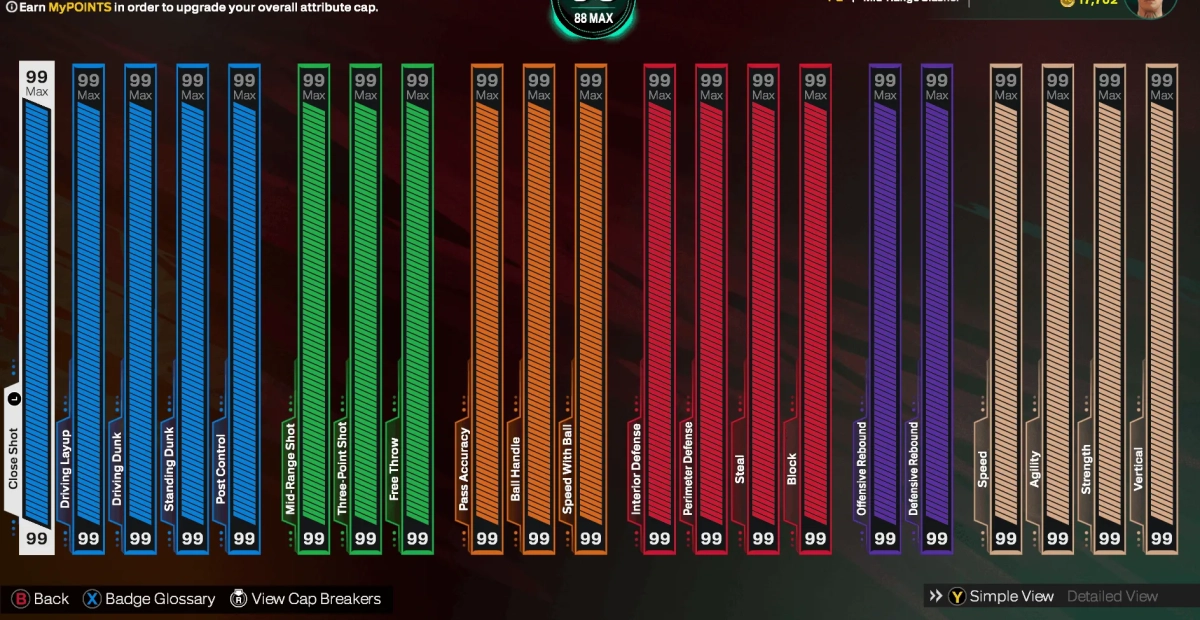
Once you start changing animations, badges and other parts of a build, it becomes surprisingly easy to lose track of exactly what your player is running.
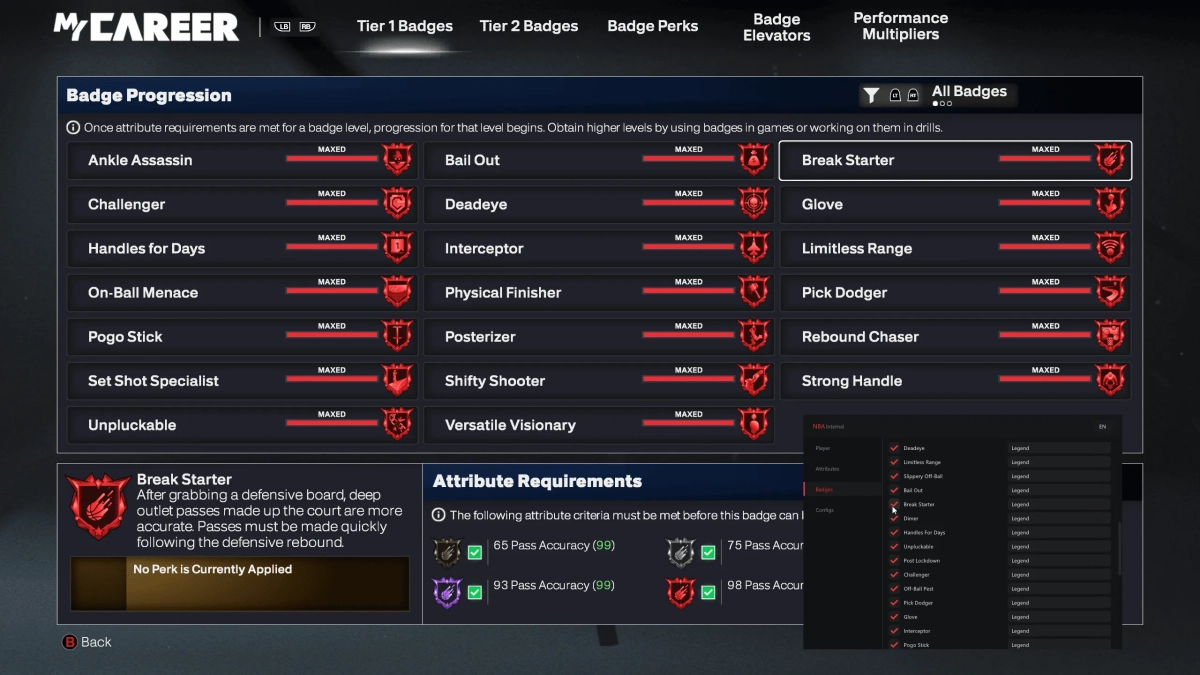
The Build, Badge and Player Information tools make it easier to check the details behind your current setup.
Instead of jumping through menus trying to remember what is equipped or whether a change actually applied, you can get a clearer look at the supported information connected to the player.
This is particularly useful when you are testing different combinations.
Change something, check the build, head back onto the court and see whether it actually feels better. If it does not, switch things around again.
It is not the flashiest feature in the package, but once you start experimenting with multiple builds, it can save a surprising amount of messing around.
NBA 2K27 Hacks for MyCAREER, REC and The City
The useful part about having several different features in one package is that you are not relying on the same tool everywhere you play.
In MyCAREER, the unlock features are probably going to stand out first. Starting another MyPLAYER and working through the same progression just to access the animations or customization options you wanted can get repetitive. Having supported unlocks available lets you get closer to your preferred setup much sooner.
In The City, the customization side becomes more noticeable. Clothes, equipment, animations and the overall feel of your MyPLAYER are all part of the character you are running around with, so being able to switch things around without another long grind gives you more freedom to experiment.
Then you have REC, where a couple of missed open looks can make a much bigger difference.
That is where Auto Green becomes more useful. Once you have created the space and got the shot you wanted, having extra help with the timing can take some of the frustration out of the release.
The package does not really have one feature that matters everywhere. The unlocks help you build the player, the information tools help you understand the setup, and Auto Green becomes more useful once you actually start shooting.
Why Choose LaviCheats for NBA 2K27 Hacks?
NBA 2K27 does not stay on one build forever. Updates can change the game during the year, and anything that depends on the current game version may need attention after a patch.
Regular updates — Our developers monitor changes that affect product compatibility and update the tool when required. If 2K has just pushed a major update, check the latest product status before launching.
Support when you need it — If you run into a problem with installation, the loader or one of the supported features, you can contact support instead of spending hours trying random fixes.
One package — Animations, equipment, Auto Green and player information are included together rather than forcing you to use several separate tools for different parts of the game.
NBA 2K27 Cheat Compatibility
The NBA 2K27 cheat is designed for the supported PC version of the game.
Before purchasing, check the current product page for the latest Windows, processor, launcher and game-version compatibility. Game updates can temporarily affect support, so it is always worth checking the current status after a major NBA 2K27 patch.
The NBA 2K page also uses an evergreen URL, allowing the content and product information to be updated when support moves to the next NBA 2K release.
NBA 2K27 Cheats – Frequently Asked Questions
What can I unlock with the NBA 2K27 cheat?
The supported unlock tools can provide access to animations, clothes, equipment and other supported MyPLAYER options. Check the latest product feature list for the exact items available with the current version.
Does the NBA 2K27 cheat include Auto Green?
Yes. Auto Green is included and is designed to assist with NBA 2K27 shot timing and the release window.
Can I unlock animations in NBA 2K27?
Yes. Supported animation unlocks can give you access to options such as jump shots, dribble styles, dunks and other available animations without completing all of the normal unlock requirements first.
Can the NBA 2K27 cheat unlock clothes and equipment?
Supported clothes and equipment can be unlocked, giving you more options when customizing your MyPLAYER.
What does the Build, Badge and Player Information feature show?
It provides supported information related to your current player and build, making it easier to check details while testing different setups, animations and badge combinations.
What happens when NBA 2K27 receives an update?
A major update can change game files and affect compatibility. When that happens, the product may also need an update. Check the latest status before using the tool immediately after a new game patch.
Get NBA 2K27 Hacks Today
If you are tired of starting another MyPLAYER and working through the same grind just to get the animations, equipment and setup you wanted, the NBA 2K27 package can save you a lot of that waiting.
Unlock All Animations gives you more room to experiment, clothes and equipment take care of the customization side, Build and Badge Information makes it easier to keep track of your setup, and Auto Green helps once it is time to actually put shots up.
Check the latest compatibility status, choose the option that suits you, and get started with NBA 2K27 hacks from LaviCheats.