
Adams kumar
-
Posts
125 -
Joined
-
Days Won
4
11 Followers









Adams kumar's Achievements
4
Reputation
-
Version 1.0.0
4 downloads
Click Here➡️How To Use -
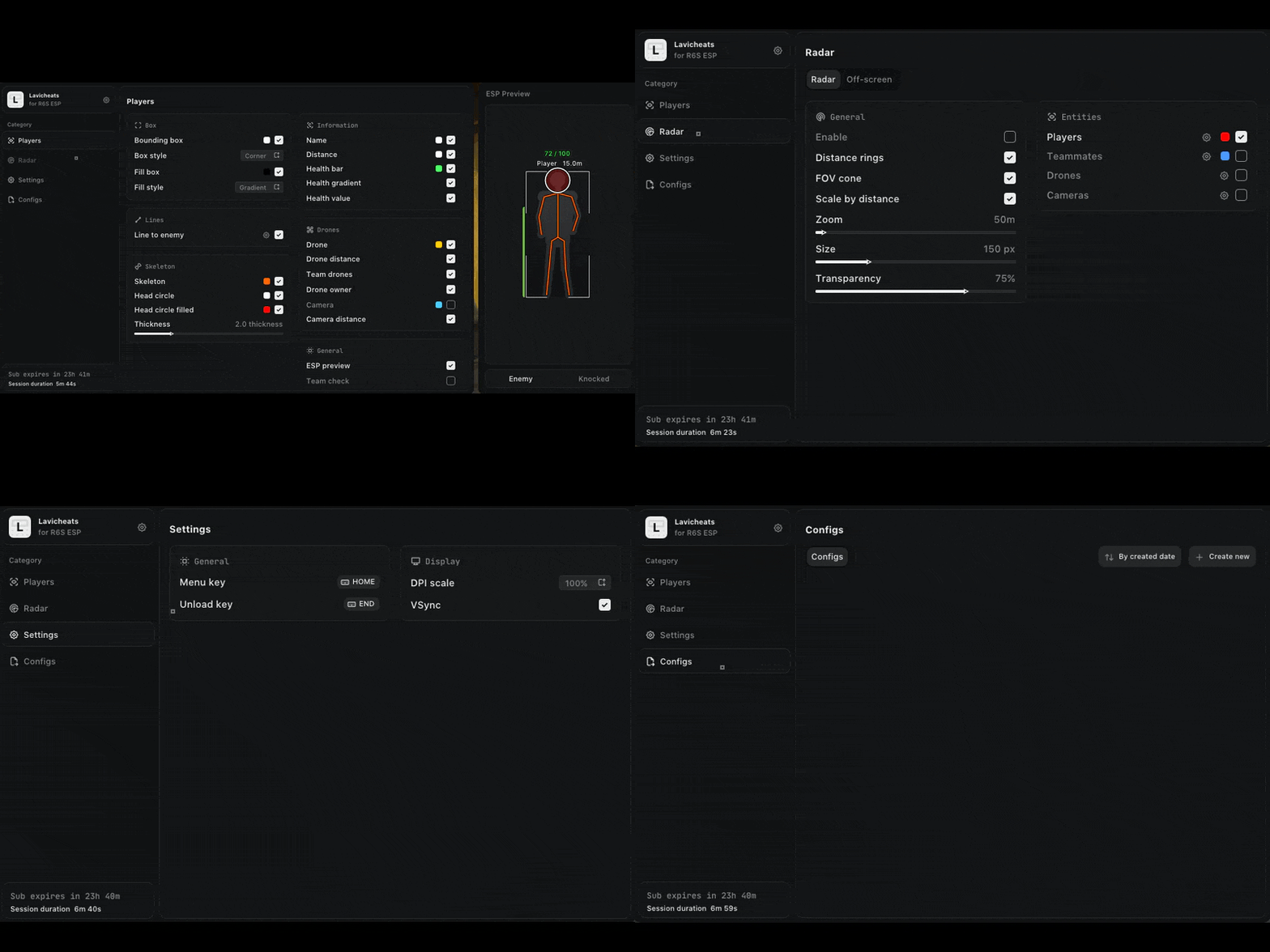
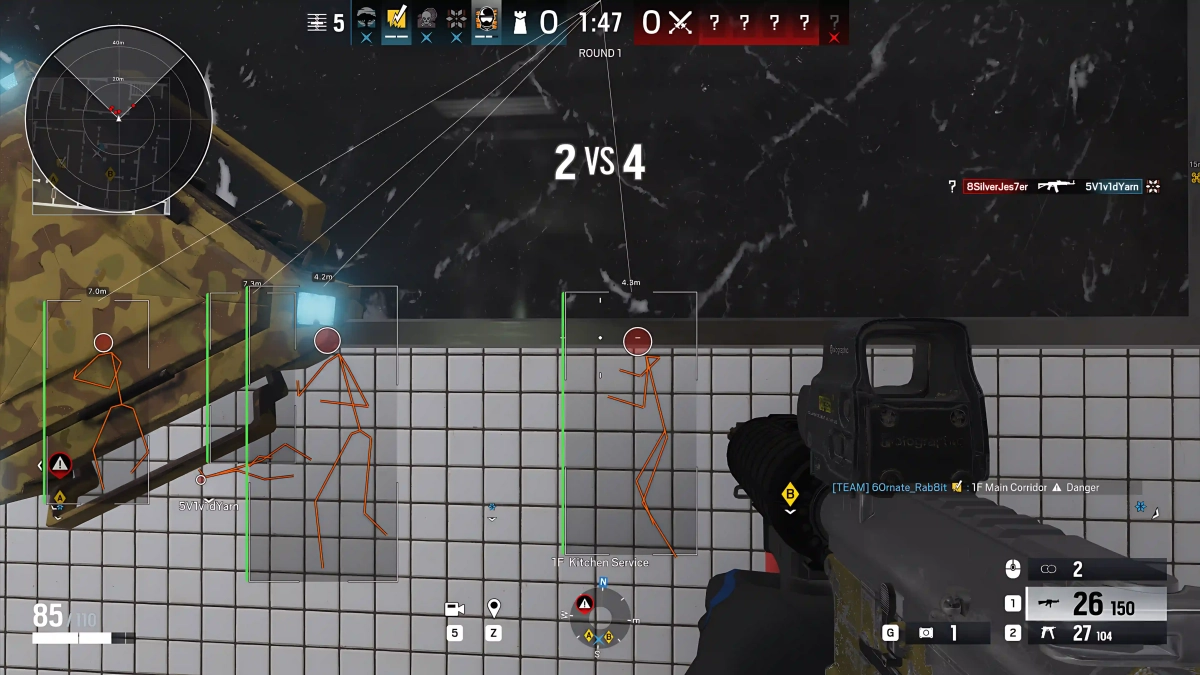
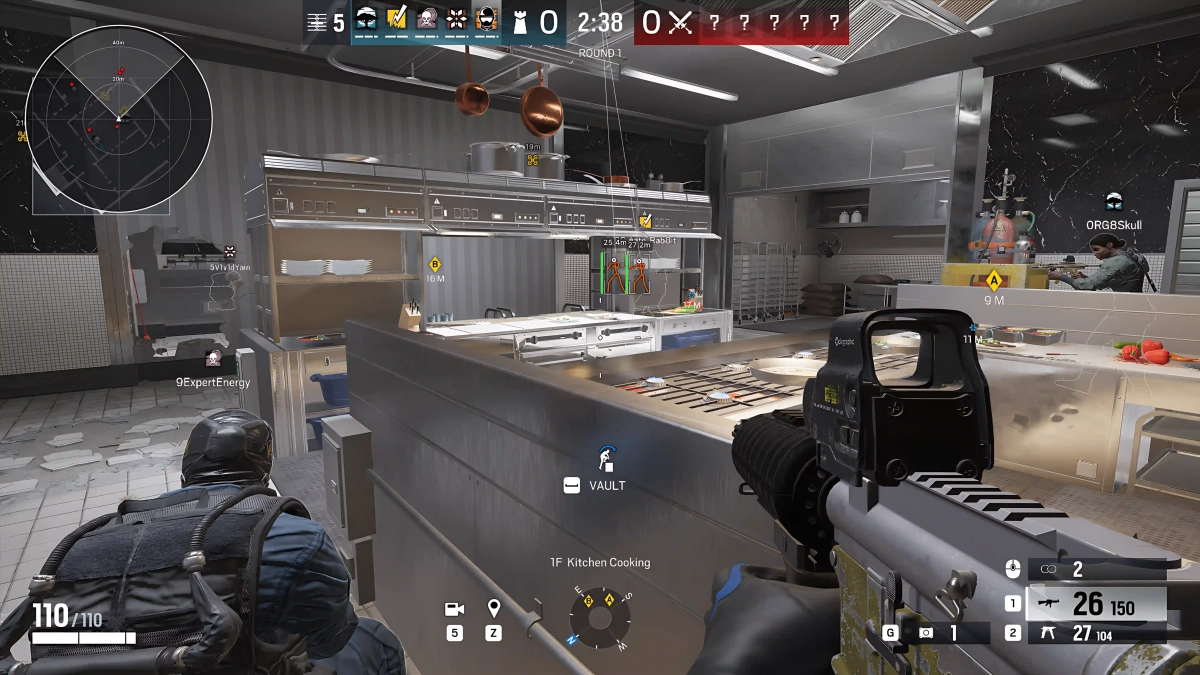
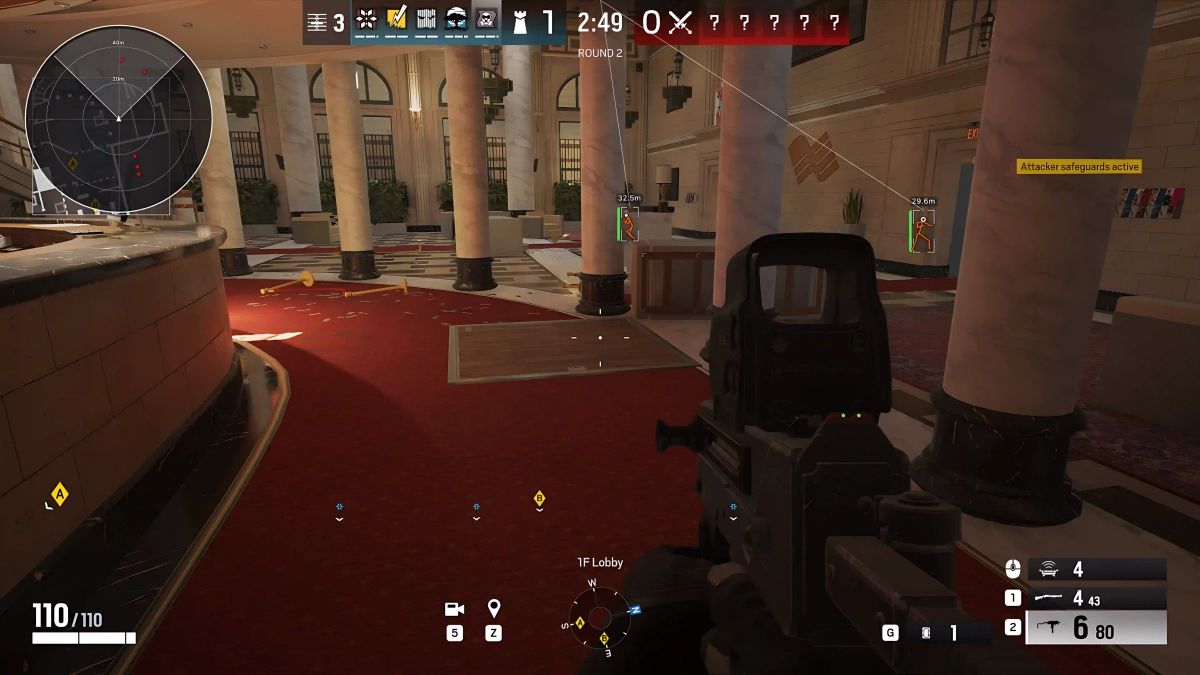
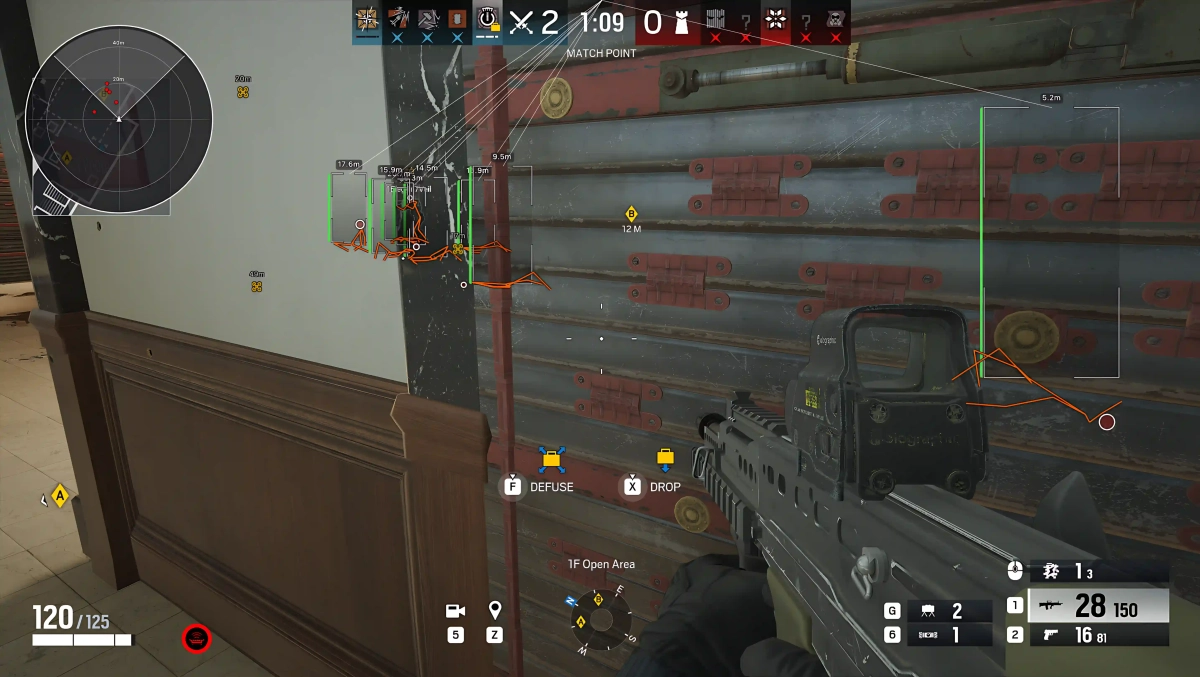
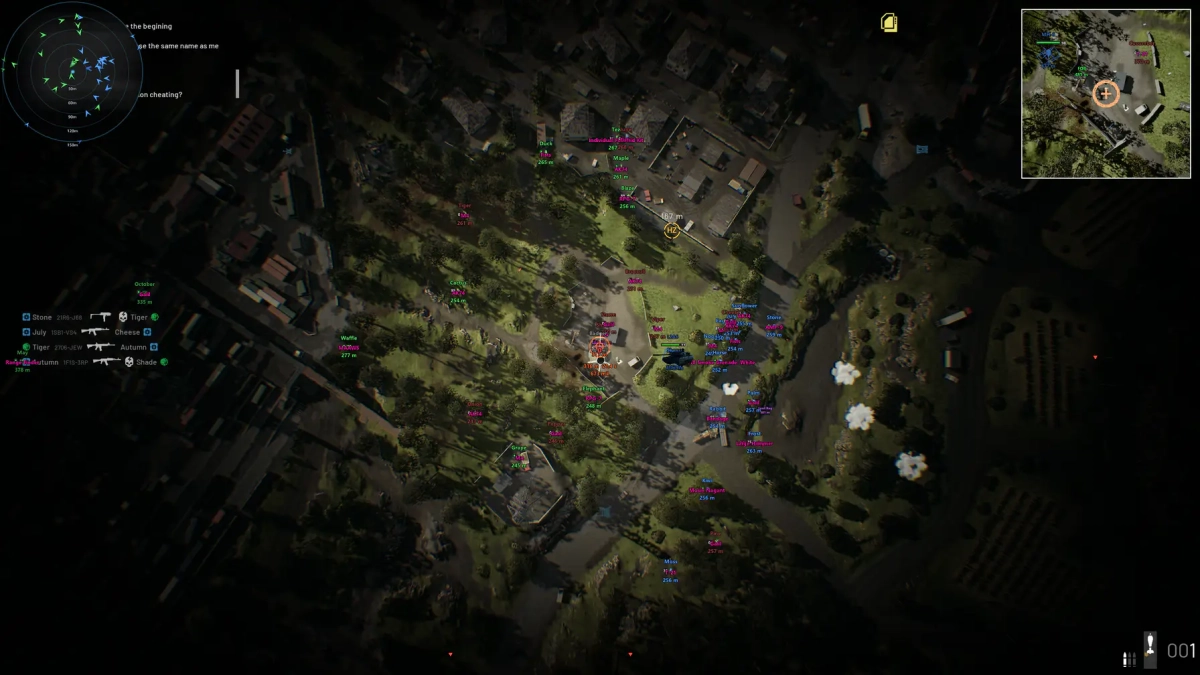
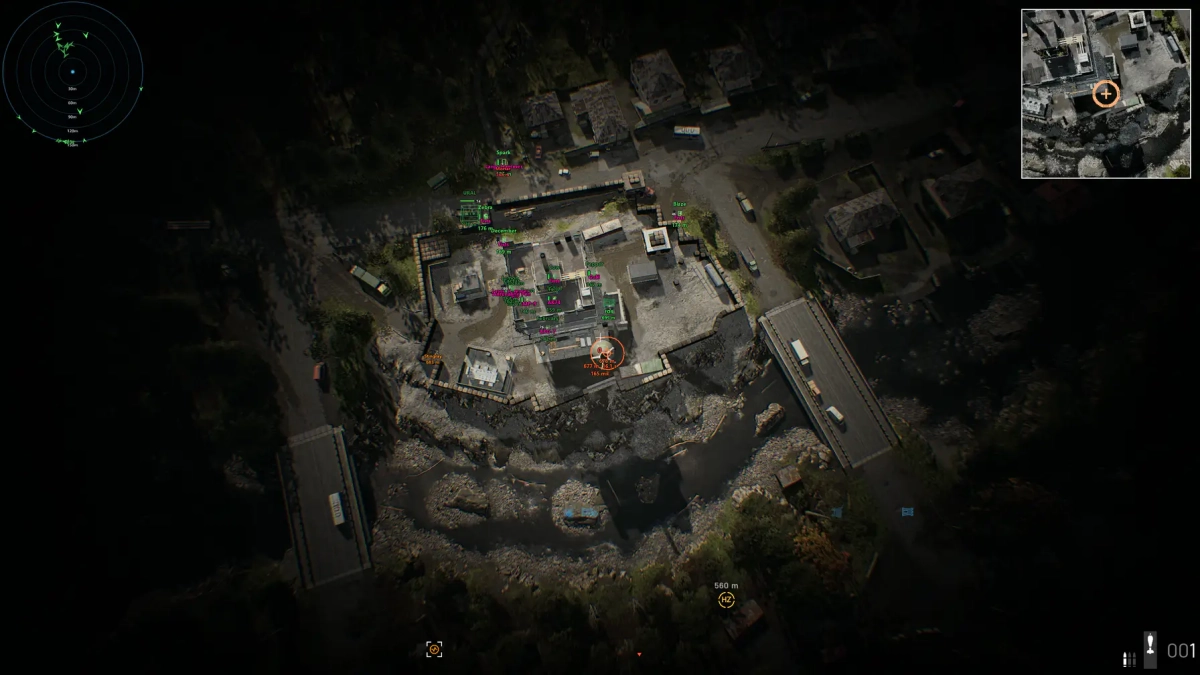
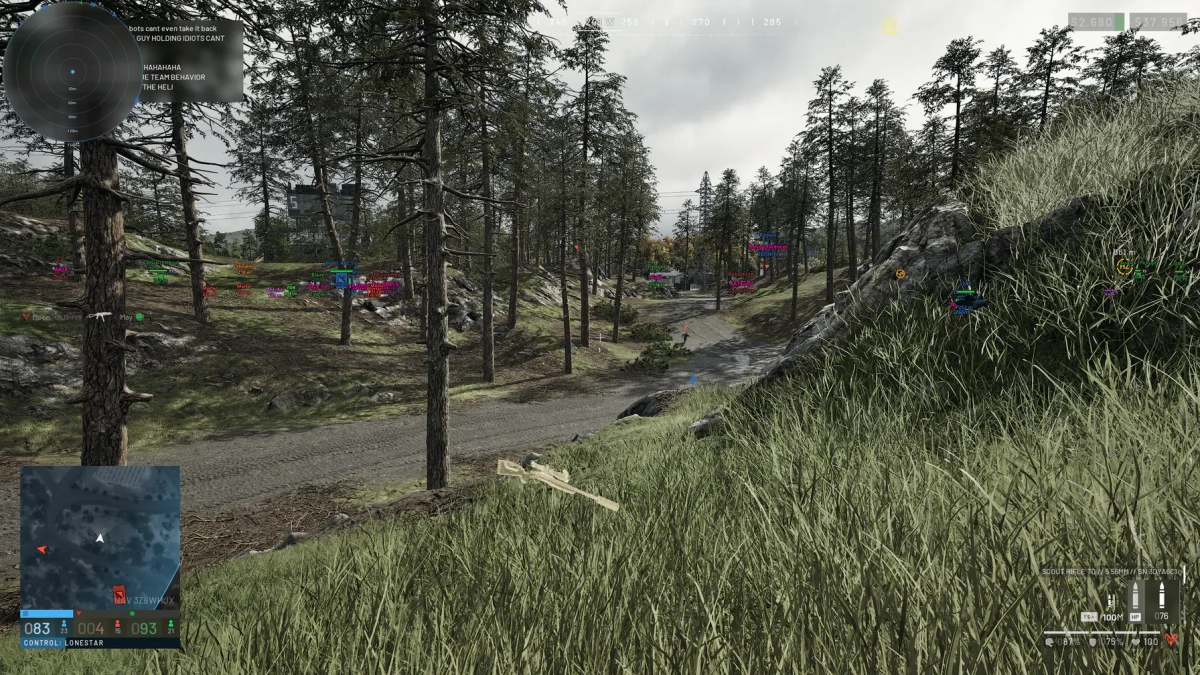
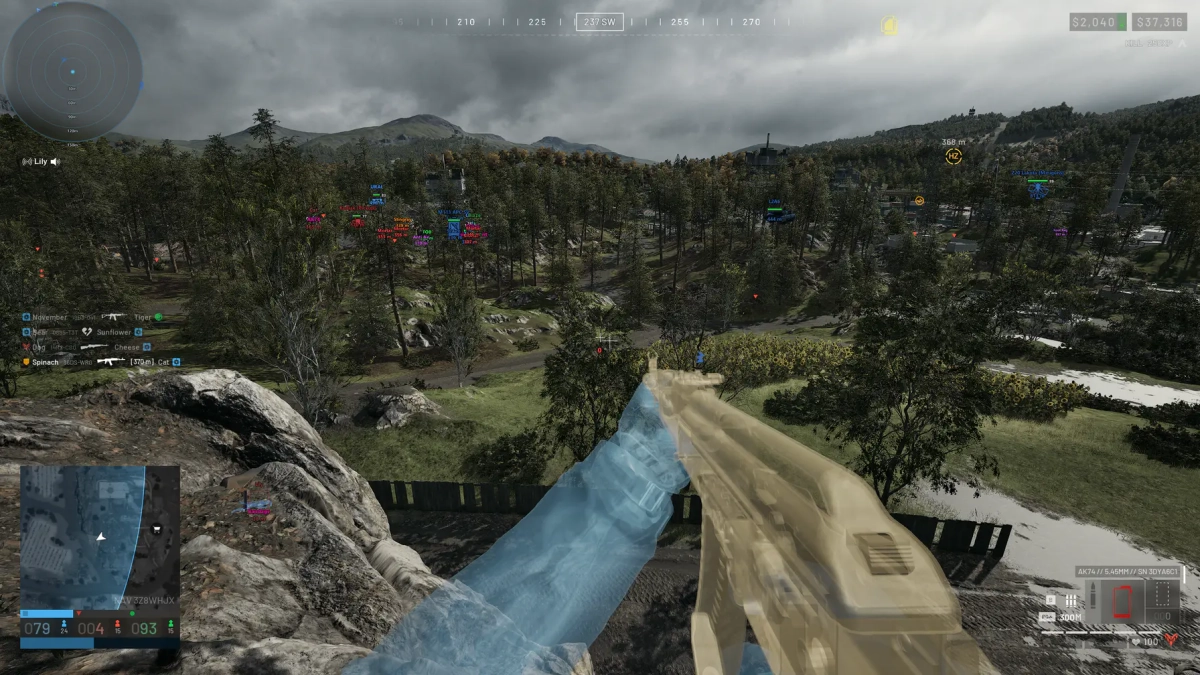
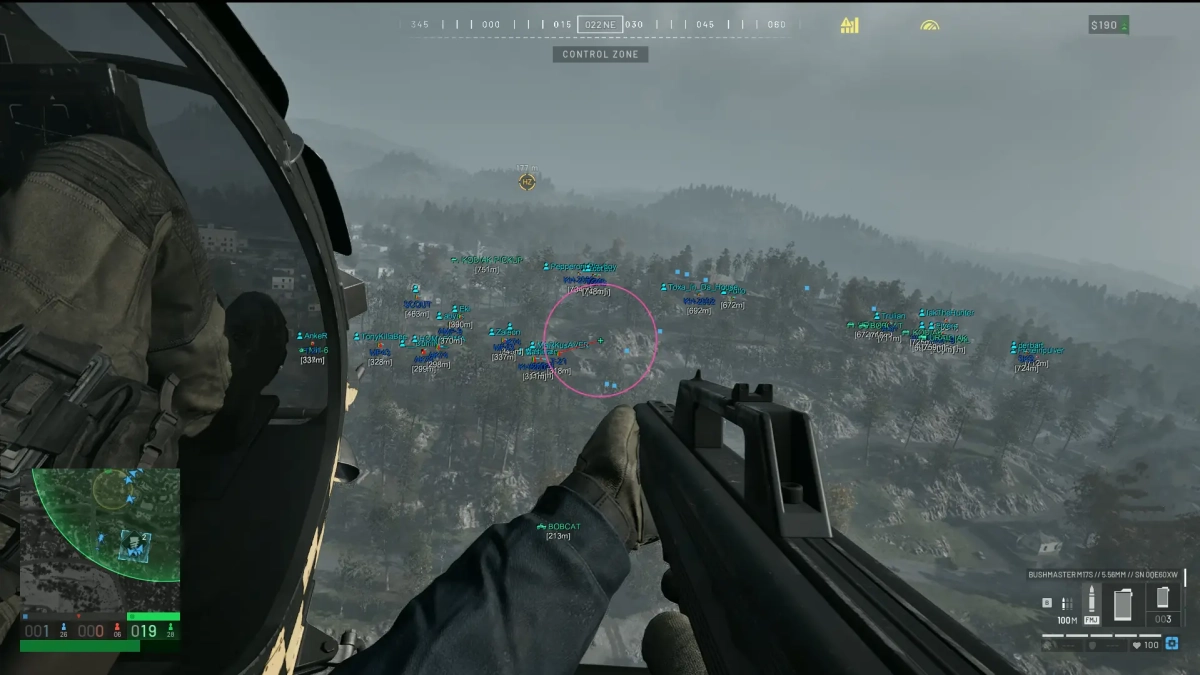
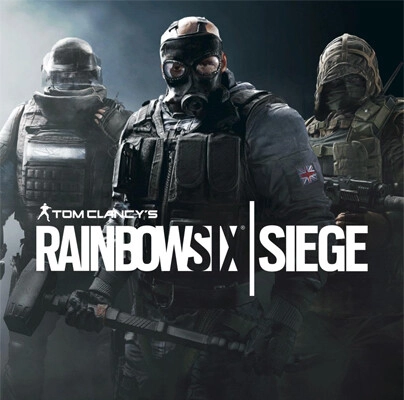
-Supports Win 11 & Win10 [All Versions] 26h2 included -Supports Both AMD/Intel -Supports :Steam, Ubisoft Features: ESP Player ESP Bounding Box (Normal, Cornered) Box Fill (Solid, Gradient) Line to Enemy (Color, Position) Skeleton (Head Circle, Head Circle Fill, Thickness) Name Distance Health Bar (Health-Based Color, Numeric Health) ESP Preview Team Check (Hide Teammates) Hide Dead Players Max Distance Drone ESP (Distance, Friendly Drones, Drone Owner) Camera ESP (Distance) Radar Enable/Disable Distance Rings FOV Cone Scale by Distance Zoom Size Transparency Targets (Players, Teammates, Drones, Cameras) Show on Rim Max Distance Off-Screen Indicators Enable/Disable Range Size Color Max Distance Settings Menu Key Unload Key DPI Scale (100%, 125%, 150%) VSync FPS Limit Theme (Dark, Light) Menu Layout Watermark Language Configs Create New Config Sort by Creation Date Load Config Save Config Rename Config Delete Config [MENU] [SCREENSHOT]

-
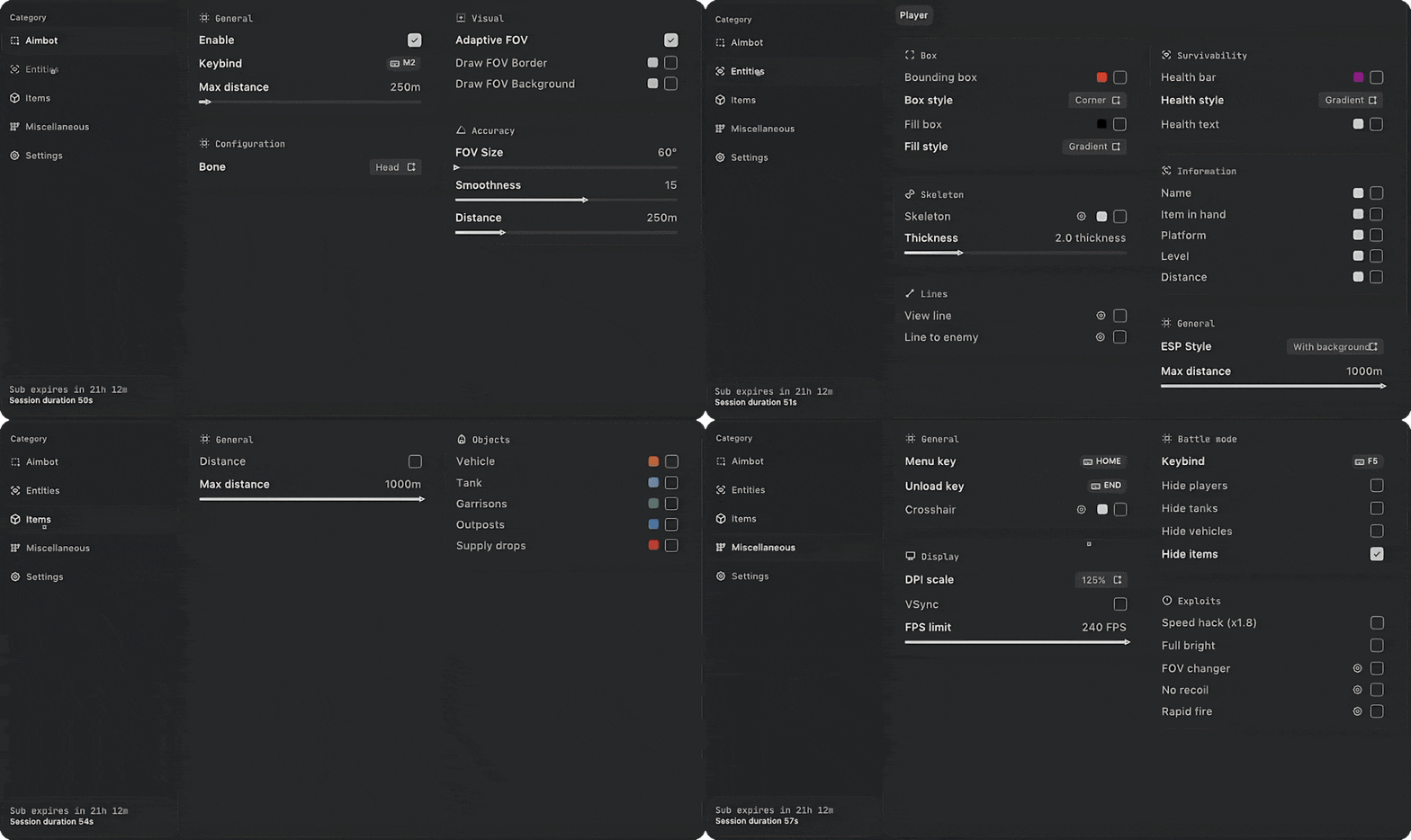
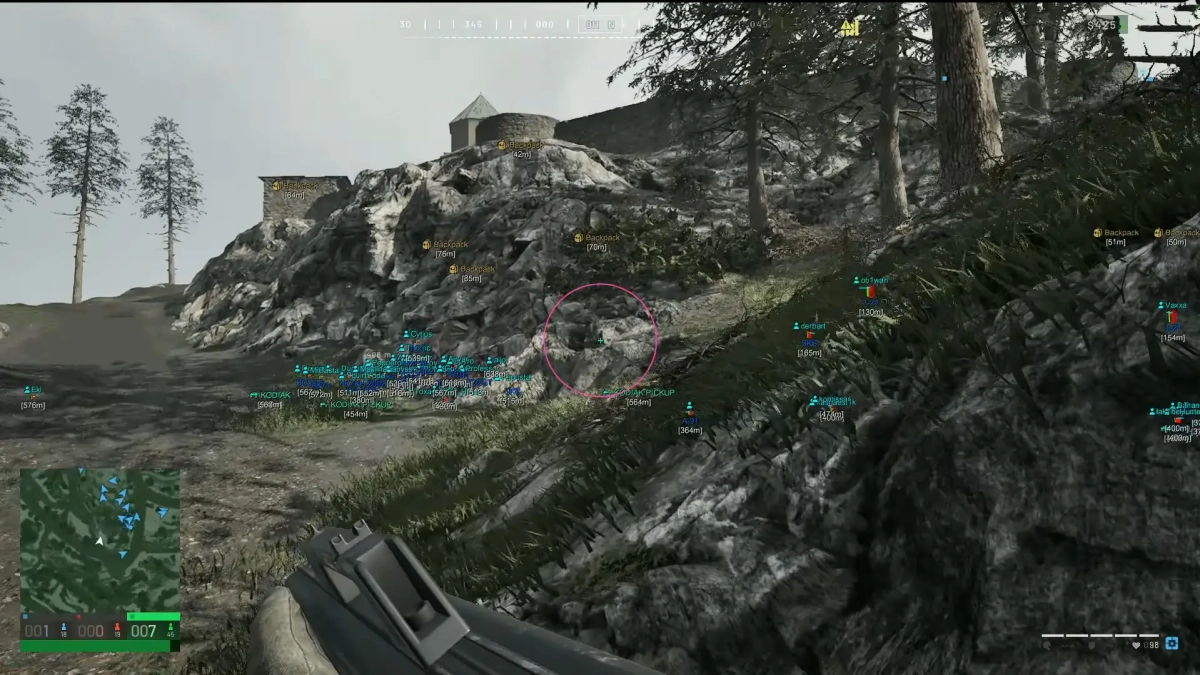
-Supports Windows 10 & Windows 11 (All Versions Up to 26H2) -Supports Both Amd/Intel -Supports Steam, Epic Store, Microsoft Versions of game Features: AIMBOT Keybind Draw FOV Border Bone (Head, Neck, Body, Legs) FOV Radius Smooth Max. Distance ESP Players Box 2D (Box, Corner) Box Filled (Static, Gradient) Enemy Information [Health Bar, Level, Nickname, Distance, Platform, Item In Hands] Skeleton Esp Rendering Distance Objects ESP Garrisons Ammunition Outposts Supply drops Filling stations Ammo boxes Distance Max distanc MISC Crosshair Out of Arrows Speedhack x1.8 No Recoil Rapid Fire FOV Changer SETTINGS Enable particle Accent color Theme (Light, Dark) Language (RUS, ENG, CNY) VSync Show FPS DPI Scale Watermark position Notify position [MENU] [SCREENSHOT]
-
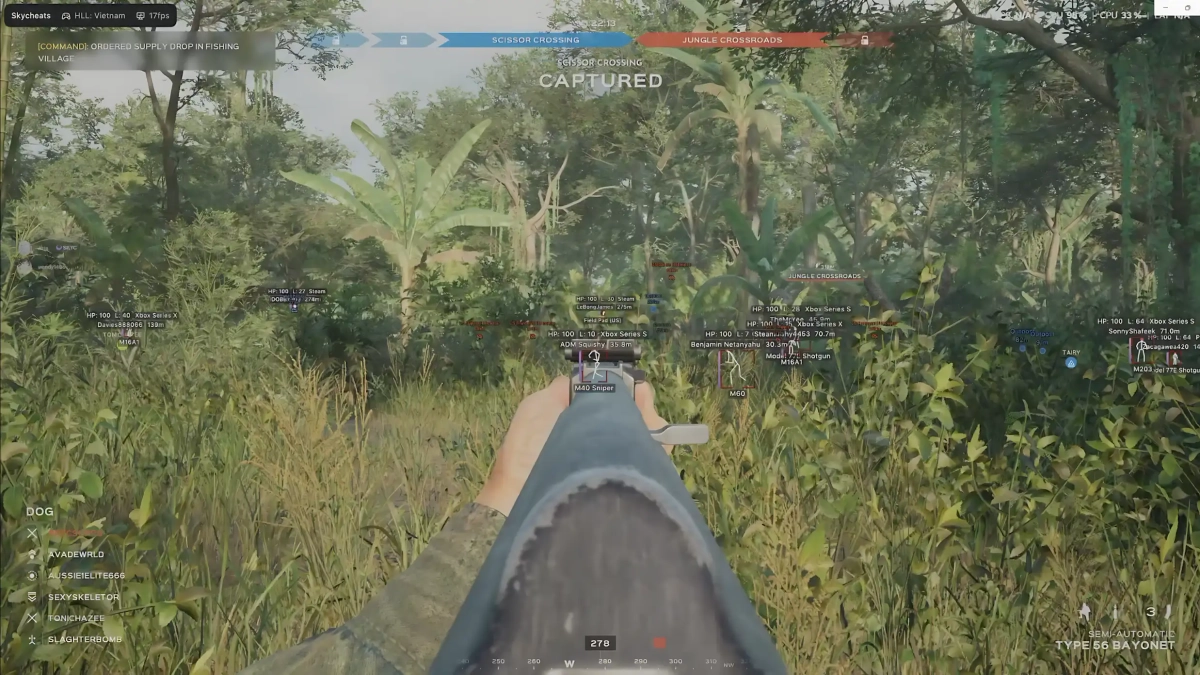
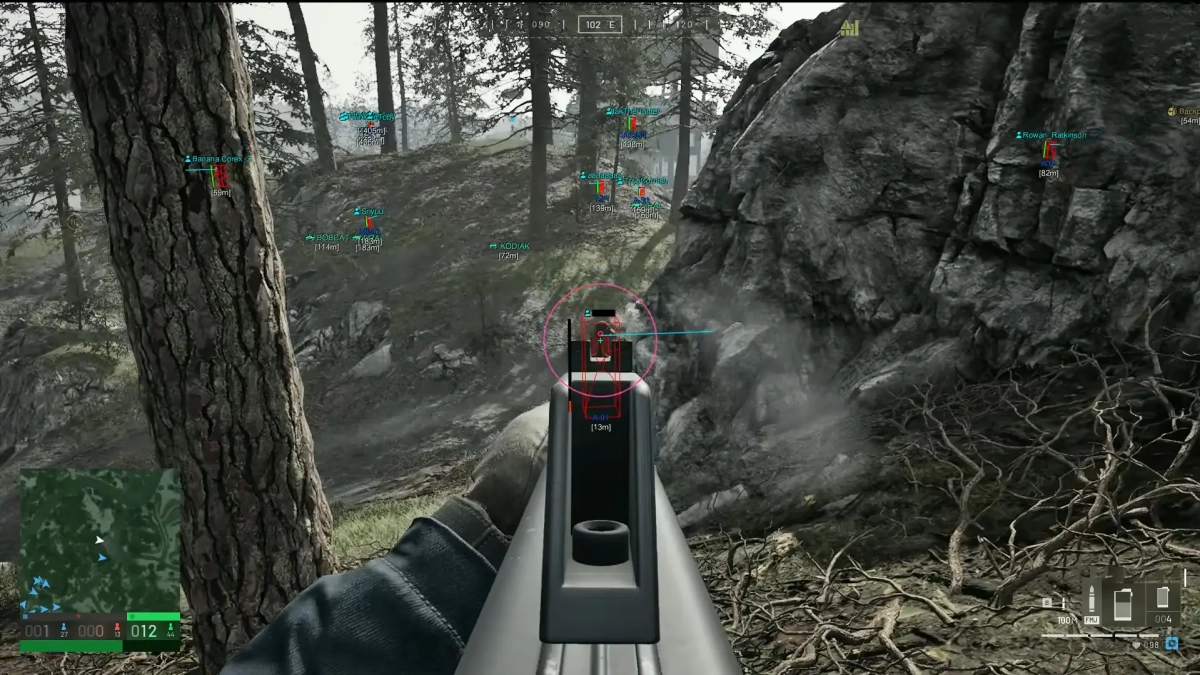
-Supports Windows 10 & Windows 11 (All Versions Up to 26H2) -Supports Both Amd/Intel -Supports only STEAM version of game Features: AIMBOT Keybind Draw FOV Border Bone (Head, Neck, Body, Legs) FOV Radius Smooth Max. Distance ESP Players Box 2D (Box, Corner) Box Filled (Static, Gradient) Enemy Information [Health Bar, Level, Nickname, Distance, Platform, Item In Hands] Skeleton Esp Rendering Distance Objects ESP Battle Mode Distance Rendering Distance Category[ Vehicles, Tanks, Garrisons, Supply Drops, Outposts, Fuel, Ammunitions, Ammo Boxes] MISC Crosshair No Recoil FOV Changer SETTINGS Enable particle Accent color Theme (Light, Dark) Show FPS DPI Scale Watermark position Notify position [MENU] [SCREENSHOT]
-
Version 1.0.0
202 downloads
Click Here➡️How To Use -
Version 1.0.0
282 downloads
Click Here➡️How To Use -
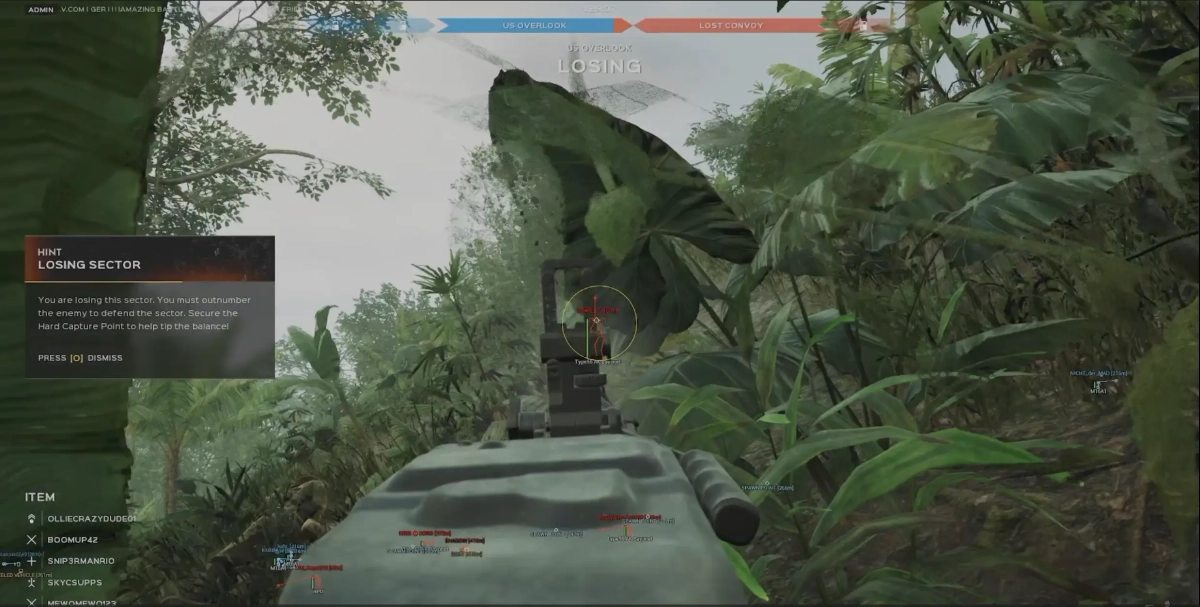
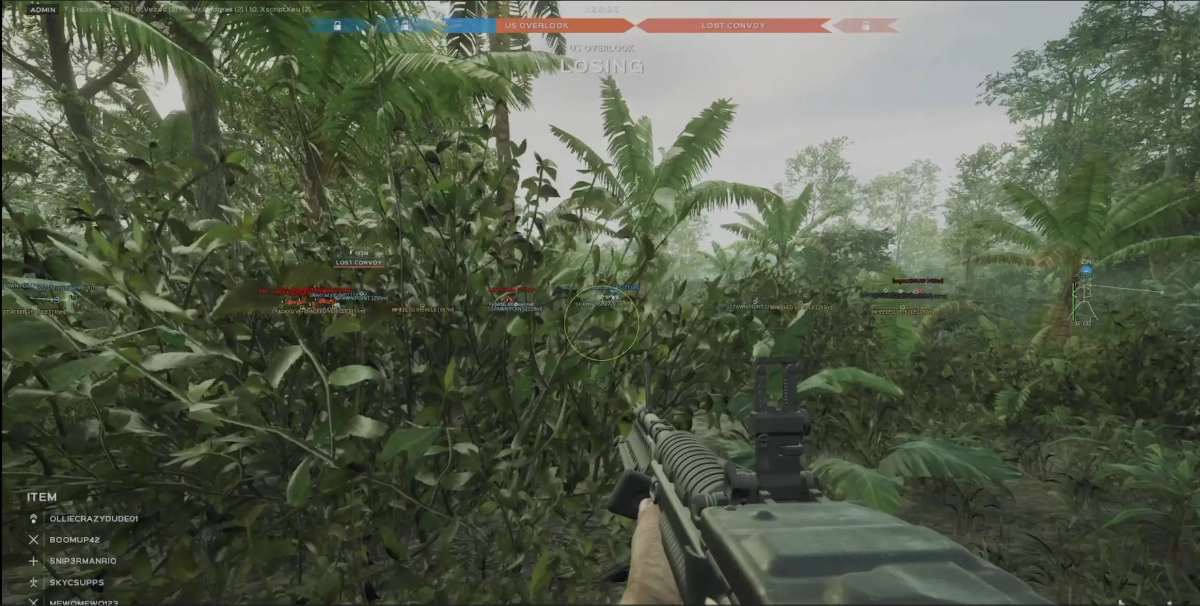
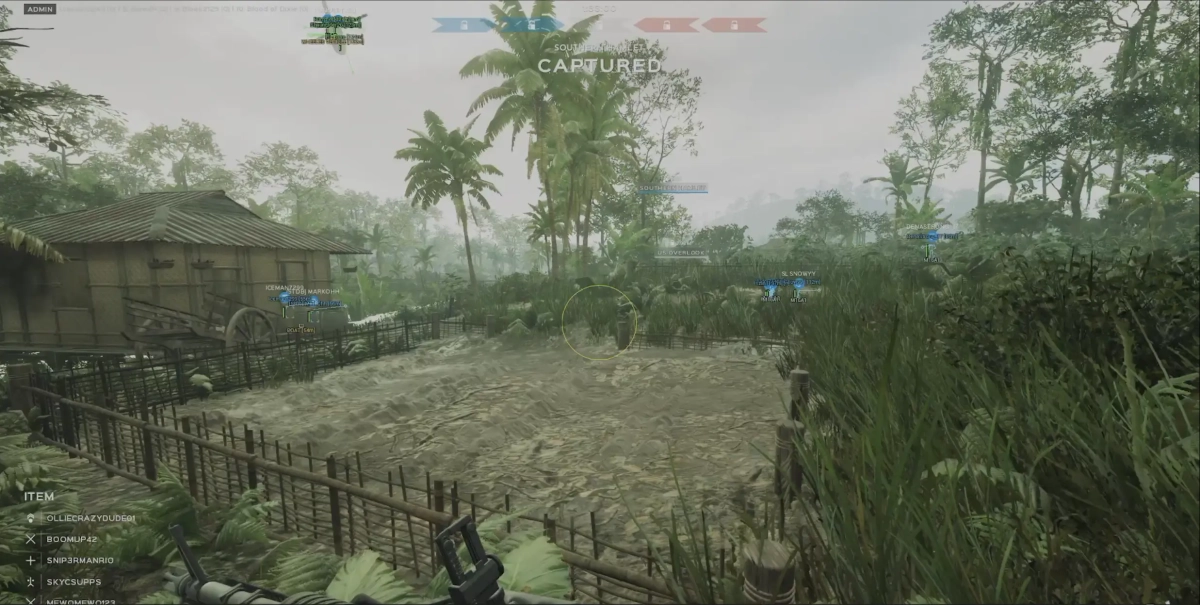
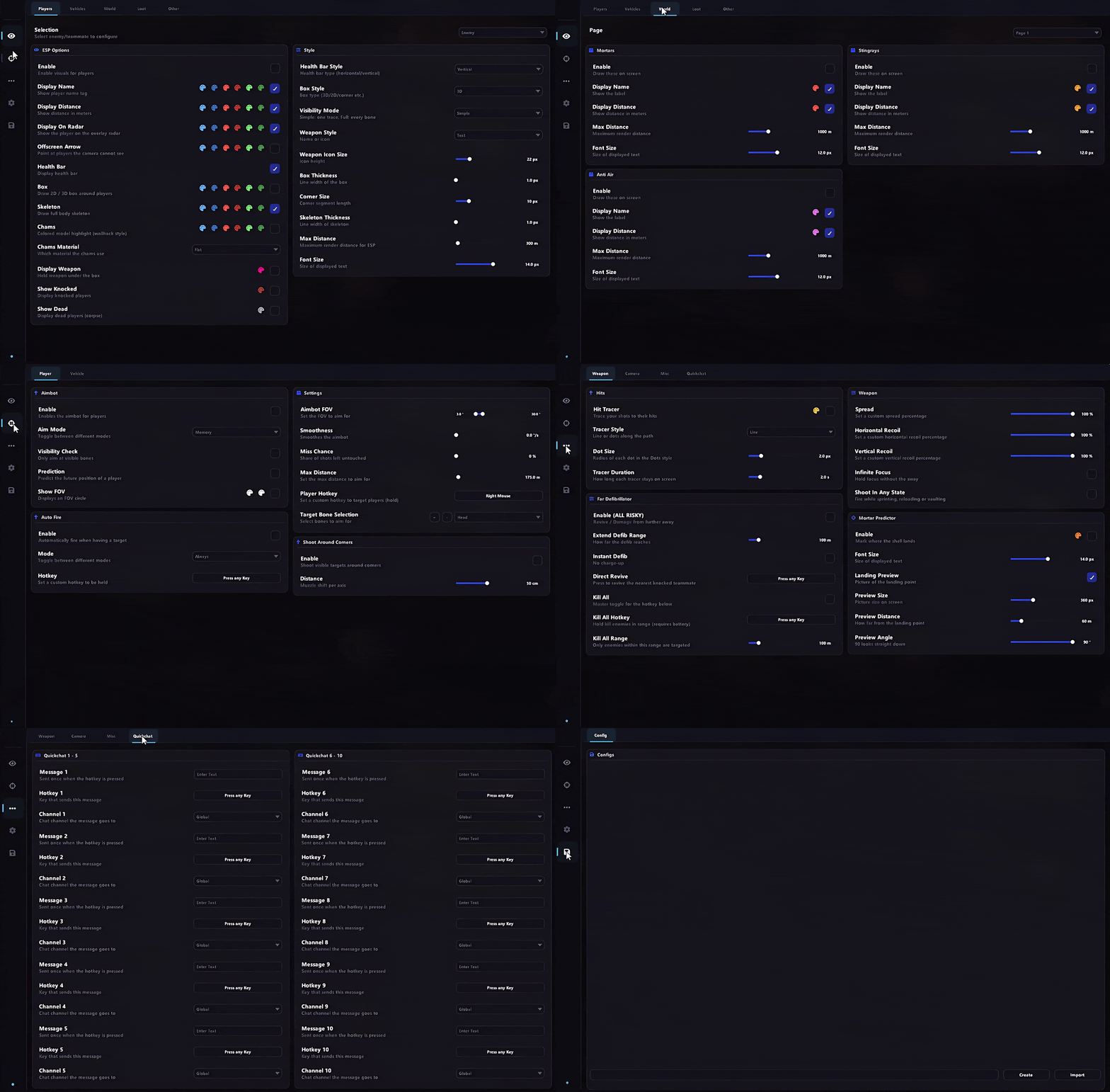
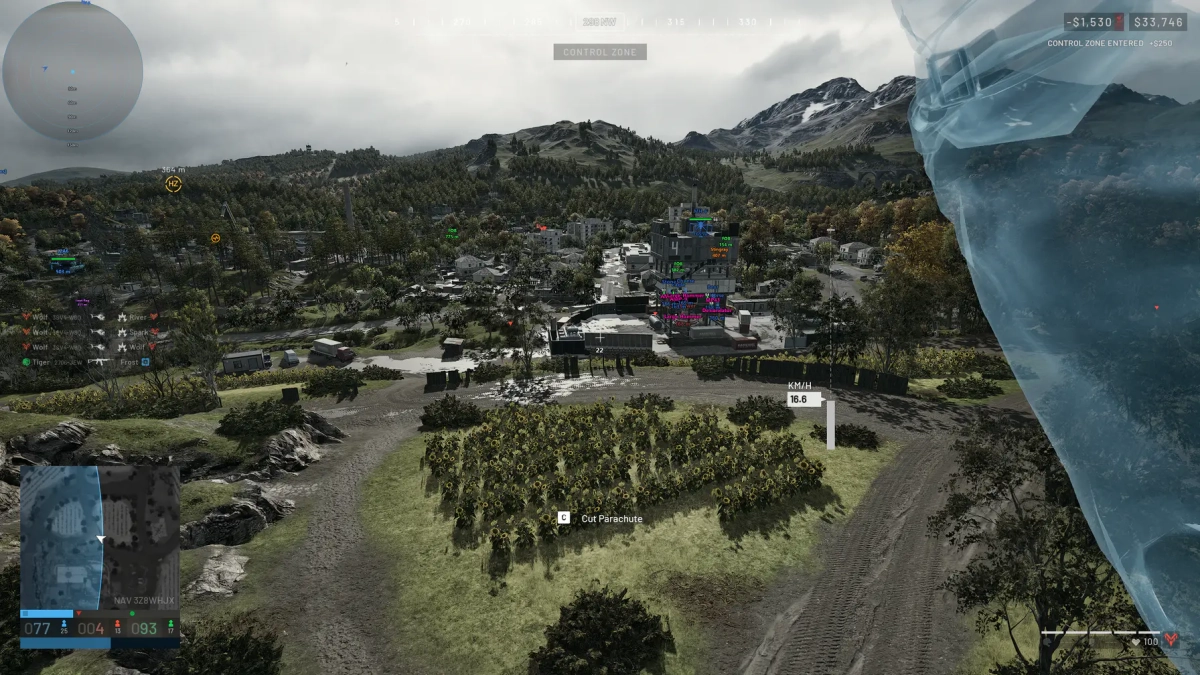
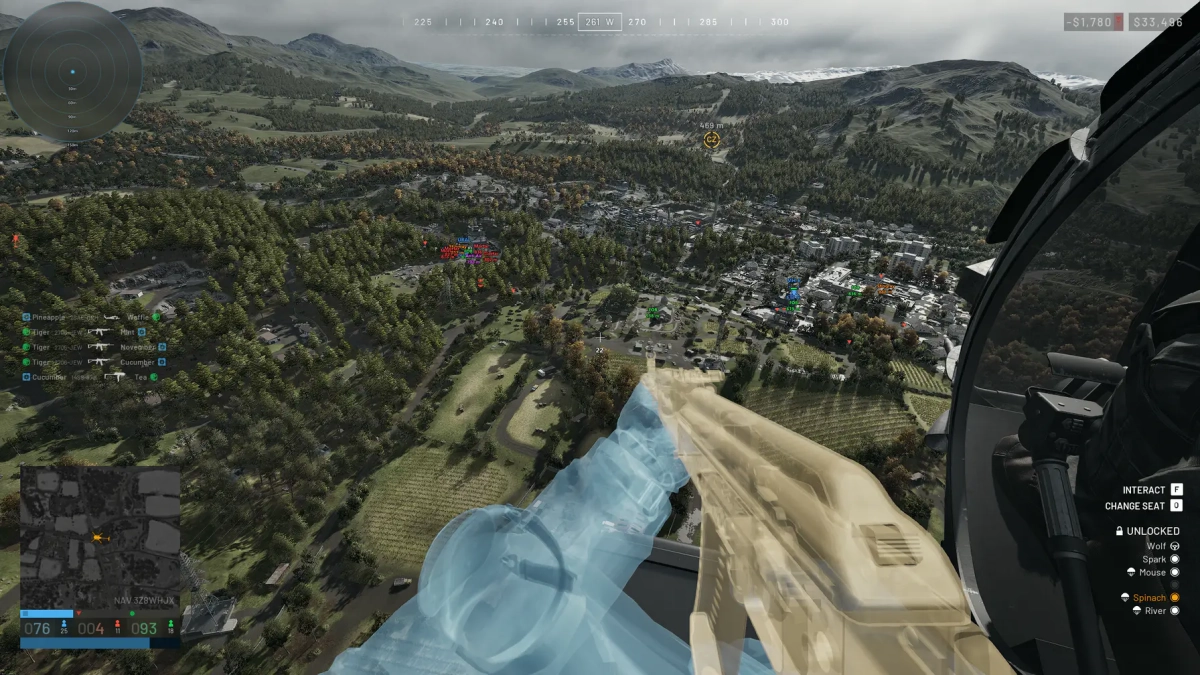
- Supports Windows 10 & Windows 11 (All Versions Up to 26H2) - Supports : Steam - Supported [Intel/Amd Both] Features: 🎯 Aimbot Memory Aimbot - Provides automated target assistance. Psilent Aimbot - Provides aim assistance with minimal visible aim movement. Prediction - Predicts target movement for improved aiming. Visible Check - Checks whether the target is visible. Vehicle Targets - Allows vehicles to be selected as aimbot targets. Shoot Around Corners - Allows shots to reach targets around corners. Redirect Aimbot - Improved targeting with support for long-range targets up to 1000 m. Aimbot Deadzone - Fixed deadzone handling for improved targeting. 👁️ Visuals Player ESP - Display player information and visual indicators. Vehicle ESP - Display vehicles. Items ESP - Display items in the environment. Chams - Highlight entities through visual effects. Explosives ESP - Display explosive objects. World ESP - Display Mortars, Anti-Air, Stingrays, and FOBs. Weapon Name / Icon - Display the equipped weapon name and icon. Load Far Actors - Load players inside control zones beyond 1 km. 🔫 Weapons Spread Slider - Adjust weapon spread. Recoil Slider - Adjust weapon recoil. Infinite Focus - Provides unlimited weapon focus, replacing No Sway. Mortar Predictor - Provides mortar targeting assistance. 3D Landing Preview - Displays a live 3D preview of the predicted landing point. 📷 Camera Remove Fog - Remove environmental fog. World Light - Customize world light color and intensity. Sun Strength Override - Customize sun color and intensity. ⚙️ Misc Hit Tracer - Display bullet impact or trajectory effects. Radar - Display nearby entities on a radar. Magic Bullets - Allows shots to register on selected targets. Autoshoot - Automatically fires when conditions are met. Shoot in Any State - Allows shooting in supported player states. Autosprint - Automatically maintains sprinting. Quick Chat - Bind up to 10 quick-chat messages to hotkeys. Clantag Changer - Change and animate your clan tag. FOV Changer - Adjust the field of view. Thirdperson - Enable third-person view. Experimental Spinbot - Experimental client- and server-sided spin behavior. Rainbow Colors - Add animated rainbow effects to color pickers with adjustable cycle time. Far Defibrillator - Revive teammates or damage enemies from a distance. Defib Kill All - Hold the hotkey while carrying a defibrillator to damage enemies. Auto Revive - Instantly revive the closest downed teammate from any range. Instant Defib - Remove the defibrillator charge-up delay. Player Name Changer - Choose Static, Animated, or Name Stealer modes. 🛠️ Settings Menu Toggle Hotkey - Set the key used to open or close the menu. DPI Scale Selector - Adjust menu scaling for different DPI settings. Config System - Save and manage your configurations. Rainbow Cycle Time - Adjust the cycle speed for rainbow color effects. [MENU] [SCREENSHOT]
-
Version 1.0.0
164 downloads
Click Here➡️How To Use -
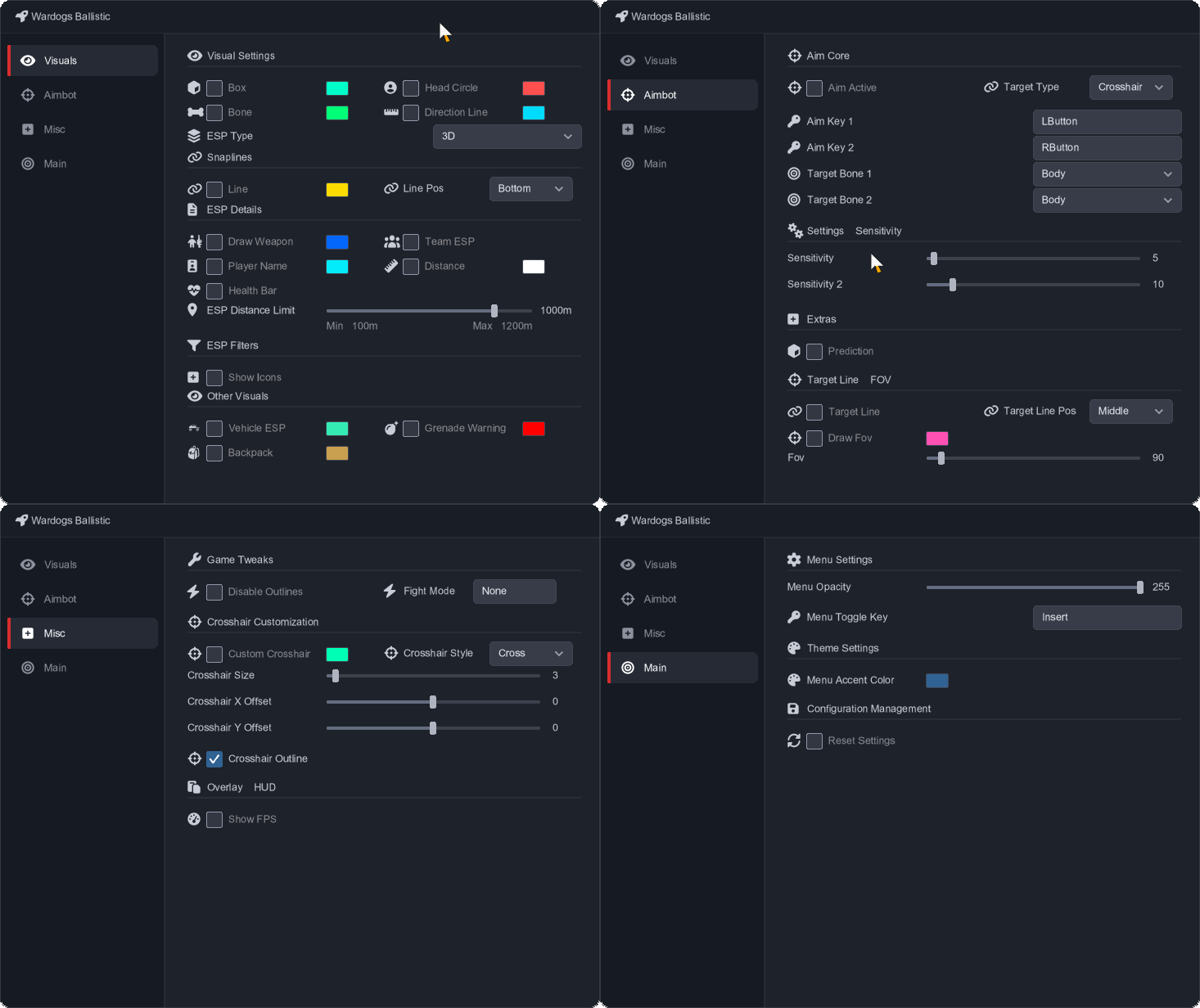
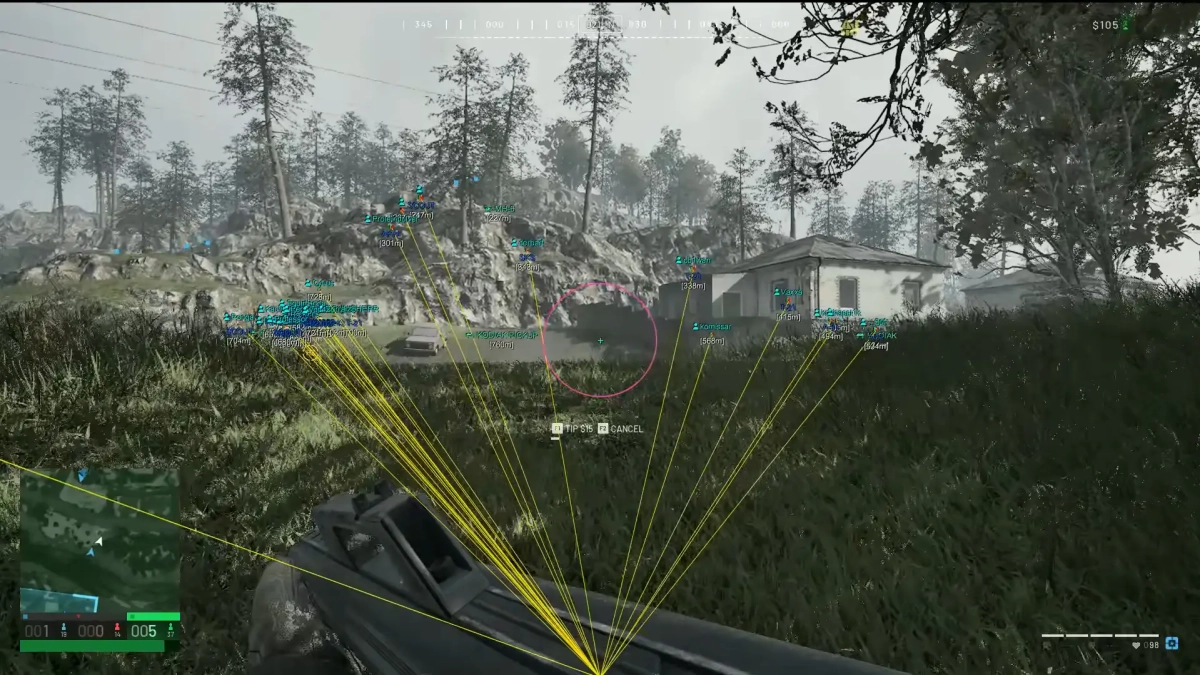
- Supports Windows 10 & Windows 11 (All Versions Up to 26H2) - Supports : Steam - Supported [Intel/Amd Both] Features: 🎯 Aimbot Aim Active - Enable or disable the aimbot. Target Type - Select the preferred target type. Aim Key 1 - Set the primary aim key. Aim Key 2 - Set the secondary aim key. Target Bone 1 - Select the primary target bone. Target Bone 2 - Select the secondary target bone. Sensitivity - Adjust primary aim sensitivity. Sensitivity 2 - Adjust secondary aim sensitivity. Prediction - Enable target movement prediction. Target Line - Display a line toward the current target. Target Line Pos - Adjust the target line position. Draw FOV - Display the aimbot FOV. FOV - Adjust the aimbot FOV size. 👁️ Visuals Box - Display player bounding boxes. Head Circle - Highlight player heads. Bone - Display player skeletons. Direction Line - Display player viewing direction. Snaplines - Draw lines from the screen to players. Line - Display additional player lines. Line Pos - Adjust line positioning. Draw Weapon - Display equipped weapons. Team ESP - Display teammates. Player Name - Display player names. Distance - Display player distance. Health Bar - Display player health. ESP Distance Limit - Set the maximum ESP distance. Show Icons - Display entity icons. Vehicle ESP - Display vehicles. Grenade Warning - Display grenade warnings. Backpack - Display backpacks. MapRadar - Display entities on the map radar. ⚙️ Misc Disable Outlines - Disable visual outlines. Fight Mode - Enable combat-focused settings. Custom Crosshair - Enable a custom crosshair. Crosshair Style - Select the crosshair style. Crosshair Size - Adjust crosshair size. Crosshair X Offset - Adjust horizontal crosshair position. Crosshair Y Offset - Adjust vertical crosshair position. Crosshair Outline - Enable a crosshair outline. Show FPS - Display the current FPS. 🛠️ Main Menu Opacity - Adjust menu transparency. Menu Toggle Key - Set the menu toggle key. Menu Accent Color - Customize the menu accent color. Reset Settings - Reset settings to their defaults. [MENU] [SCREENSHOT]
-
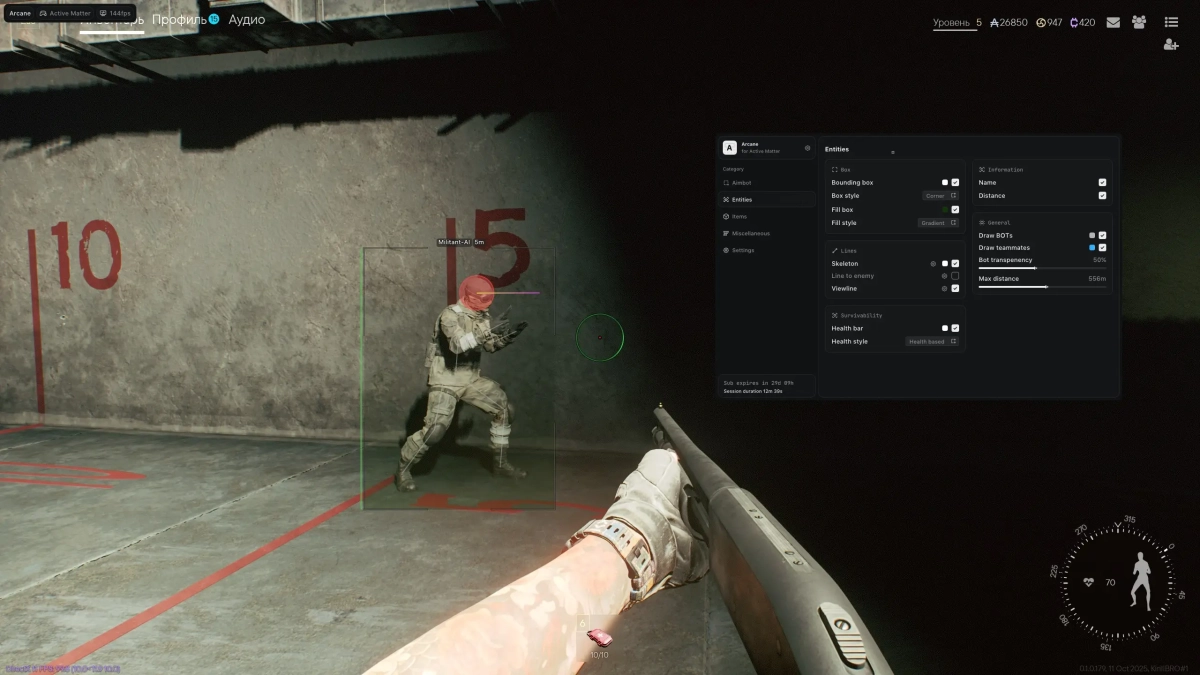
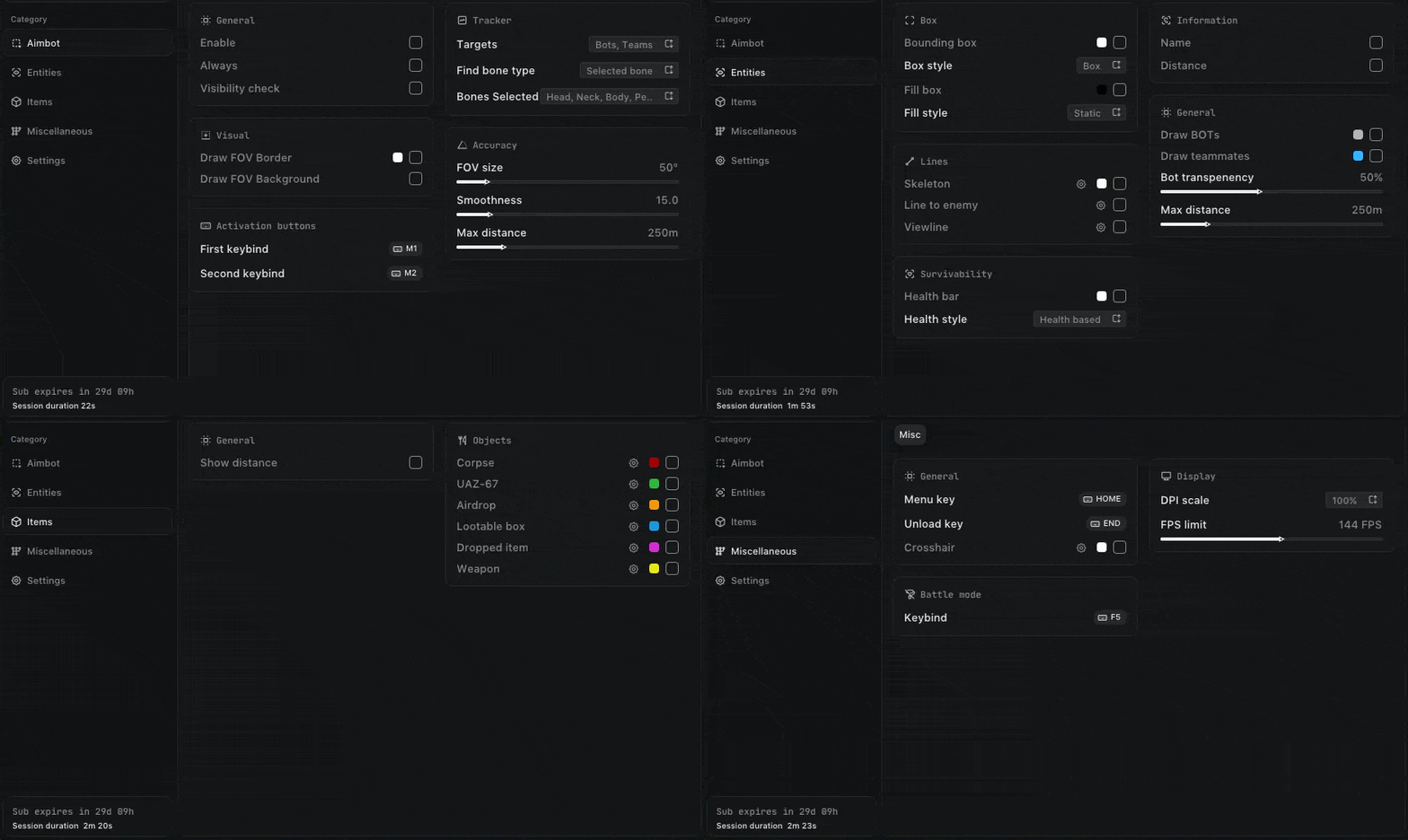
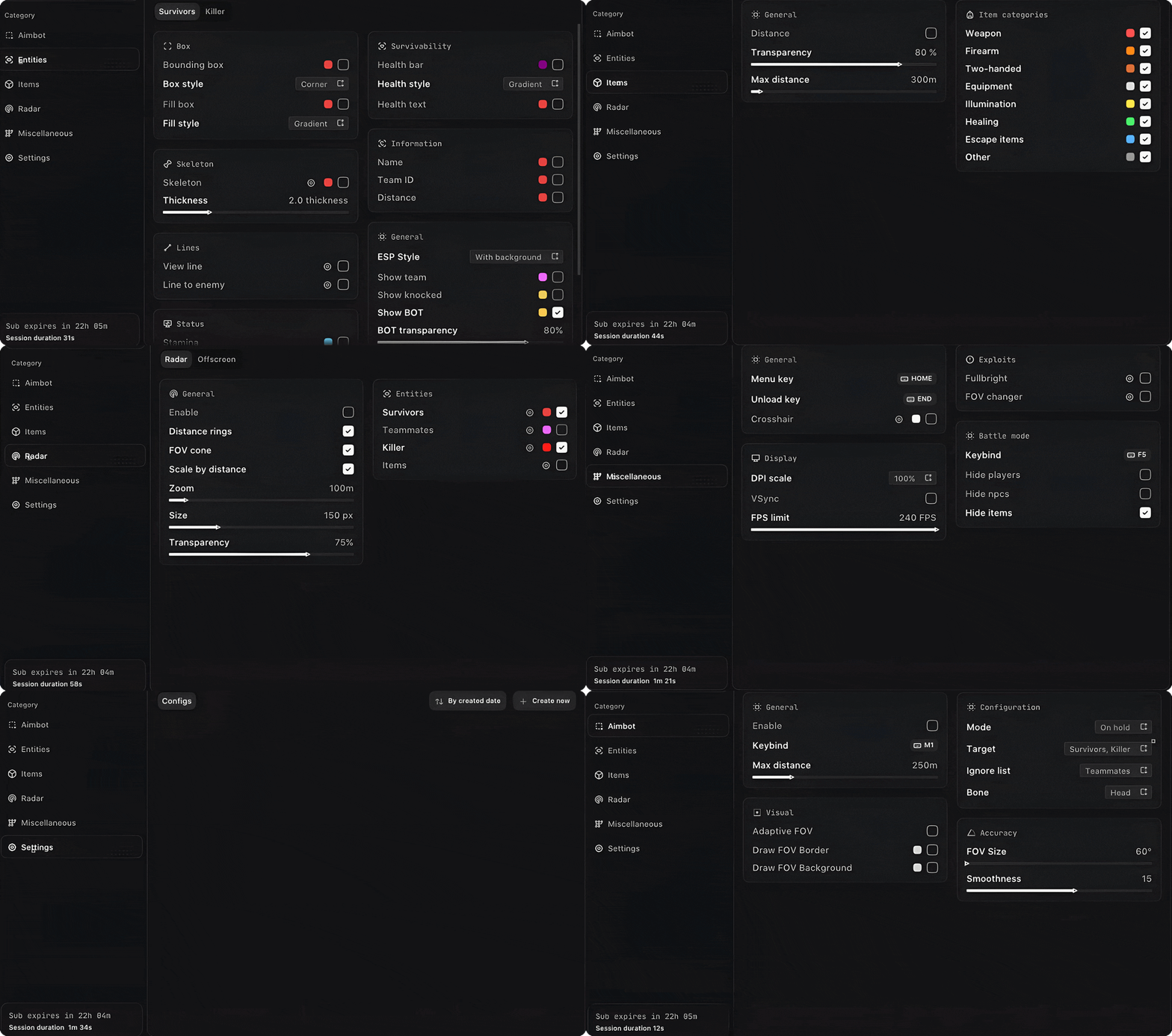
-Supports Win 11 & Win10 [All Versions] 26h2 included -Supports Both AMD/Intel -Supports : Steam Feature: 🎯 Aimbot Enable - Enable or disable the aimbot. Keybind - Set the activation key. Mode - Choose Always or Hold. Aim Type - Choose between Vector, Bullet Teleport, or Silent. Targets - Target Players, Bots, or Teammates. Find Bone Type - Choose Selected, Closest, or Random Bone. Bones Selection - Select Head, Neck, Body, Chest, Pelvis, and more. Visibility Check - Target only visible entities. Draw FOV Border - Display the FOV border. Draw FOV Background - Display the FOV background. FOV Size - Adjust the aimbot FOV. Smoothness - Adjust aiming smoothness. Max Distance - Set the maximum targeting distance. 👁️ Entities ESP Bounding Box - Normal or corner-style box. Box Fill - Solid or gradient fill. Skeleton - Display skeleton with thickness and head circle. View Line - Display entity viewing direction. Line to Enemy - Draw a line toward enemies. Health Bar - Display solid, health-based, or gradient health bars. Name - Display player names. Distance - Display entity distance. Draw Bots - Display bots. Draw Teammates - Display teammates. Visibility Check - Check entity visibility. Bot Transparency - Adjust bot transparency. Max Distance - Set the maximum ESP distance. 📦 Items ESP Show Count - Display item quantities. Show Distance - Display item distance. 🗺️ Objects Corpses - Display corpses. UAZ-67 - Display UAZ-67 vehicles. Airdrop - Display airdrops. Anomalies - Display anomalies. Creatures - Display creatures. 🔫 Items Weapons - Display weapons. Ammunition - Display ammunition. Medicines - Display medical items. Equipment - Display equipment. Weapon Mods - Display weapon modifications. Keys - Display keys. Goods - Display goods. Containers - Display containers. Alerts - Display alerts. Chronogenes - Display Chronogenes. Dog Tags - Display dog tags. Cortical Vaults - Display cortical vaults. Furniture - Display furniture. Other Items - Display other items. 📦 Containers Hide Looted - Hide already-looted containers. Weapon Crates - Display weapon crates. Military Crates - Display military crates. Medical Crates - Display medical crates. Industrial - Display industrial containers. Vehicles - Display vehicle containers. Furniture & Civil - Display furniture and civilian containers. Other Containers - Display other containers. ⚙️ Misc No Recoil - Removes weapon recoil. No Spread - Removes weapon spread. No Sway - Removes weapon sway. Show Ammo Count - Displays current ammunition count. 📡 Radar Enable - Enable or disable the radar. Entities - Display Players or Bots. Distance Rings - Display distance rings. FOV Cone - Display the field-of-view cone. Scale by Distance - Scale entities based on distance. Zoom - Adjust radar zoom. Size - Adjust radar size. Transparency - Adjust radar transparency. 👁️ Off-Screen Enable - Enable or disable off-screen indicators. Entities - Display Players or Bots. Distance - Display entity distance. Range - Set the indicator range. Size - Adjust indicator size. 🛠️ Settings Menu Key - Set the menu activation key. Unload Key - Set the unload key. Crosshair - Enable or disable the crosshair. DPI Scale - Adjust interface scaling. VSync - Enable or disable VSync. FPS Limit - Set the FPS limit. 💾 Configs Create - Create a new configuration. Delete - Delete a saved configuration. Load - Load a saved configuration. Save - Save the current configuration. Share - Share a configuration. [MENU] [SCREENSHOT]
-

Version 1.0.0
5 downloads
Click Here➡️How To Use -
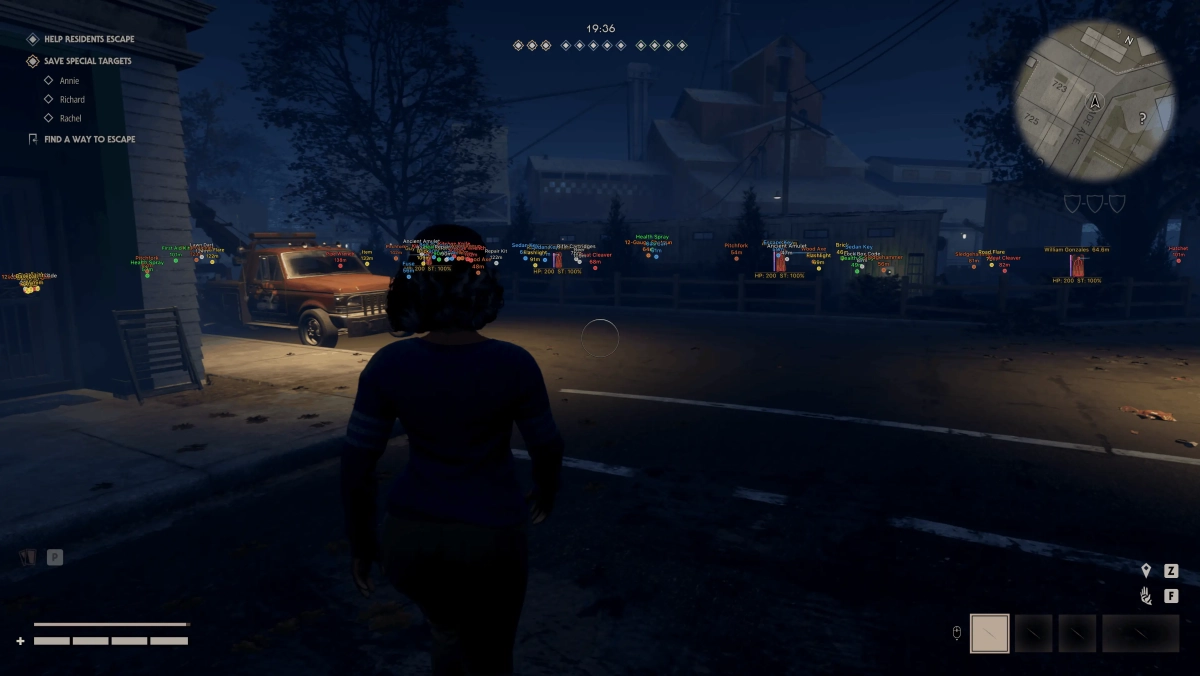
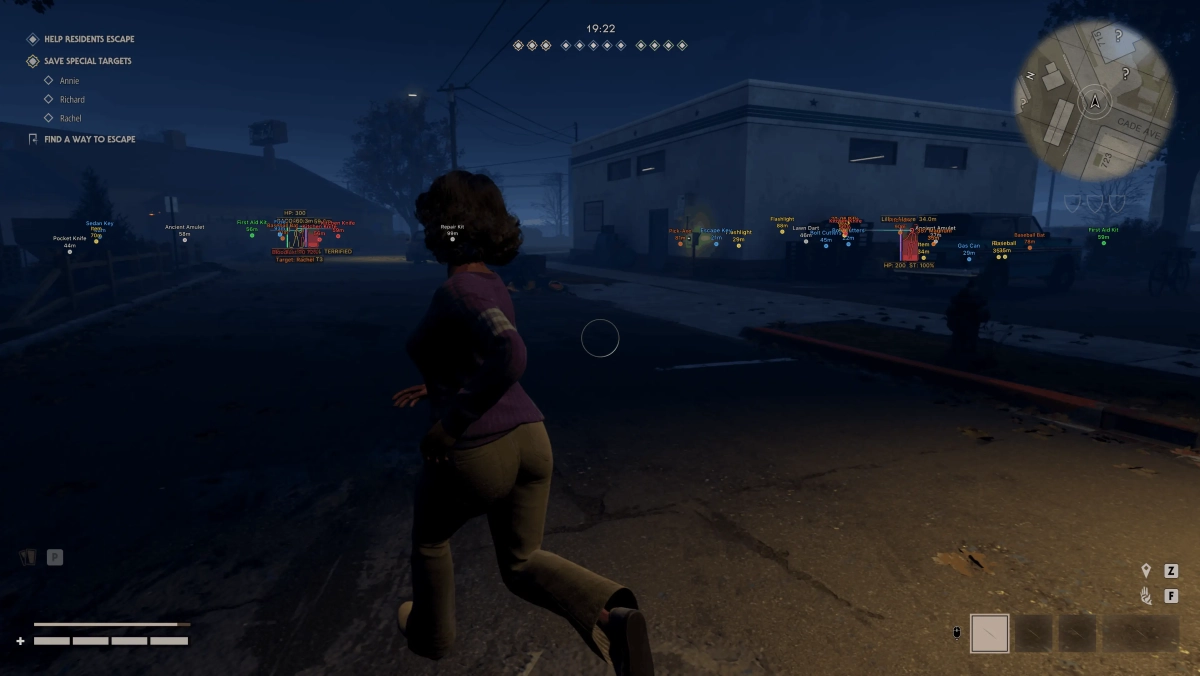
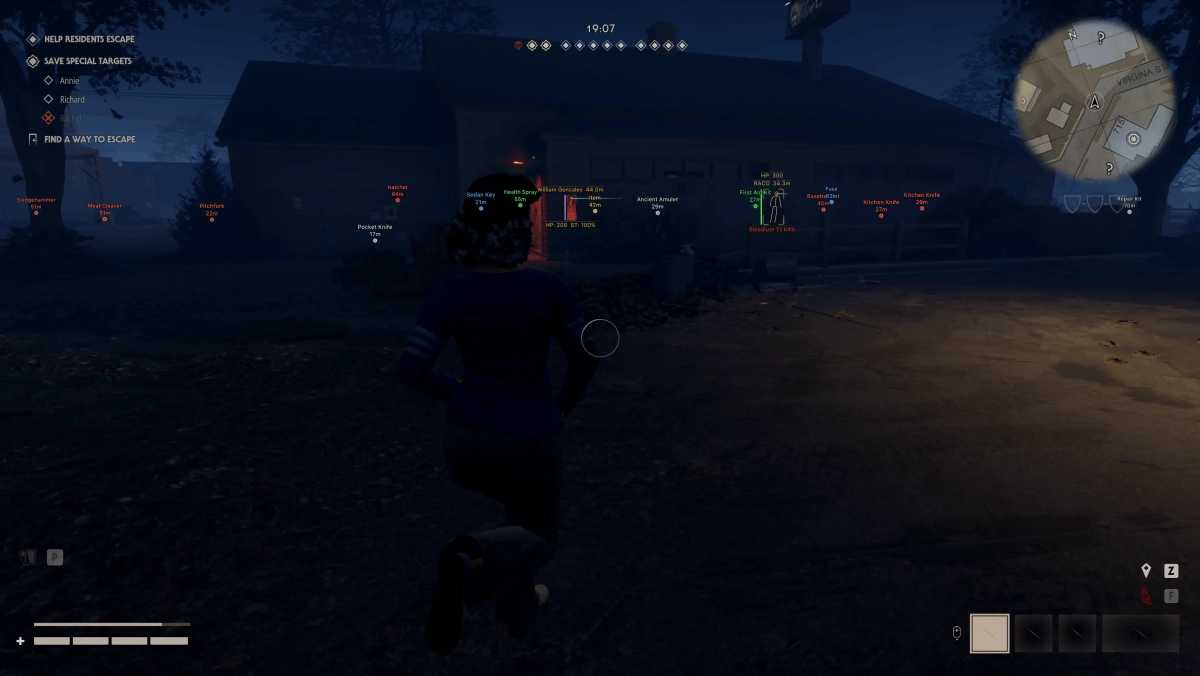
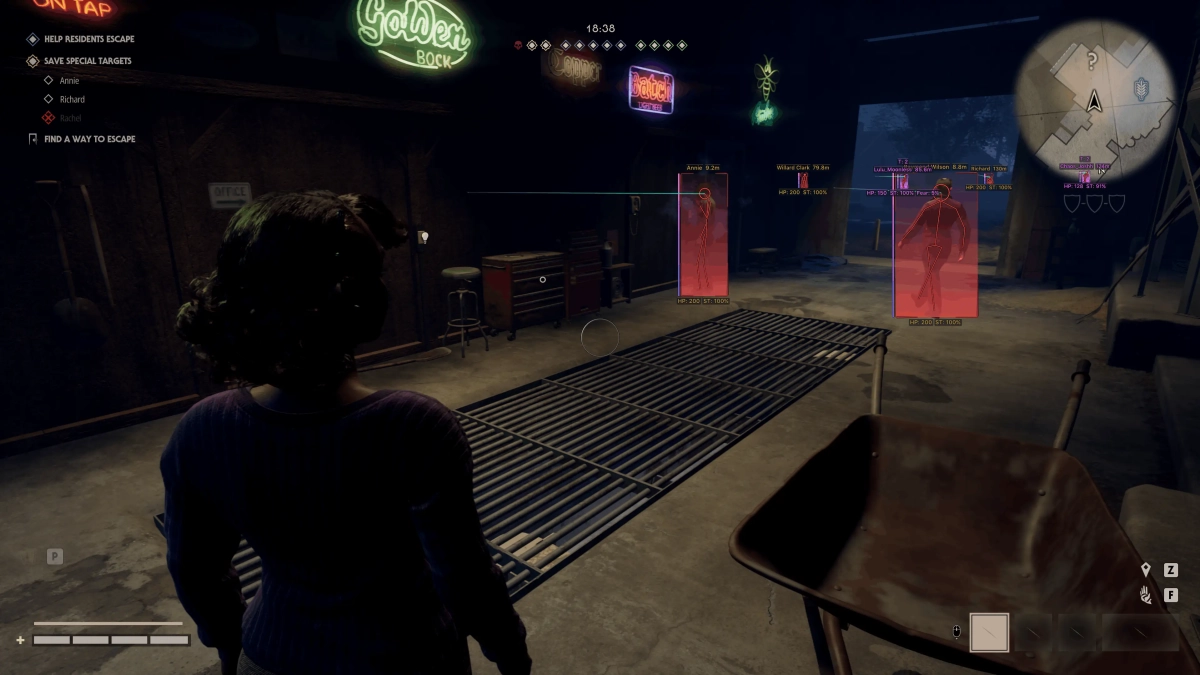
-Supports Windows 10 & Windows 11 (All Versions Up to 26H2) -Supports Both AMD/Intel -Supports : Steam, Epic Games, Xbox Feature: 🎯 Aimbot Enable - Enable or disable the aimbot. Keybind - Set the activation key. Mode - Choose Always or Hold. Target - Target Survivors or Killer. Ignore List - Ignore teammates, knocked players, or bots. Bone - Target Head, Neck, Chest, or Pelvis. Adaptive FOV - Automatically adjusts the FOV based on distance. Draw FOV Border - Displays the FOV border. Draw FOV Background - Displays the FOV background. FOV Size - Adjust the aimbot FOV size. Smoothness - Adjust aiming smoothness. Max Distance - Set the maximum targeting distance. 👤 Survivors ESP ESP Style - Choose between background or no background. Bounding Box - Normal or corner-style box. Box Fill - Solid or gradient fill. Skeleton - Display skeleton with thickness and head circle options. View Line - Display the survivor's viewing direction. Line to Enemy - Draw a line toward the enemy. Health Bar - Solid, health-based, or gradient health bar. Health Text - Display health values. Name - Display player names. Team ID - Display team ID. Distance - Display distance. Stamina - Display stamina. Fear - Display fear level. Stalk Level - Display stalk level. Status Effects - Display active status effects. Carried State - Display knocked/carried state. Show Team - Display teammates. Show Knocked - Display knocked players. Show BOT - Display bots. Max Distance - Set the maximum ESP distance. 🔪 Killer ESP ESP Style - Choose between background or no background. Bounding Box - Normal or corner-style box. Box Fill - Solid or gradient fill. Skeleton - Display skeleton with thickness and head circle options. View Line - Display the killer's viewing direction. Line to Enemy - Draw a line toward the enemy. Health Bar - Solid, health-based, or gradient health bar. Health Text - Display health values. Bloodlust - Display the killer's Bloodlust level. Detainment - Display detainment status. Current Target - Display the killer's current target. Max Distance - Set the maximum ESP distance. 📦 Items ESP Distance - Display item distance. Transparency - Adjust ESP transparency. Weapon - Display weapons. Firearm - Display firearms. Two-Handed - Display two-handed items. Equipment - Display equipment. Illumination - Display illumination items. Healing - Display healing items. Escape Items - Display escape-related items. Other - Display other items. Max Distance - Set the maximum item ESP distance. 📡 Radar Enable - Enable or disable the radar. Entities - Show Survivors, Killer, Team, or Items. Distance Rings - Display distance rings. FOV Cone - Display the field-of-view cone. Scale by Distance - Scale entities based on distance. Zoom - Adjust radar zoom. Size - Adjust radar size. Transparency - Adjust radar transparency. 👁️ Off-Screen Enable - Enable or disable off-screen indicators. Entities - Show Survivors, Killer, or Team. Distance - Display entity distance. Range - Set the indicator range. Size - Adjust indicator size. ⚙️ Misc Fullbright - Removes shadows for improved visibility. FOV Changer - Adjust the in-game field of view. 🛠️ Settings Menu Key - Set the menu activation key. Unload Key - Set the unload key. Crosshair - Enable a static crosshair. DPI Scale - Adjust interface scaling. VSync - Enable or disable VSync. FPS Limit - Set the FPS limit. [MENU] [SCREENSHOT]
-
Version 1.0.0
357 downloads
Click Here ➡️ How To Use -
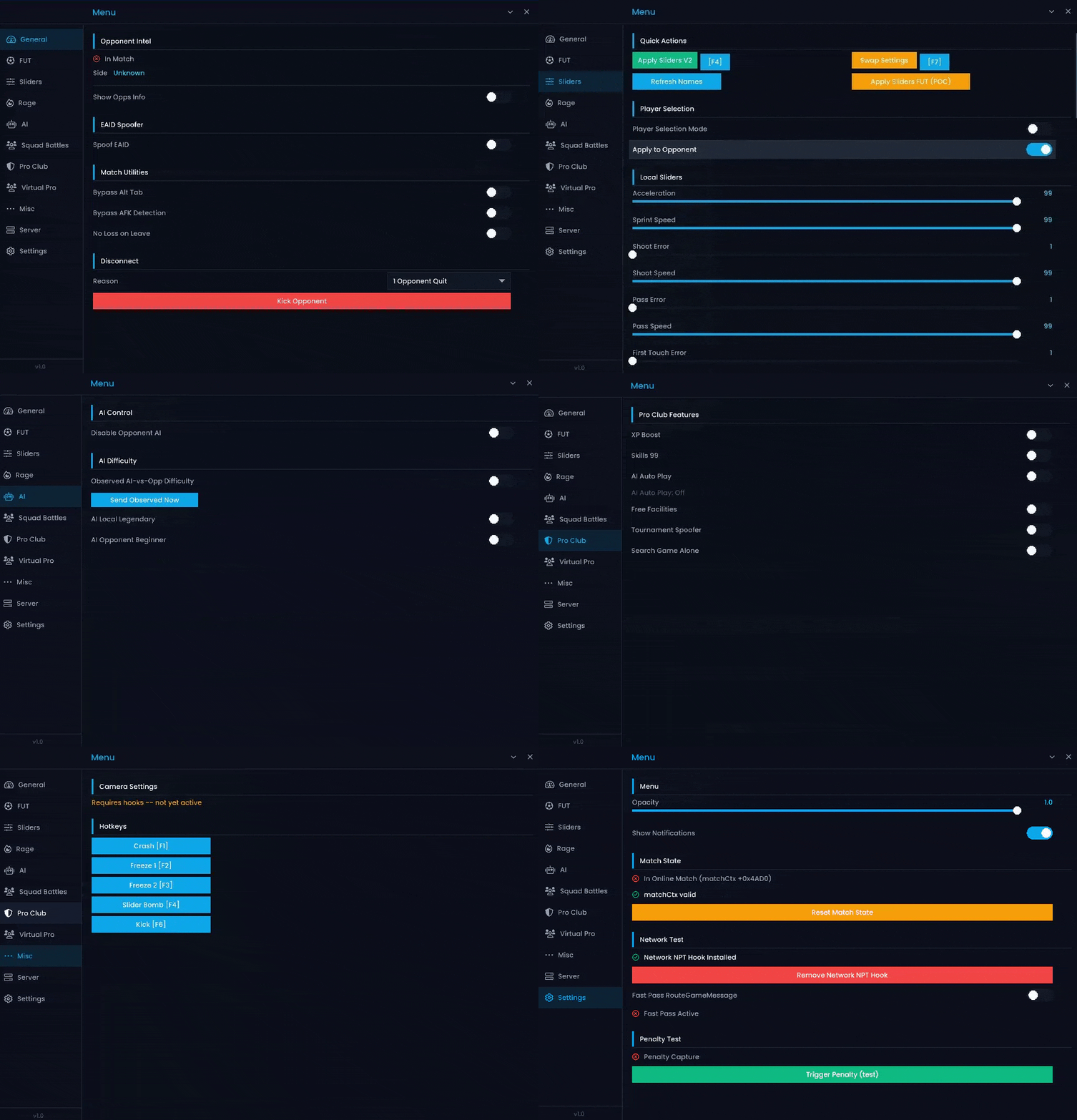
-Supports Win 11 & Win10 [All Versions upto 25h2 ] -Supports Intel Processor -Supports Steam ,EA app & Epic Games -External & Internal Features: 🛡️ Auto-Enabled Features ALT-TAB Bypass - Allows you to switch between applications during Squad Battles without pausing the game. DESYNC Bypass - Helps maintain game synchronization and supports features that require desync protection. Anti-AFK - Prevents the game from detecting inactivity and kicking you from the match. 🏆 Ultimate Team Disable AI Opponent - Disables AI control for the opposing team, limiting their ability to control multiple players. Freeze Opponent Screen - Temporarily freezes the opponent's screen while the match continues on your side. Division Spoofer - Modifies your displayed or reported Ultimate Team division. Draft Round Modifier - Adjusts the draft round to customize your draft progression. Server Changer - Allows you to manually select from 35+ available server locations. Bail Me Out - Instantly exits the current match using an assigned hotkey. Disconnect Match - Instantly disconnects you from the current FUT match. Champions Win/Loss Spoofer - Modifies your FUT Champions win/loss record according to your selected values. ⚽ Seasons & Pro Clubs 99 Hidden Stats - Applies maximum hidden attributes to players and bots in supported Seasons and Pro Clubs modes. 99 STAT Sliders - Allows you to customize gameplay parameters such as speed, accuracy, aggression, and positioning. Reverse Momentum - Adjusts opposing-team gameplay behavior to reduce their effectiveness. Unlock All PlayStyles+ - Unlocks all available gold PlayStyles+ for your team. 5-Star Skill Moves / Weak Foot - Gives your team 5-star Skill Moves and 5-star Weak Foot. Customize Virtual Pro - Allows you to customize your Virtual Pro with stats, skills, weak foot, PlayStyles, and sliders. Silver PlayStyles - Allows you to apply Silver PlayStyles to your Virtual Pro or entire team. Weight & Body Type Modifier - Allows you to customize your Virtual Pro's weight and body type. Virtual Pro Sliders Editor - Lets you adjust gameplay sliders specifically for your Virtual Pro. 🌐 General Features Opponent Platform / Username Display - Displays your opponent's platform and username across supported game modes. Squad Battles Shorter Halves - Reduces Squad Battles half duration for faster matches. Name Spoofer - Hides or changes your displayed EA profile information from opponents. Bot Difficulty Customizer - Allows you to customize user and opponent bot difficulty levels. Competitive Switch Unlock - Unlocks additional assisted gameplay settings that are normally restricted. Power Bar Modifier - Adjusts the in-game power bar for greater control over shot and free-kick power. AI vs Opponent Mode - Allows AI-controlled players to take over and play against the opposing team. Rapid Game Timer - Accelerates the in-game timer to shorten match durations in supported Ultimate Team modes. [MENU]
-
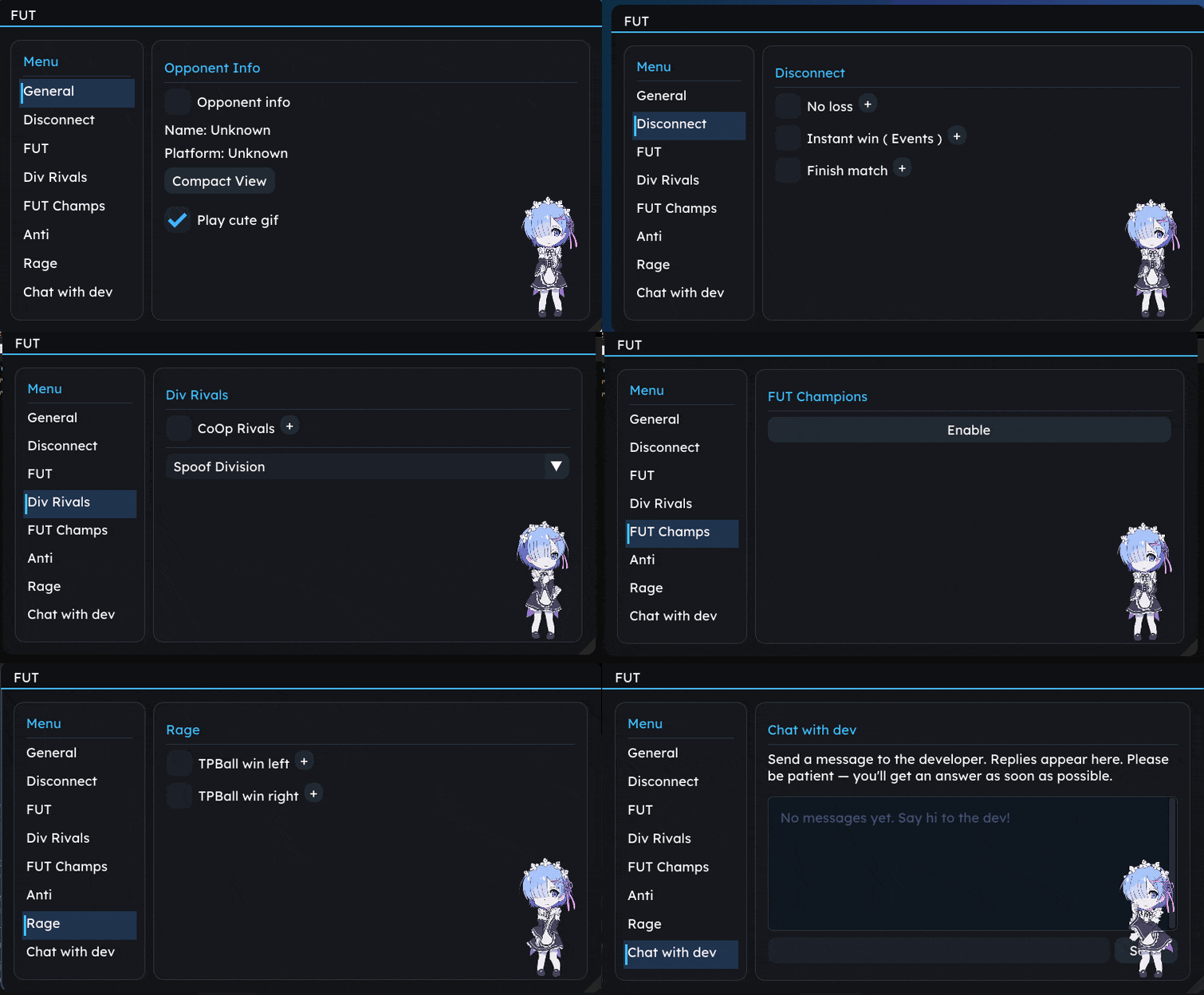
-Supports Win 11 & Win10 [All Versions upto 25h2 ] -Supports Both AMD/Intel -Supports Steam ,EA app & Epic Games -External Features: 🌐 General Opponent Info - Display opponent information. Name / Platform - Display opponent name and platform information. Compact View - Use a compact interface for easier navigation. 🔌 Disconnect No Loss - Prevent a disconnected match from being recorded as a loss. Instant Win - Instantly complete supported Events with a win. Finish Match - Quickly finish the current match. 🏆 FUT AI vs Opponent - Enable AI-controlled gameplay against the opponent in supported Events. Spoof Draft - Modify the displayed Draft progression. Instant Moments - Instantly complete supported Moments. Skip Pack Animation - Skip pack-opening animations. Green Penalty - Assist with penalty timing. Instant Power Bar - Instantly set the power bar. 🏅 Division Rivals Co-Op Rivals - Enable supported Co-Op functionality in Division Rivals. Spoof Division - Modify the displayed Division. 🛡️ Anti Anti ALT-TAB - Helps prevent issues when switching applications during gameplay. Anti AFK - Helps prevent inactivity detection. 😈 Rage TPBall Win Left - Teleport the ball for a win from the left side. TPBall Win Right - Teleport the ball for a win from the right side. [MENU]