

Adams kumar
-
Posts
121 -
Joined
-
Days Won
2
Content Type
Profiles
Forums
Store
Articles
Downloads
Everything posted by Adams kumar
-
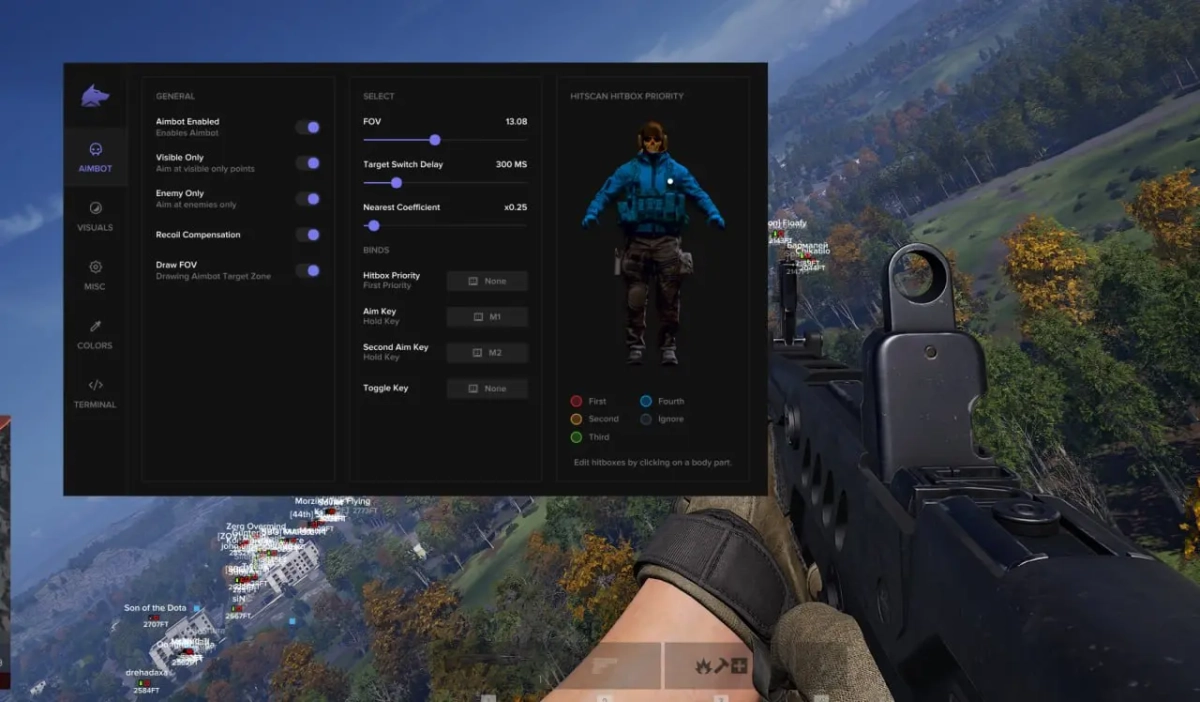
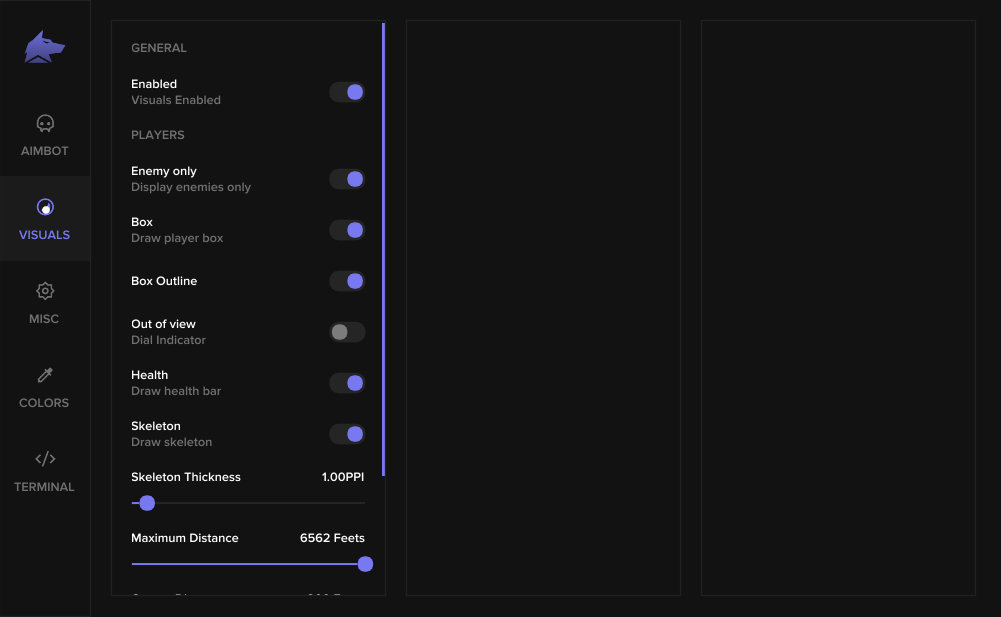
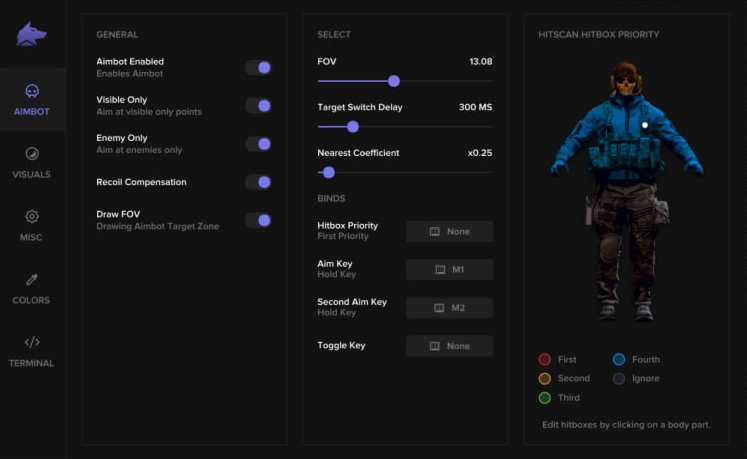
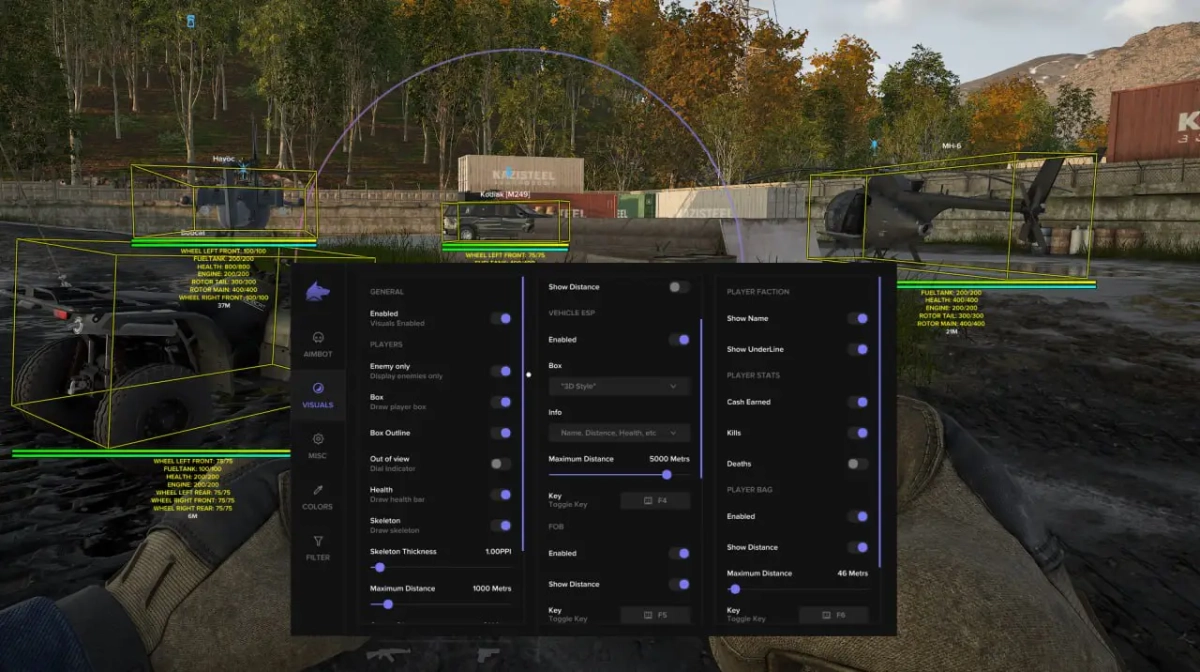
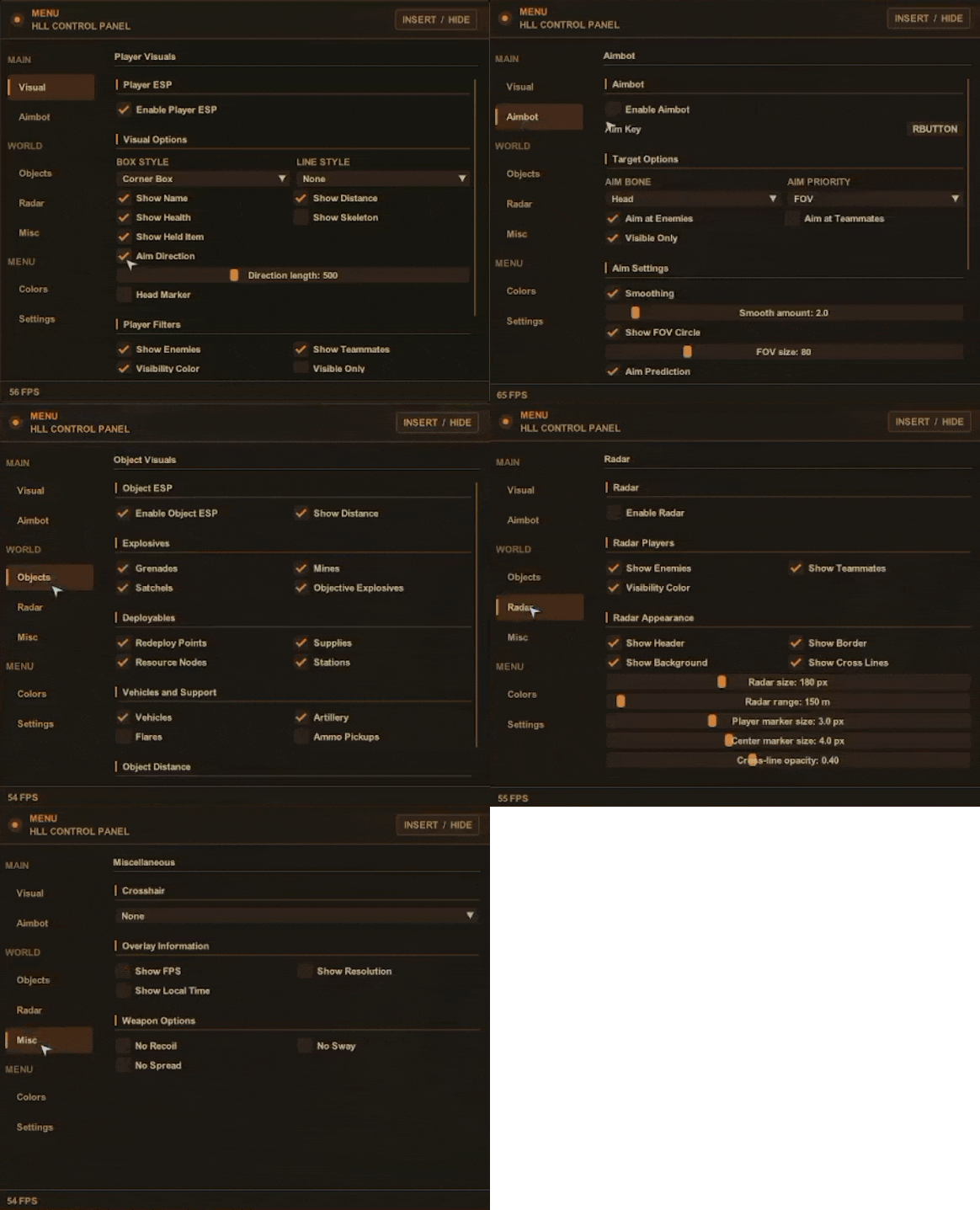
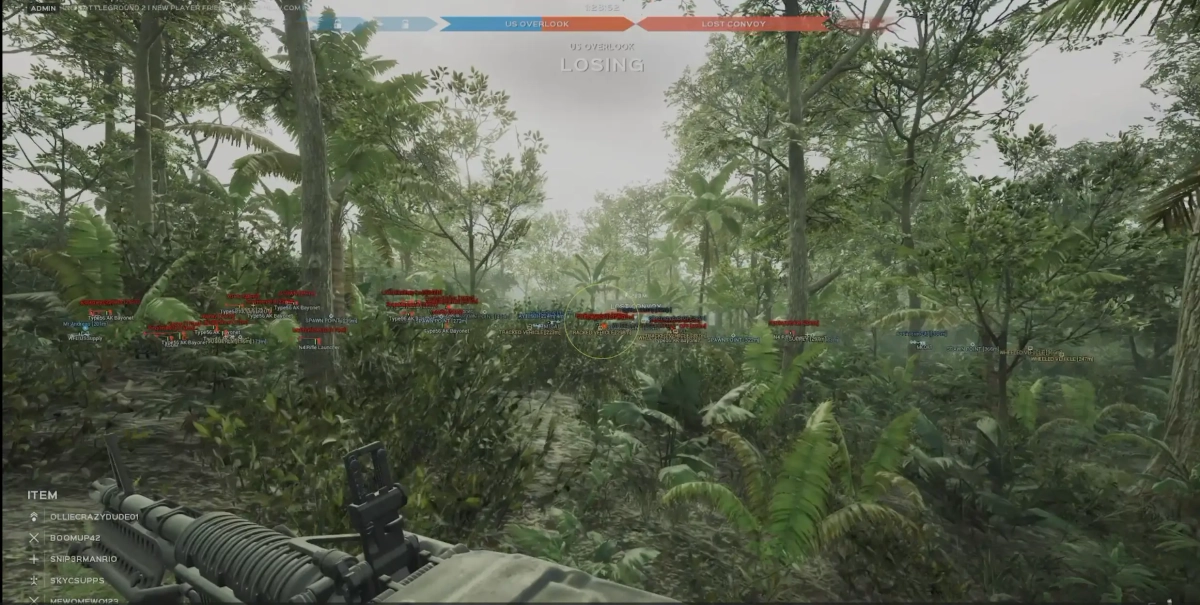
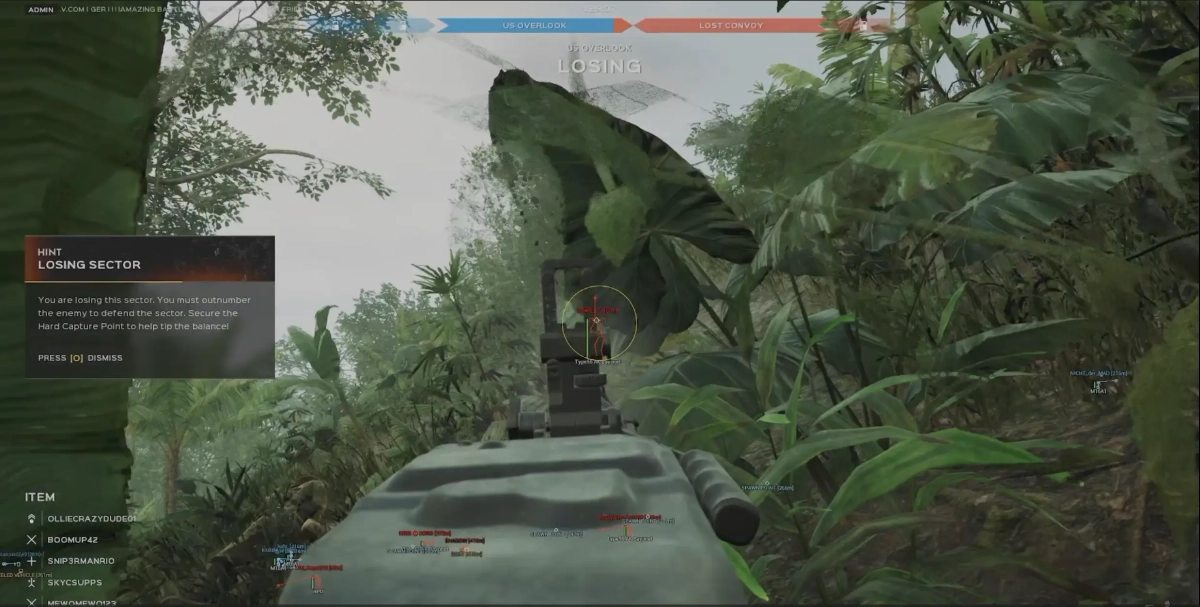
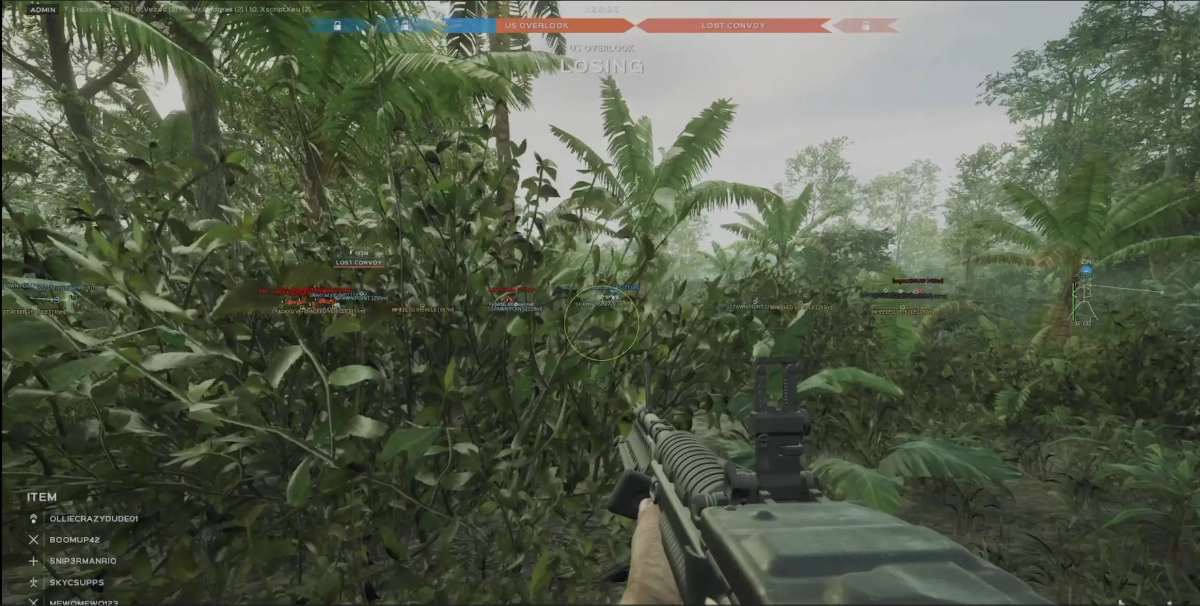
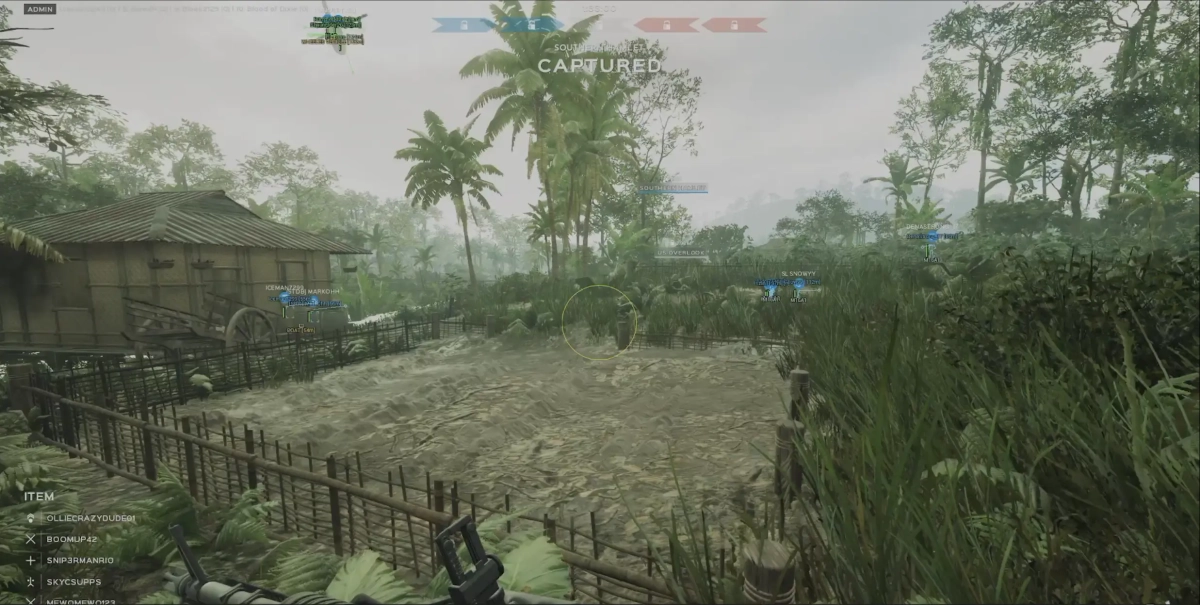
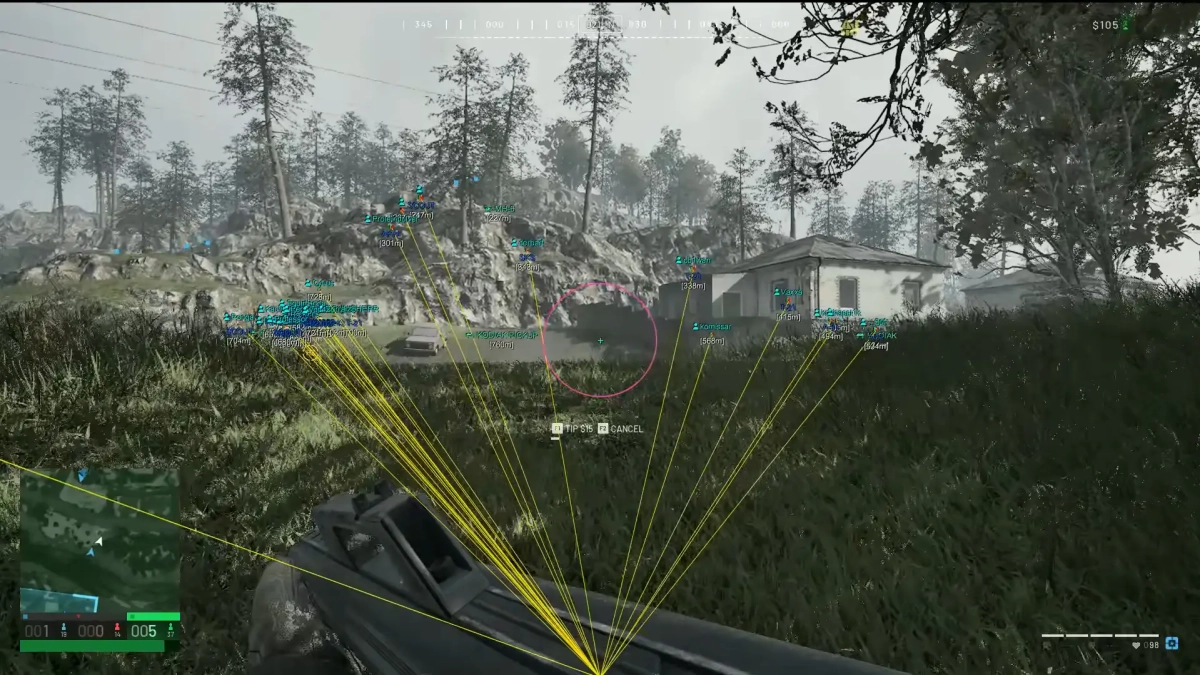
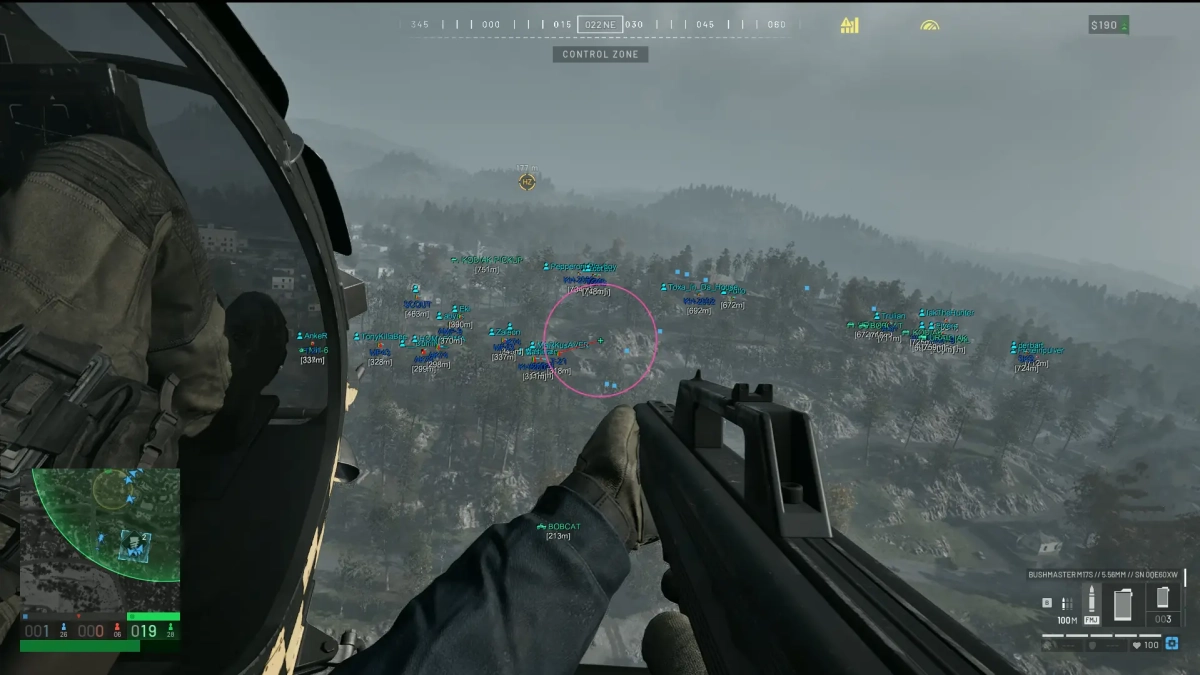
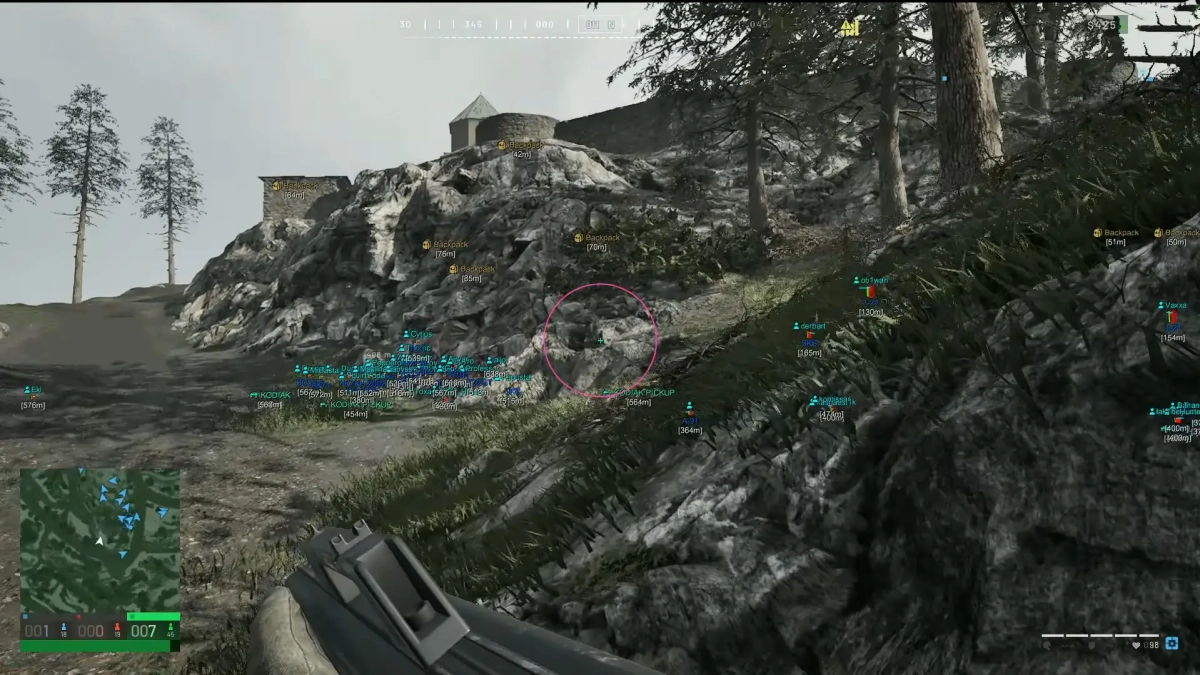
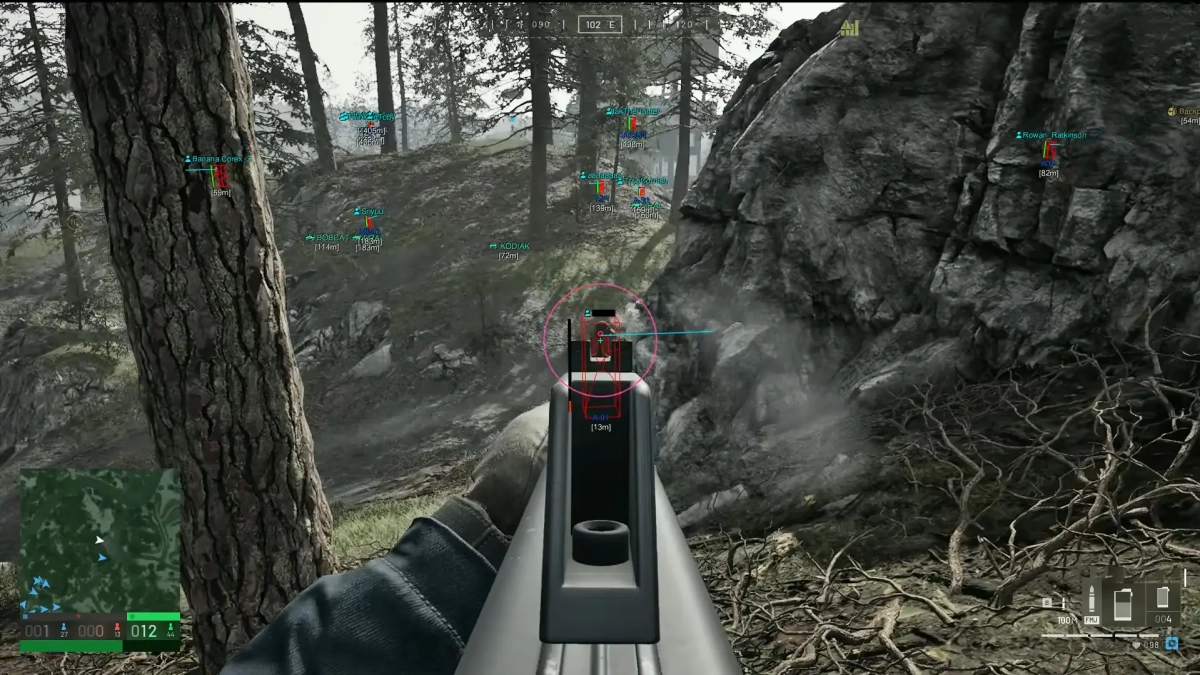
-Supports Windows 10 & Windows 11 (All Versions Up to 26H2) -Supports Both Amd/Intel -Supports only STEAM version of game Features: AIMBOT Keybind Draw FOV Border Bone (Head, Neck, Body, Legs) FOV Radius Smooth Max. Distance ESP Players Box 2D (Box, Corner) Box Filled (Static, Gradient) Enemy Information [Health Bar, Level, Nickname, Distance, Platform, Item In Hands] Skeleton Esp Rendering Distance Objects ESP Battle Mode Distance Rendering Distance Category[ Vehicles, Tanks, Garrisons, Supply Drops, Outposts, Fuel, Ammunitions, Ammo Boxes] MISC Crosshair No Recoil FOV Changer SETTINGS Enable particle Accent color Theme (Light, Dark) Show FPS DPI Scale Watermark position Notify position [MENU] [SCREENSHOT]

-
Supports Windows 10 & Windows 11 (All Versions Up to 25H2) Supports Both Intel / Amd CPUs Supports Steam, Epic Games, Ubisoft Connect UNLOCKS Developer Items and Skins Glaciers, Grades, Golds Dusts Go4s (Carbon, Diamond, Gold, Silver) Pro League & Esports Skins, Attachments, and Charms In Game & Unreleased
-
Version 1.0.0
133 downloads
Click Here➡️How To Use -
Version 1.0.0
138 downloads
Click Here➡️How To Use -
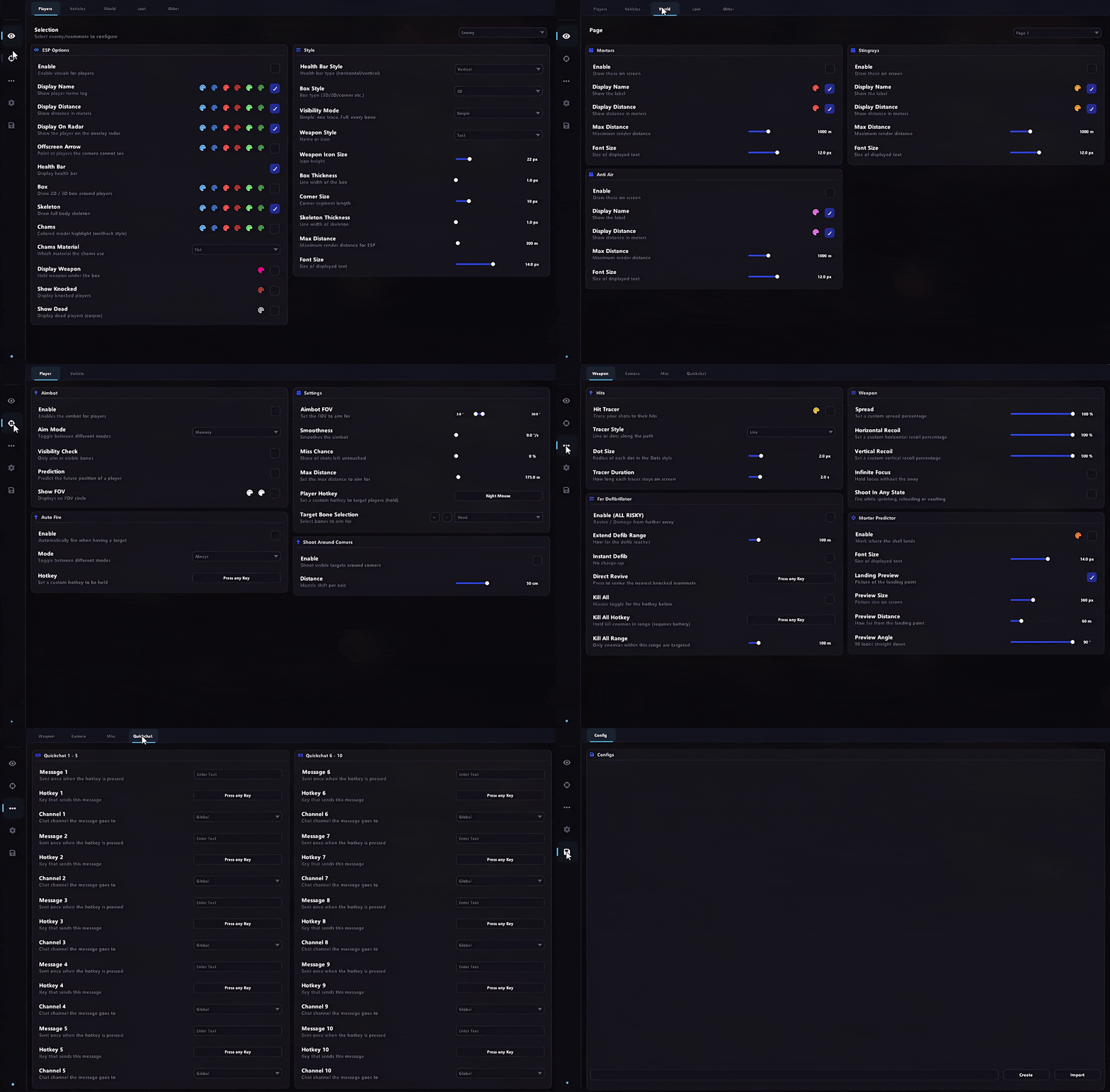
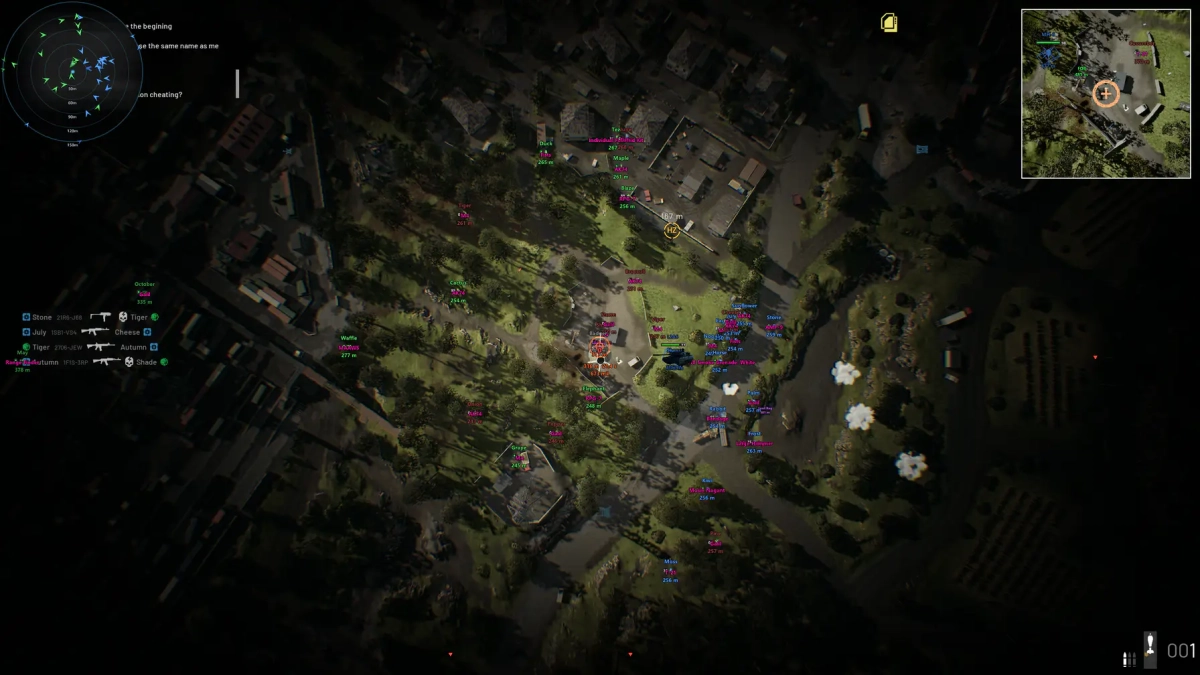
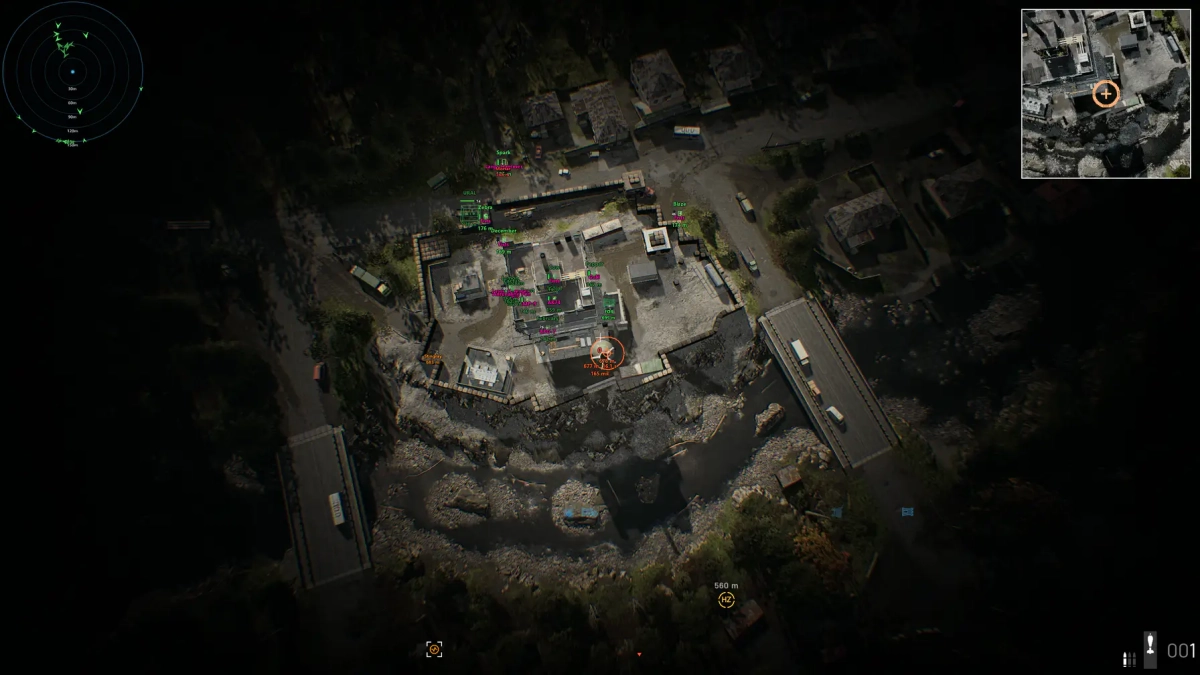
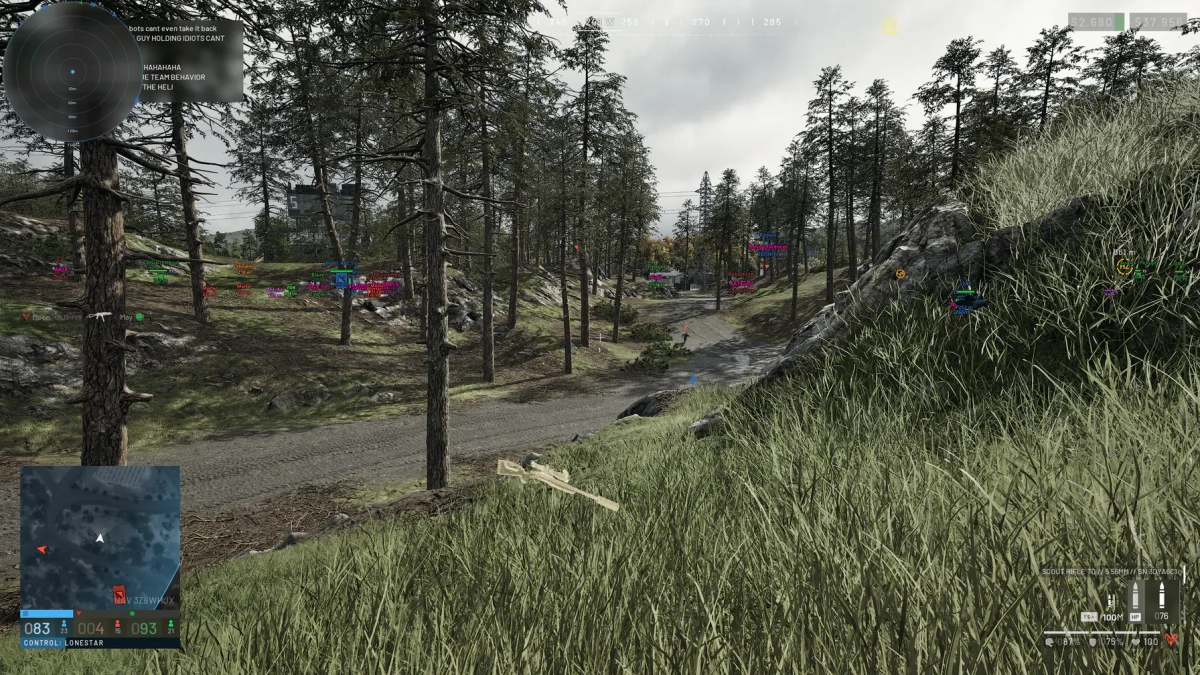
- Supports Windows 10 & Windows 11 (All Versions Up to 26H2) - Supports : Steam - Supported [Intel/Amd Both] Features: 🎯 Aimbot Memory Aimbot - Provides automated target assistance. Psilent Aimbot - Provides aim assistance with minimal visible aim movement. Prediction - Predicts target movement for improved aiming. Visible Check - Checks whether the target is visible. Vehicle Targets - Allows vehicles to be selected as aimbot targets. Shoot Around Corners - Allows shots to reach targets around corners. Redirect Aimbot - Improved targeting with support for long-range targets up to 1000 m. Aimbot Deadzone - Fixed deadzone handling for improved targeting. 👁️ Visuals Player ESP - Display player information and visual indicators. Vehicle ESP - Display vehicles. Items ESP - Display items in the environment. Chams - Highlight entities through visual effects. Explosives ESP - Display explosive objects. World ESP - Display Mortars, Anti-Air, Stingrays, and FOBs. Weapon Name / Icon - Display the equipped weapon name and icon. Load Far Actors - Load players inside control zones beyond 1 km. 🔫 Weapons Spread Slider - Adjust weapon spread. Recoil Slider - Adjust weapon recoil. Infinite Focus - Provides unlimited weapon focus, replacing No Sway. Mortar Predictor - Provides mortar targeting assistance. 3D Landing Preview - Displays a live 3D preview of the predicted landing point. 📷 Camera Remove Fog - Remove environmental fog. World Light - Customize world light color and intensity. Sun Strength Override - Customize sun color and intensity. ⚙️ Misc Hit Tracer - Display bullet impact or trajectory effects. Radar - Display nearby entities on a radar. Magic Bullets - Allows shots to register on selected targets. Autoshoot - Automatically fires when conditions are met. Shoot in Any State - Allows shooting in supported player states. Autosprint - Automatically maintains sprinting. Quick Chat - Bind up to 10 quick-chat messages to hotkeys. Clantag Changer - Change and animate your clan tag. FOV Changer - Adjust the field of view. Thirdperson - Enable third-person view. Experimental Spinbot - Experimental client- and server-sided spin behavior. Rainbow Colors - Add animated rainbow effects to color pickers with adjustable cycle time. Far Defibrillator - Revive teammates or damage enemies from a distance. Defib Kill All - Hold the hotkey while carrying a defibrillator to damage enemies. Auto Revive - Instantly revive the closest downed teammate from any range. Instant Defib - Remove the defibrillator charge-up delay. Player Name Changer - Choose Static, Animated, or Name Stealer modes. 🛠️ Settings Menu Toggle Hotkey - Set the key used to open or close the menu. DPI Scale Selector - Adjust menu scaling for different DPI settings. Config System - Save and manage your configurations. Rainbow Cycle Time - Adjust the cycle speed for rainbow color effects. [MENU] [SCREENSHOT]
-
Version 1.0.0
98 downloads
Click Here➡️How To Use -
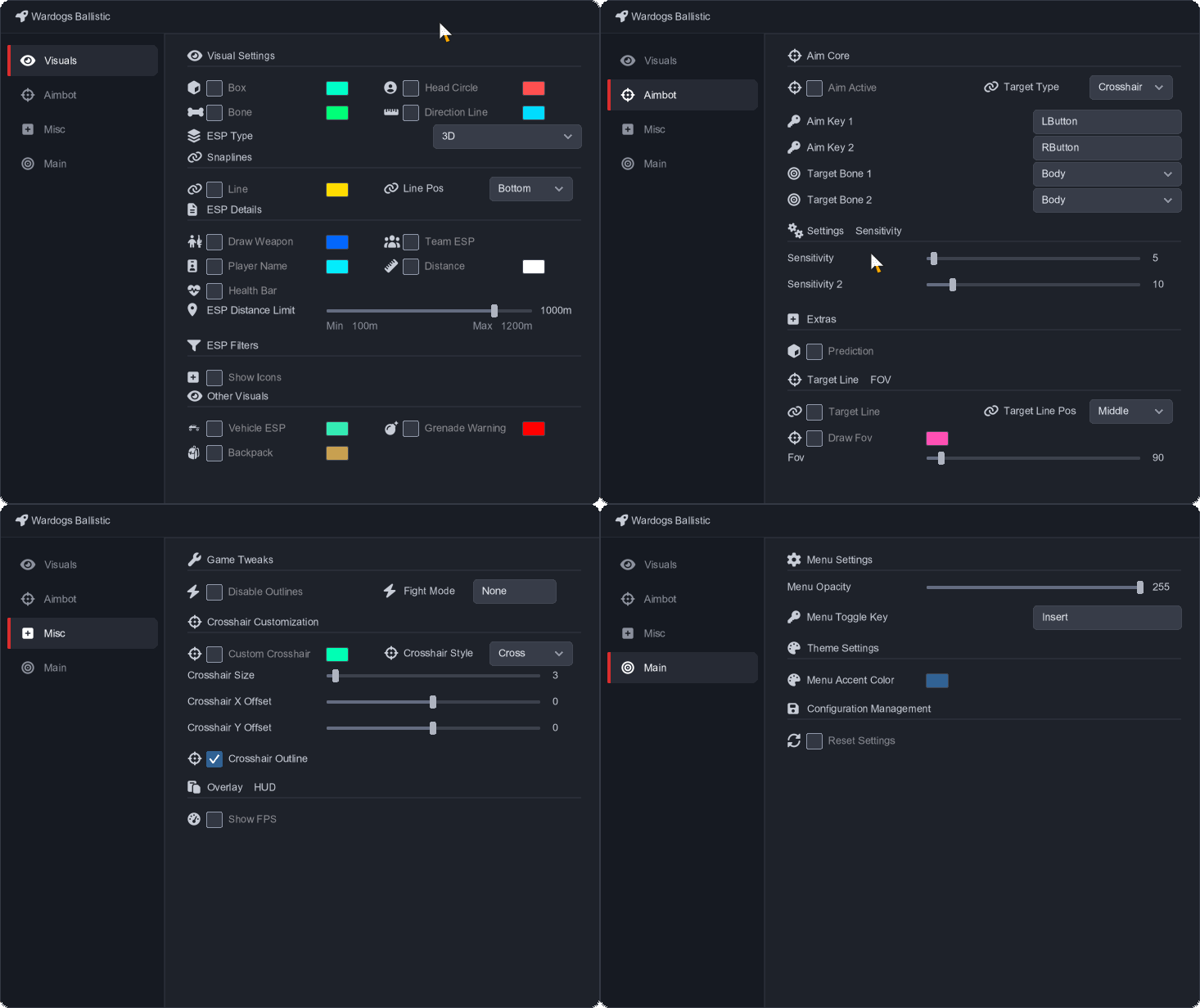
- Supports Windows 10 & Windows 11 (All Versions Up to 26H2) - Supports : Steam - Supported [Intel/Amd Both] Features: 🎯 Aimbot Aim Active - Enable or disable the aimbot. Target Type - Select the preferred target type. Aim Key 1 - Set the primary aim key. Aim Key 2 - Set the secondary aim key. Target Bone 1 - Select the primary target bone. Target Bone 2 - Select the secondary target bone. Sensitivity - Adjust primary aim sensitivity. Sensitivity 2 - Adjust secondary aim sensitivity. Prediction - Enable target movement prediction. Target Line - Display a line toward the current target. Target Line Pos - Adjust the target line position. Draw FOV - Display the aimbot FOV. FOV - Adjust the aimbot FOV size. 👁️ Visuals Box - Display player bounding boxes. Head Circle - Highlight player heads. Bone - Display player skeletons. Direction Line - Display player viewing direction. Snaplines - Draw lines from the screen to players. Line - Display additional player lines. Line Pos - Adjust line positioning. Draw Weapon - Display equipped weapons. Team ESP - Display teammates. Player Name - Display player names. Distance - Display player distance. Health Bar - Display player health. ESP Distance Limit - Set the maximum ESP distance. Show Icons - Display entity icons. Vehicle ESP - Display vehicles. Grenade Warning - Display grenade warnings. Backpack - Display backpacks. MapRadar - Display entities on the map radar. ⚙️ Misc Disable Outlines - Disable visual outlines. Fight Mode - Enable combat-focused settings. Custom Crosshair - Enable a custom crosshair. Crosshair Style - Select the crosshair style. Crosshair Size - Adjust crosshair size. Crosshair X Offset - Adjust horizontal crosshair position. Crosshair Y Offset - Adjust vertical crosshair position. Crosshair Outline - Enable a crosshair outline. Show FPS - Display the current FPS. 🛠️ Main Menu Opacity - Adjust menu transparency. Menu Toggle Key - Set the menu toggle key. Menu Accent Color - Customize the menu accent color. Reset Settings - Reset settings to their defaults. [MENU] [SCREENSHOT]
-
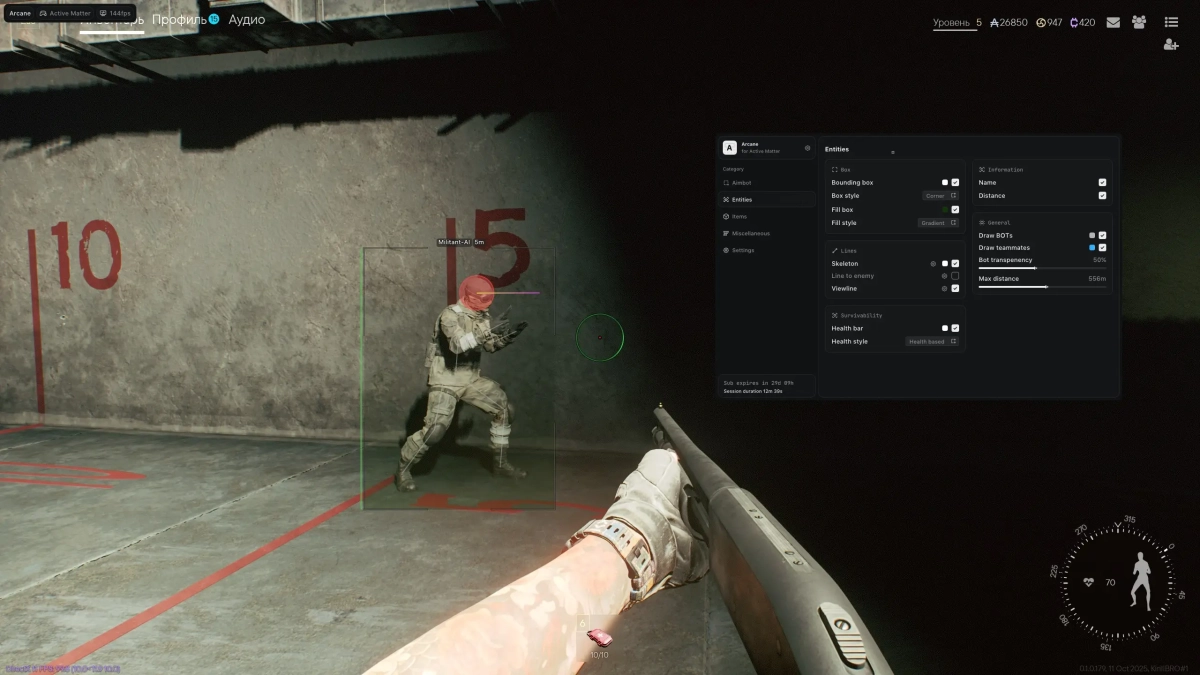
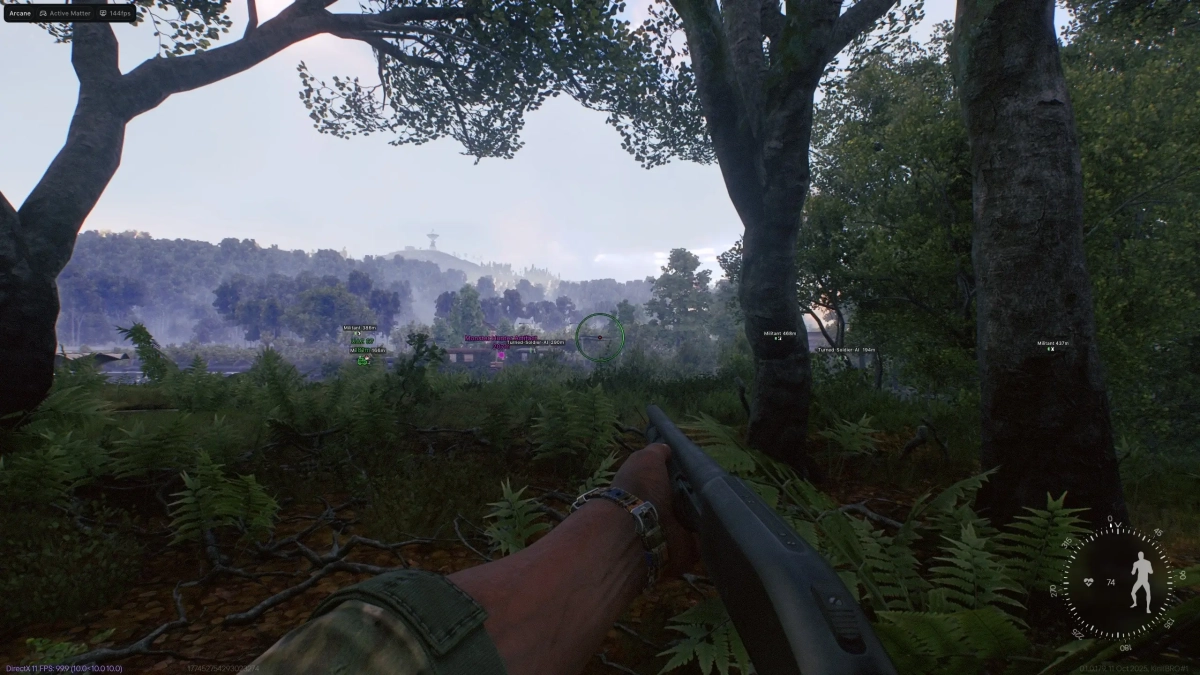
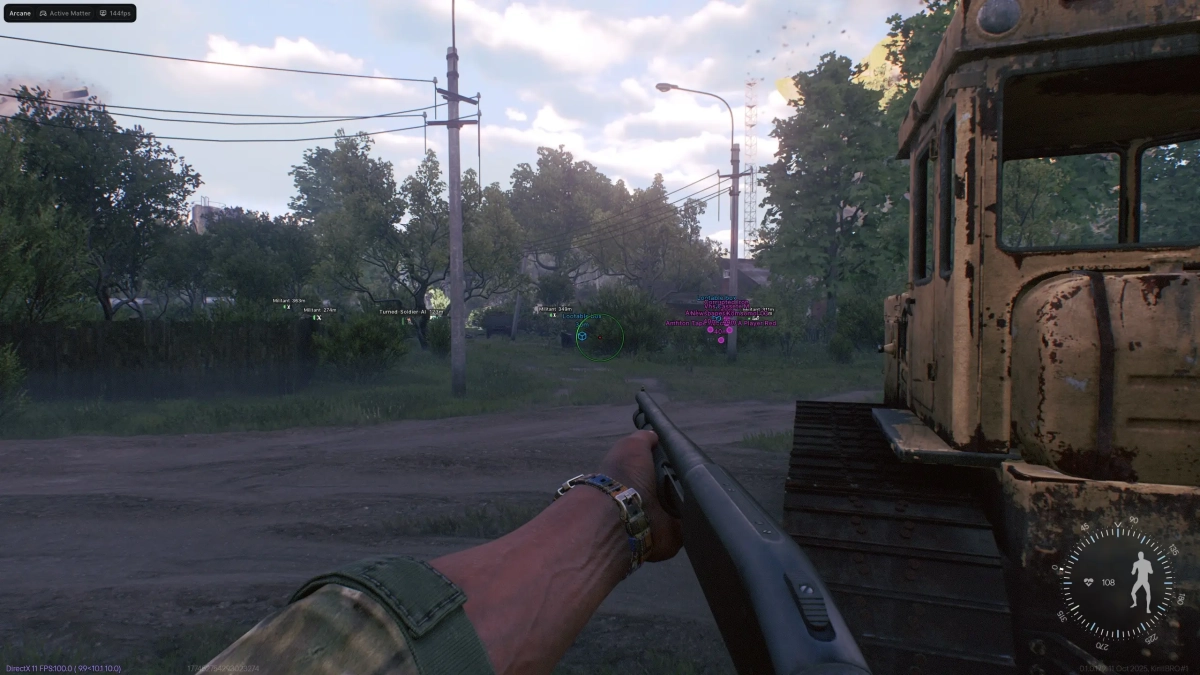
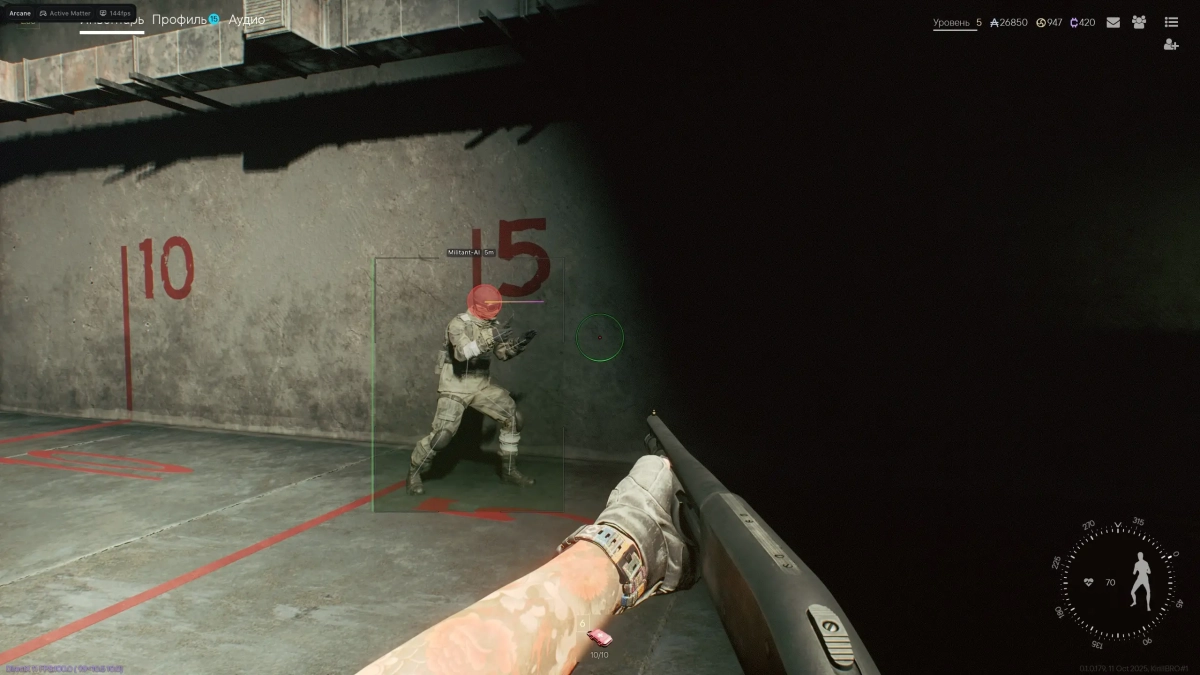
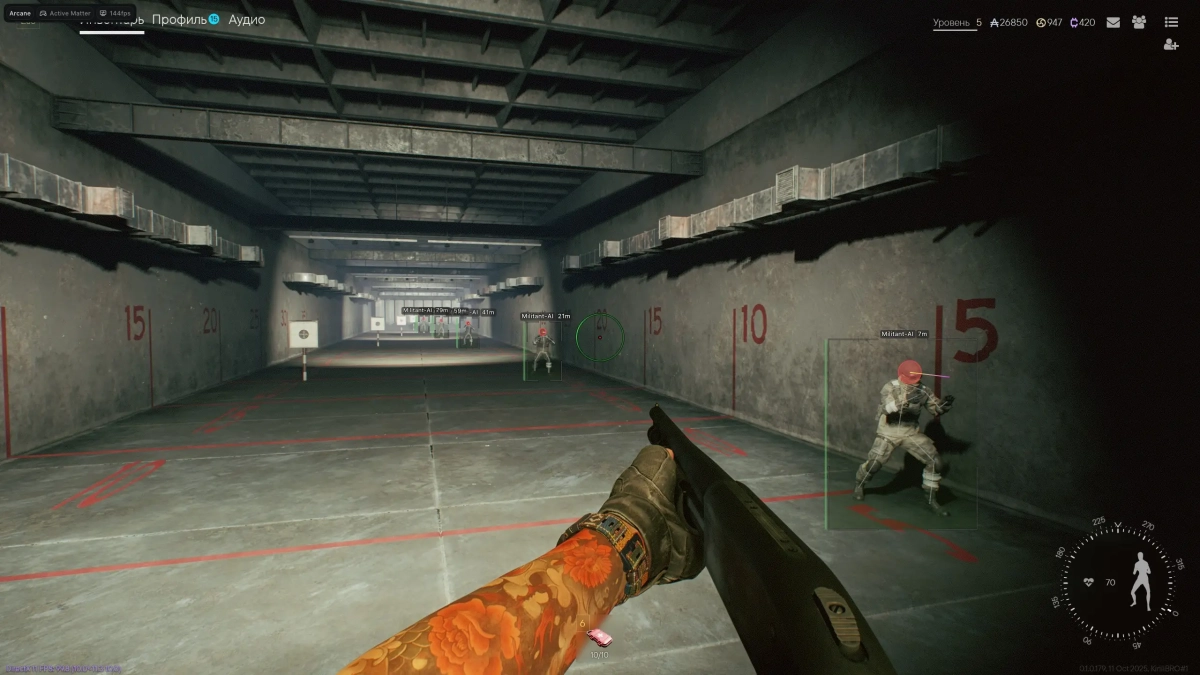
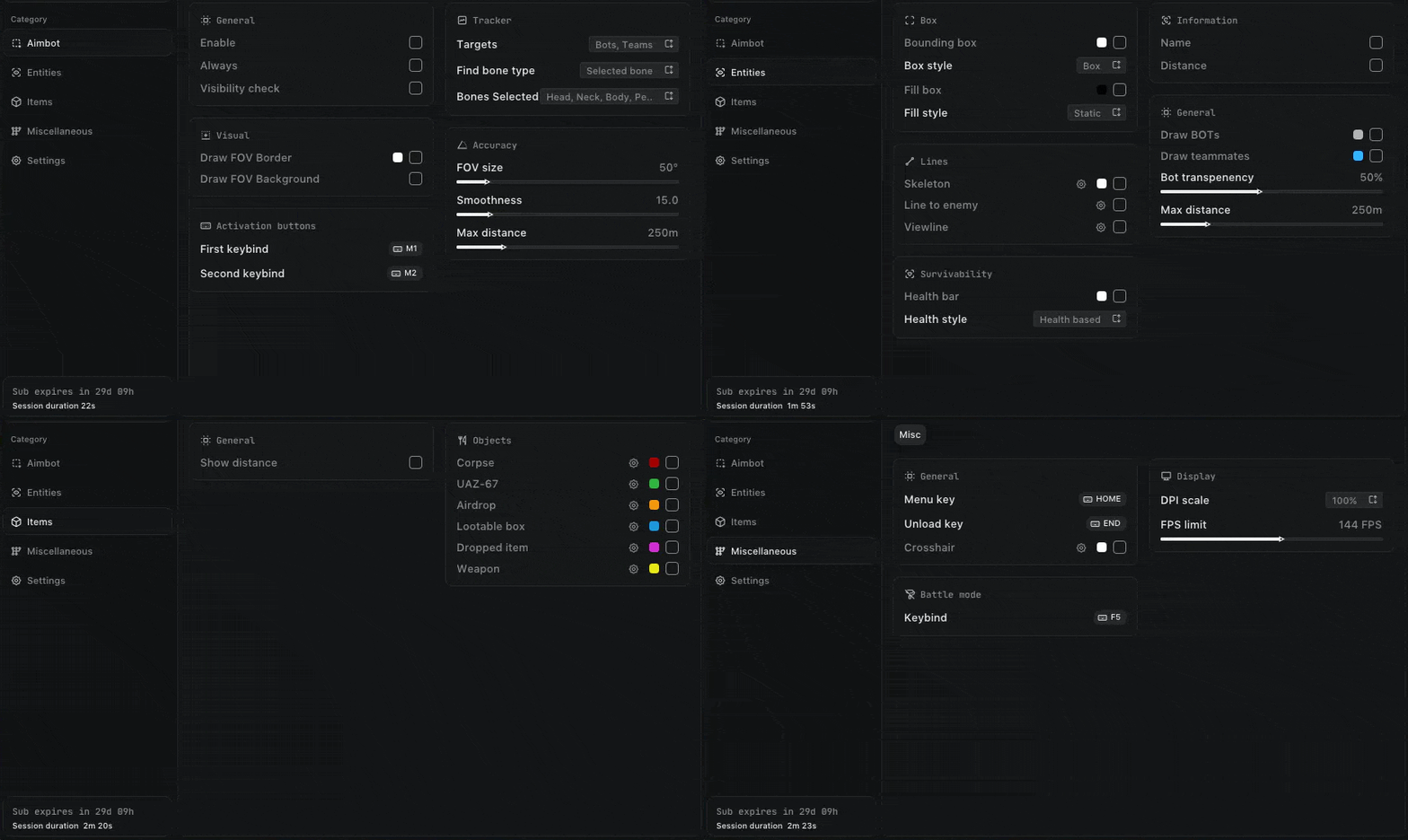
-Supports Win 11 & Win10 [All Versions] 26h2 included -Supports Both AMD/Intel -Supports : Steam Feature: 🎯 Aimbot Enable - Enable or disable the aimbot. Keybind - Set the activation key. Mode - Choose Always or Hold. Aim Type - Choose between Vector, Bullet Teleport, or Silent. Targets - Target Players, Bots, or Teammates. Find Bone Type - Choose Selected, Closest, or Random Bone. Bones Selection - Select Head, Neck, Body, Chest, Pelvis, and more. Visibility Check - Target only visible entities. Draw FOV Border - Display the FOV border. Draw FOV Background - Display the FOV background. FOV Size - Adjust the aimbot FOV. Smoothness - Adjust aiming smoothness. Max Distance - Set the maximum targeting distance. 👁️ Entities ESP Bounding Box - Normal or corner-style box. Box Fill - Solid or gradient fill. Skeleton - Display skeleton with thickness and head circle. View Line - Display entity viewing direction. Line to Enemy - Draw a line toward enemies. Health Bar - Display solid, health-based, or gradient health bars. Name - Display player names. Distance - Display entity distance. Draw Bots - Display bots. Draw Teammates - Display teammates. Visibility Check - Check entity visibility. Bot Transparency - Adjust bot transparency. Max Distance - Set the maximum ESP distance. 📦 Items ESP Show Count - Display item quantities. Show Distance - Display item distance. 🗺️ Objects Corpses - Display corpses. UAZ-67 - Display UAZ-67 vehicles. Airdrop - Display airdrops. Anomalies - Display anomalies. Creatures - Display creatures. 🔫 Items Weapons - Display weapons. Ammunition - Display ammunition. Medicines - Display medical items. Equipment - Display equipment. Weapon Mods - Display weapon modifications. Keys - Display keys. Goods - Display goods. Containers - Display containers. Alerts - Display alerts. Chronogenes - Display Chronogenes. Dog Tags - Display dog tags. Cortical Vaults - Display cortical vaults. Furniture - Display furniture. Other Items - Display other items. 📦 Containers Hide Looted - Hide already-looted containers. Weapon Crates - Display weapon crates. Military Crates - Display military crates. Medical Crates - Display medical crates. Industrial - Display industrial containers. Vehicles - Display vehicle containers. Furniture & Civil - Display furniture and civilian containers. Other Containers - Display other containers. ⚙️ Misc No Recoil - Removes weapon recoil. No Spread - Removes weapon spread. No Sway - Removes weapon sway. Show Ammo Count - Displays current ammunition count. 📡 Radar Enable - Enable or disable the radar. Entities - Display Players or Bots. Distance Rings - Display distance rings. FOV Cone - Display the field-of-view cone. Scale by Distance - Scale entities based on distance. Zoom - Adjust radar zoom. Size - Adjust radar size. Transparency - Adjust radar transparency. 👁️ Off-Screen Enable - Enable or disable off-screen indicators. Entities - Display Players or Bots. Distance - Display entity distance. Range - Set the indicator range. Size - Adjust indicator size. 🛠️ Settings Menu Key - Set the menu activation key. Unload Key - Set the unload key. Crosshair - Enable or disable the crosshair. DPI Scale - Adjust interface scaling. VSync - Enable or disable VSync. FPS Limit - Set the FPS limit. 💾 Configs Create - Create a new configuration. Delete - Delete a saved configuration. Load - Load a saved configuration. Save - Save the current configuration. Share - Share a configuration. [MENU] [SCREENSHOT]
-

Version 1.0.0
5 downloads
Click Here➡️How To Use -
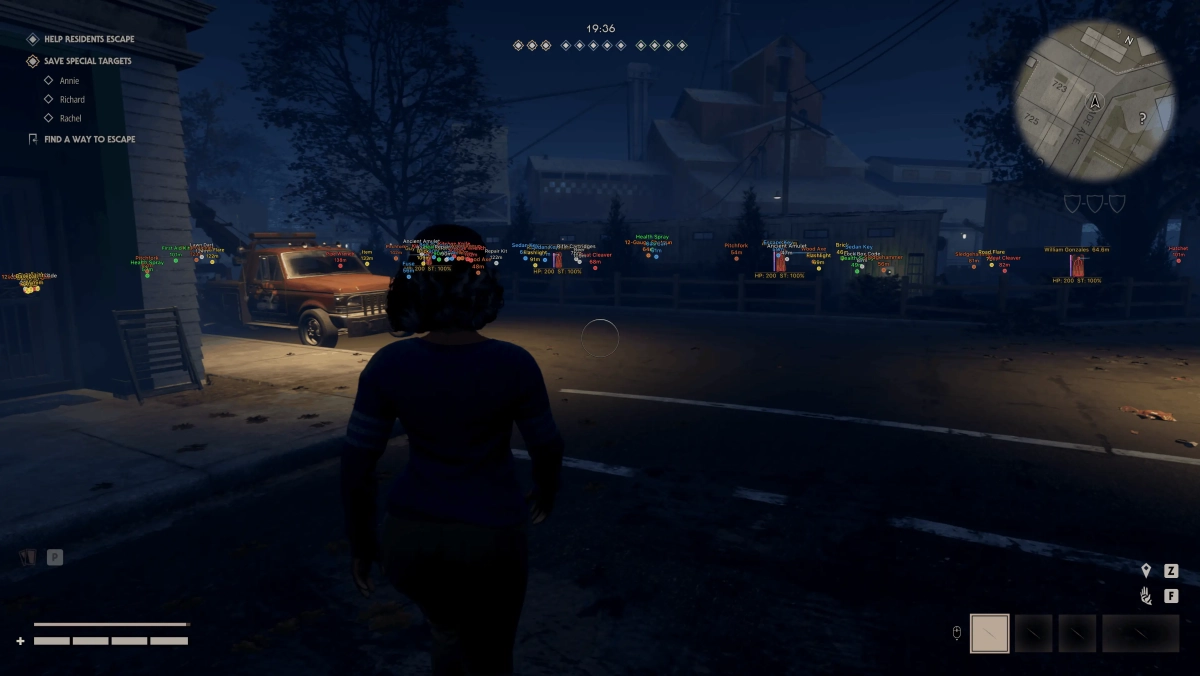
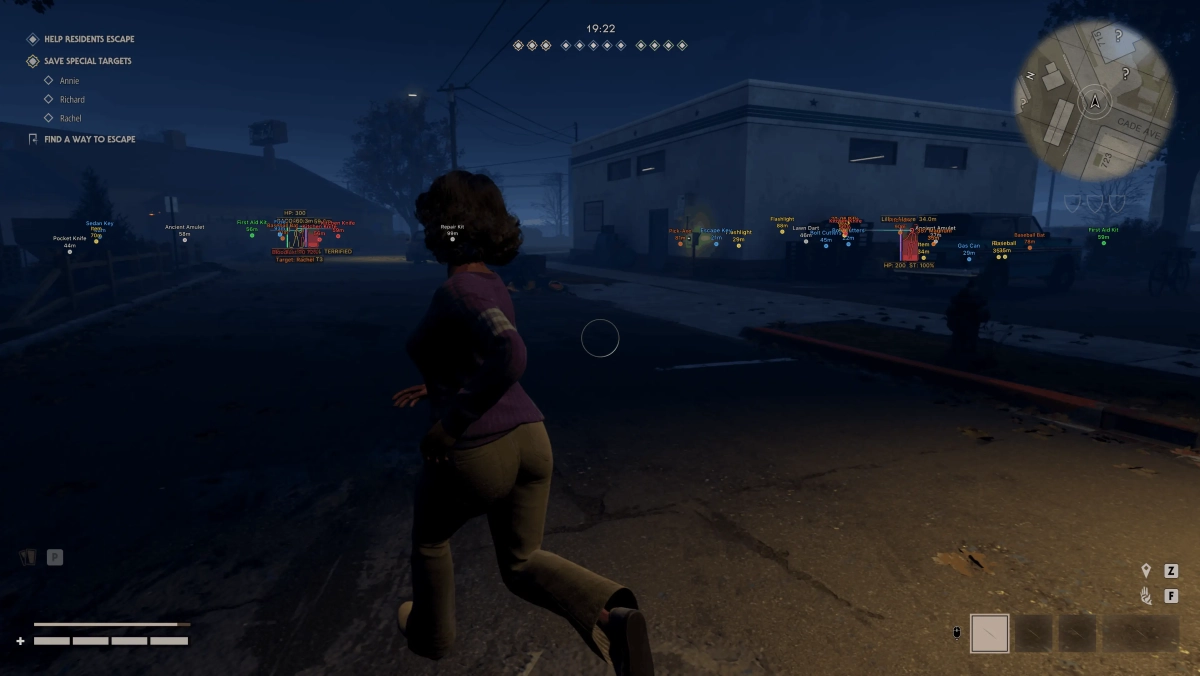
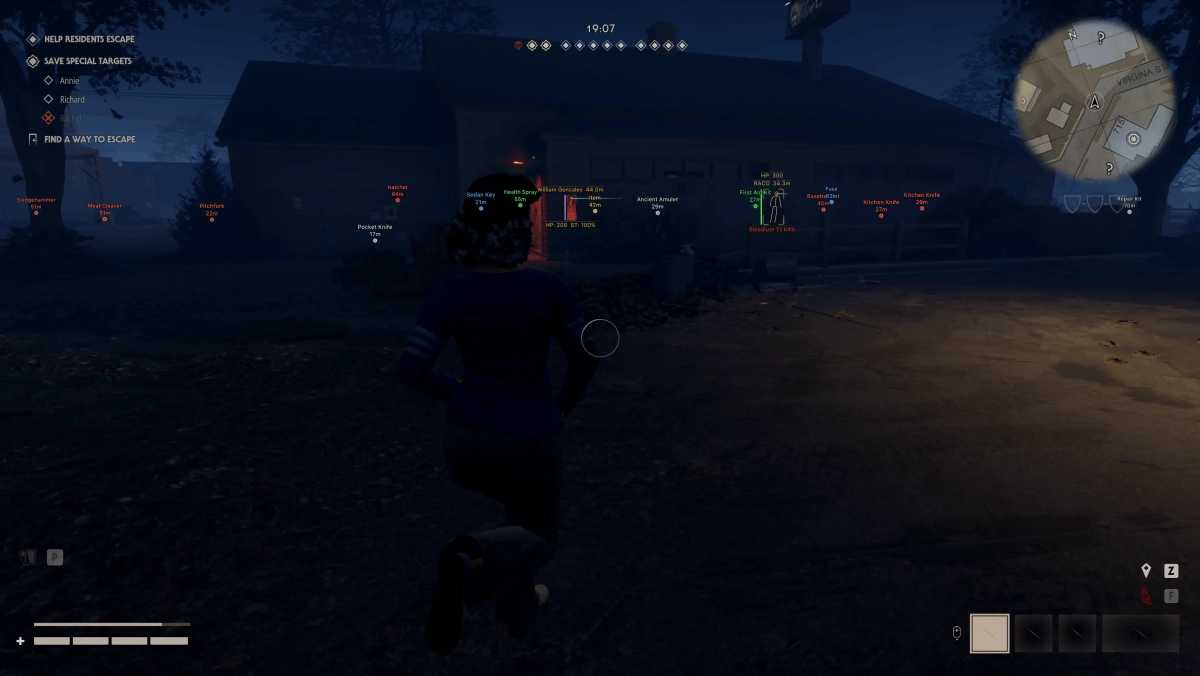
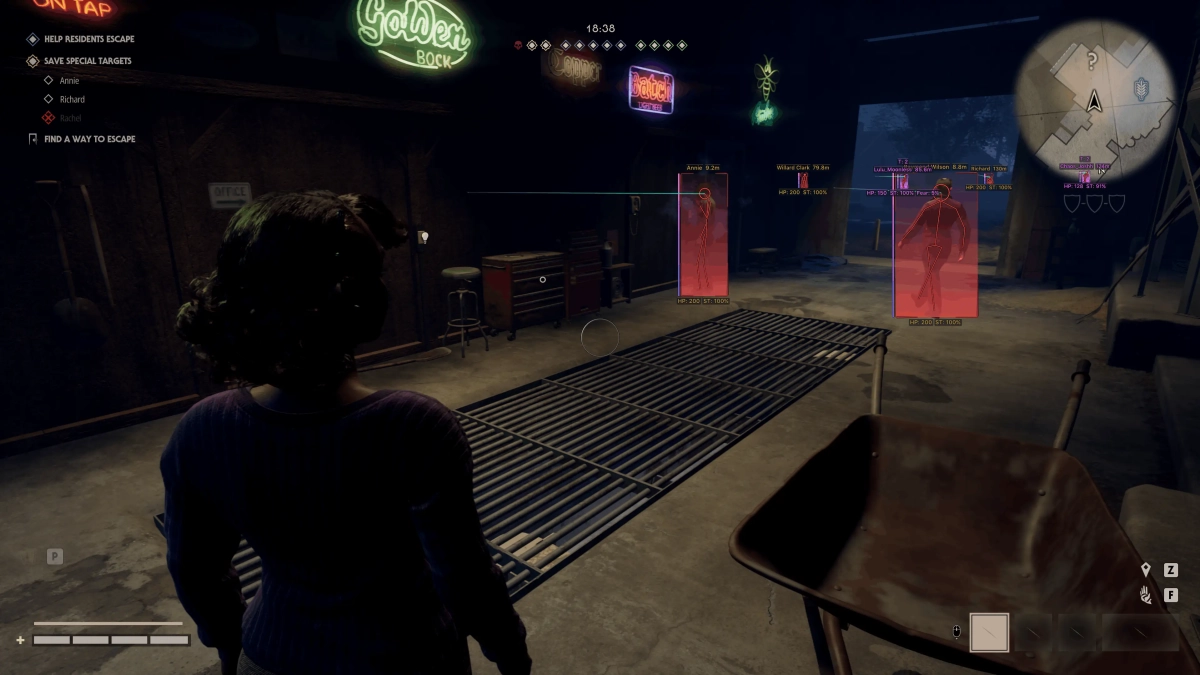
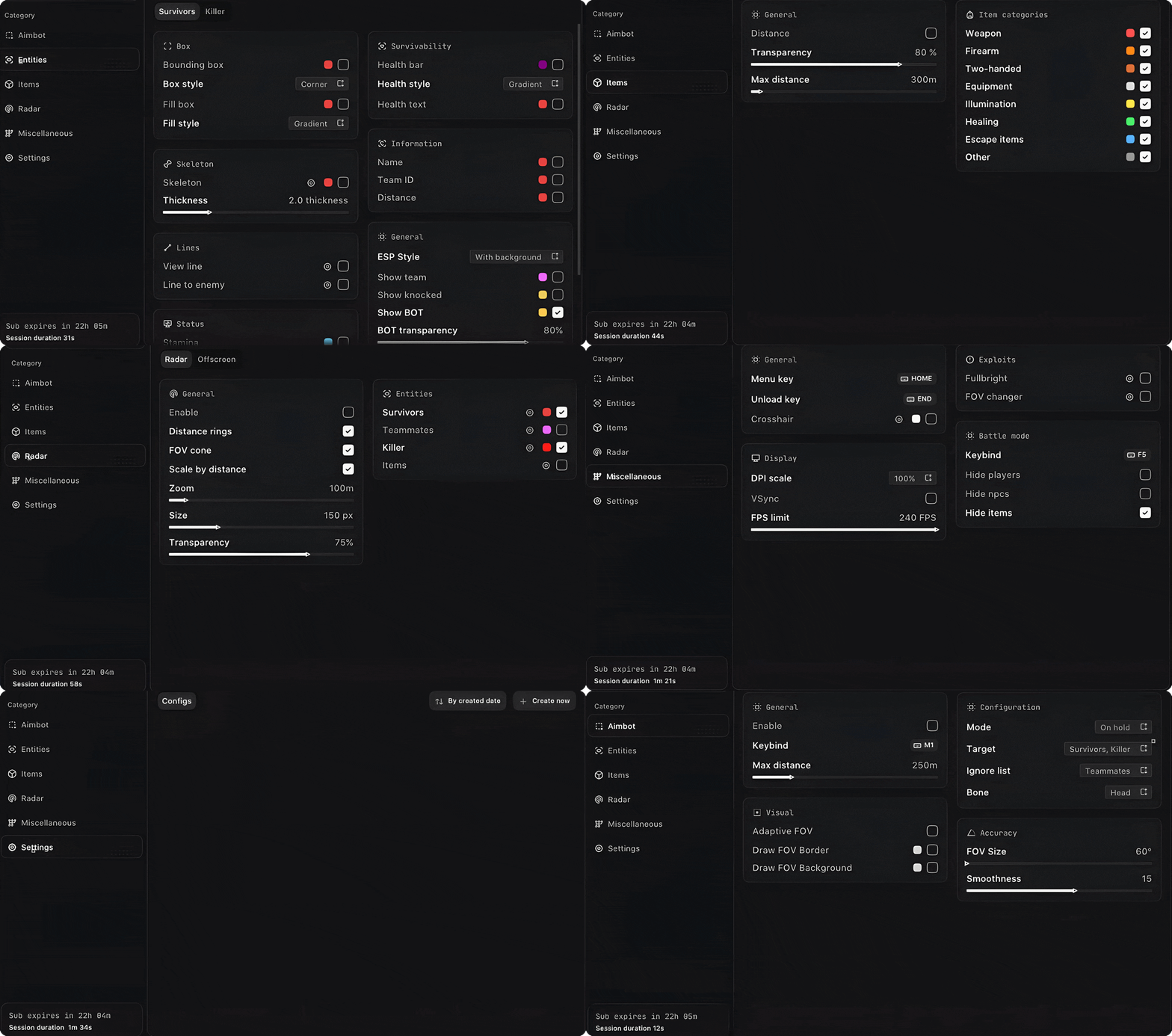
-Supports Windows 10 & Windows 11 (All Versions Up to 26H2) -Supports Both AMD/Intel -Supports : Steam, Epic Games, Xbox Feature: 🎯 Aimbot Enable - Enable or disable the aimbot. Keybind - Set the activation key. Mode - Choose Always or Hold. Target - Target Survivors or Killer. Ignore List - Ignore teammates, knocked players, or bots. Bone - Target Head, Neck, Chest, or Pelvis. Adaptive FOV - Automatically adjusts the FOV based on distance. Draw FOV Border - Displays the FOV border. Draw FOV Background - Displays the FOV background. FOV Size - Adjust the aimbot FOV size. Smoothness - Adjust aiming smoothness. Max Distance - Set the maximum targeting distance. 👤 Survivors ESP ESP Style - Choose between background or no background. Bounding Box - Normal or corner-style box. Box Fill - Solid or gradient fill. Skeleton - Display skeleton with thickness and head circle options. View Line - Display the survivor's viewing direction. Line to Enemy - Draw a line toward the enemy. Health Bar - Solid, health-based, or gradient health bar. Health Text - Display health values. Name - Display player names. Team ID - Display team ID. Distance - Display distance. Stamina - Display stamina. Fear - Display fear level. Stalk Level - Display stalk level. Status Effects - Display active status effects. Carried State - Display knocked/carried state. Show Team - Display teammates. Show Knocked - Display knocked players. Show BOT - Display bots. Max Distance - Set the maximum ESP distance. 🔪 Killer ESP ESP Style - Choose between background or no background. Bounding Box - Normal or corner-style box. Box Fill - Solid or gradient fill. Skeleton - Display skeleton with thickness and head circle options. View Line - Display the killer's viewing direction. Line to Enemy - Draw a line toward the enemy. Health Bar - Solid, health-based, or gradient health bar. Health Text - Display health values. Bloodlust - Display the killer's Bloodlust level. Detainment - Display detainment status. Current Target - Display the killer's current target. Max Distance - Set the maximum ESP distance. 📦 Items ESP Distance - Display item distance. Transparency - Adjust ESP transparency. Weapon - Display weapons. Firearm - Display firearms. Two-Handed - Display two-handed items. Equipment - Display equipment. Illumination - Display illumination items. Healing - Display healing items. Escape Items - Display escape-related items. Other - Display other items. Max Distance - Set the maximum item ESP distance. 📡 Radar Enable - Enable or disable the radar. Entities - Show Survivors, Killer, Team, or Items. Distance Rings - Display distance rings. FOV Cone - Display the field-of-view cone. Scale by Distance - Scale entities based on distance. Zoom - Adjust radar zoom. Size - Adjust radar size. Transparency - Adjust radar transparency. 👁️ Off-Screen Enable - Enable or disable off-screen indicators. Entities - Show Survivors, Killer, or Team. Distance - Display entity distance. Range - Set the indicator range. Size - Adjust indicator size. ⚙️ Misc Fullbright - Removes shadows for improved visibility. FOV Changer - Adjust the in-game field of view. 🛠️ Settings Menu Key - Set the menu activation key. Unload Key - Set the unload key. Crosshair - Enable a static crosshair. DPI Scale - Adjust interface scaling. VSync - Enable or disable VSync. FPS Limit - Set the FPS limit. [MENU] [SCREENSHOT]
-
Version 1.0.0
301 downloads
Click Here ➡️ How To Use -
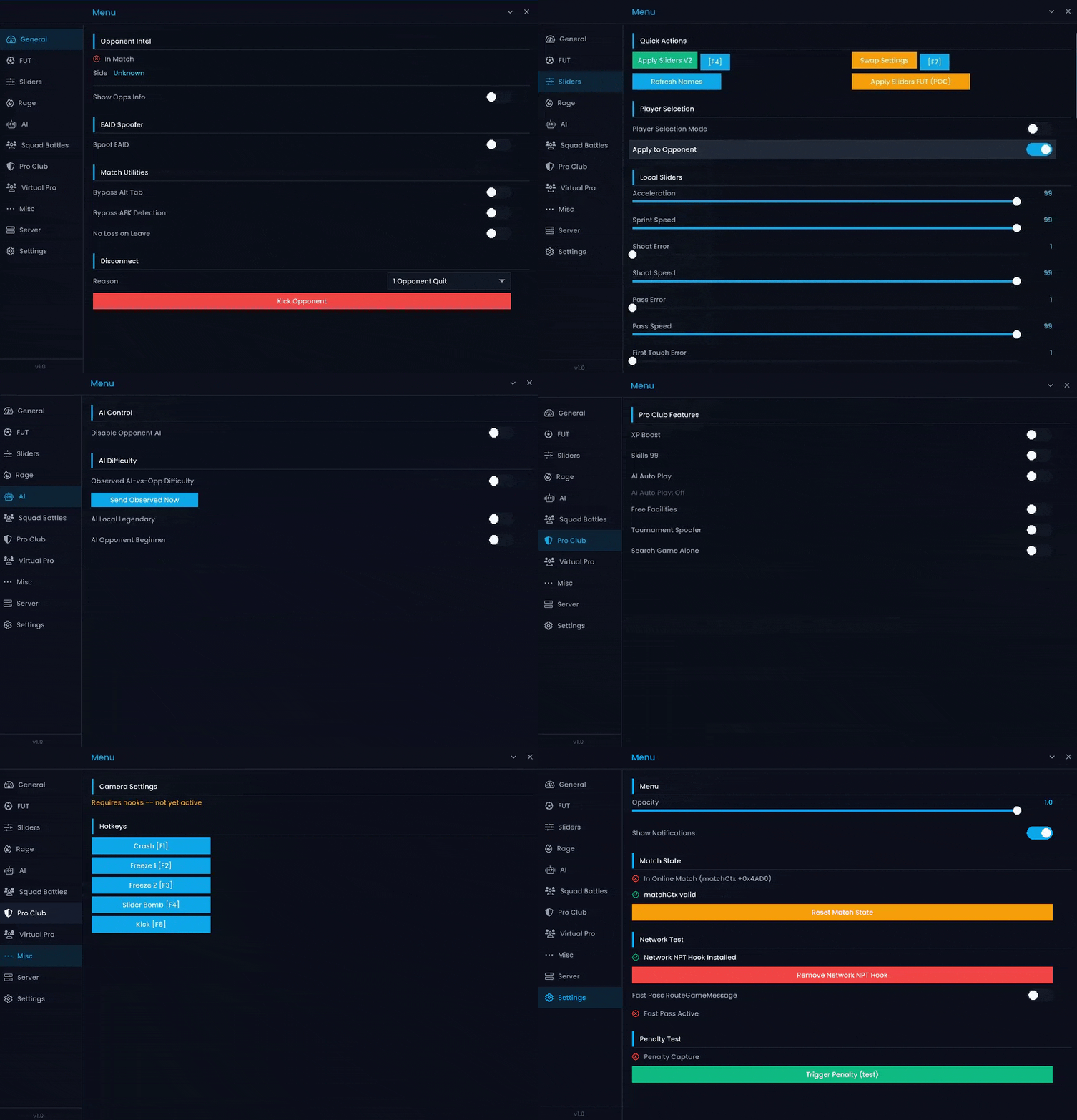
-Supports Win 11 & Win10 [All Versions upto 25h2 ] -Supports Intel Processor -Supports Steam ,EA app & Epic Games -External & Internal Features: 🛡️ Auto-Enabled Features ALT-TAB Bypass - Allows you to switch between applications during Squad Battles without pausing the game. DESYNC Bypass - Helps maintain game synchronization and supports features that require desync protection. Anti-AFK - Prevents the game from detecting inactivity and kicking you from the match. 🏆 Ultimate Team Disable AI Opponent - Disables AI control for the opposing team, limiting their ability to control multiple players. Freeze Opponent Screen - Temporarily freezes the opponent's screen while the match continues on your side. Division Spoofer - Modifies your displayed or reported Ultimate Team division. Draft Round Modifier - Adjusts the draft round to customize your draft progression. Server Changer - Allows you to manually select from 35+ available server locations. Bail Me Out - Instantly exits the current match using an assigned hotkey. Disconnect Match - Instantly disconnects you from the current FUT match. Champions Win/Loss Spoofer - Modifies your FUT Champions win/loss record according to your selected values. ⚽ Seasons & Pro Clubs 99 Hidden Stats - Applies maximum hidden attributes to players and bots in supported Seasons and Pro Clubs modes. 99 STAT Sliders - Allows you to customize gameplay parameters such as speed, accuracy, aggression, and positioning. Reverse Momentum - Adjusts opposing-team gameplay behavior to reduce their effectiveness. Unlock All PlayStyles+ - Unlocks all available gold PlayStyles+ for your team. 5-Star Skill Moves / Weak Foot - Gives your team 5-star Skill Moves and 5-star Weak Foot. Customize Virtual Pro - Allows you to customize your Virtual Pro with stats, skills, weak foot, PlayStyles, and sliders. Silver PlayStyles - Allows you to apply Silver PlayStyles to your Virtual Pro or entire team. Weight & Body Type Modifier - Allows you to customize your Virtual Pro's weight and body type. Virtual Pro Sliders Editor - Lets you adjust gameplay sliders specifically for your Virtual Pro. 🌐 General Features Opponent Platform / Username Display - Displays your opponent's platform and username across supported game modes. Squad Battles Shorter Halves - Reduces Squad Battles half duration for faster matches. Name Spoofer - Hides or changes your displayed EA profile information from opponents. Bot Difficulty Customizer - Allows you to customize user and opponent bot difficulty levels. Competitive Switch Unlock - Unlocks additional assisted gameplay settings that are normally restricted. Power Bar Modifier - Adjusts the in-game power bar for greater control over shot and free-kick power. AI vs Opponent Mode - Allows AI-controlled players to take over and play against the opposing team. Rapid Game Timer - Accelerates the in-game timer to shorten match durations in supported Ultimate Team modes. [MENU]
-
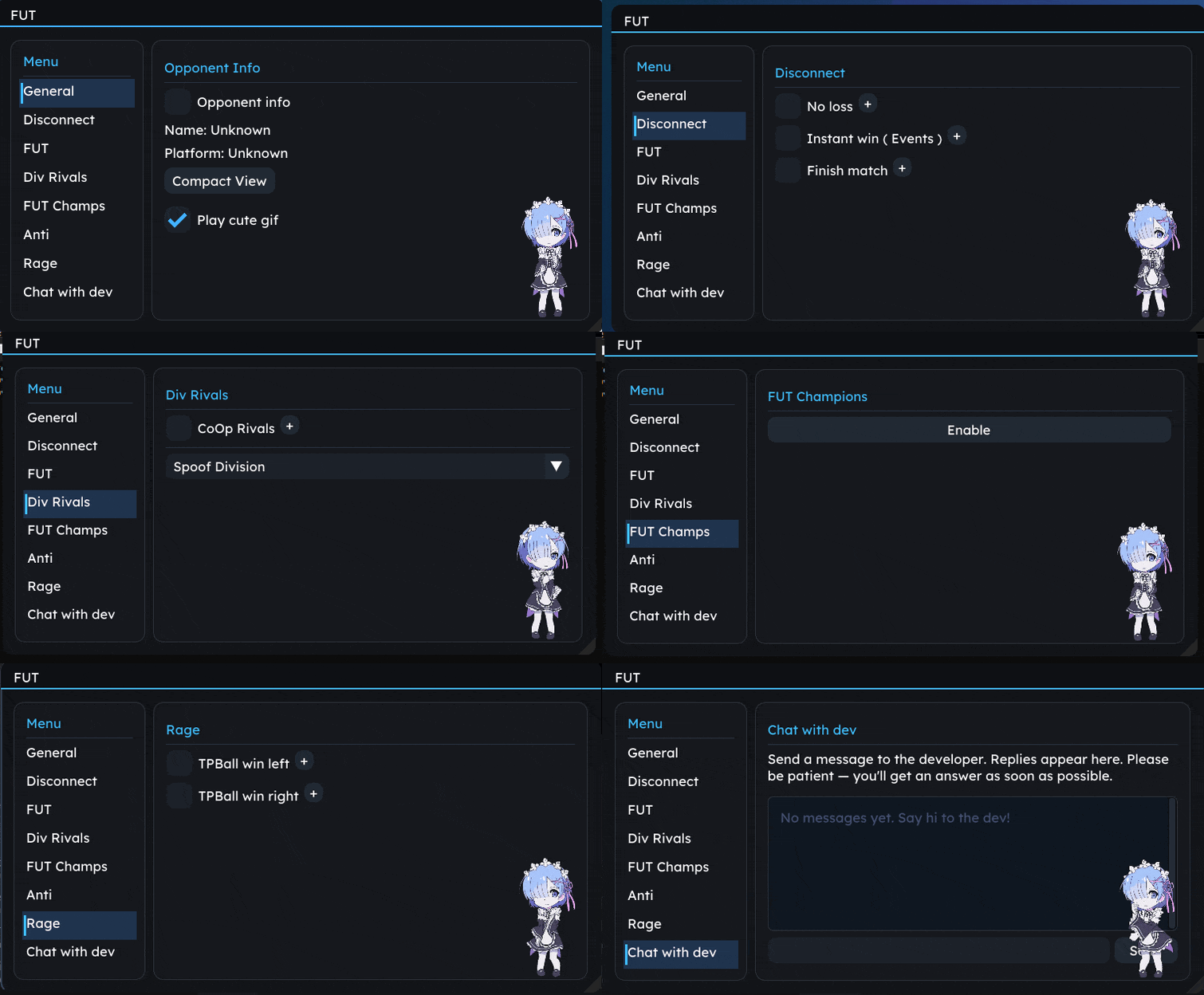
-Supports Win 11 & Win10 [All Versions upto 25h2 ] -Supports Both AMD/Intel -Supports Steam ,EA app & Epic Games -External Features: 🌐 General Opponent Info - Display opponent information. Name / Platform - Display opponent name and platform information. Compact View - Use a compact interface for easier navigation. 🔌 Disconnect No Loss - Prevent a disconnected match from being recorded as a loss. Instant Win - Instantly complete supported Events with a win. Finish Match - Quickly finish the current match. 🏆 FUT AI vs Opponent - Enable AI-controlled gameplay against the opponent in supported Events. Spoof Draft - Modify the displayed Draft progression. Instant Moments - Instantly complete supported Moments. Skip Pack Animation - Skip pack-opening animations. Green Penalty - Assist with penalty timing. Instant Power Bar - Instantly set the power bar. 🏅 Division Rivals Co-Op Rivals - Enable supported Co-Op functionality in Division Rivals. Spoof Division - Modify the displayed Division. 🛡️ Anti Anti ALT-TAB - Helps prevent issues when switching applications during gameplay. Anti AFK - Helps prevent inactivity detection. 😈 Rage TPBall Win Left - Teleport the ball for a win from the left side. TPBall Win Right - Teleport the ball for a win from the right side. [MENU]
-
Version 1.0.0
187 downloads
Click Here ➡️ How To Use -
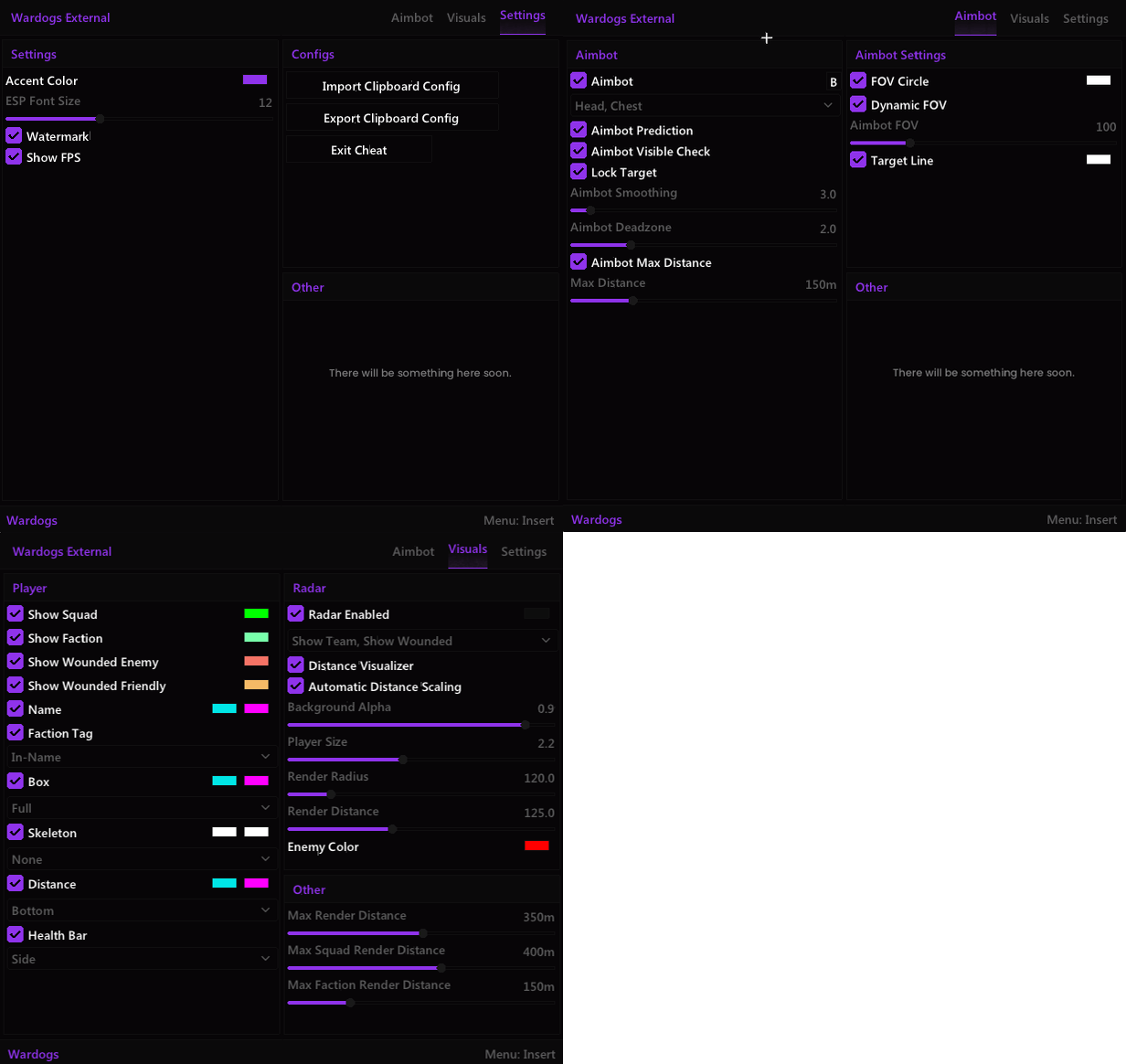
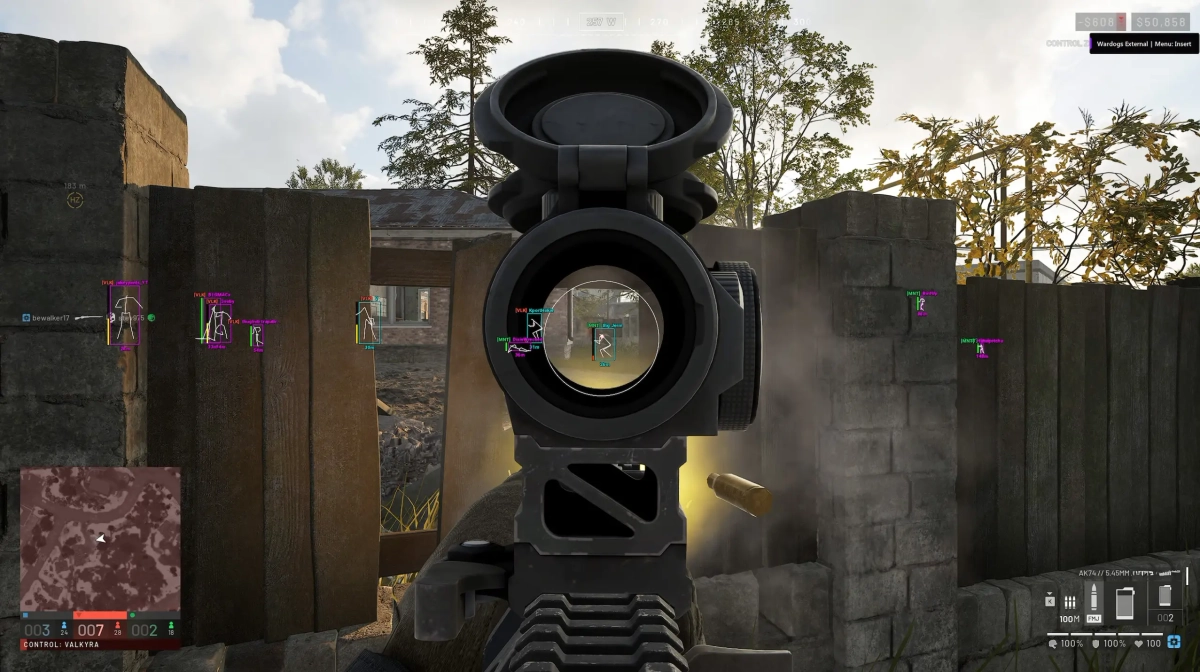
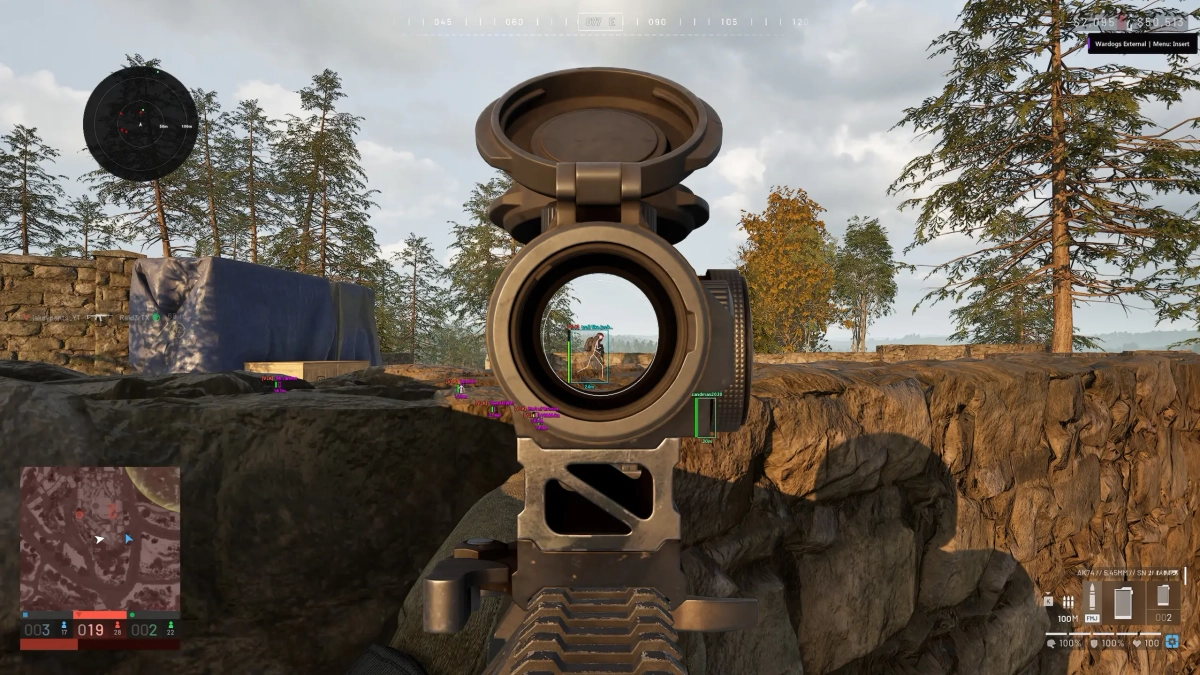
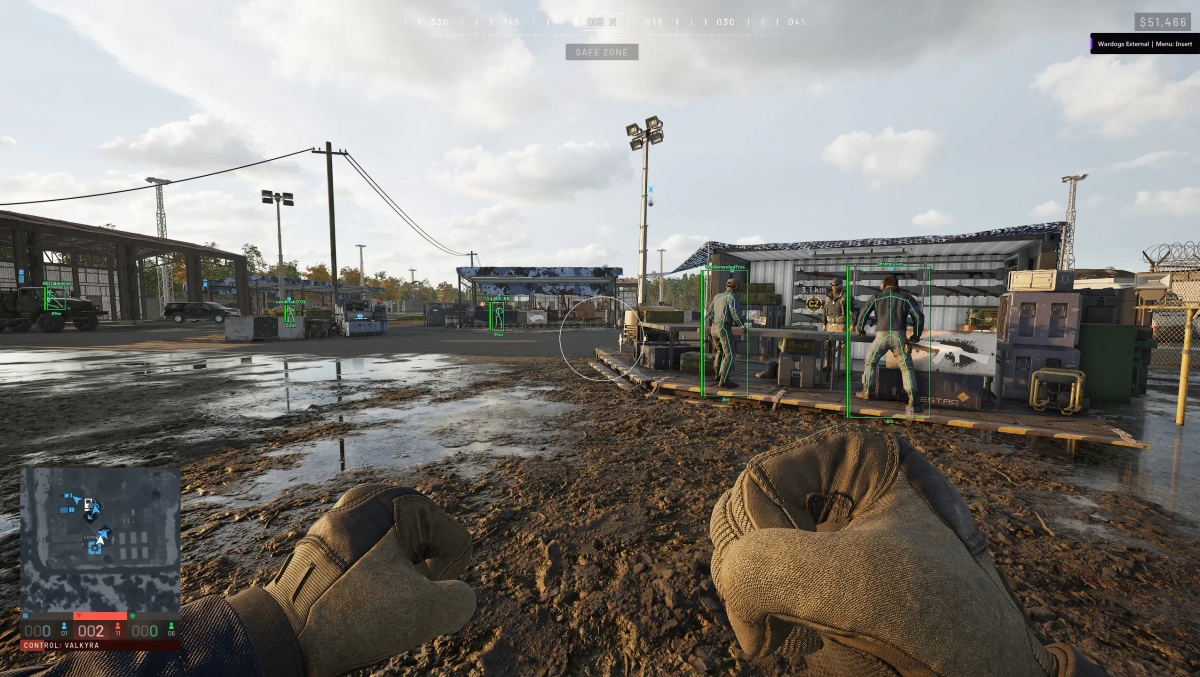
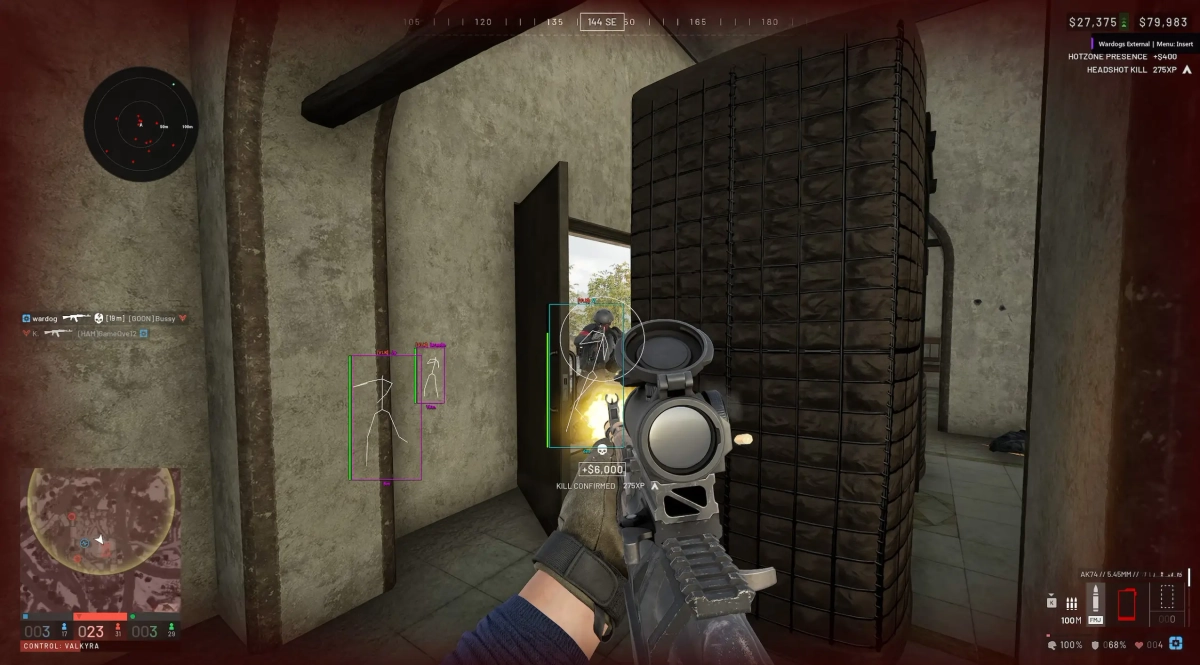
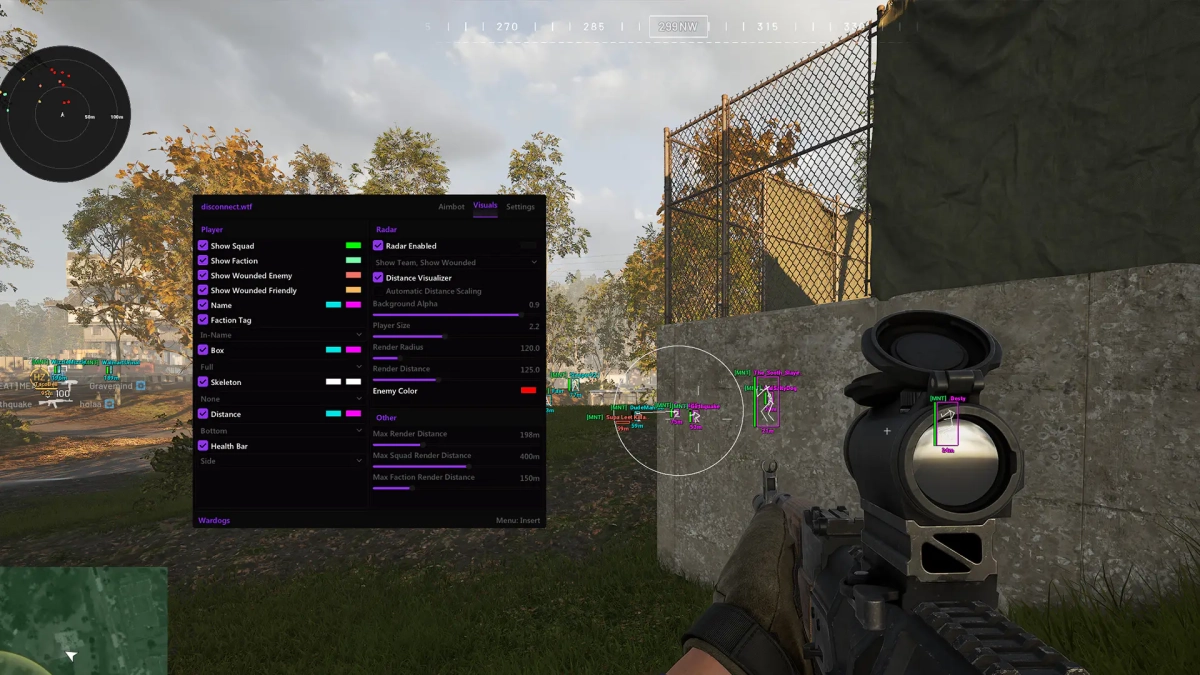
- Supports Windows 10 & Windows 11 (All Versions Up to 26H2) - Supports : Steam - Supported [Intel/Amd Both] Feature: 🎯 Aimbot Aimbot Keybind Bone Selection — Head, Chest Aimbot Prediction Visible Check Lock Target Aimbot Smoothing Aimbot Deadzone Aimbot Max Distance FOV Circle Dynamic FOV Aimbot FOV Target Line Silent Aimbot Magic Bullet 👁️ Visuals Show Squad Show Faction Show Wounded Enemy Show Wounded Friendly Names Faction Tags Loadout Cost Boxes Skeleton Distance Health Bars 📡 Radar Show Team Show Wounded Distance Visualizer Automatic Distance Scaling Background Alpha Player Size Render Radius Render Distance Enemy Color 📏 Distance Settings Max Render Distance Max Squad Render Distance Max Faction Render Distance 🎨 Interface Accent Color ESP Font Size Watermark Show FPS 📋 Configs Import Clipboard Config Export Clipboard Config Exit Cheat [MENU] [SCREENSHOT]
-
Version 1.0.0
226 downloads
Click Here ➡️ How To Use -
- Supports Windows 10 : (All versions) / Windows 11 supported - Supports : Steam - Supported [Intel/Amd Both] Features: 🎯 Aimbot Enable Aimbot FOV Smoothness Speed Bone Selection — Closest, Head, Neck, Chest Stickiness Target Filter Target Switch Delay (ms) Aim Keybind Visible Check Draw FOV Draw Target Line Max Distance Dead Zone Lowest Hp Filter Spinbot (visible just for you) 👁️ Player ESP Player ESP Enable Skeleton Head Circle View Directions Off-Screen Arrows Health Bars Names Faction Claymore ESP Mine ESP Dropped Item ESP Ammo Crate ESP Supply Crate ESP Distance Held Item Grenade ESP — Name & Hide already exploded FOB ESP — Name, state, distance 3rd person view 🎨 Chams Player Chams Self Chams Weapon Cham -Solid -RGB ⚙️ Misc No Recoil FOV Changer Ammo Counter Magic Bullet [MENU] [SCREENSHOT]
-

Version 1.0.0
43 downloads
Click Here ➡️ How To Use -
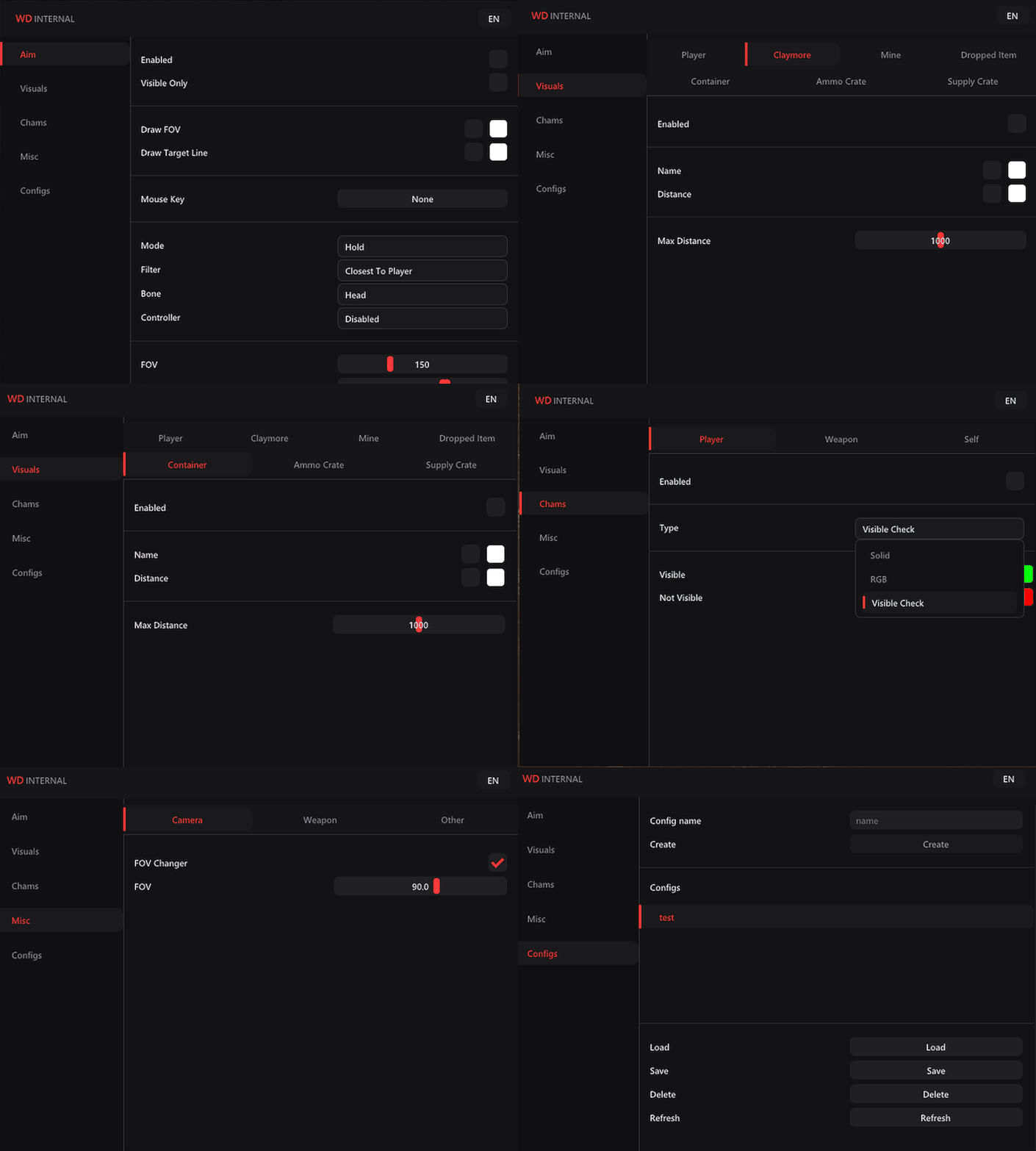
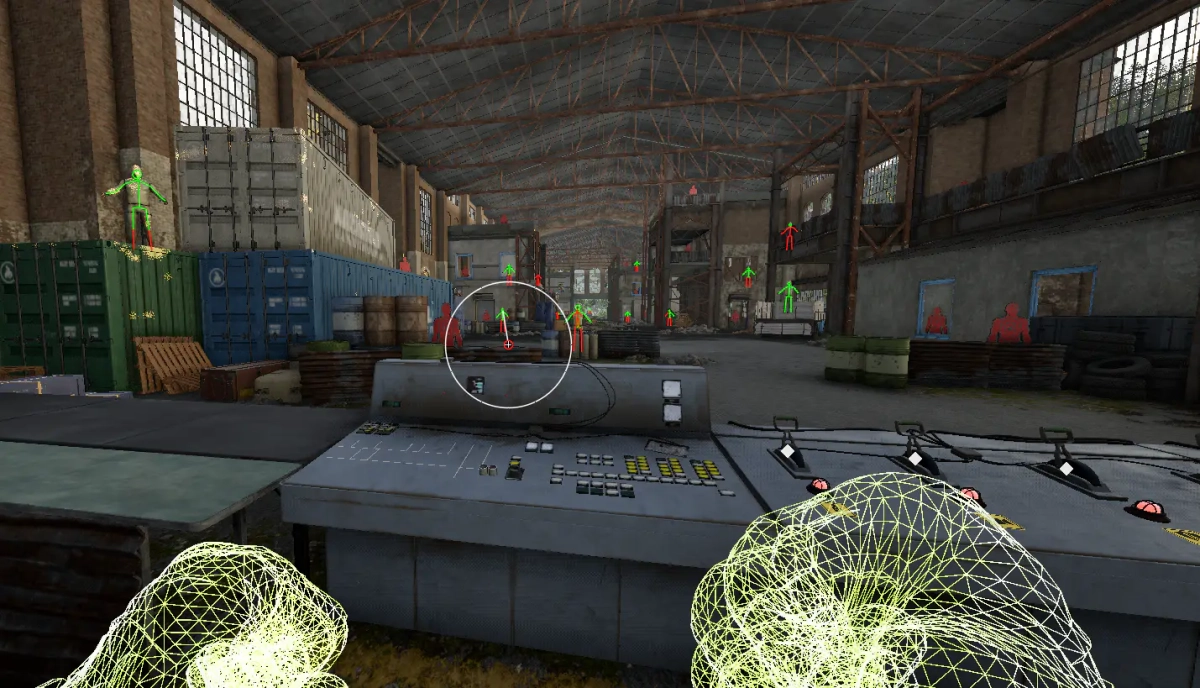
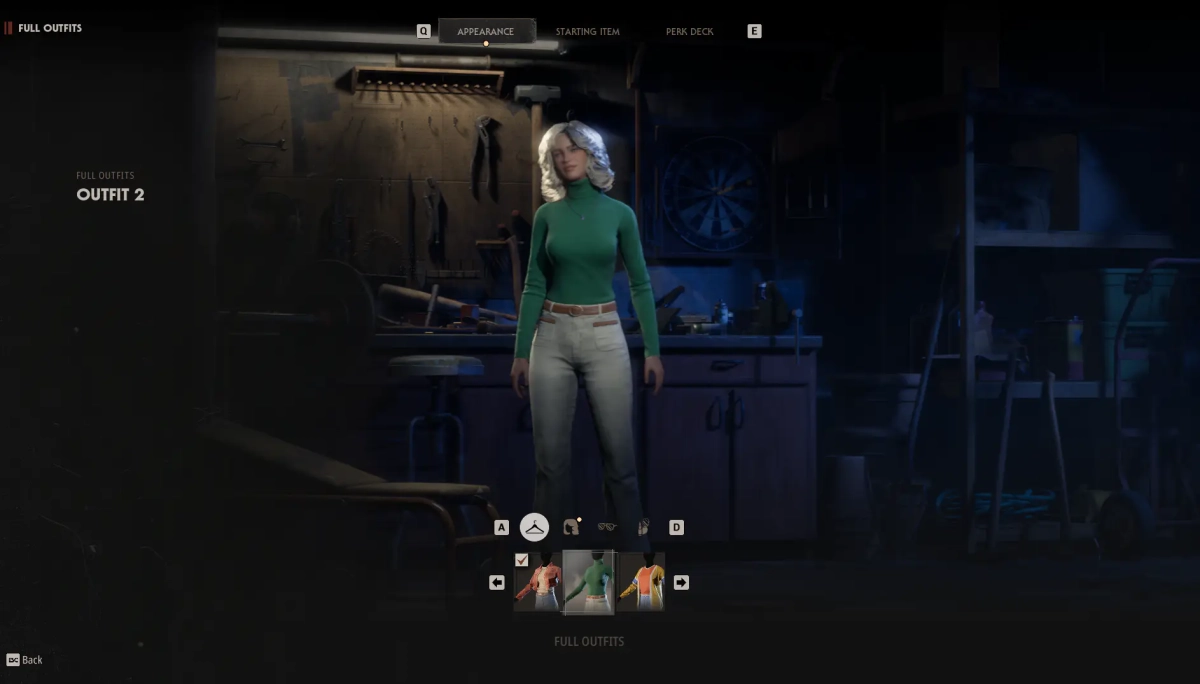
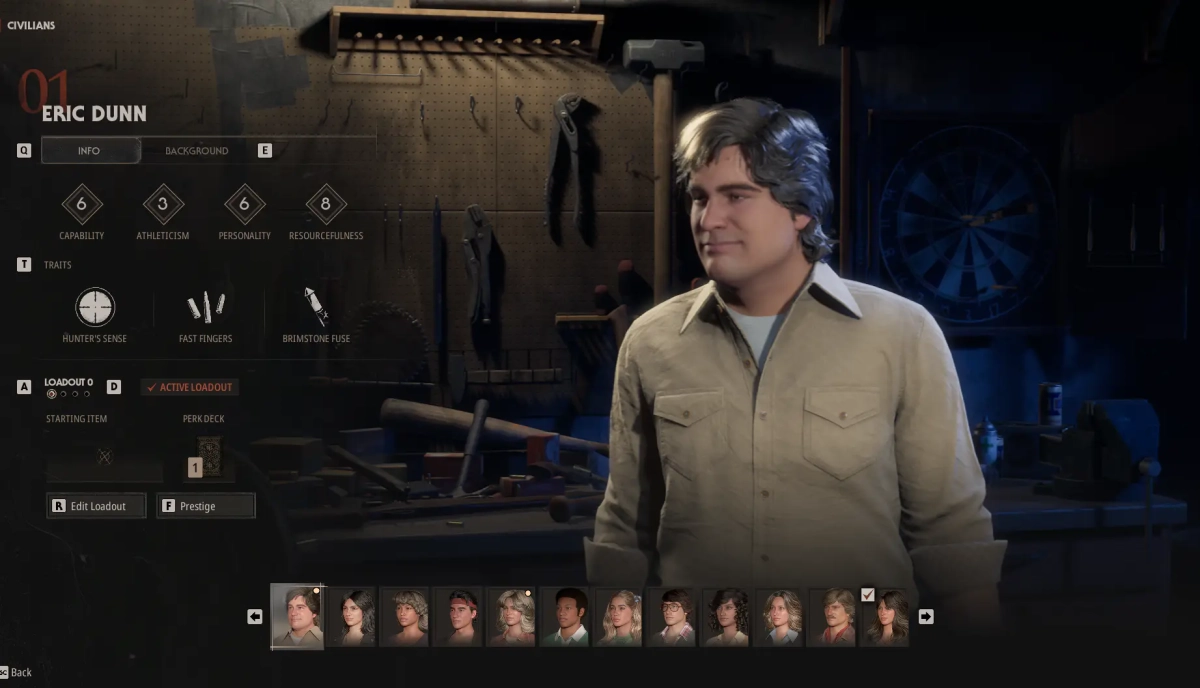
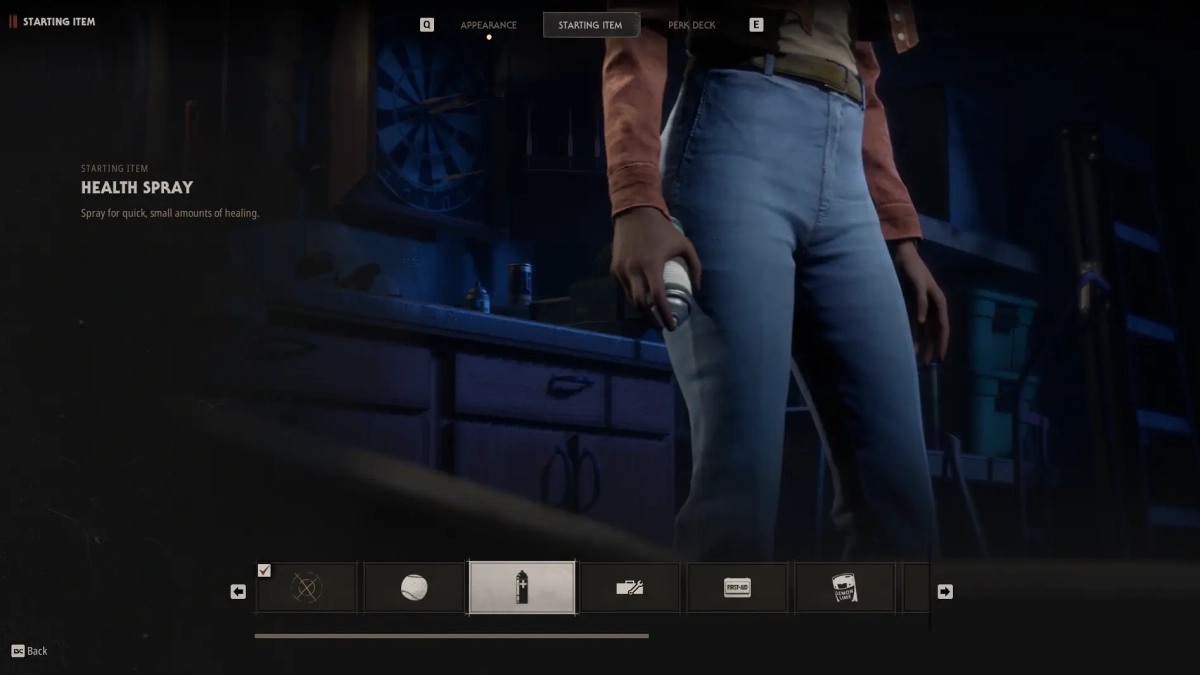
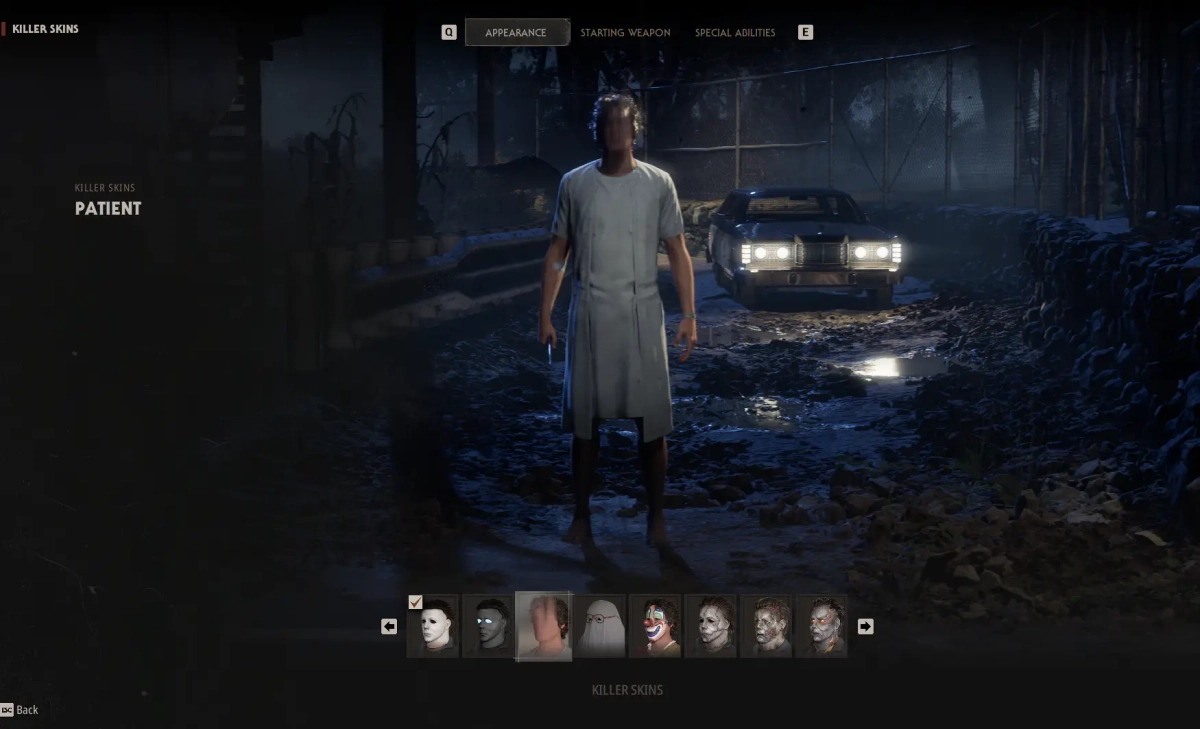
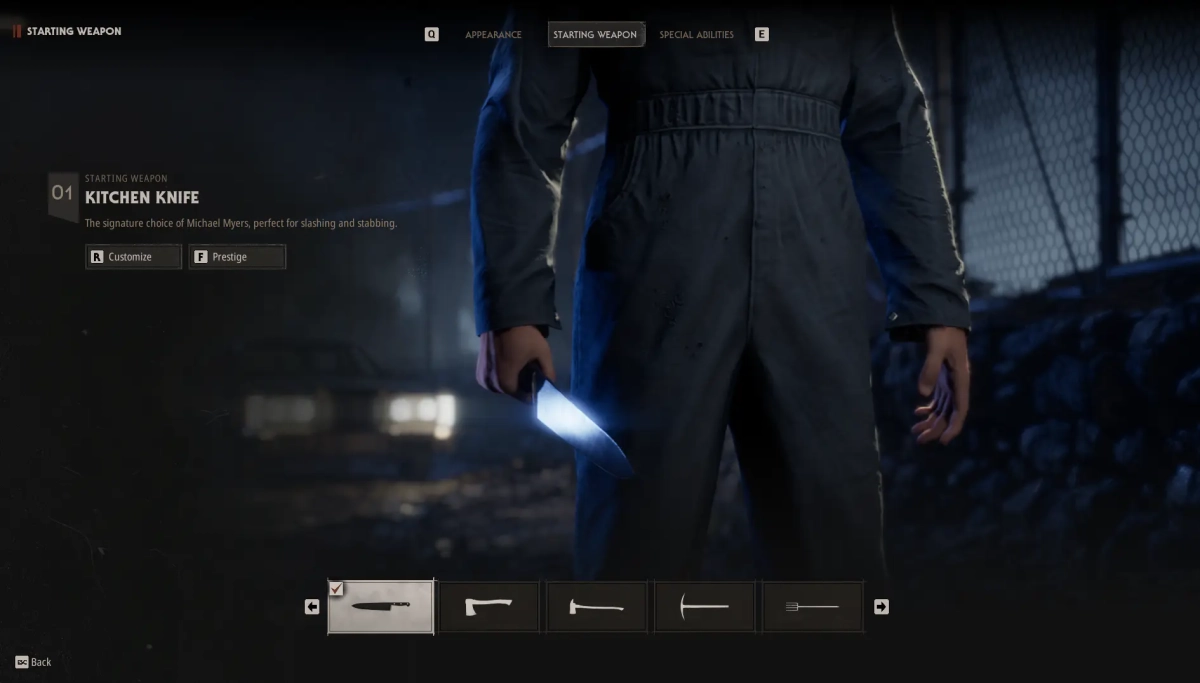
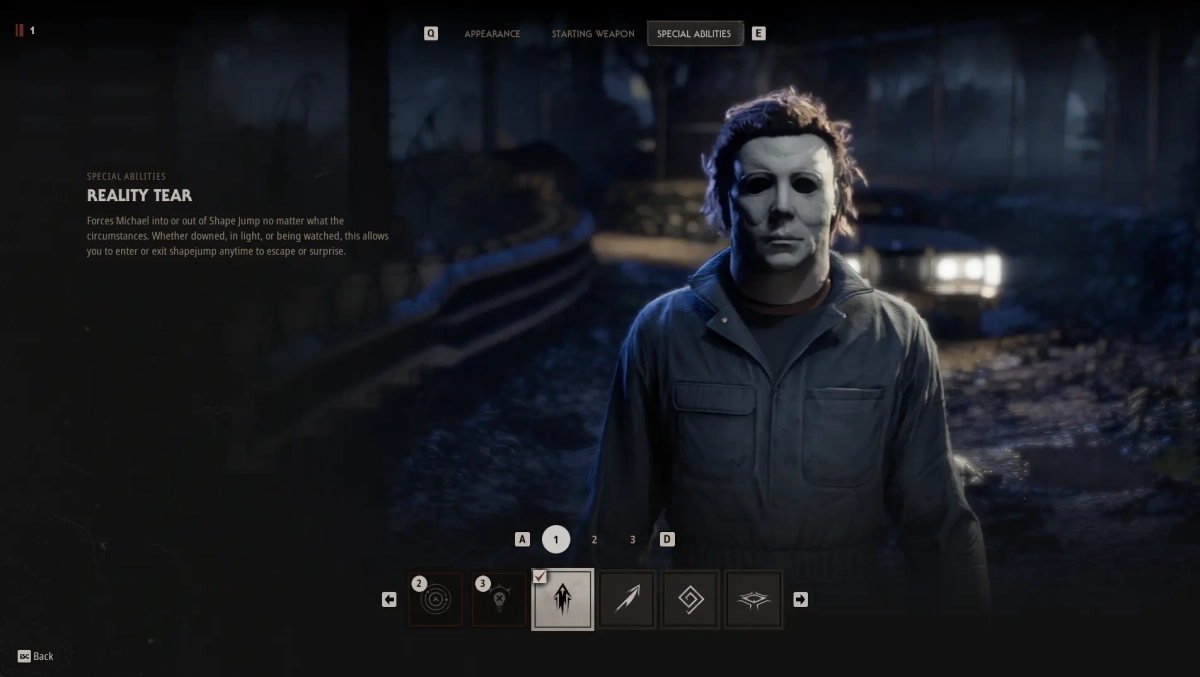
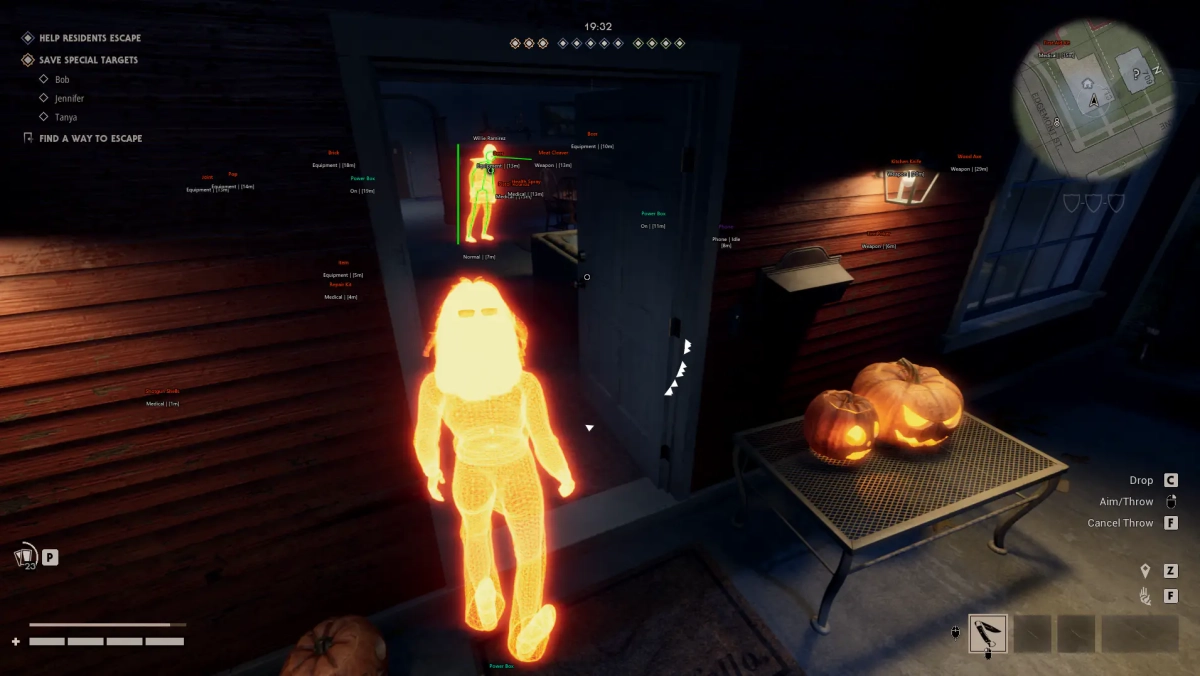
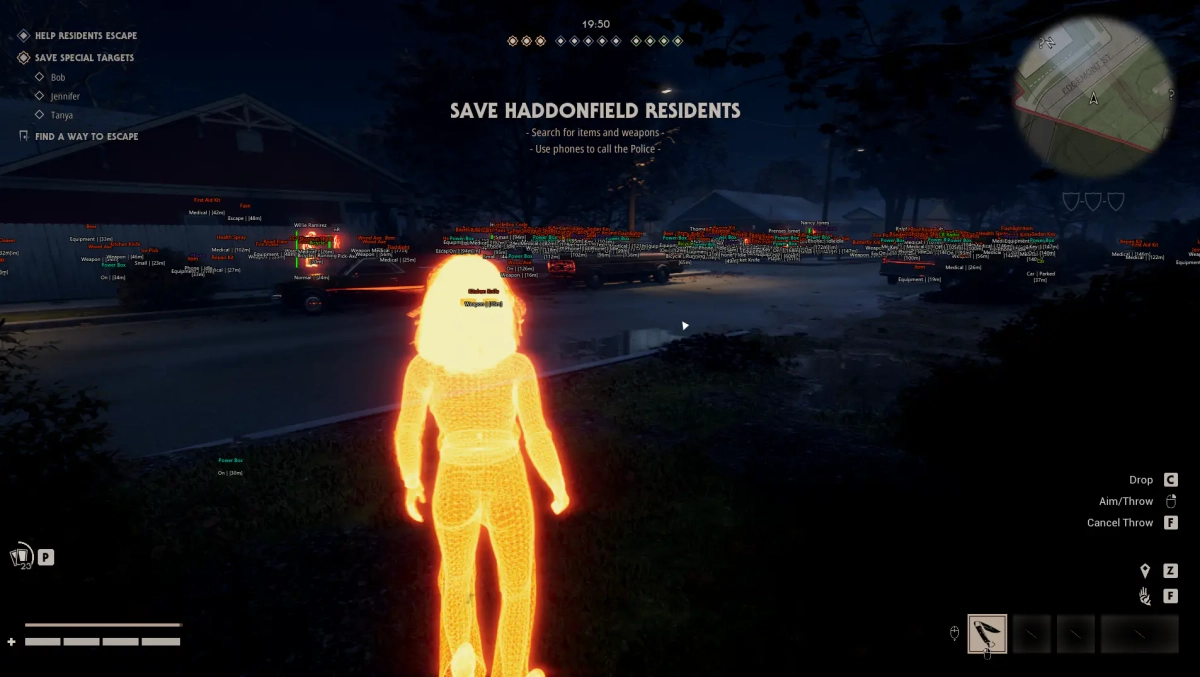
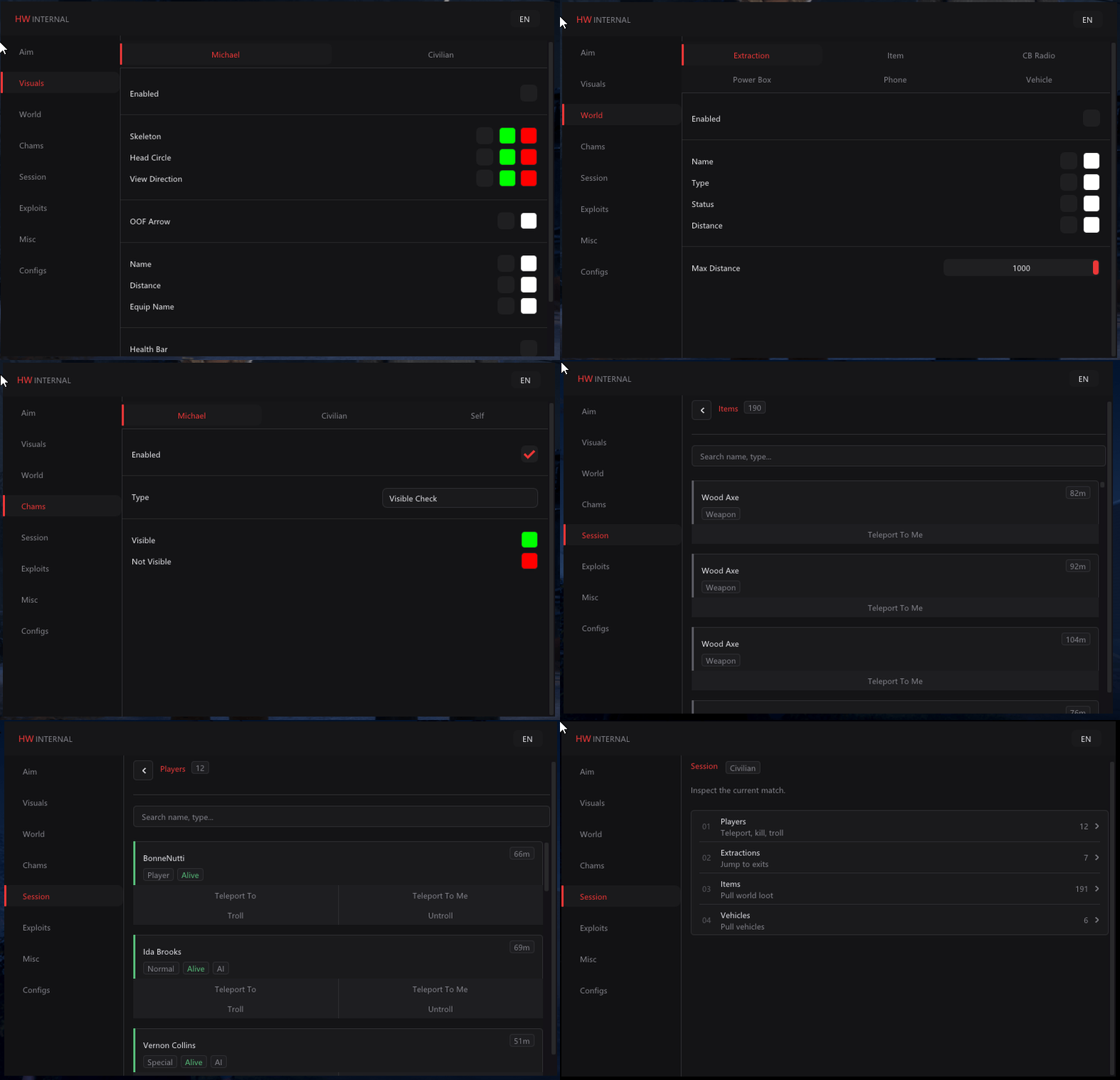
-Supports Win 11 & Win10 [All Versions] 25h2 included -Supports Both AMD/Intel -Supports : Steam Features: 🔓 Unlock All Every Michael Skin Every Civilian Skin Every Accessory Every Tint Every Playable Civilian Every Weapon Every Starting Item Every Special Ability Every Perk Deck Every Recording Every Profile Icon Every Profile Background Every Title Visible to Everyone 🎮 Manipulate Game Session Teleport to Any Player Teleport Any Player to You Kill Any Player Troll / Untroll Player Teleport to Any Extraction Teleport World Items to You Teleport Vehicles to You Live Session List with Search 🌐 Global Exploits Destroy All Power Boxes Keybind Support Perfect Skill Checks Open Locked Doors 👤 Civilian Exploits Max Perk Rolls Super Punch Adjustable Punch Force Infinite Ammo Rapid Fire Infinite Respawn as Loomis 🎨 Chams Solid Chams RGB Chams Visible Check Visible Color Invisible Color 🌍 World ESP Extraction Name Type Status Distance Items Name Type Distance CB Radio Name Type Distance 👥 Civilian & Michael ESP Skeleton ESP Head Circle View Directions Off-Screen Arrows Names Distance Equipment Name Health Bars 🎯 Aimbot Enable Aimbot Visible Only Ignore Knocked Ignore Civilian Draw FOV Draw Target Line Mouse Keybind Hold / Toggle / Always ⚙️ Misc FOV Changer Custom Crosshair Visual Font Size Keybinds List Combat Mode Disable Selected ESP Categories in Combat Mode Combat Mode Keybind Menu Languages — English & Chinese 💾 Config System Create Config Save Config Load Config Delete Config [MENU] [SCREENSHOT]
-
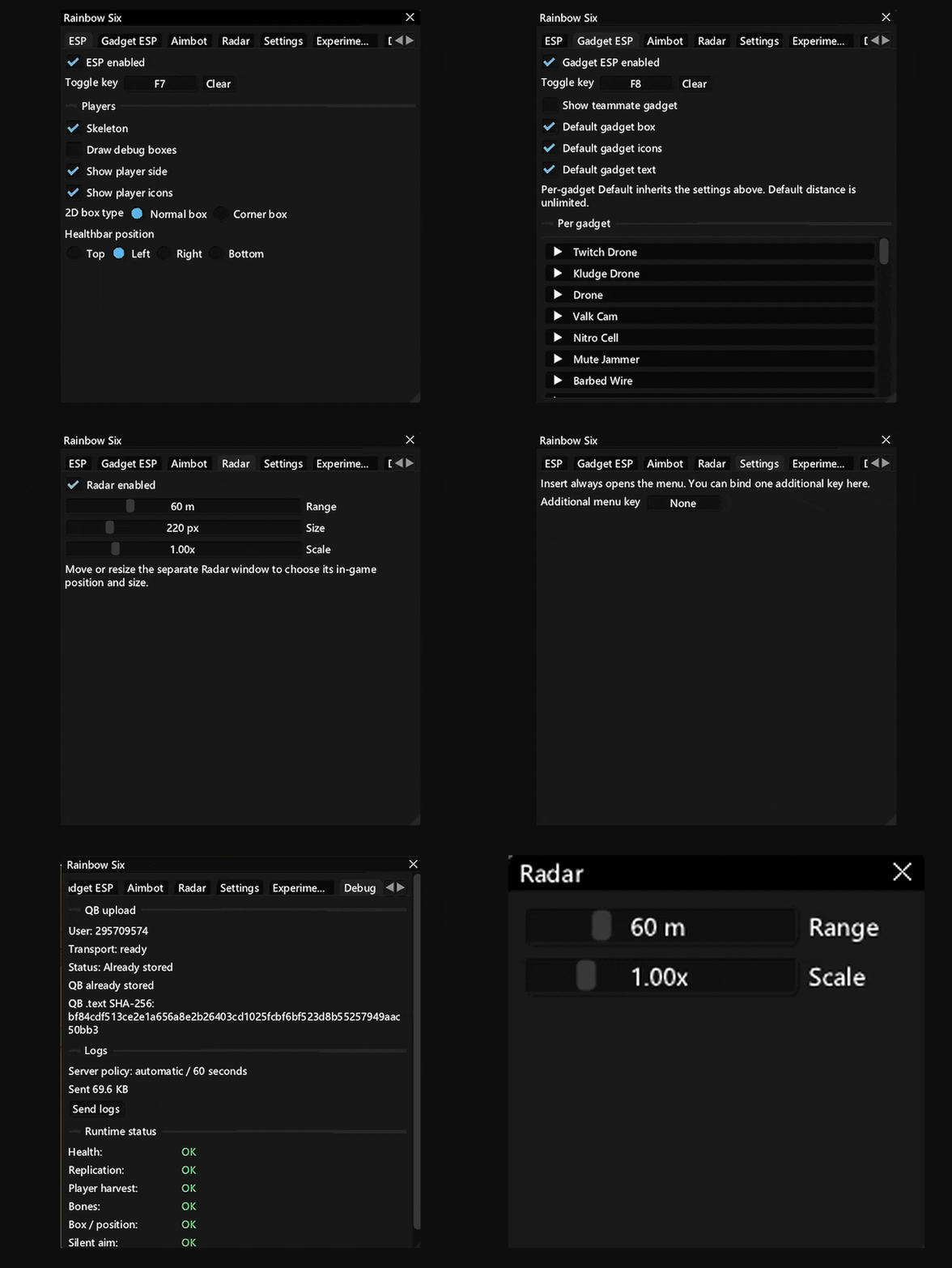
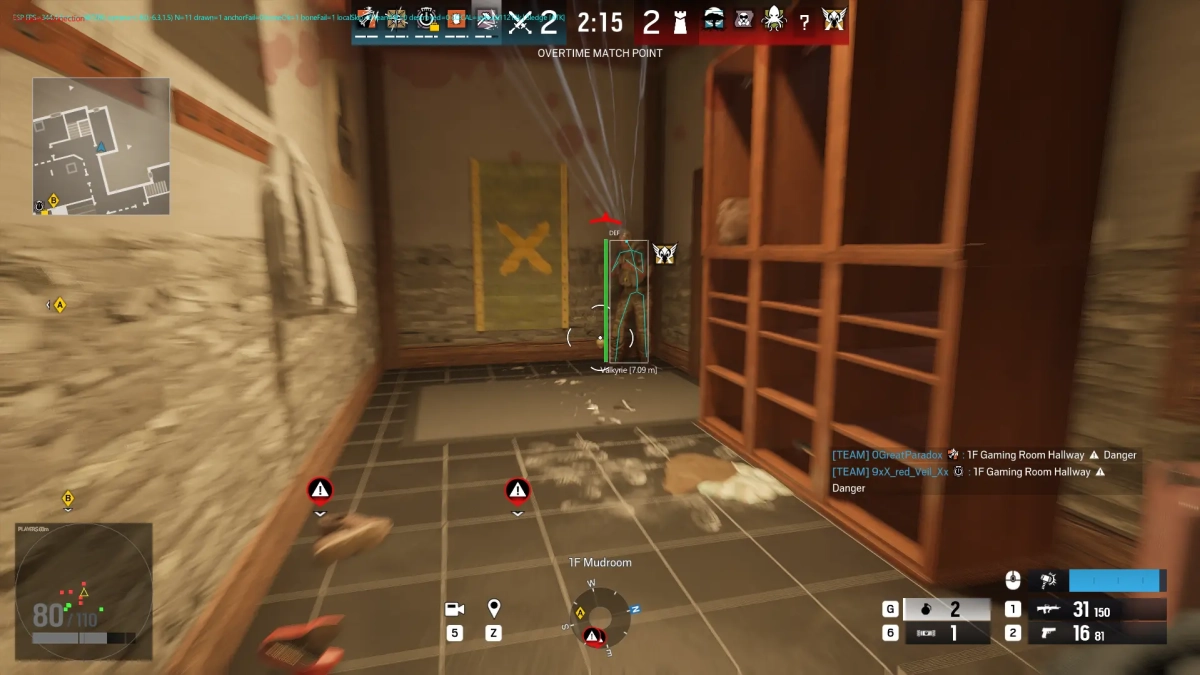
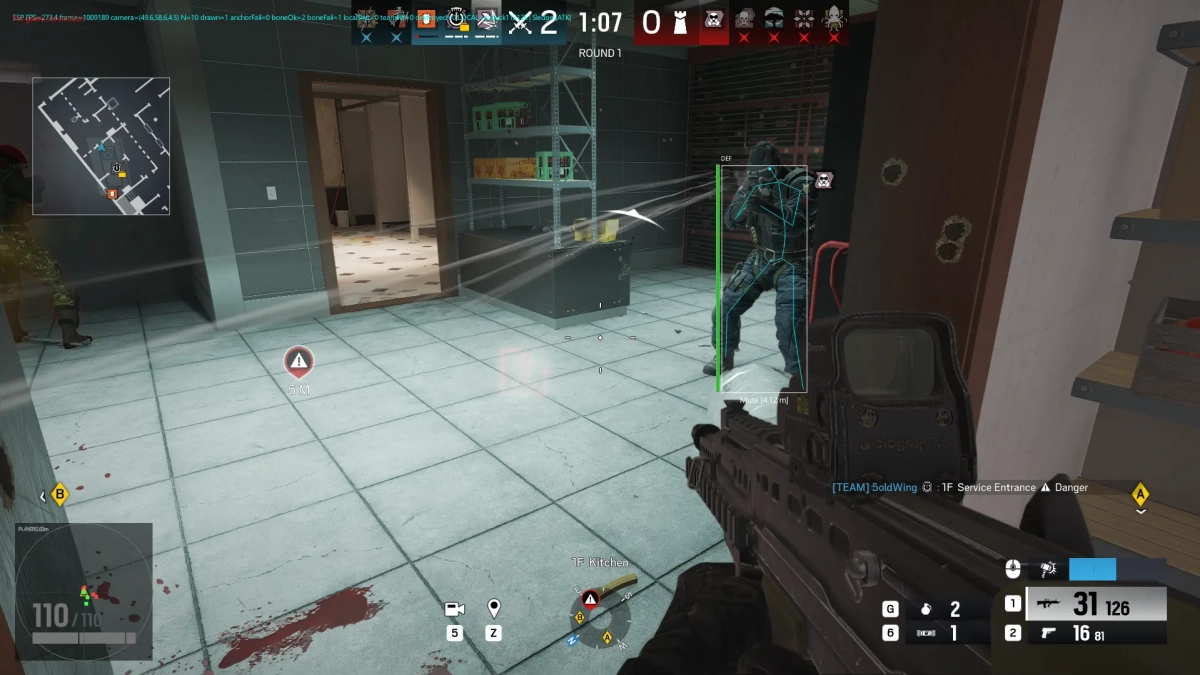
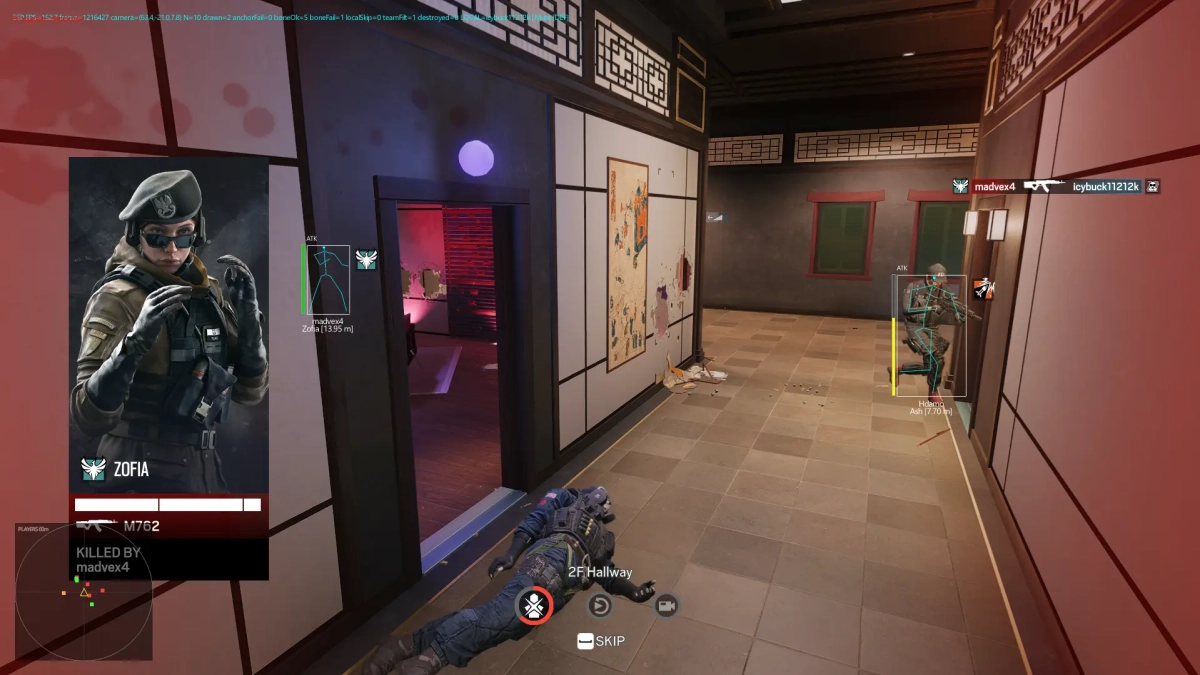
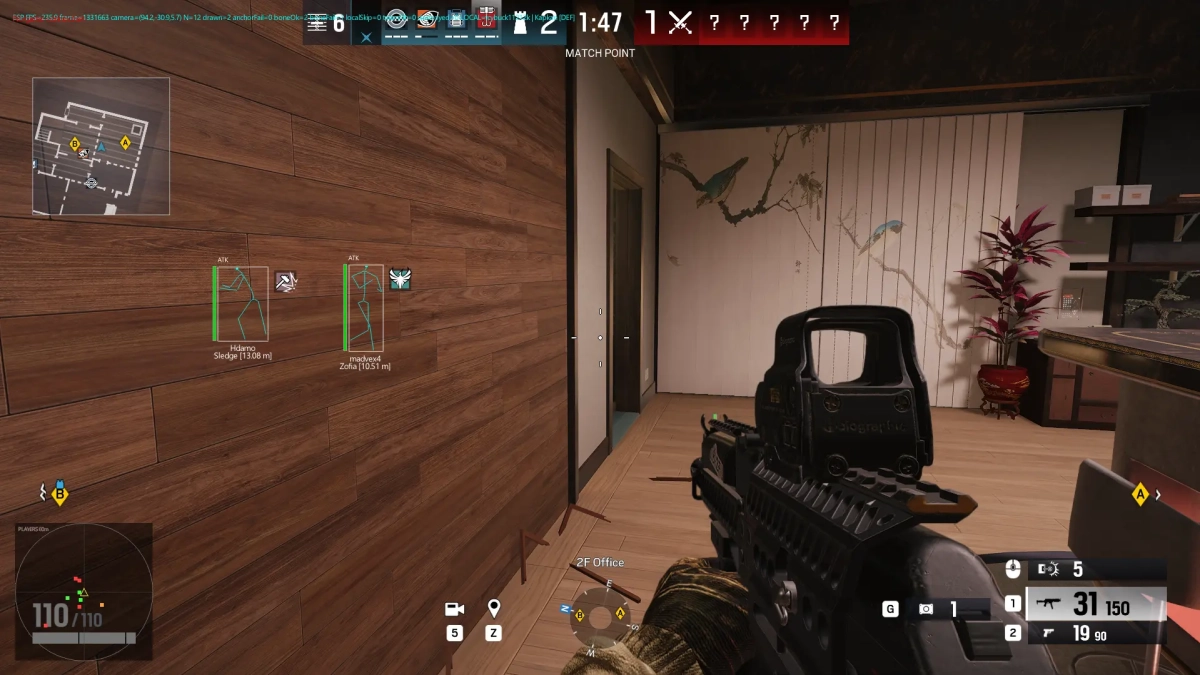
-Supports Windows 11 & Windows 10 : (All Version upto 25h2). -Supports both Intel / Amd -Supports Steam , Ubisoft Features: Aimbot Aimbot enabled Custom toggle key Clear/reset key binding Gadget aimbot Show FOV circle Aim modes: -Mouse Aim -Silent Aim Target selection: -Head -Nearest Bone Adjustable Aim FOV Aim FOV up to 400 px ESP ESP enabled / toggle key Player skeleton Debug boxes Player side indicator Player icons 2D box types: -Normal Box -Corner Box Health bar position: -Top -Left -Right -Bottom Gadget ESP Gadget ESP enabled / toggle key Show teammate gadgets Default gadget box Default gadget icons Default gadget text Per-gadget configuration Individual gadget settings for: -Twitch Drone -Kludge Drone -Drone -Valk Cam -Nitro Cell -Mute Jammer -Barbed Wire -Additional gadgets available in the list Radar Radar enabled Adjustable radar range Adjustable radar size Adjustable radar scale Separate radar window Move and resize radar window for in-game positioning Range shown up to 60 m Size shown at 220 px Scale shown at 1.00× Settings Insert key opens the menu Additional menu key can be assigned Configurable key binding Experimental / Debug Experimental/debug options No-spread option Warning regarding potential R6 ShieldGuard kicks Feature-specific usage limitations/warnings [MENU] [SCREENSHOT]
-
Version 1.0.0
89 downloads
Click Here ➡️ How To Use -
Version 1.0.0
30 downloads
Click Here ➡️ How To Use -
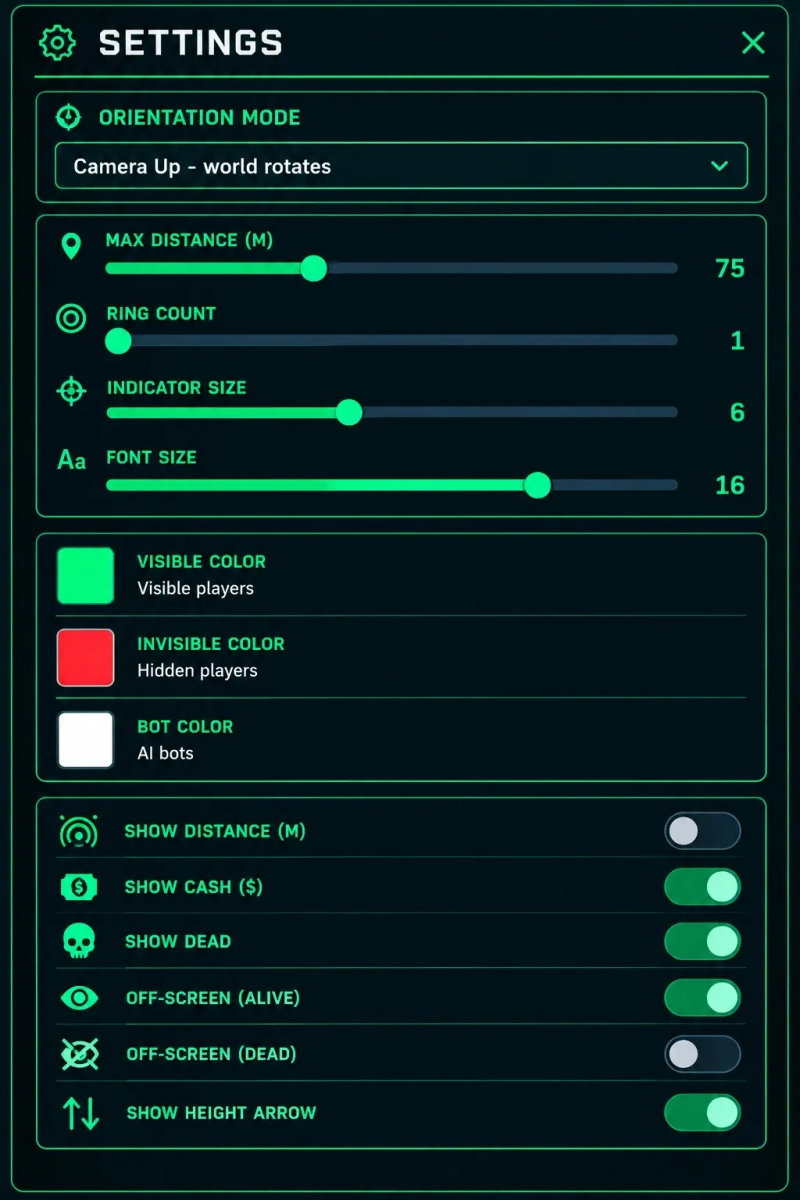
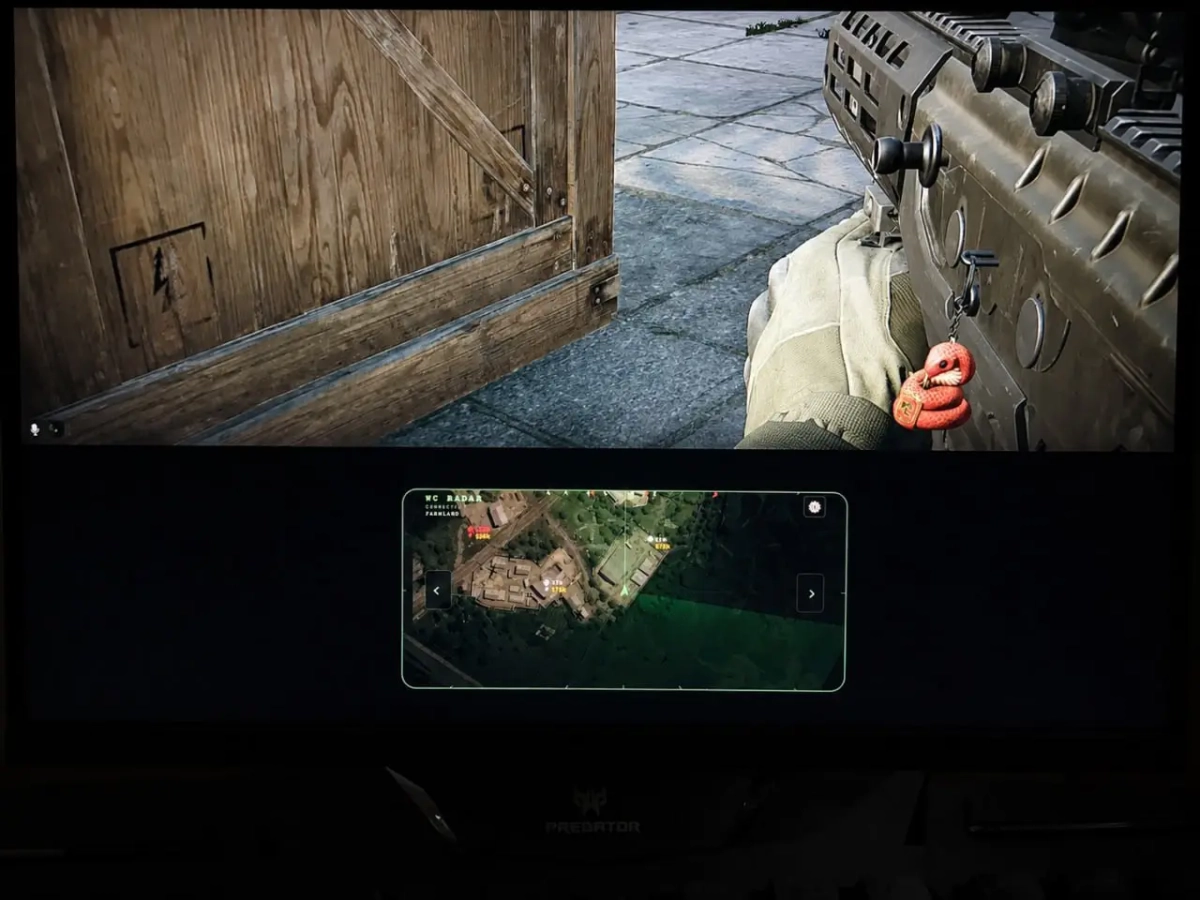
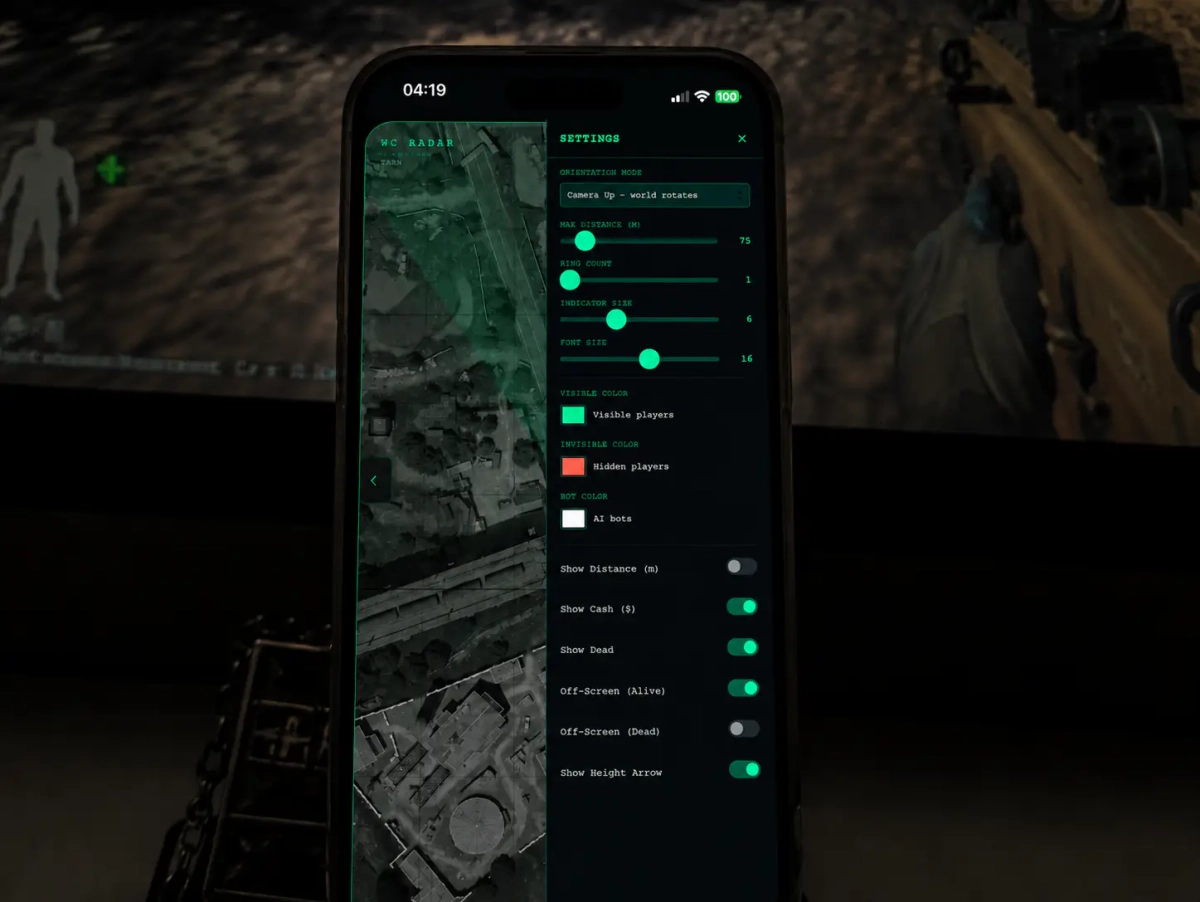
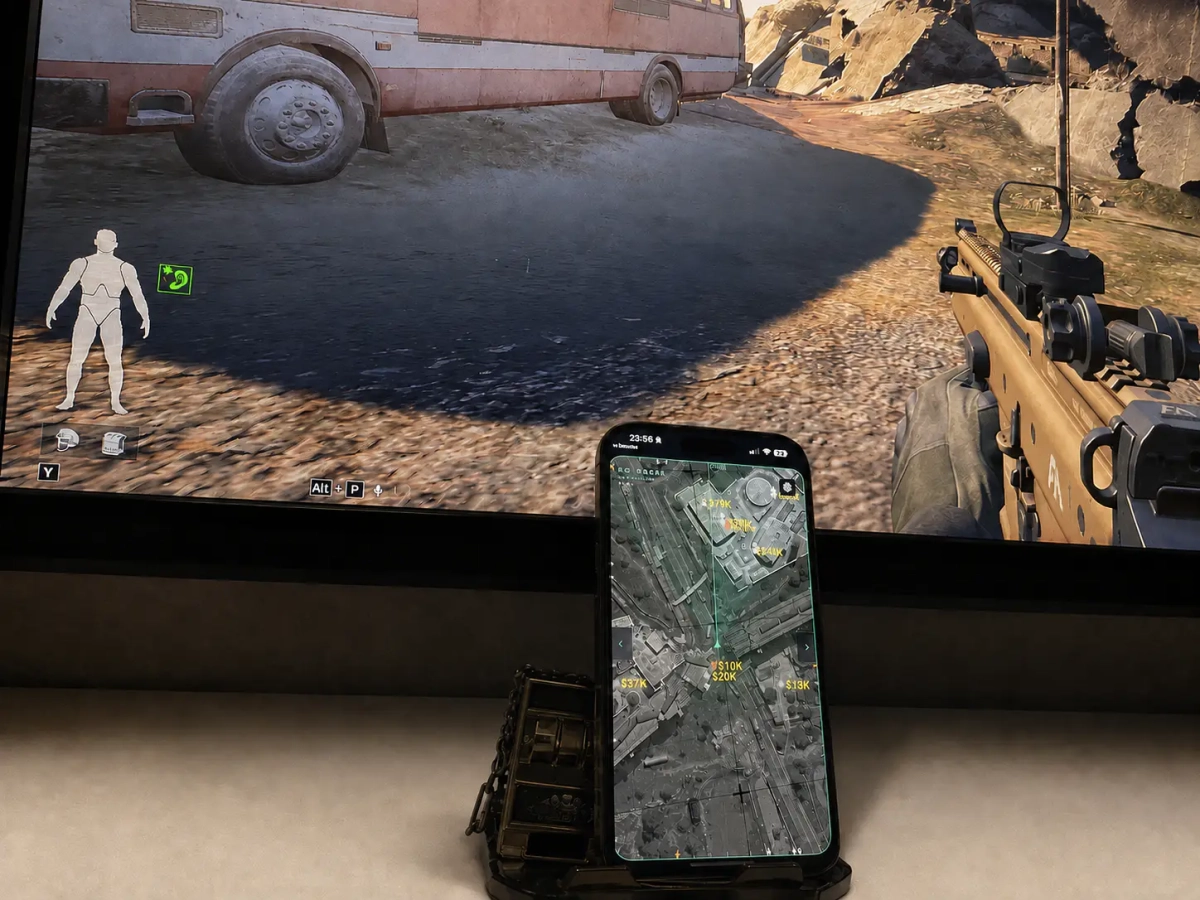
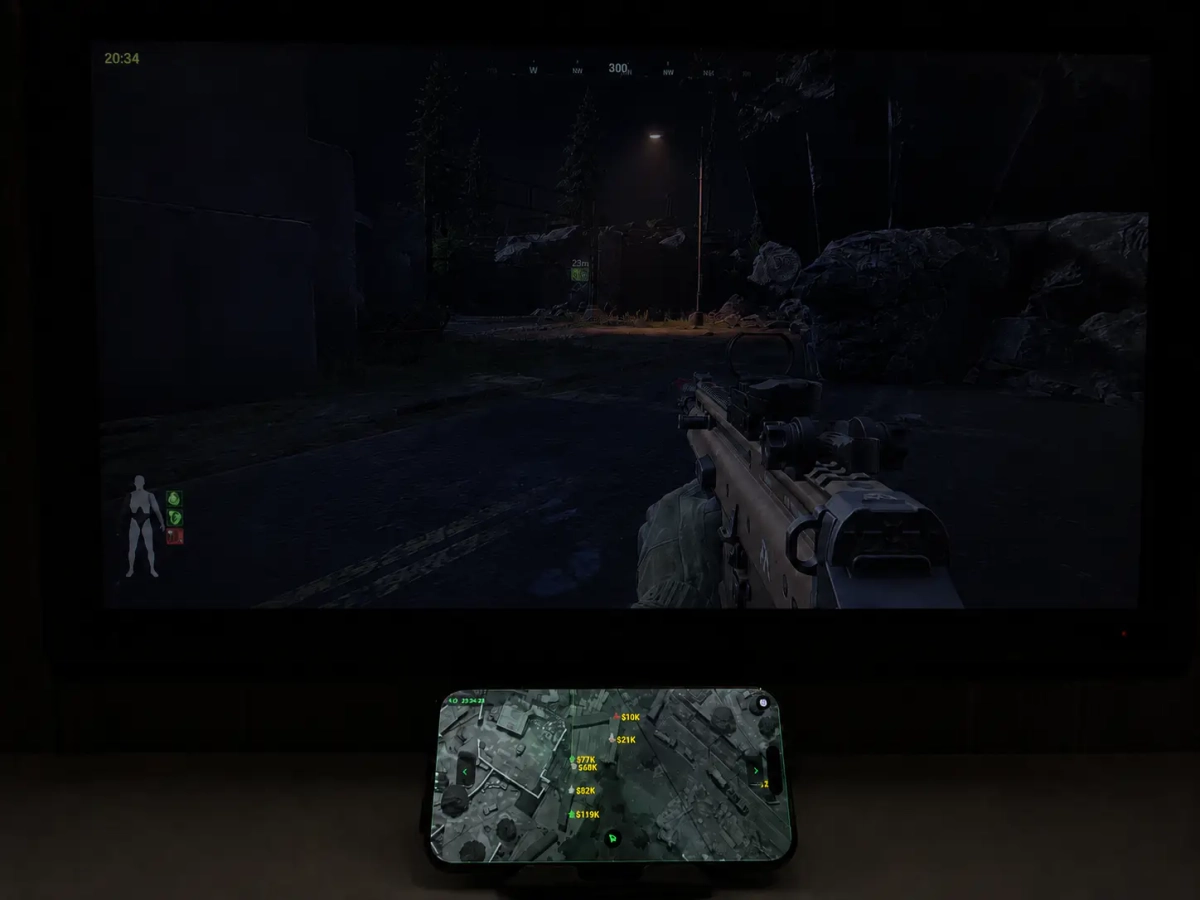
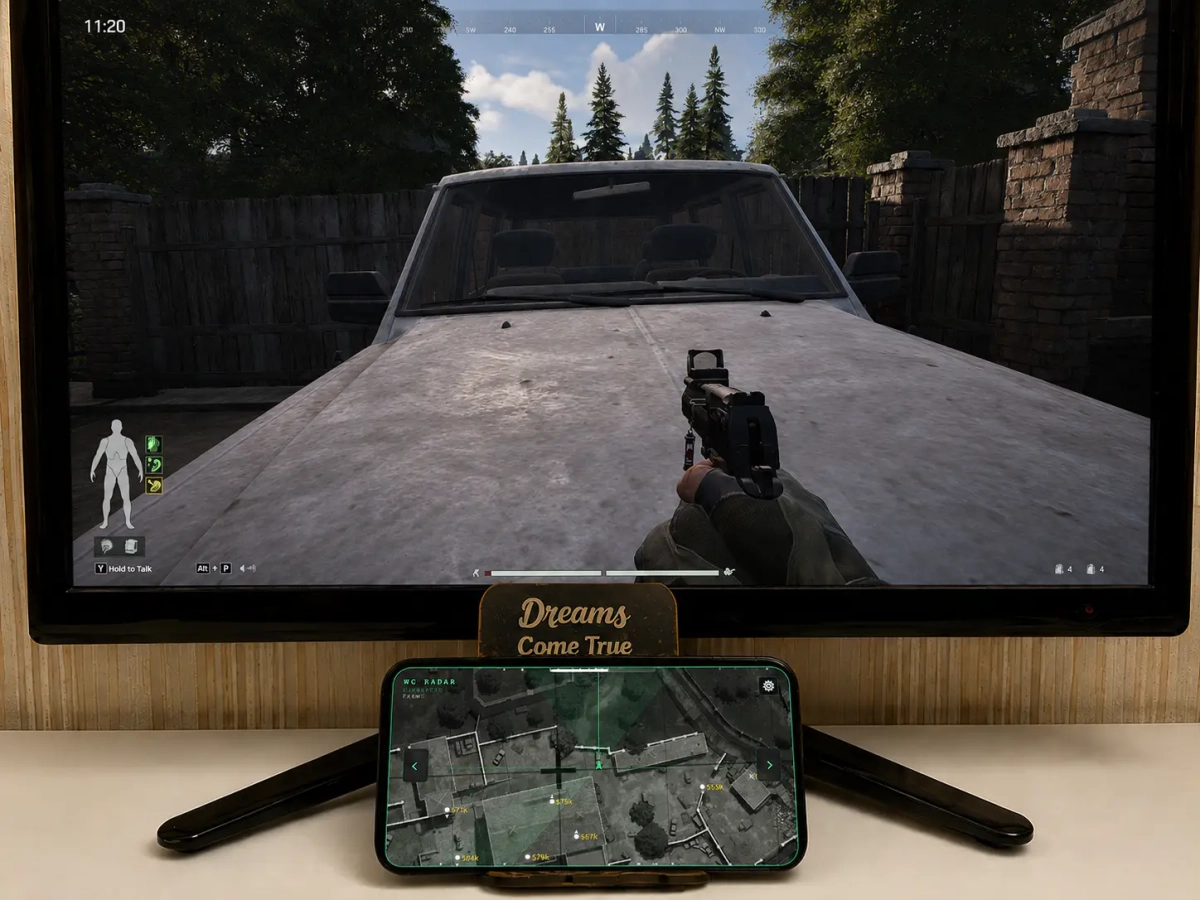
- Supports Windows 10 & Windows 11 (All Versions Up to 26H2) - Supports Amd/ Intel Both - Supports Steam , Abi launcher , Epic Features: Advanced Radar See more. Track smarter. Stay one step ahead. A powerful and highly customizable radar system built around precise map positioning and detailed target information. Configure the interface exactly how you want it and keep the information you need clearly visible. The radar’s socket connection works unusually fast and shows the situation around you in real time. Connect to various devices on your Wi-Fi network, including phones, tablets, and laptops of any model or manufacturer. No app installation is required, and it works on any operating system (iOS, Android, Windows, macOS, Linux). Just launch the loader, scan the QR code that appears, and you’re ready to win. 🎯 Precision Radar High-resolution maps synchronized with in-game coordinates provide accurate target positioning, while elevation detection shows whether targets are above or below your position. ⚙️ Complete Customization Personalize virtually every aspect of the radar: Radar orientation Maximum display distance Ring count Indicator size Font size Indicator colors Visibility colors Bot colors 👁️ Visibility & Target Information Quickly identify important target information with configurable indicators for: Visible and hidden targets Real players and bots Alive and dead targets Distance in meters Cash/value information Elevation direction 🧭 Smart Orientation Choose between a fixed map or a rotating radar that follows your camera direction for a more natural navigation experience. 📡 Off-Screen Tracking Directional indicators help you locate targets outside your current screen: Alive Targets — shows the direction of living targets. Dead Targets — shows the direction of dead targets. 📐 Elevation Awareness The radar tracks vertical positioning and provides a clear up/down indicator, making it easier to understand targets located on different levels. 🔥 Your Radar. Your Settings From colors and fonts to distance, indicators, orientation, and information visibility — configure the radar to match exactly how you want to play. [MENU] [SCREENSHORT]
-
- Supports Windows 10 & Windows 11 (All Versions Up to 26H2) - Supports : Steam, Epic - Supported [Intel/Amd Both] Features: SILENT AIM ASSIST: SILENT MODE PLAYER ESP: Name Box Skeleton Dial Weapon Name Distance Vehicle ESP: Box - (Disabled/2D/3D) Info - (Name/Distance/Health/Health Parts/Fuel) Toggle Keybind Distance Slide Misc: NoRecoil NoSpread No Overweight Infinite Stamina In-Game Radar [MENU] [SCREENSHOT]
-
Version 1.0.0
690 downloads
Click Here ➡️ How To Use

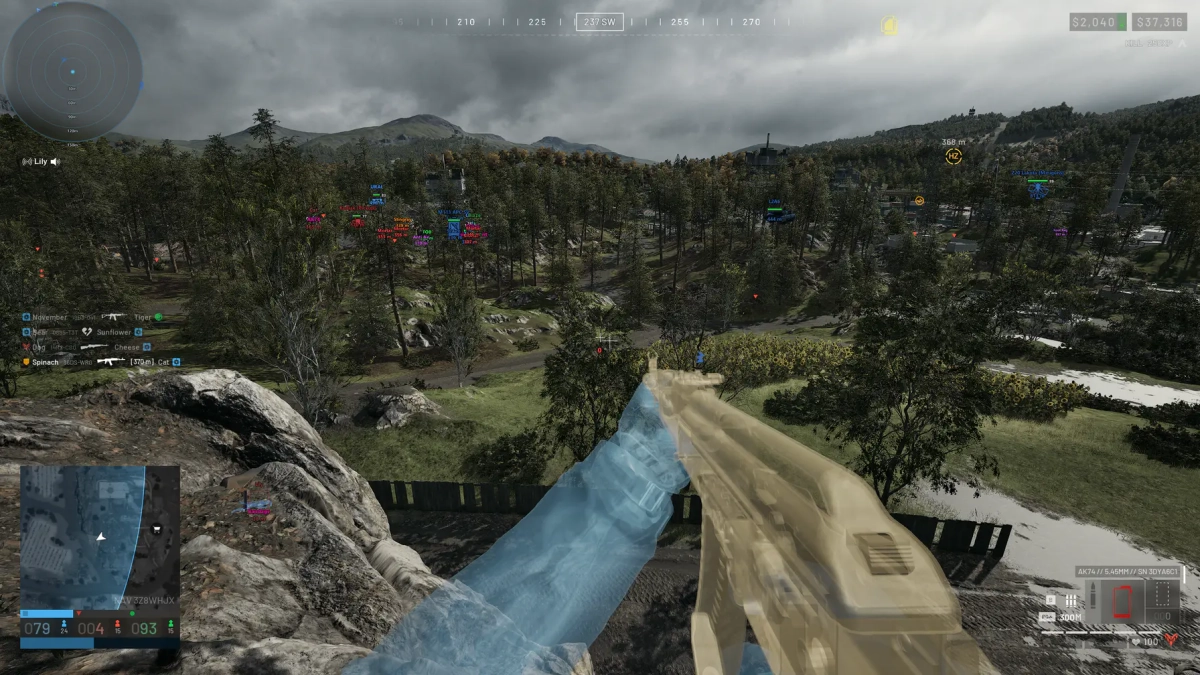
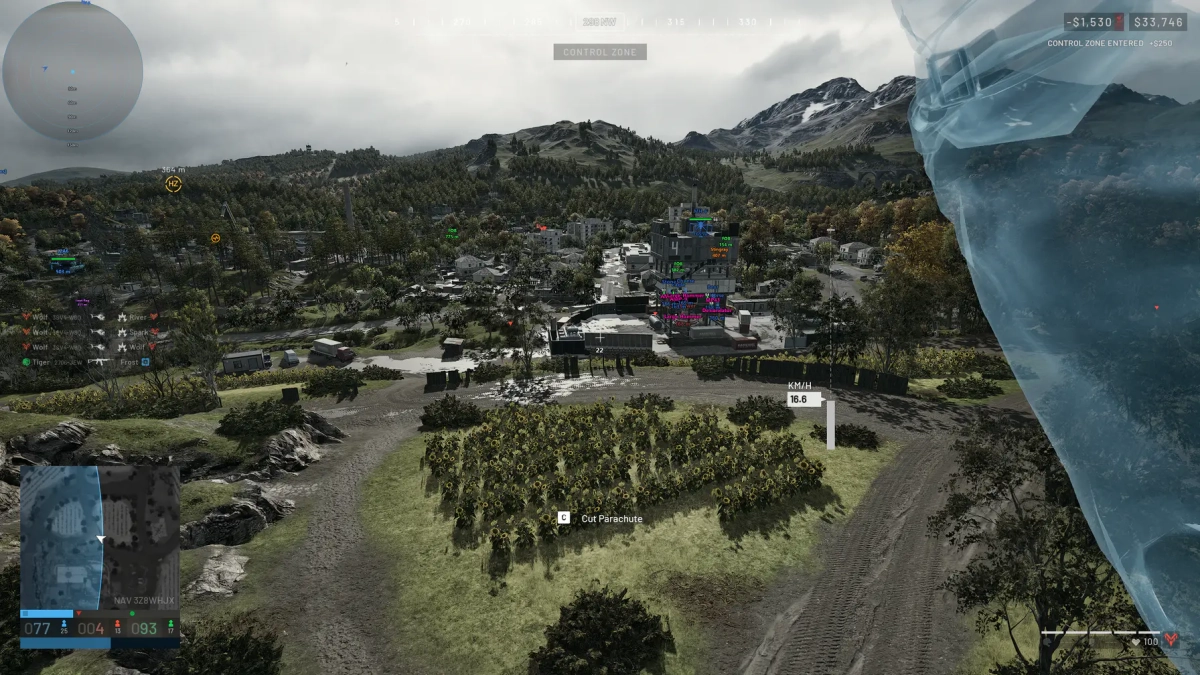
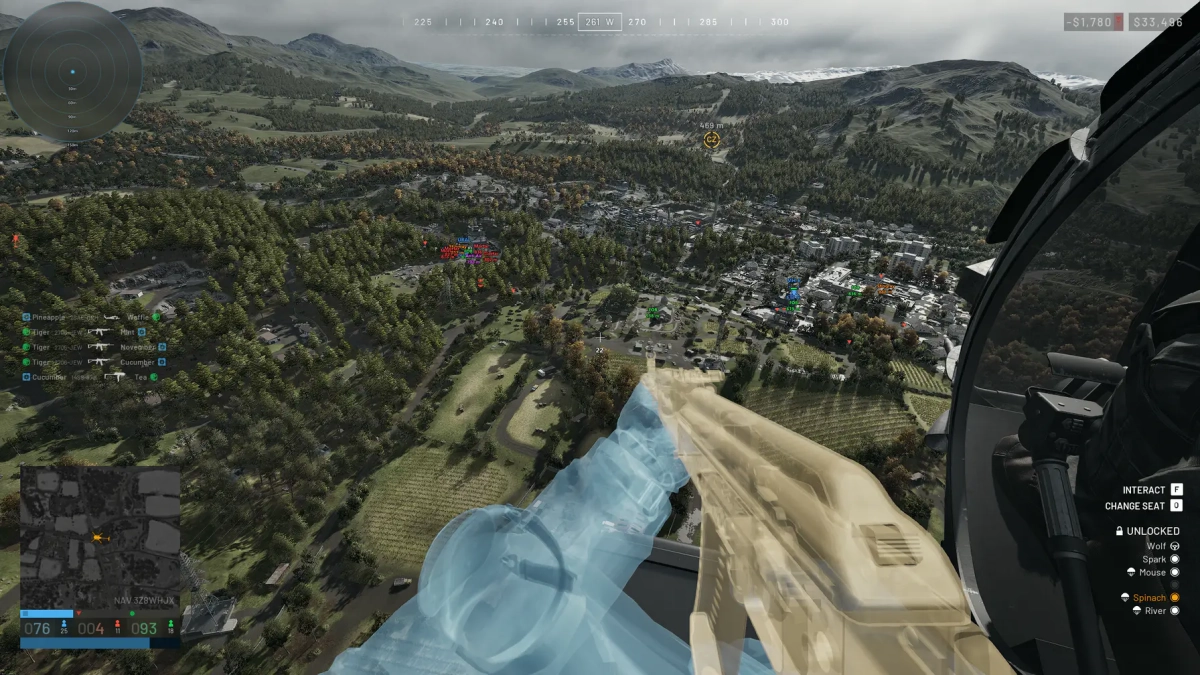
.webp.6ff17154121888e4f1b9b209c7a3b305.webp)
(3)(1).webp.ca0c45a8c60e964e468db9fa39518cad.webp)
(1).webp.b0af2e8570d571136a08bd58c6b9ab86.webp)
.webp.dbfc27ede60f6a9984806b34b889b1b5.webp)