

Adams kumar
-
Posts
102 -
Joined
-
Days Won
2
Content Type
Profiles
Forums
Store
Articles
Downloads
Everything posted by Adams kumar
-
Version 1.0.0
12 downloads
Click Here ➡️ How To Use -
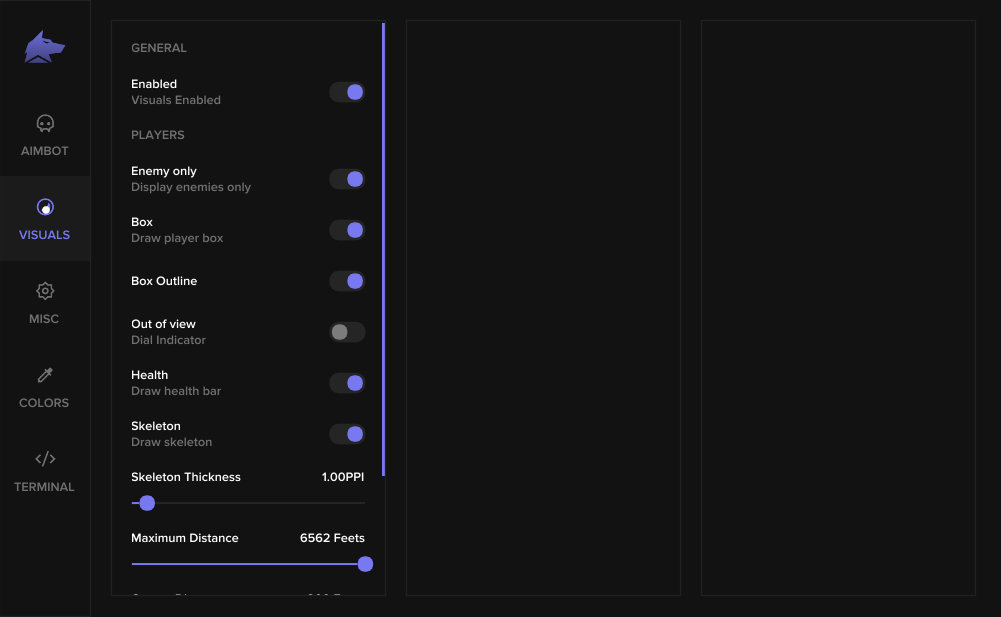
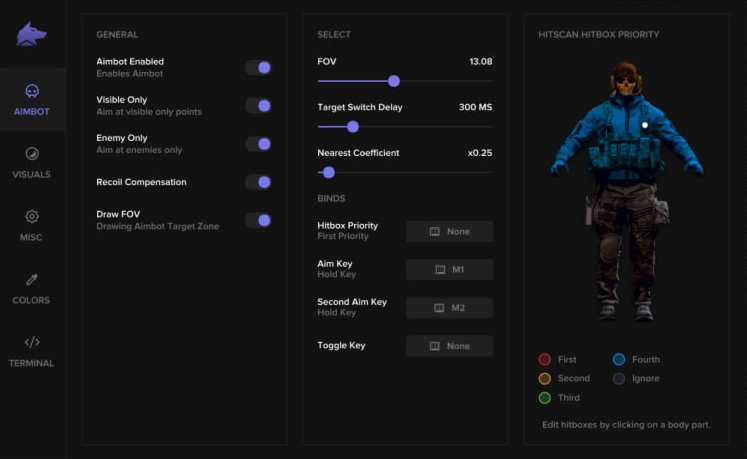
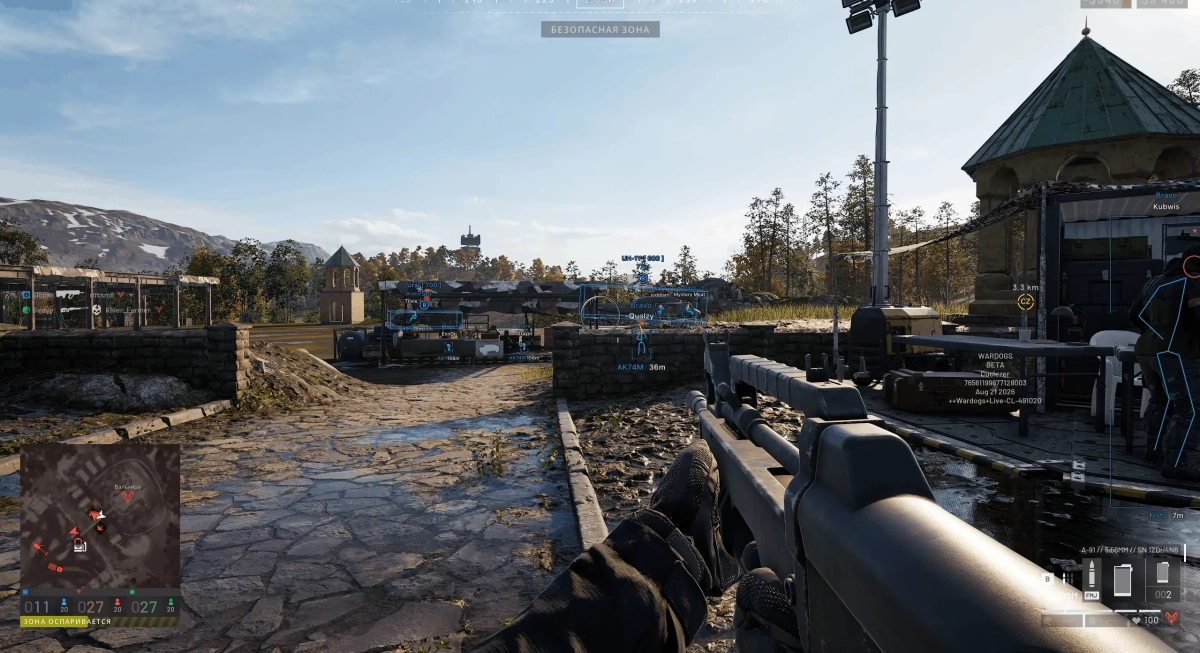
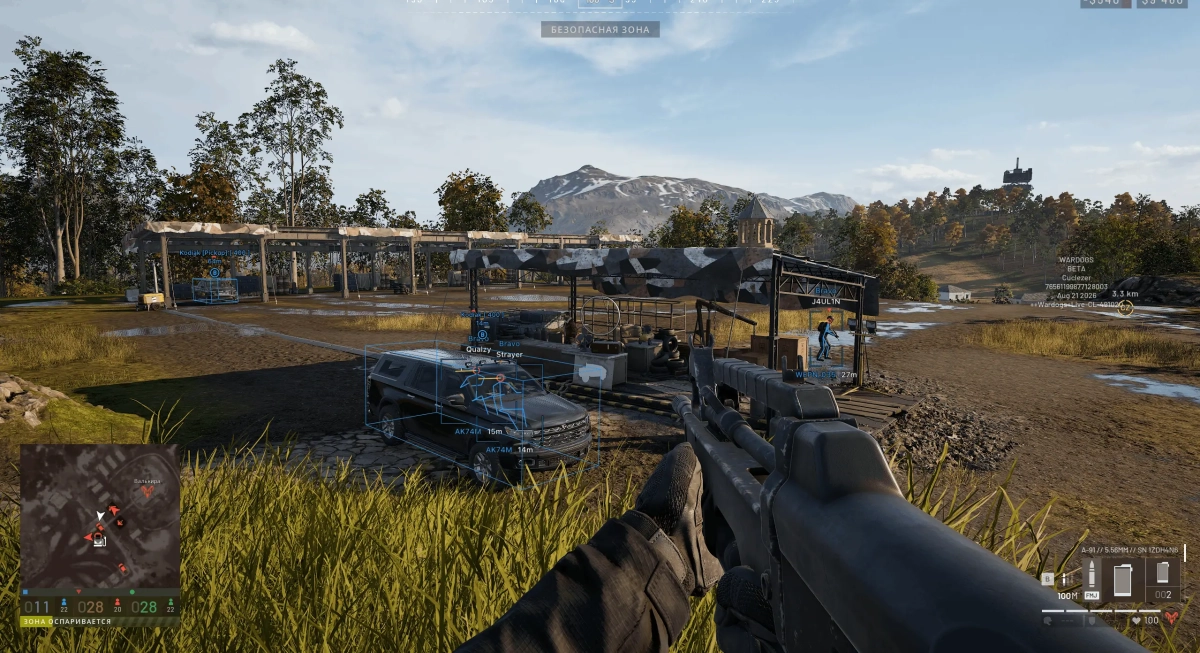
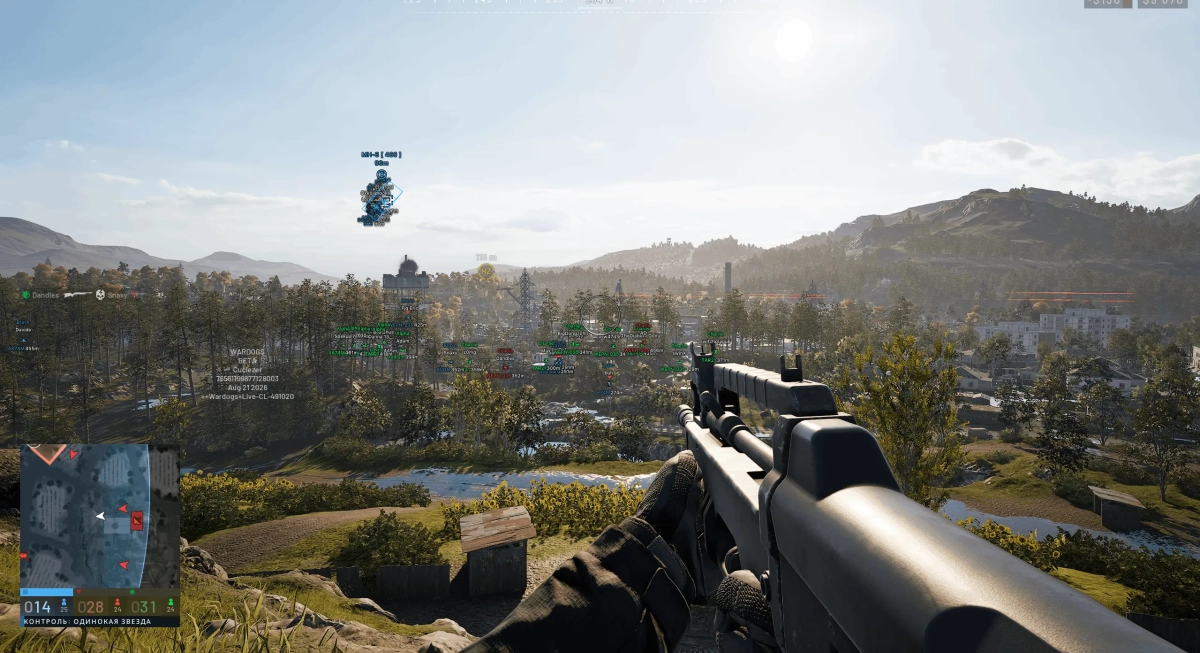
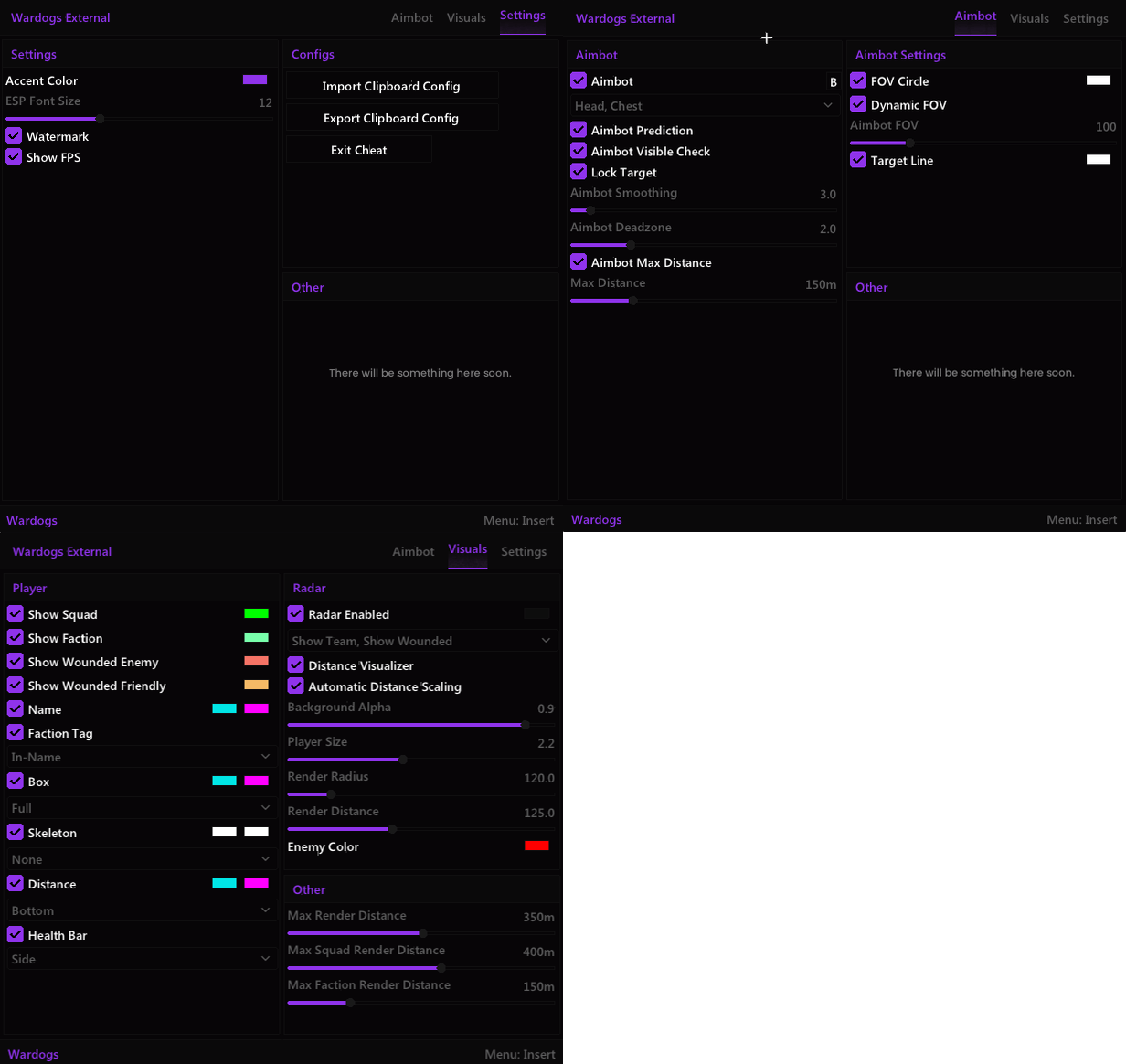
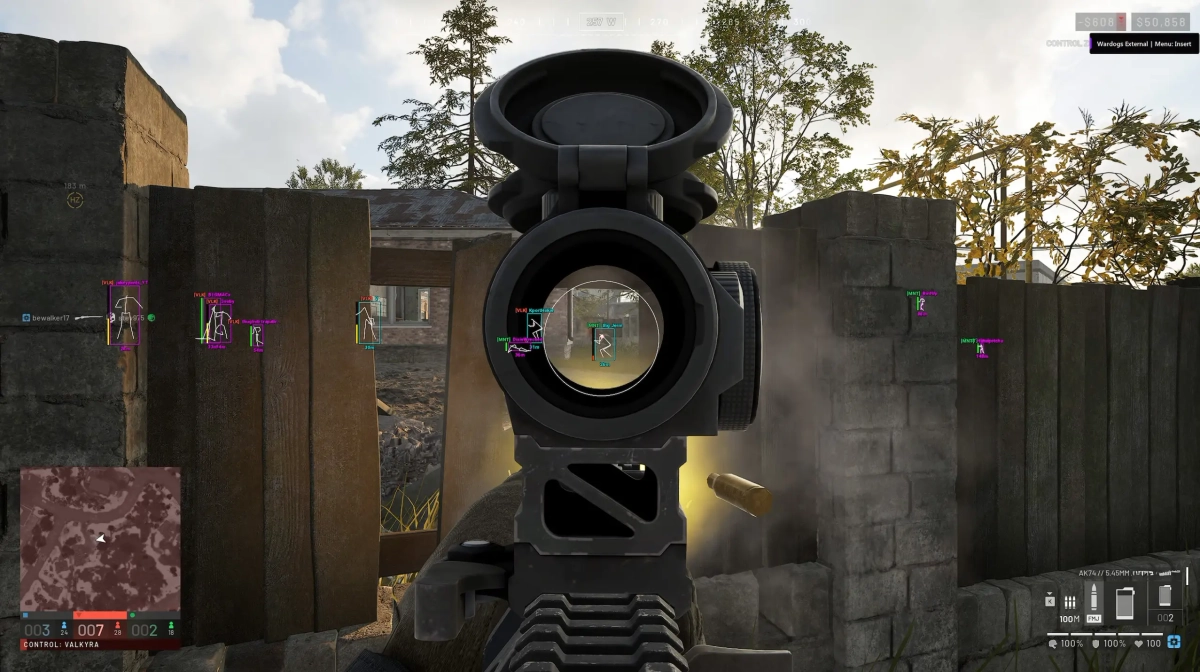
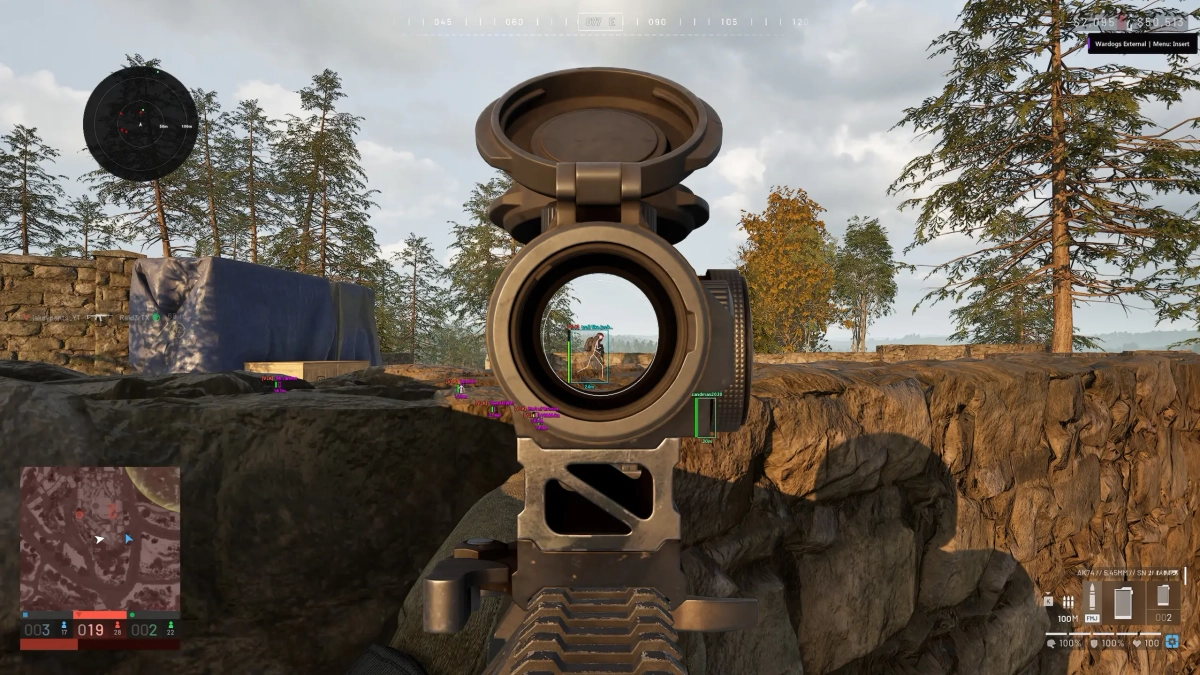
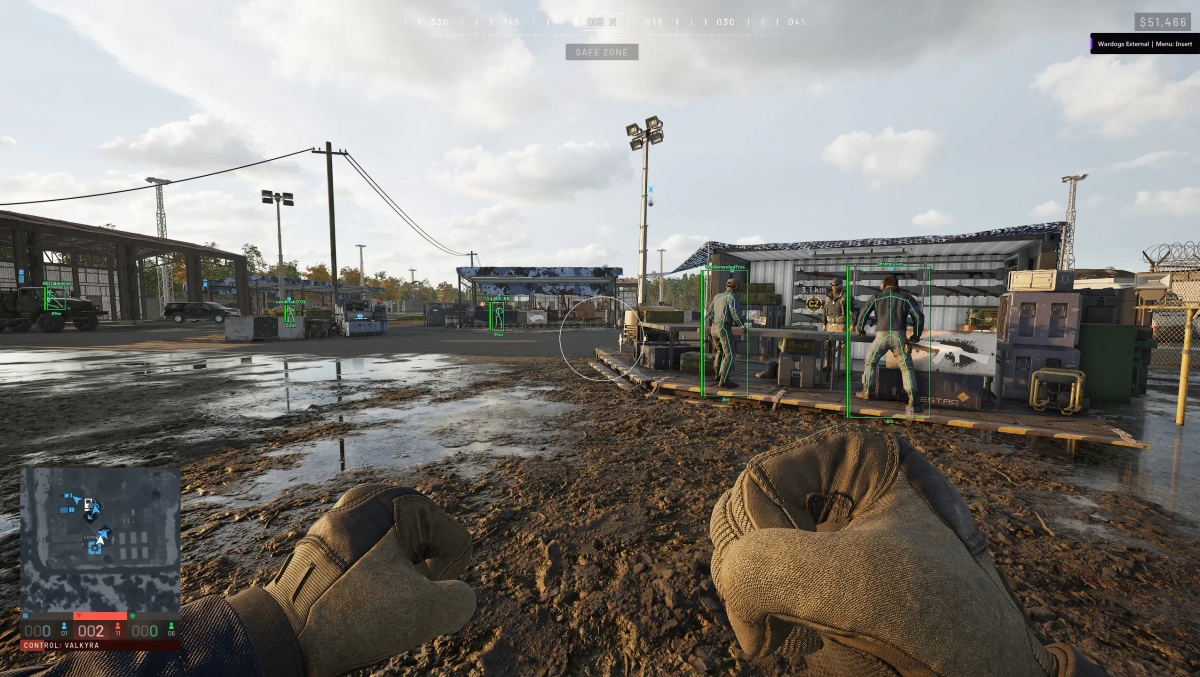
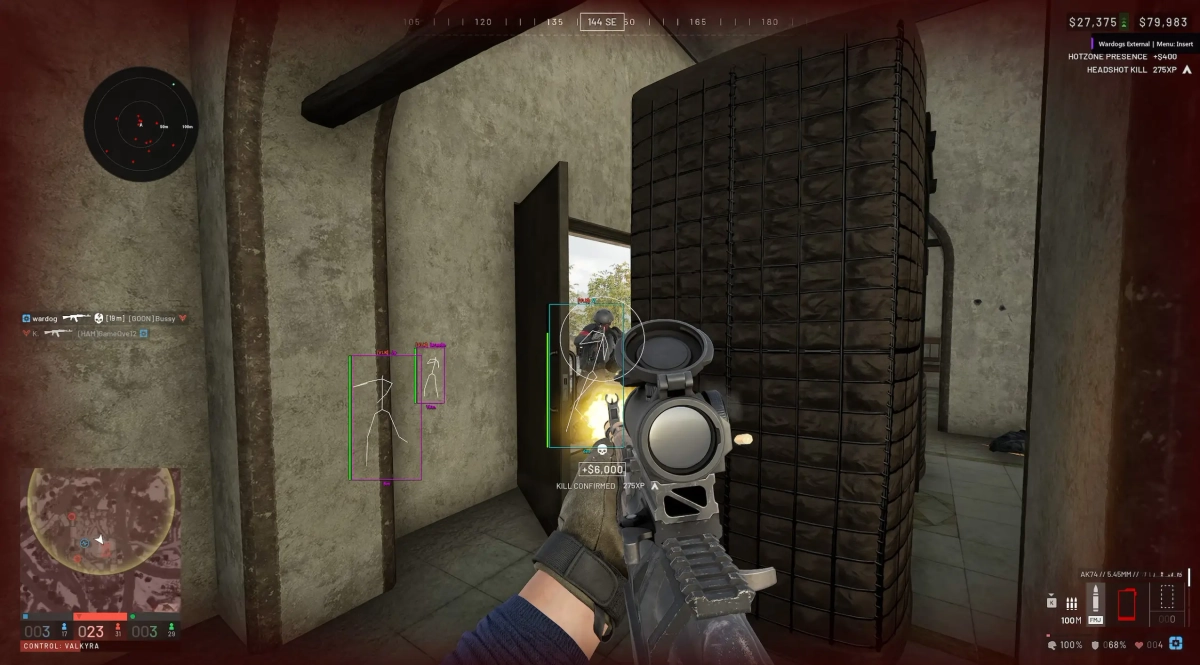
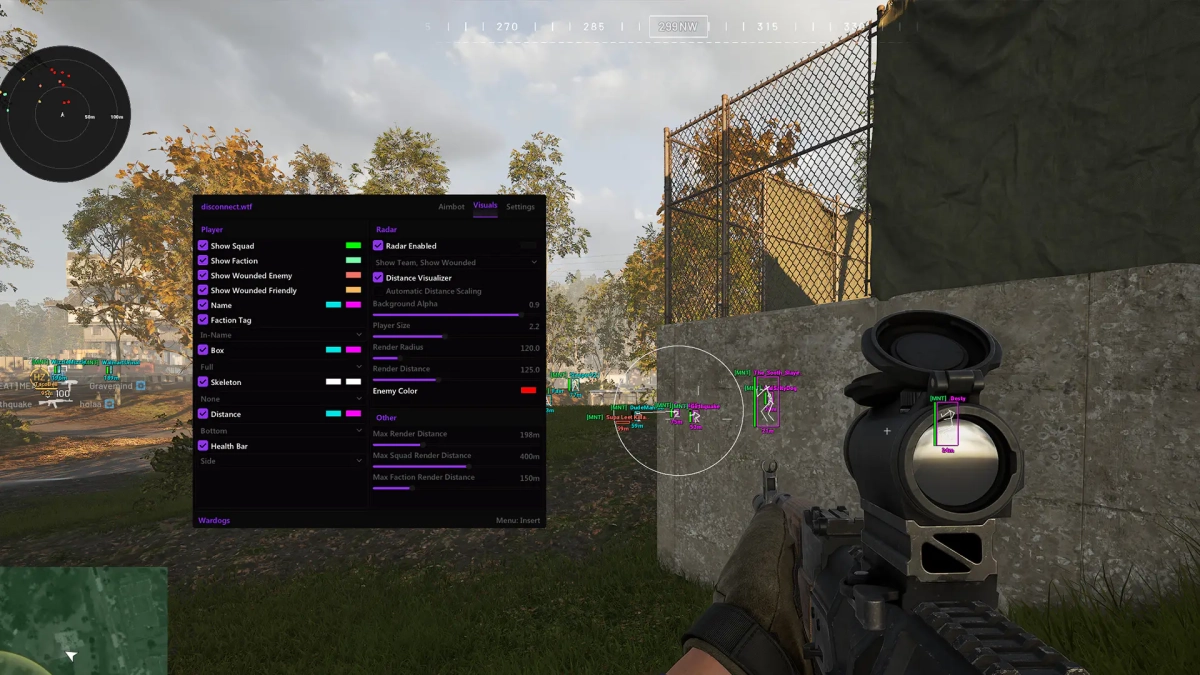
- Supports Windows 10 : (All versions) / Windows 11 supported - Supports : Steam - Supported [Intel/Amd Both] Feature: 🎯 Aimbot Aimbot Keybind Bone Selection — Head, Chest Aimbot Prediction Visible Check Lock Target Aimbot Smoothing Aimbot Deadzone Aimbot Max Distance FOV Circle Dynamic FOV Aimbot FOV Target Line 👁️ Visuals Show Squad Show Faction Show Wounded Enemy Show Wounded Friendly Names Faction Tags Loadout Cost Boxes Skeleton Distance Health Bars 📡 Radar Show Team Show Wounded Distance Visualizer Automatic Distance Scaling Background Alpha Player Size Render Radius Render Distance Enemy Color 📏 Distance Settings Max Render Distance Max Squad Render Distance Max Faction Render Distance 🎨 Interface Accent Color ESP Font Size Watermark Show FPS 📋 Configs Import Clipboard Config Export Clipboard Config Exit Cheat [MENU] [SCREENSHOT]

-
Version 1.0.0
19 downloads
Click Here ➡️ How To Use -
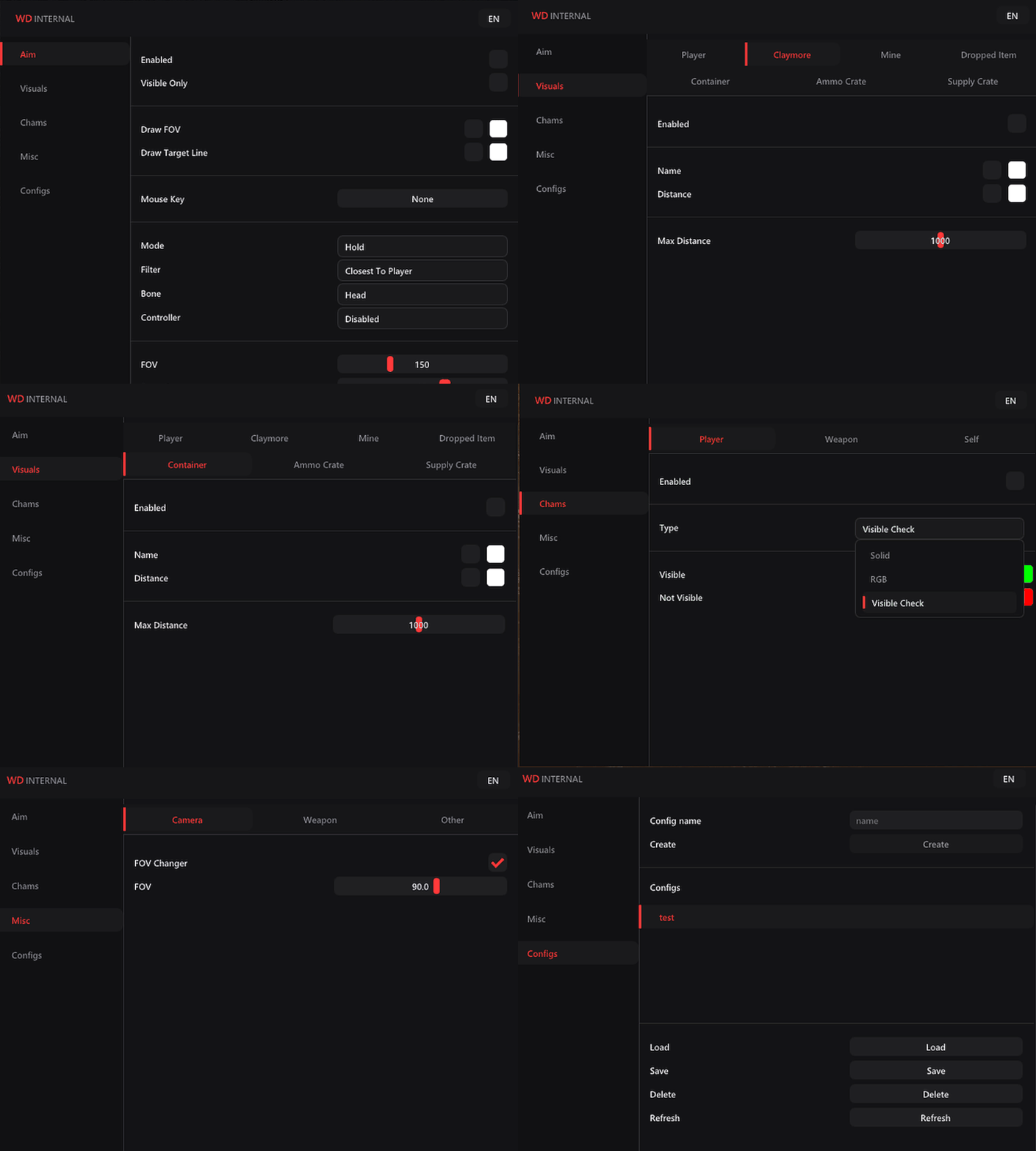
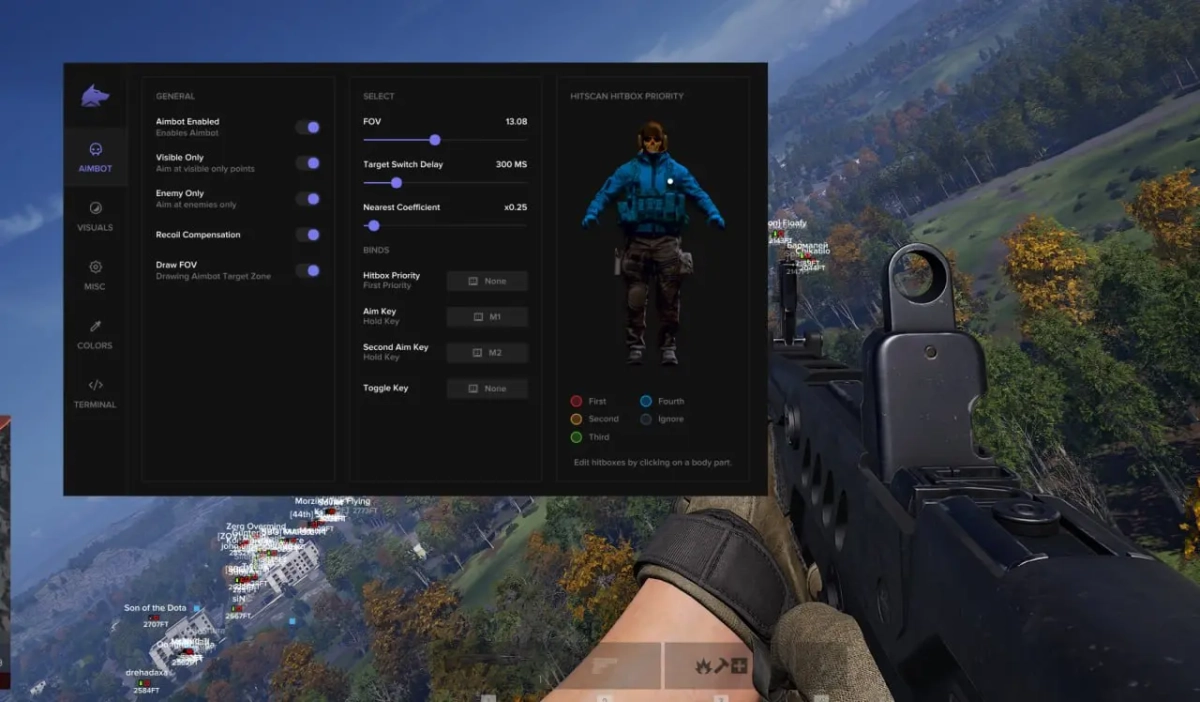
- Supports Windows 10 : (All versions) / Windows 11 supported - Supports : Steam - Supported [Intel/Amd Both] Features: 🎯 Aimbot Enable Aimbot FOV Smoothness Speed Bone Selection — Closest, Head, Neck, Chest Stickiness Target Filter Target Switch Delay (ms) Aim Keybind Visible Check Draw FOV Draw Target Line Max Distance 👁️ Player ESP Player ESP Enable Skeleton Head Circle View Directions Off-Screen Arrows Health Bars Names Faction Claymore ESP Mine ESP Dropped Item ESP Ammo Crate ESP Supply Crate ESP Distance Held Item 🎨 Chams Player Chams Self Chams Weapon Cham -Solid -RGB ⚙️ Misc No Recoil FOV Changer [MENU] [SCREENSHOT]
-
-
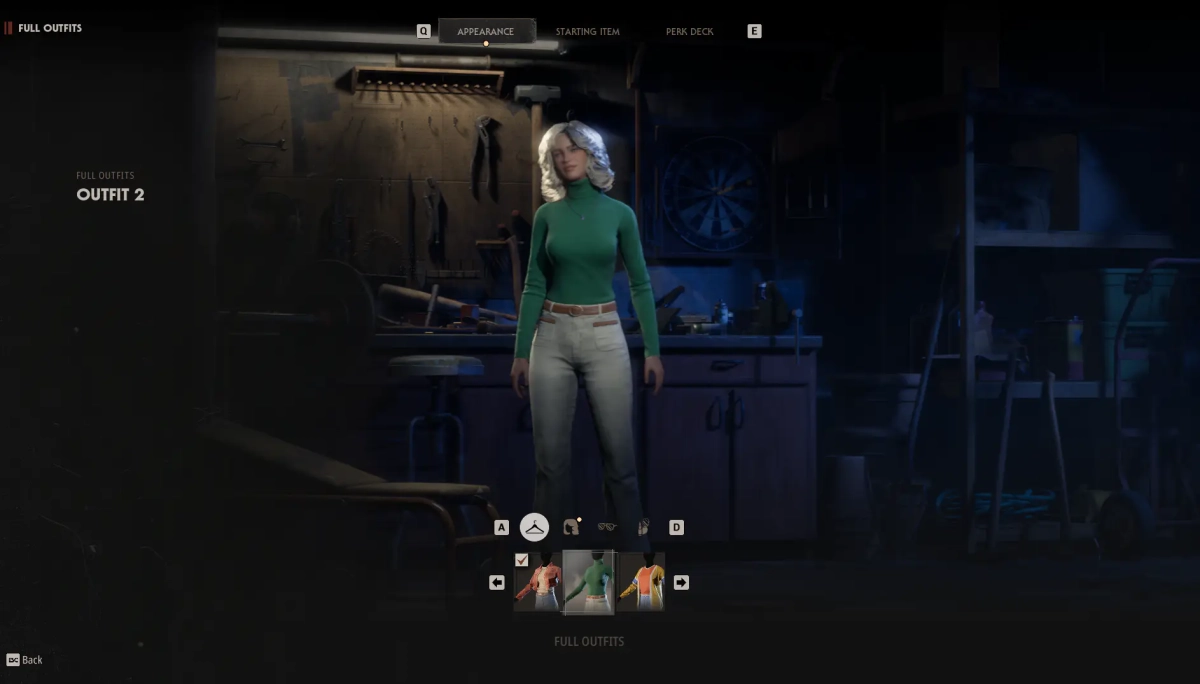
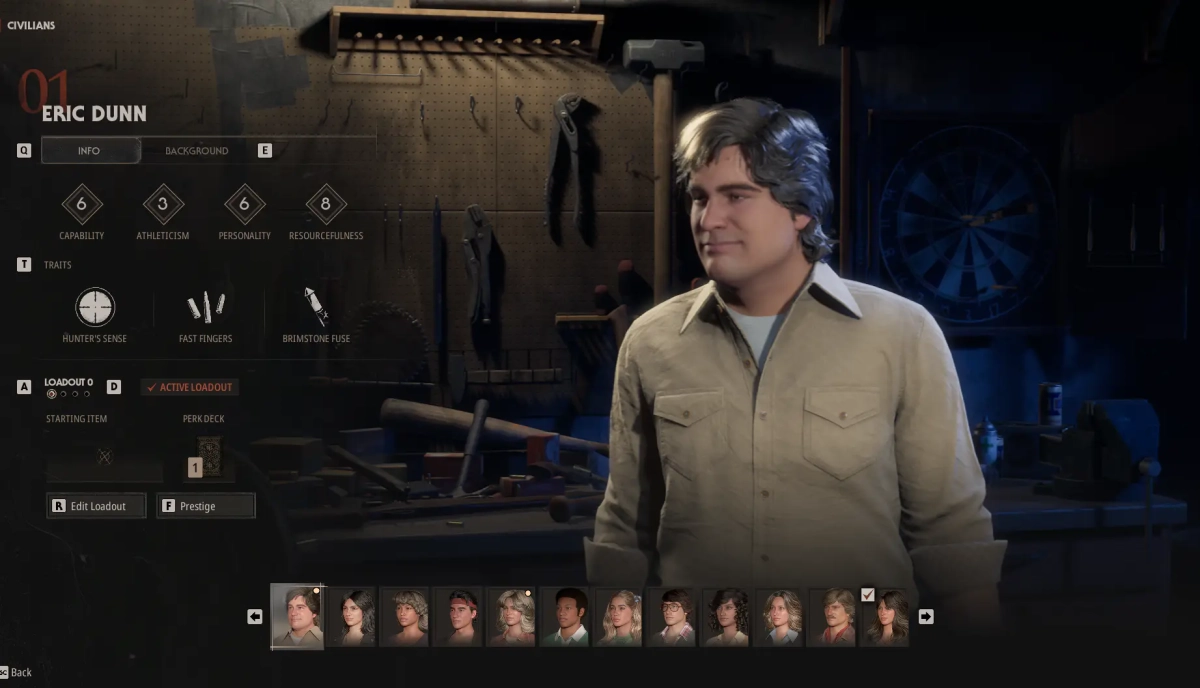
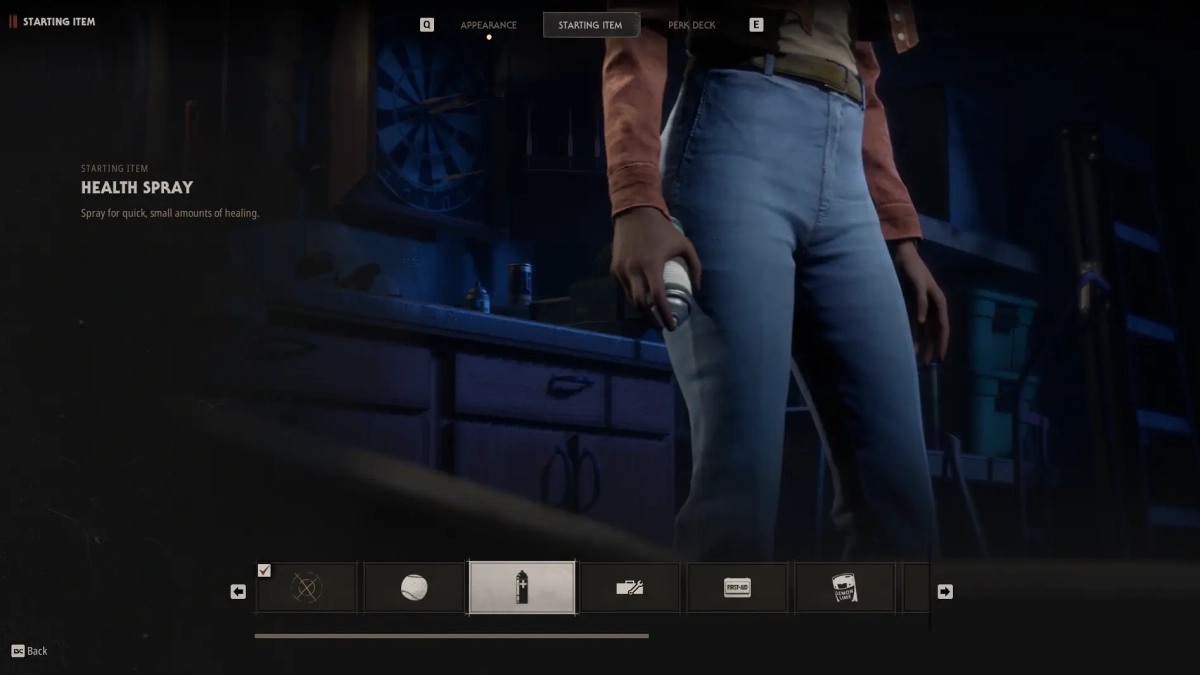
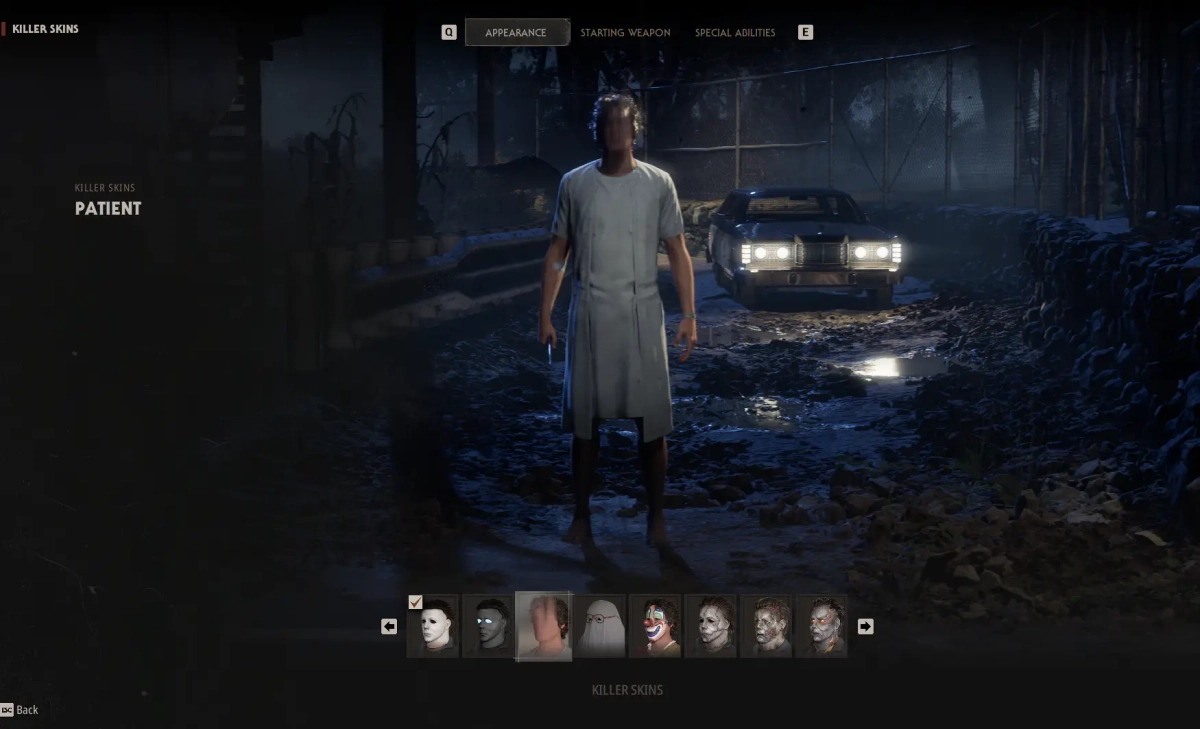
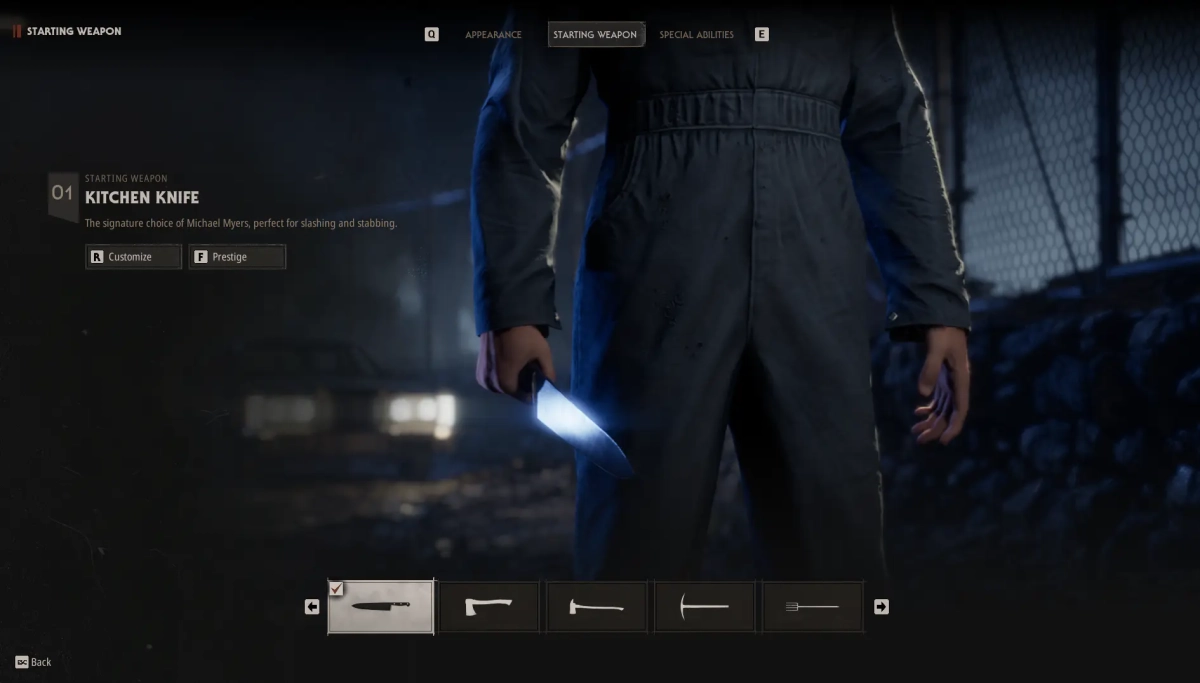
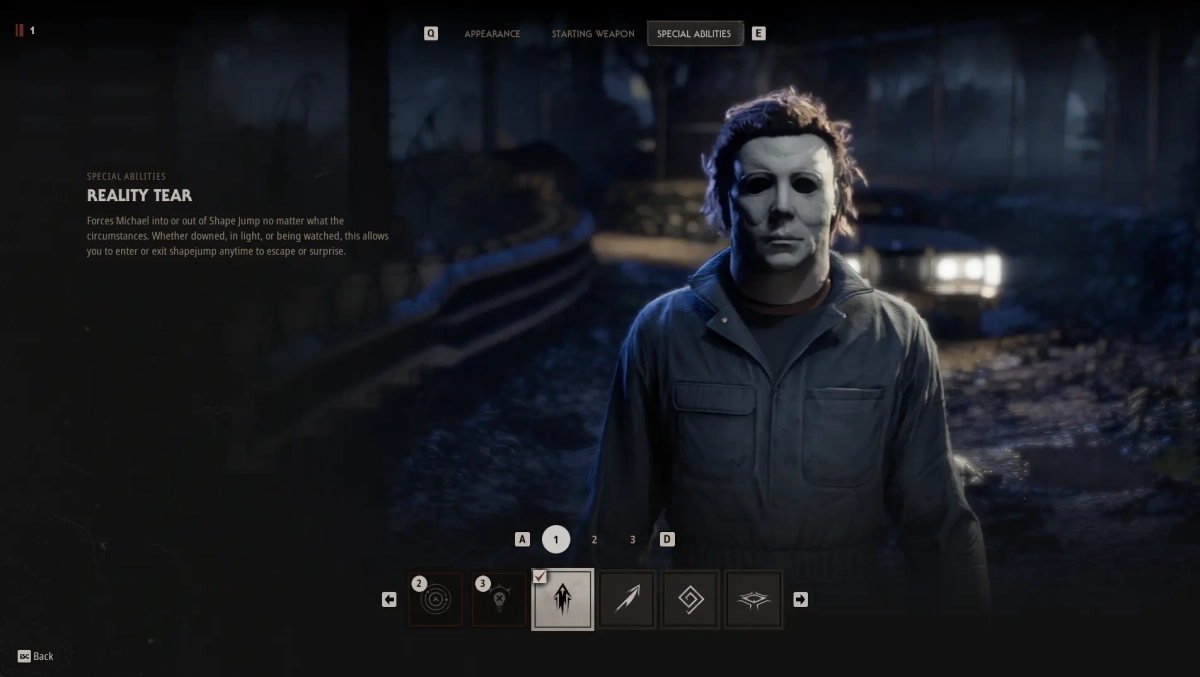
-Supports Win 11 & Win10 [All Versions] 25h2 included -Supports Both AMD/Intel -Supports : Steam Features: 🔓 Unlock All Skins Every Michael Skin Every Civilian Skin Every Accessory Every Tint Visible to everyone 👥 Unlock All Civilians Every playable Civilian Visible to everyone 🔫 Unlock All Weapons Every Available Weapon Visible to everyone 🎒 Unlock All Starting Items Every Starting Item Visible to everyone ⚡ Unlock All Special Abilities Every Special Ability Visible to everyone 🃏 Unlock All Perk Decks Every Perk Deck Visible to everyone 🎙️ Unlock All Recordings Every Recording Visible to everyone 🖼️ Unlock All Icons Every Profile Icon Visible to everyone 🎨 Unlock All Backgrounds Every Profile Background Visible to everyone 🏆 Unlock All Titles Every Available Title Visible to everyone [SCREENSHOT]
-
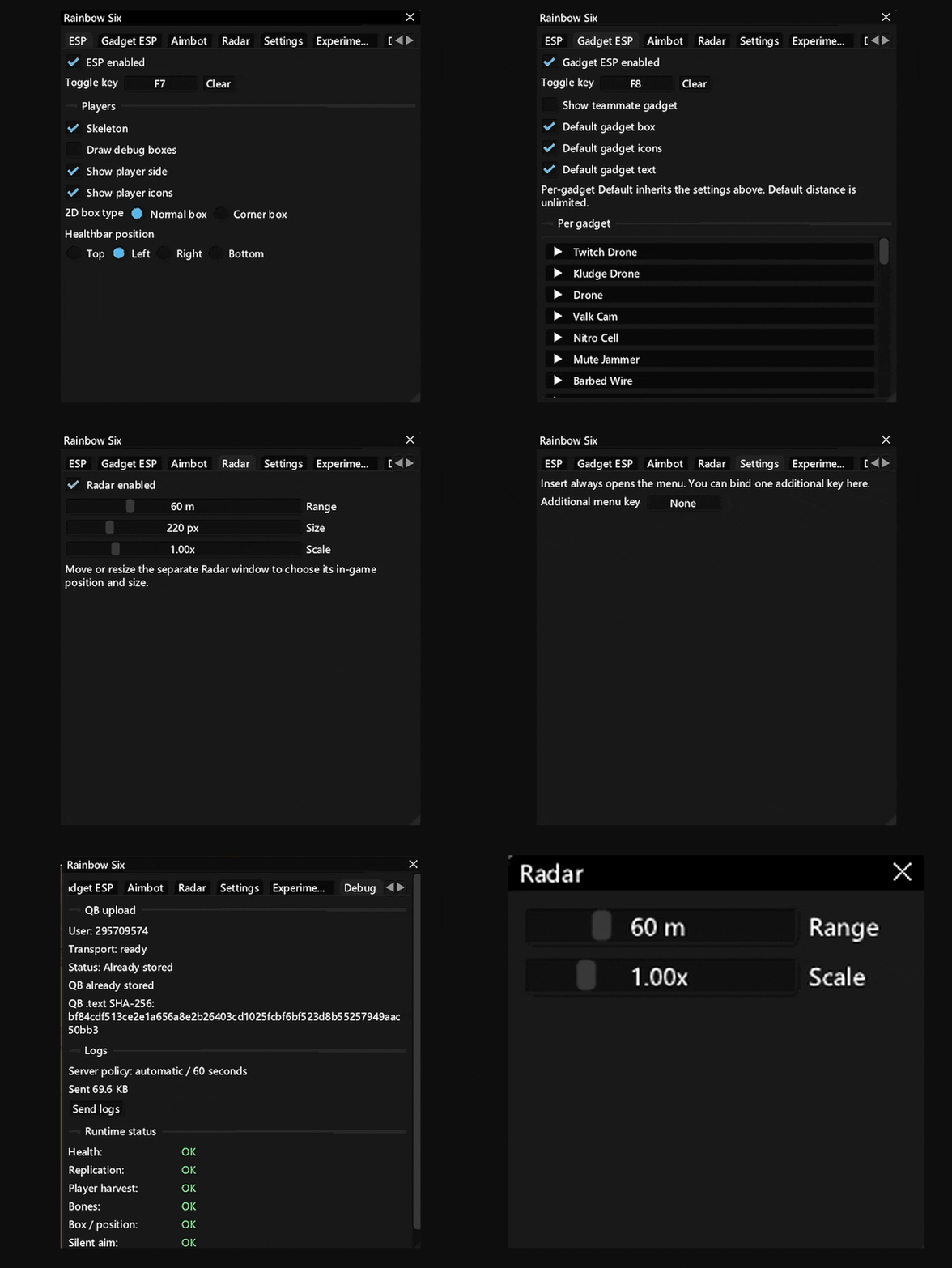
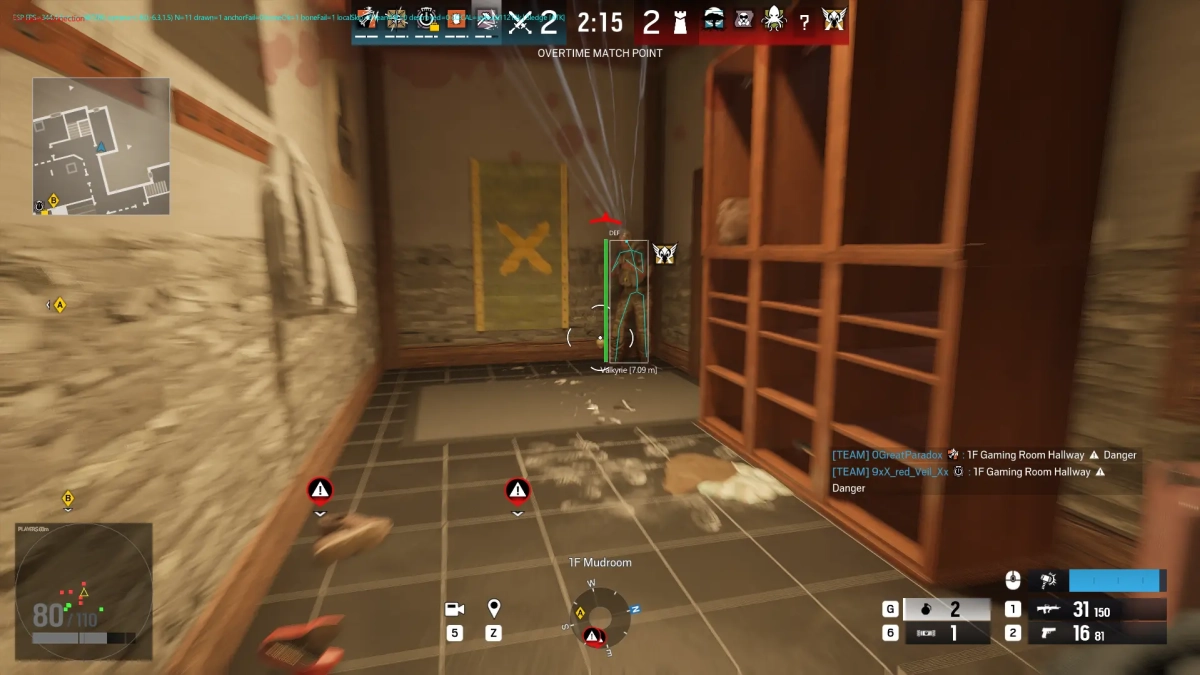
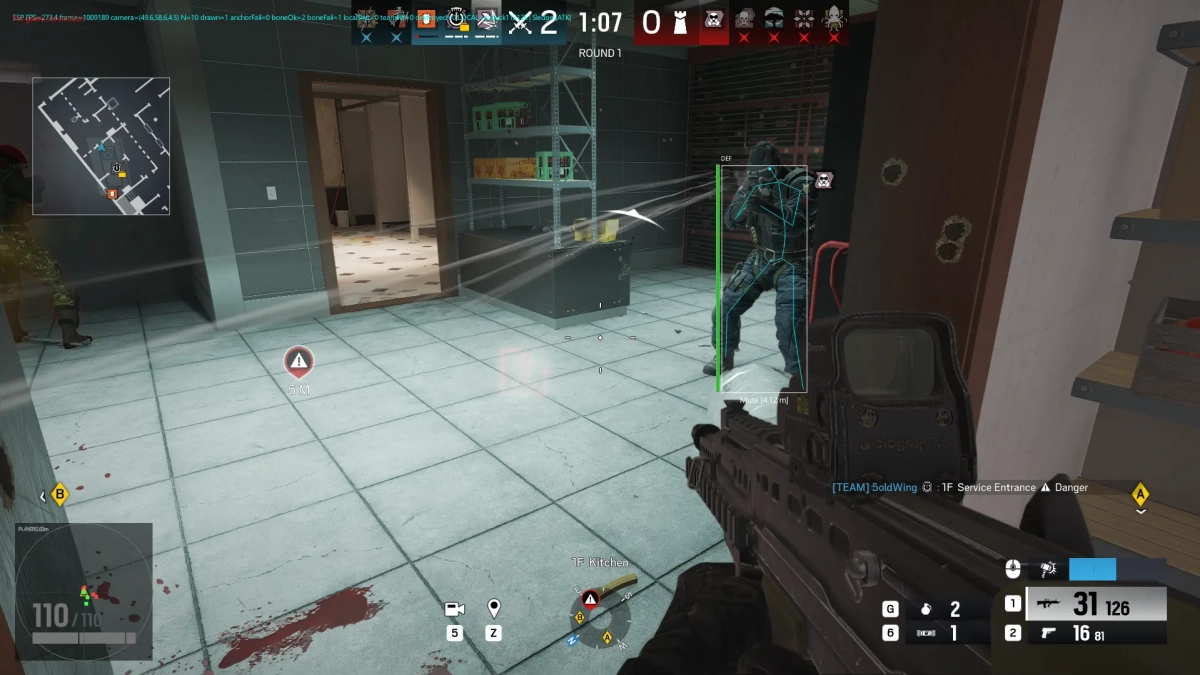
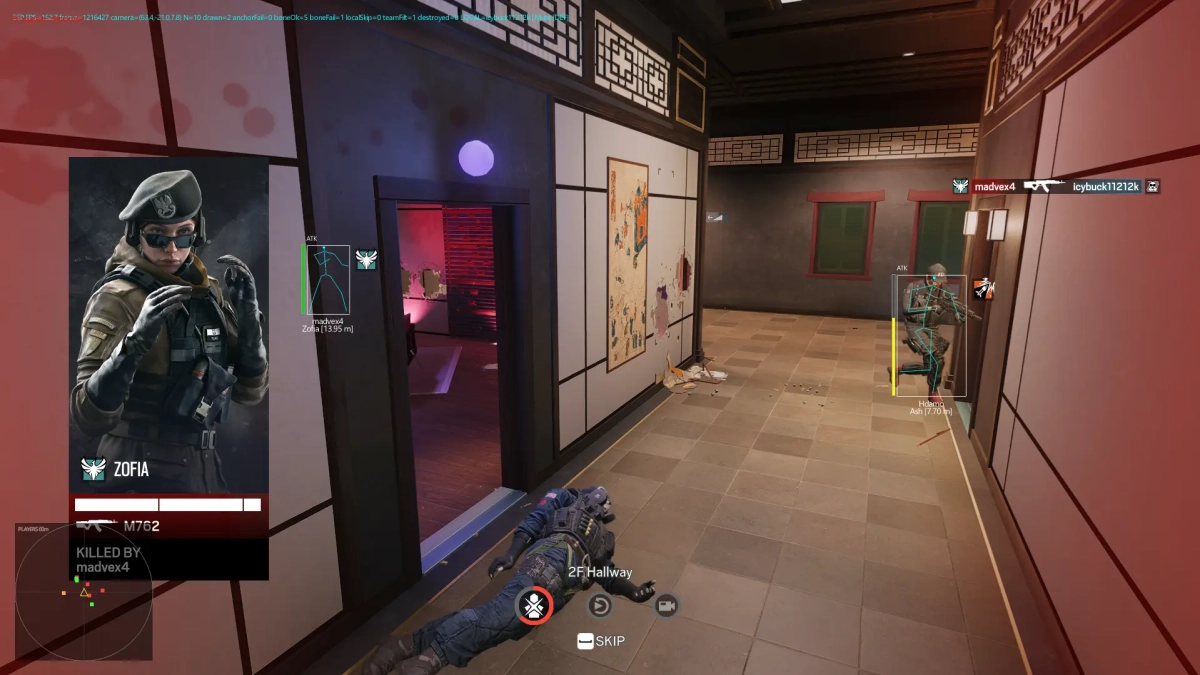
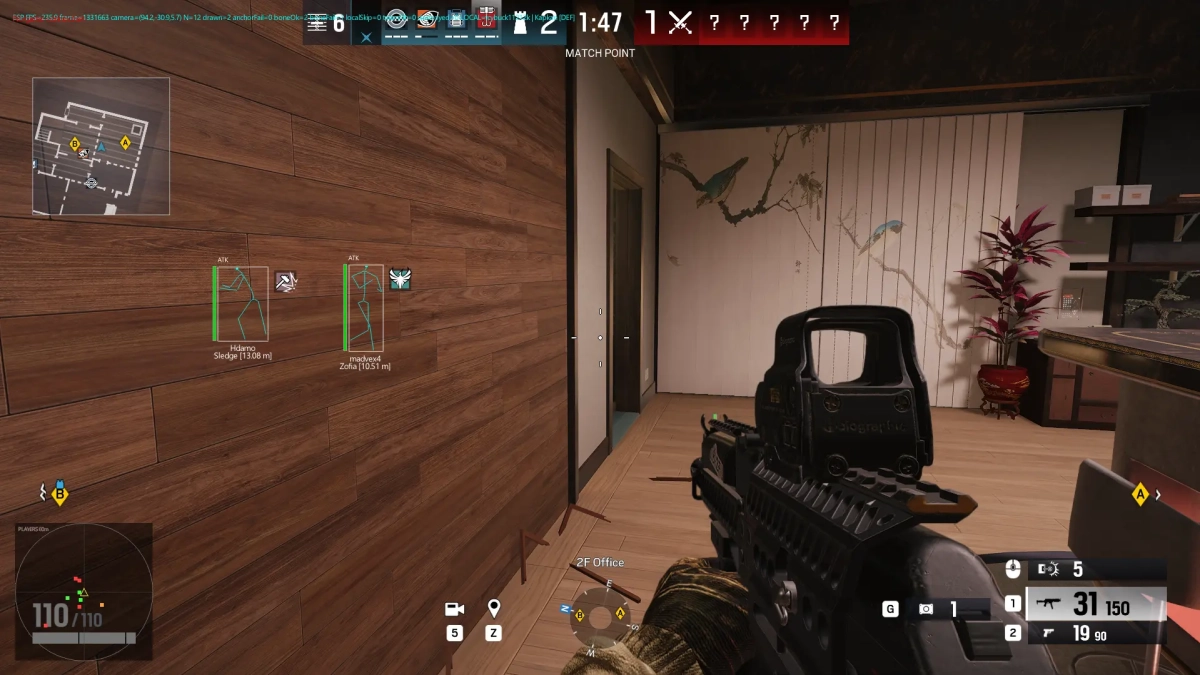
-Supports Windows 11 & Windows 10 : (All Version upto 25h2). -Supports both Intel / Amd -Supports Steam , Ubisoft Features: Aimbot Aimbot enabled Custom toggle key Clear/reset key binding Gadget aimbot Show FOV circle Aim modes: -Mouse Aim -Silent Aim Target selection: -Head -Nearest Bone Adjustable Aim FOV Aim FOV up to 400 px ESP ESP enabled / toggle key Player skeleton Debug boxes Player side indicator Player icons 2D box types: -Normal Box -Corner Box Health bar position: -Top -Left -Right -Bottom Gadget ESP Gadget ESP enabled / toggle key Show teammate gadgets Default gadget box Default gadget icons Default gadget text Per-gadget configuration Individual gadget settings for: -Twitch Drone -Kludge Drone -Drone -Valk Cam -Nitro Cell -Mute Jammer -Barbed Wire -Additional gadgets available in the list Radar Radar enabled Adjustable radar range Adjustable radar size Adjustable radar scale Separate radar window Move and resize radar window for in-game positioning Range shown up to 60 m Size shown at 220 px Scale shown at 1.00× Settings Insert key opens the menu Additional menu key can be assigned Configurable key binding Experimental / Debug Experimental/debug options No-spread option Warning regarding potential R6 ShieldGuard kicks Feature-specific usage limitations/warnings [MENU] [SCREENSHOT]
-

Version 1.0.0
18 downloads
Click Here ➡️ How To Use -
Version 1.0.0
14 downloads
Click Here ➡️ How To Use -
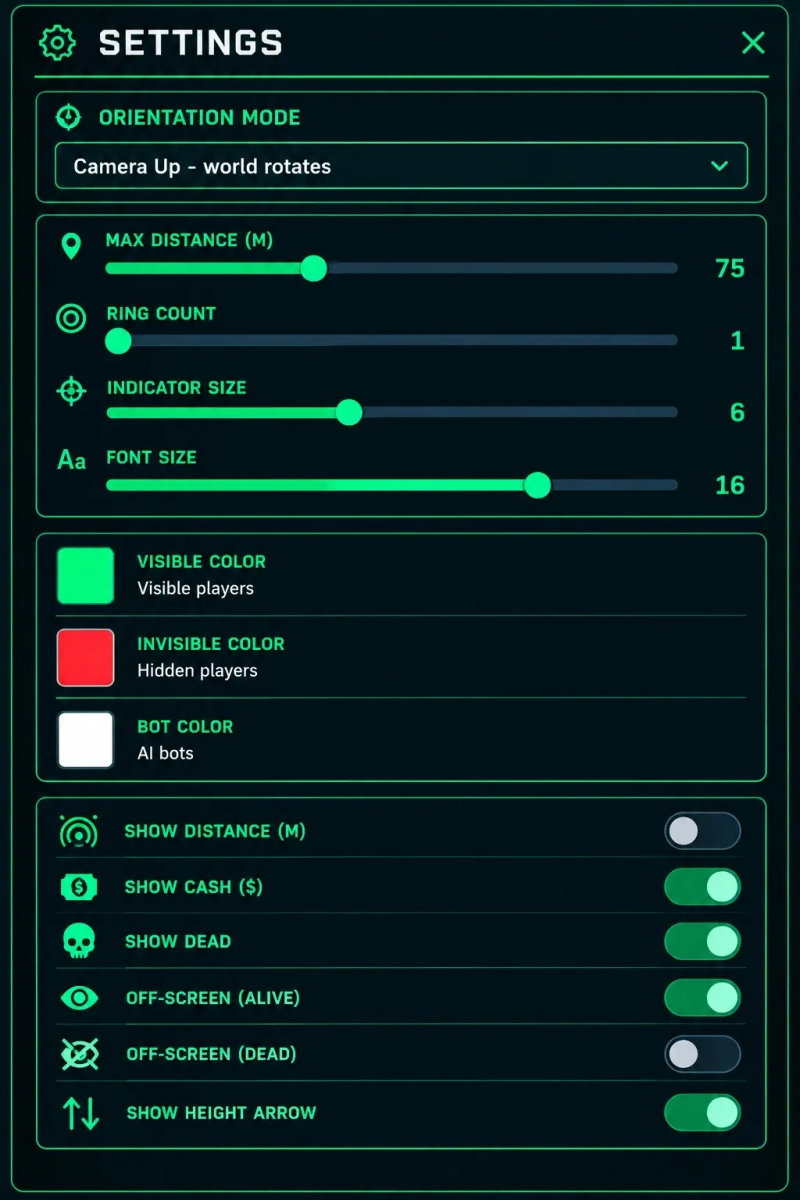
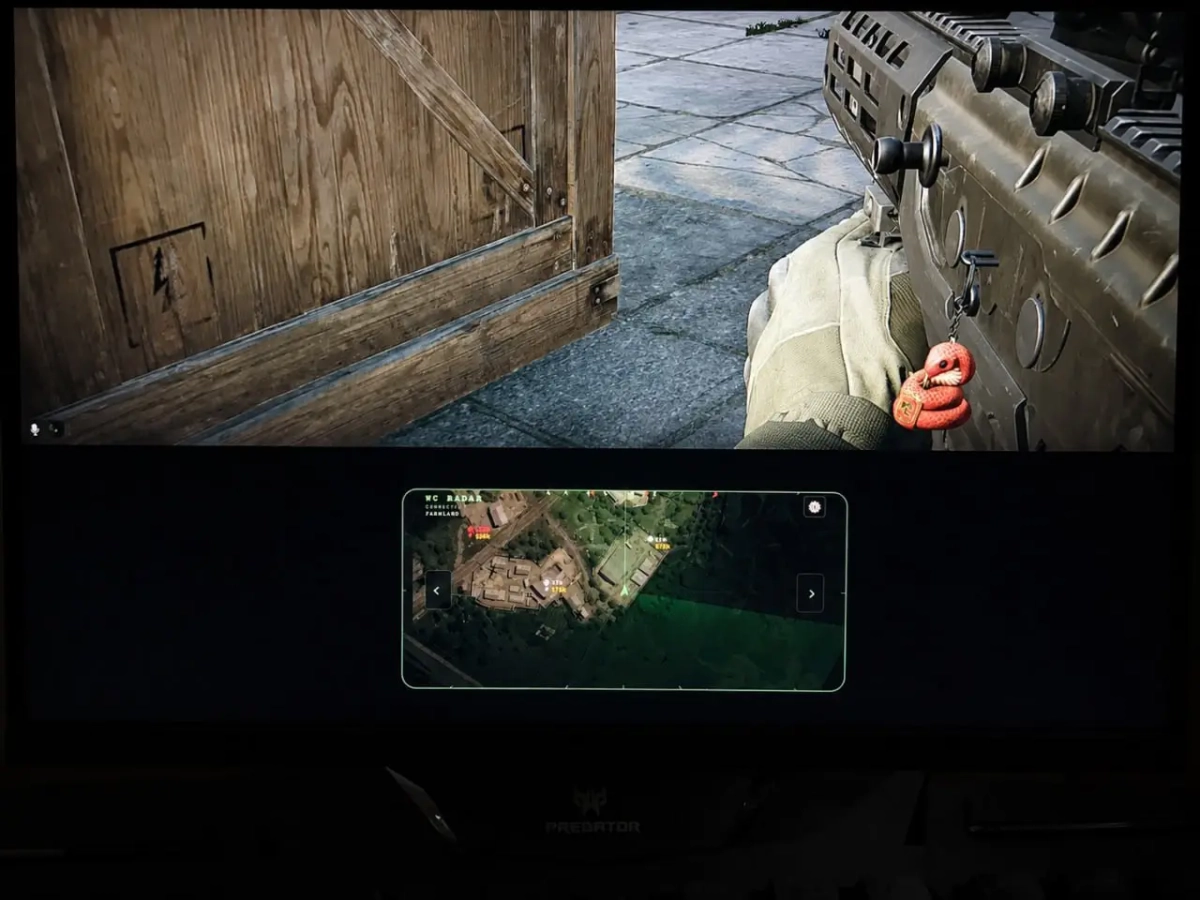
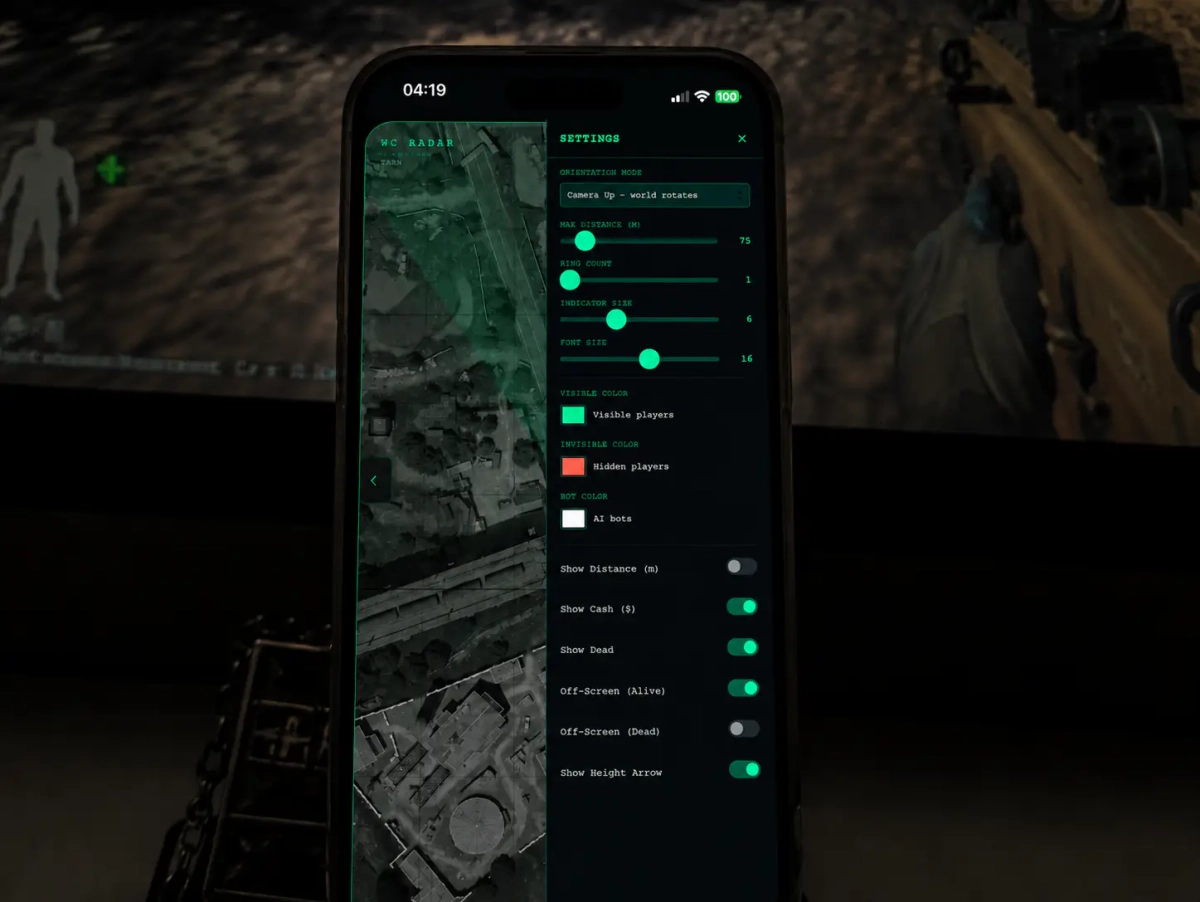
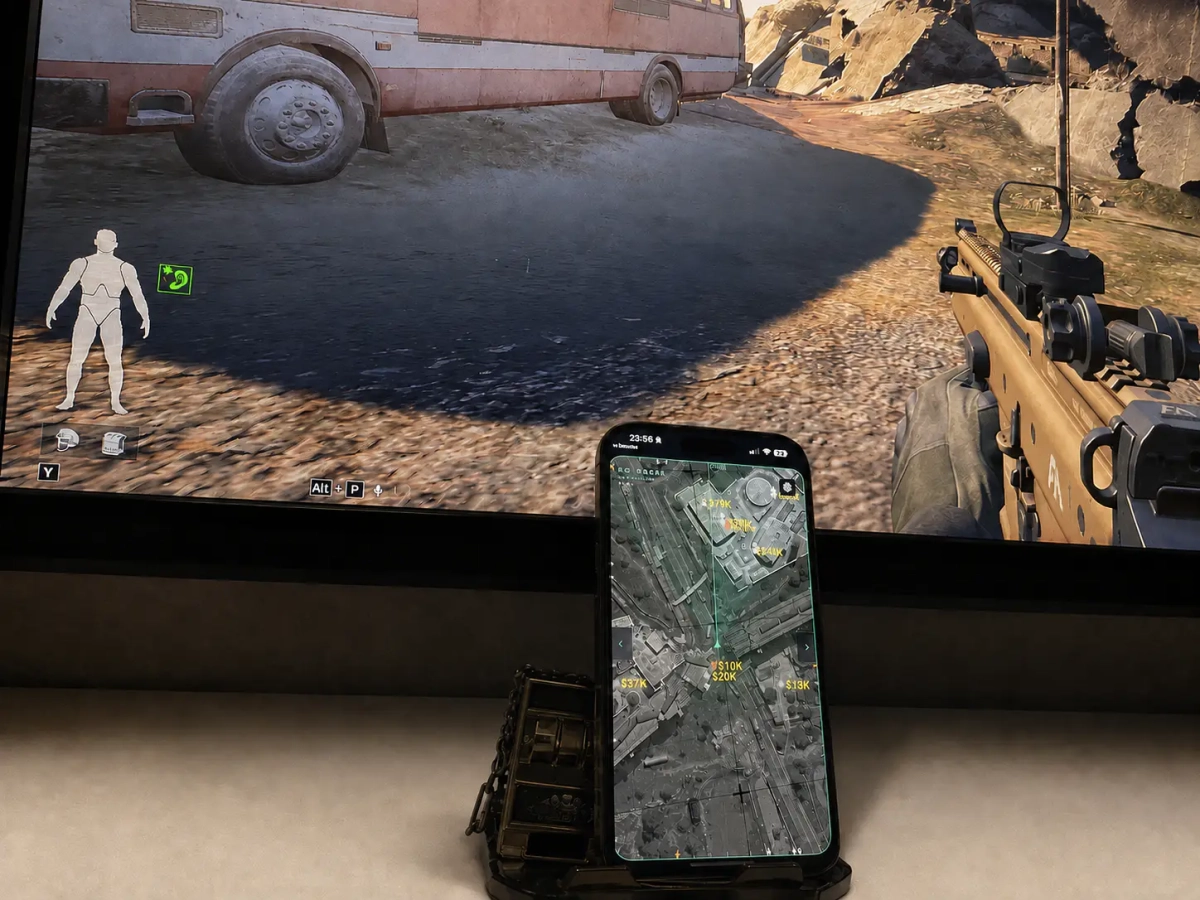
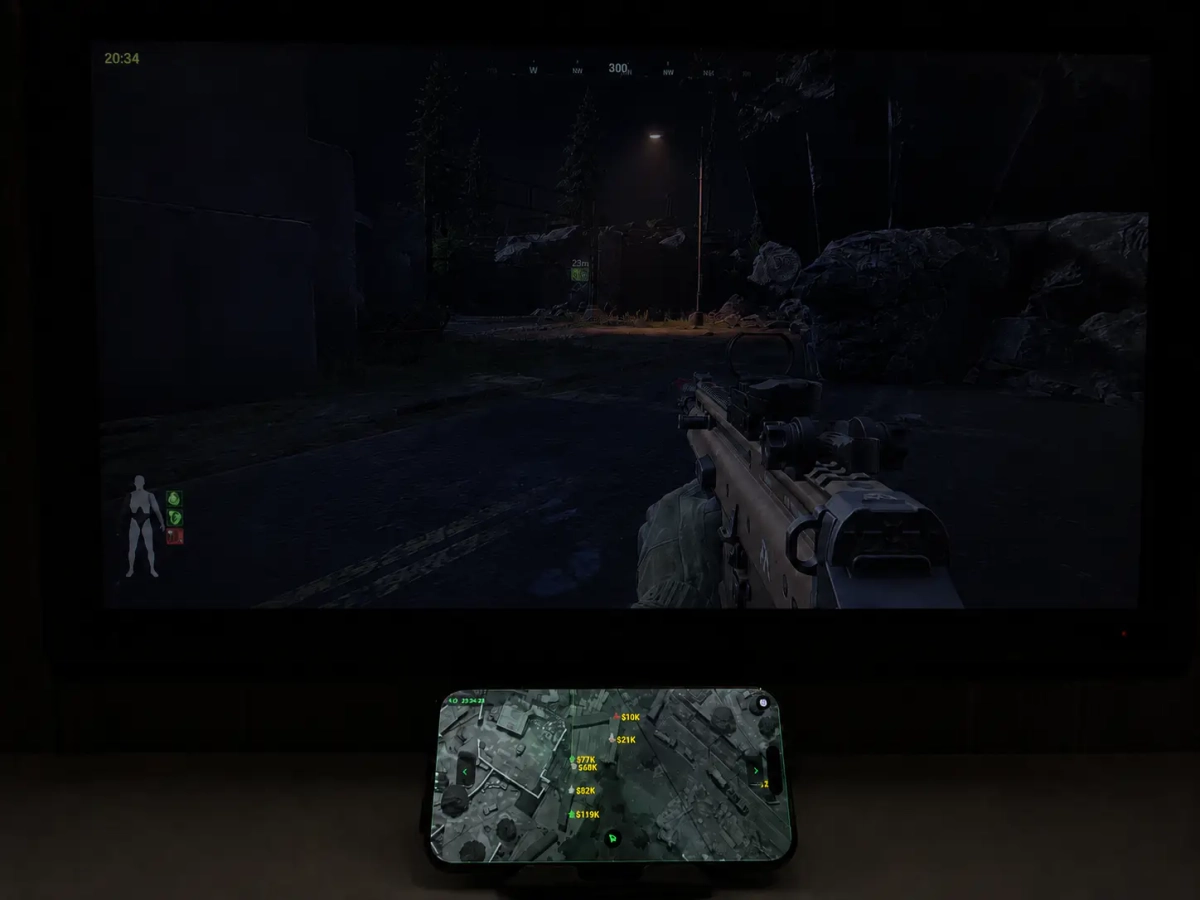
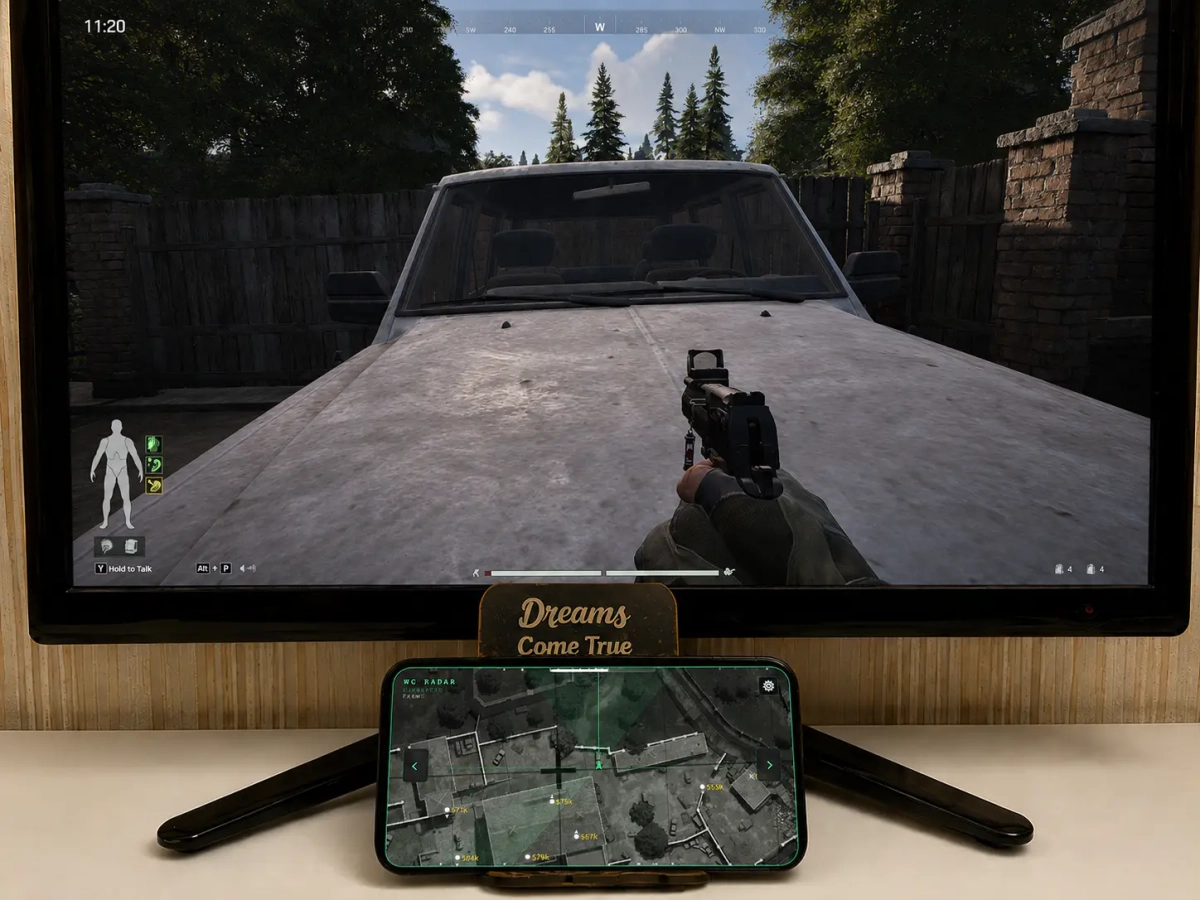
- Supports Win11 & Win10 [ All Versions upto 25h2] - Supports Amd/ Intel Both - Supports Steam , Abi launcher , Epic Features: Advanced Radar See more. Track smarter. Stay one step ahead. A powerful and highly customizable radar system built around precise map positioning and detailed target information. Configure the interface exactly how you want it and keep the information you need clearly visible. The radar’s socket connection works unusually fast and shows the situation around you in real time. Connect to various devices on your Wi-Fi network, including phones, tablets, and laptops of any model or manufacturer. No app installation is required, and it works on any operating system (iOS, Android, Windows, macOS, Linux). Just launch the loader, scan the QR code that appears, and you’re ready to win. 🎯 Precision Radar High-resolution maps synchronized with in-game coordinates provide accurate target positioning, while elevation detection shows whether targets are above or below your position. ⚙️ Complete Customization Personalize virtually every aspect of the radar: Radar orientation Maximum display distance Ring count Indicator size Font size Indicator colors Visibility colors Bot colors 👁️ Visibility & Target Information Quickly identify important target information with configurable indicators for: Visible and hidden targets Real players and bots Alive and dead targets Distance in meters Cash/value information Elevation direction 🧭 Smart Orientation Choose between a fixed map or a rotating radar that follows your camera direction for a more natural navigation experience. 📡 Off-Screen Tracking Directional indicators help you locate targets outside your current screen: Alive Targets — shows the direction of living targets. Dead Targets — shows the direction of dead targets. 📐 Elevation Awareness The radar tracks vertical positioning and provides a clear up/down indicator, making it easier to understand targets located on different levels. 🔥 Your Radar. Your Settings From colors and fonts to distance, indicators, orientation, and information visibility — configure the radar to match exactly how you want to play. [MENU] [SCREENSHORT]
-
- Supports Windows 10 : (All versions) / Windows 11 supported - Supports : Steam, Epic - Supported [Intel/Amd Both] Features: SILENT AIM ASSIST: SILENT MODE PLAYER ESP: Name Box Skeleton Dial Weapon Name Distance Misc: NoRecoil NoSpread [MENU] [SCREENSHOT]
-
Version 1.0.0
62 downloads
Click Here ➡️ How To Use -
Version 1.0.0
72 downloads
Click Here ➡️ How To Use -
Version 1.0.0
45 downloads
Click Here ➡️How To Use -
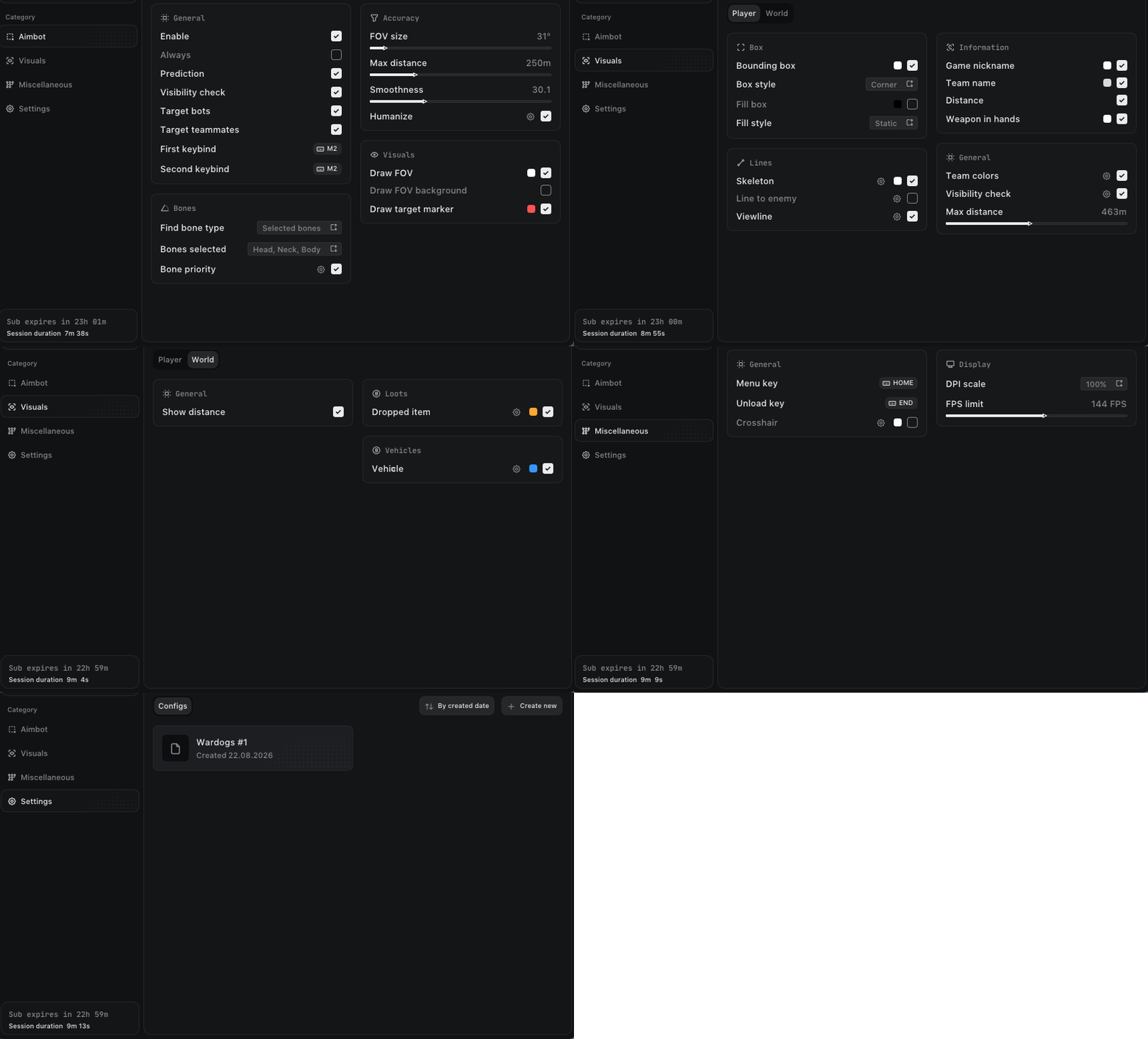
- Supports Windows 10 : (All versions) / Windows 11 supported - Supports : Steam, Epic - Supported [Intel/Amd Both] - HWID Lock Features: AIMBOT Enable Prediction First keybind Second keybind Target: (Players, BOTs, Teams) Find bone type: (Selected bone, Closest bone, Random bone) Bones selected: (Head, Neck, Chest, Body...) Humanize FOV Size Smoothness Draw FOV Circle Draw FOV Background Draw target marker Max distance Visibility check Teleport bullet Visuals Bounding box: (Box, Corner) Fill box: (Static, Gradient) Skeleton: (Head circle, Thickness) View line: (Start color, End color) Line to enemy: (Color, Position) Game nickname Team name Weapon in hands Distance Team colors Visibility check Max distance [ World ESP ] Show distance Show dropped items Show vehicles MISC Menu keybind Unload keybind DPI Scale VSync Theme Watermark Language No Recoil No Spread No Sway Fullbright [MENU] [SCREENSHOTS]
-
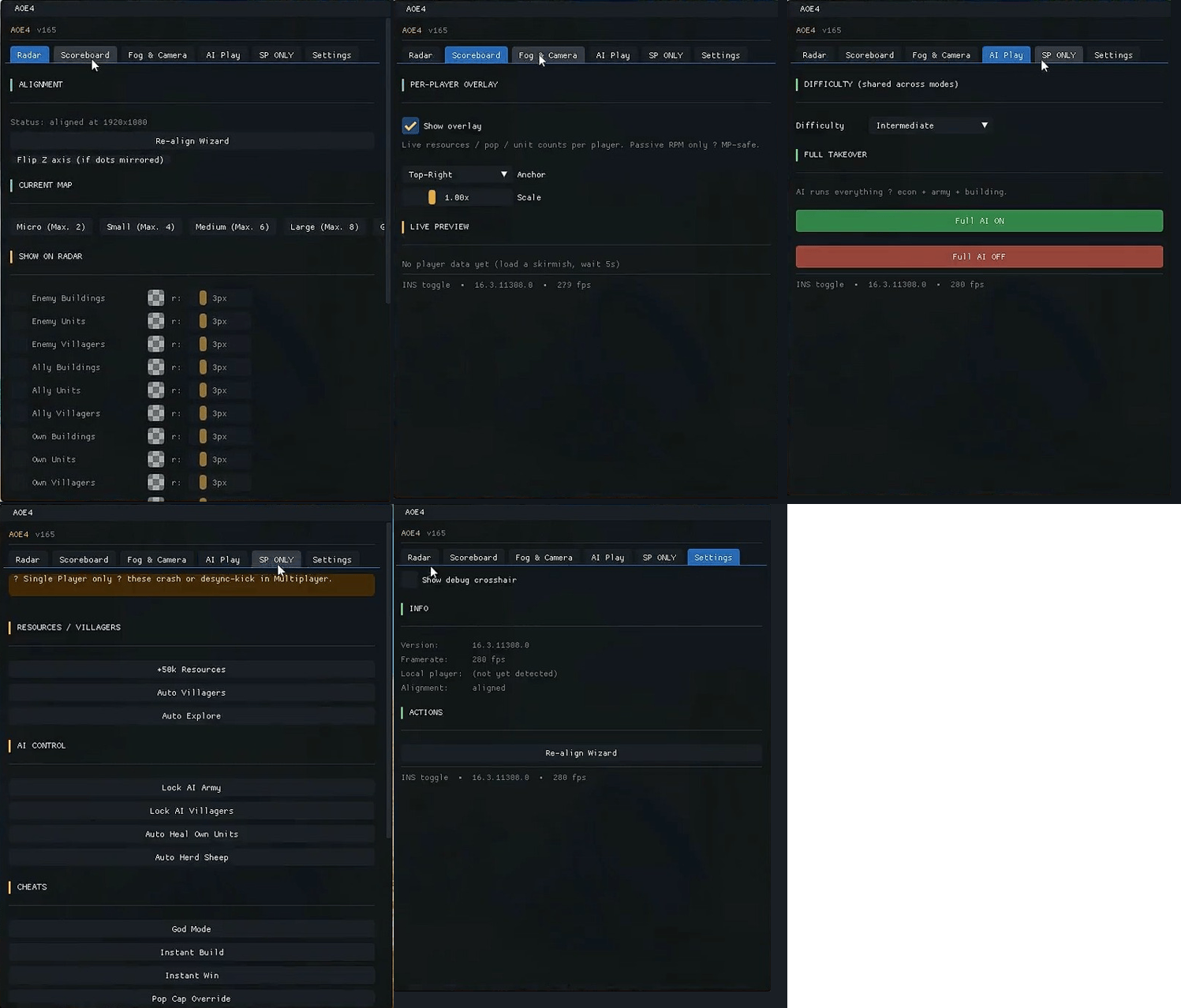
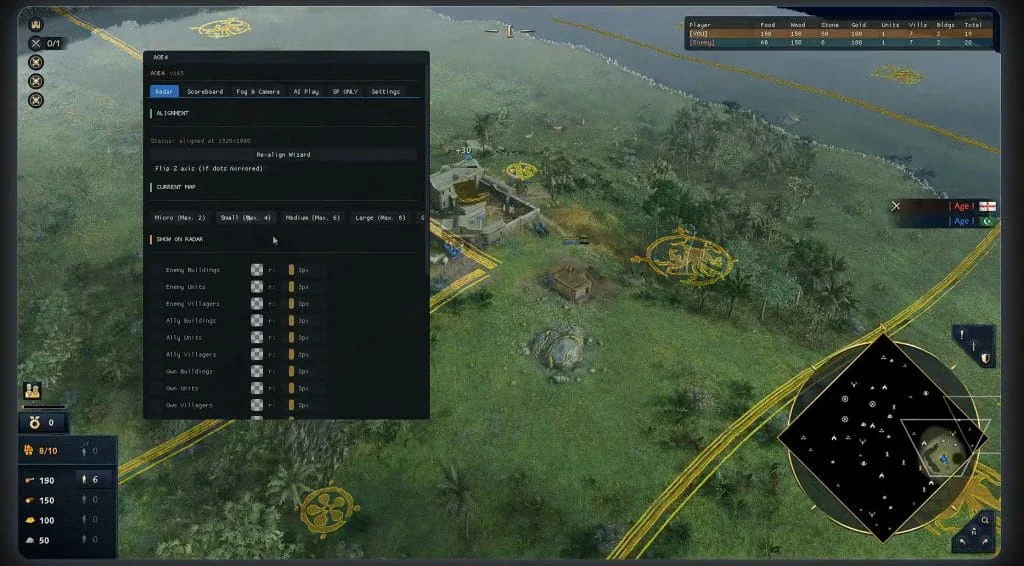
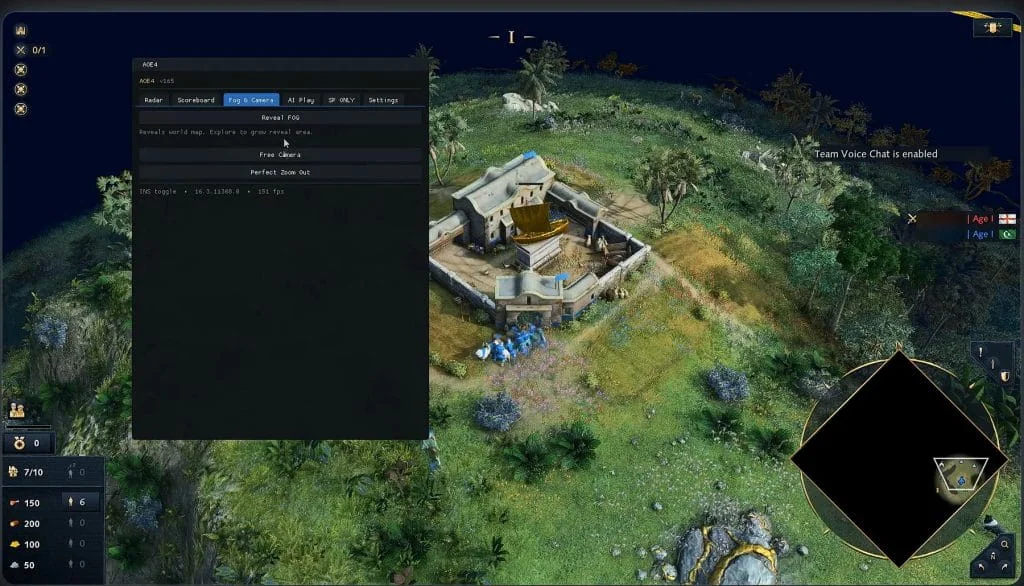
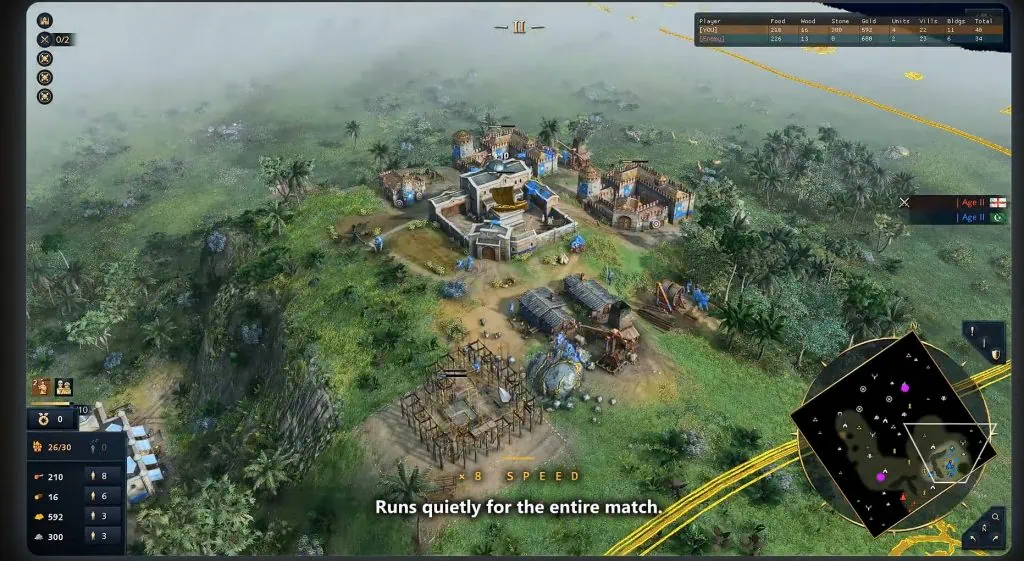
-Supported OS: Windows 10: All Versions and Windows 11 All Versions -Supports Steam And Xbox App -Supports Intel / Amd Fetures: 👁️ Visuals Radar Perfectly aligned minimap radar Show Enemy Buildings, Units & Villagers Show Ally Buildings, Units & Villagers Show Own Buildings, Units & Villagers Filter radar: Trees, Sheep, Wild Animals, Deer, Gold, Stone, Berries & Fish Highly customizable minimap dot radius & colors for each filter Separate Deer / Boar / Wolf Radar Custom Radar Filter Profiles Overlays Scoreboard Overlay Player Resource Overlay Live Resources — Food, Wood, Gold & Stone Population Counter Unit Count Display Adjustable Overlay Position Adjustable Overlay Scale ⚙️ Misc Reveal Fog — Remove FOW from the map Free Camera Perfect Zoom Out AI Control — AI can play on your behalf at any difficulty level Difficulty Selector Full AI Takeover Save / Load Radar Profiles [MENU] [SCREENSHOT]
-
-
-
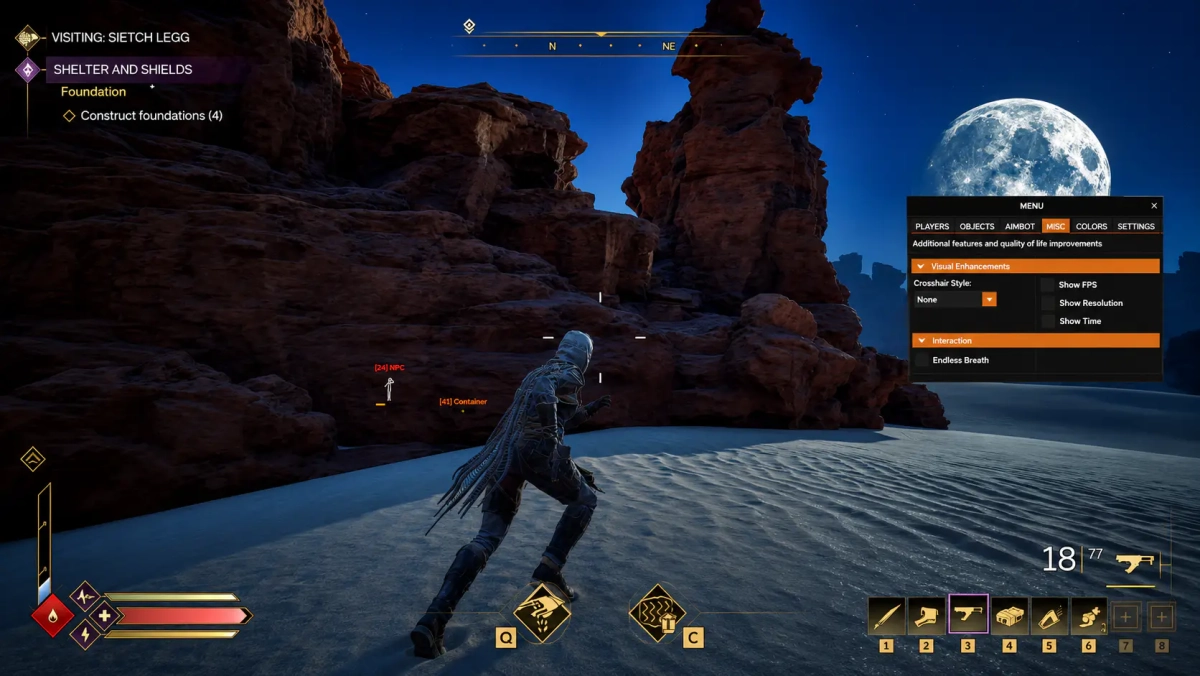
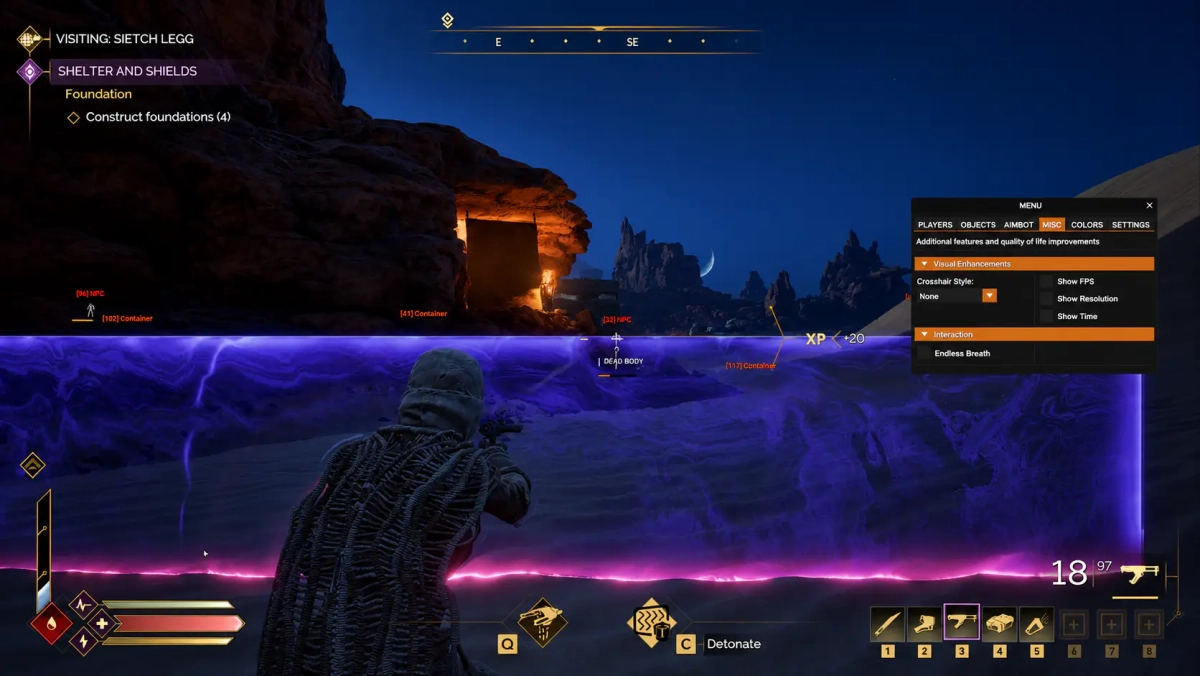
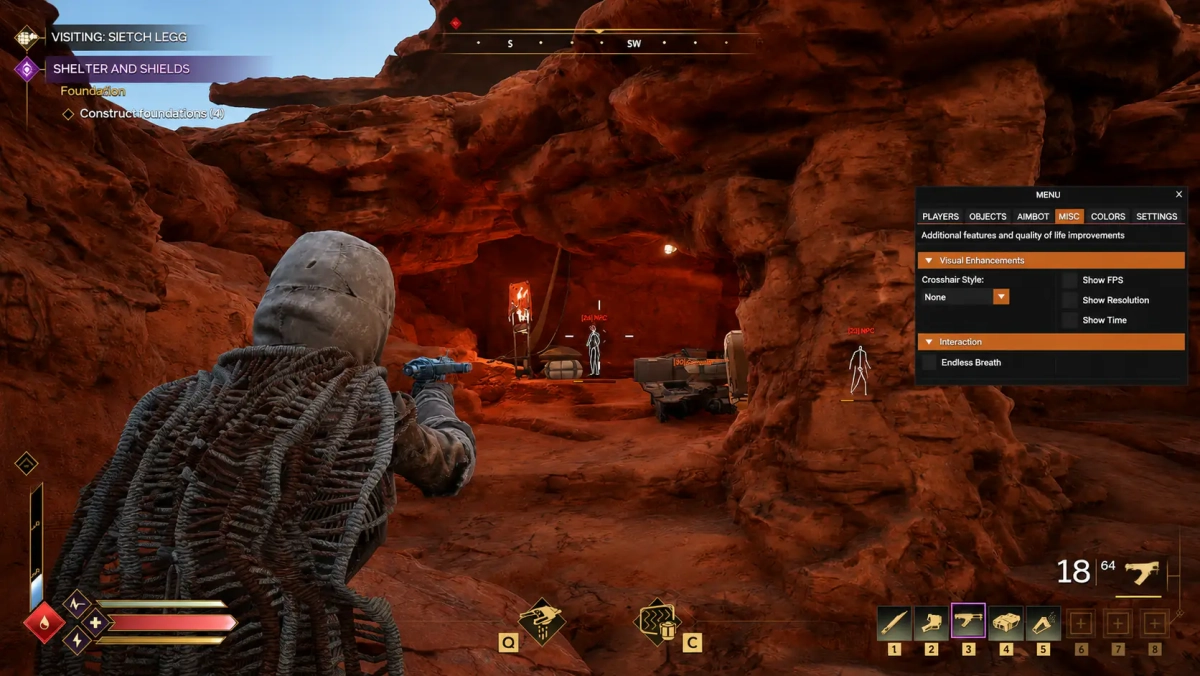
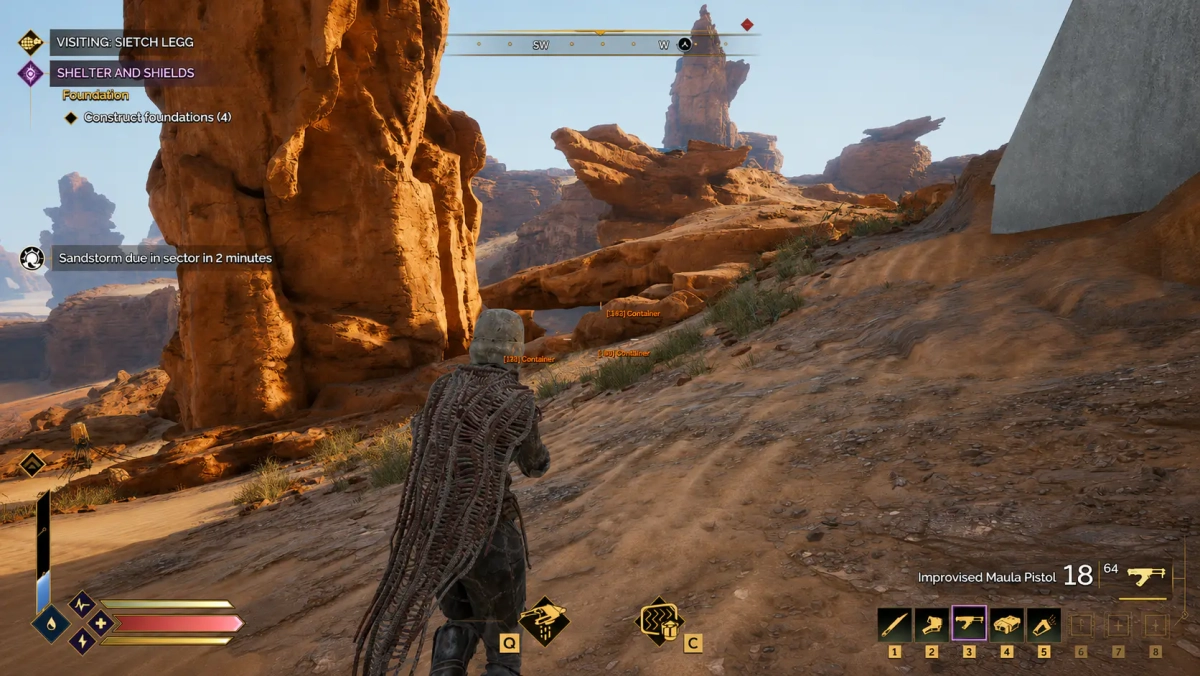
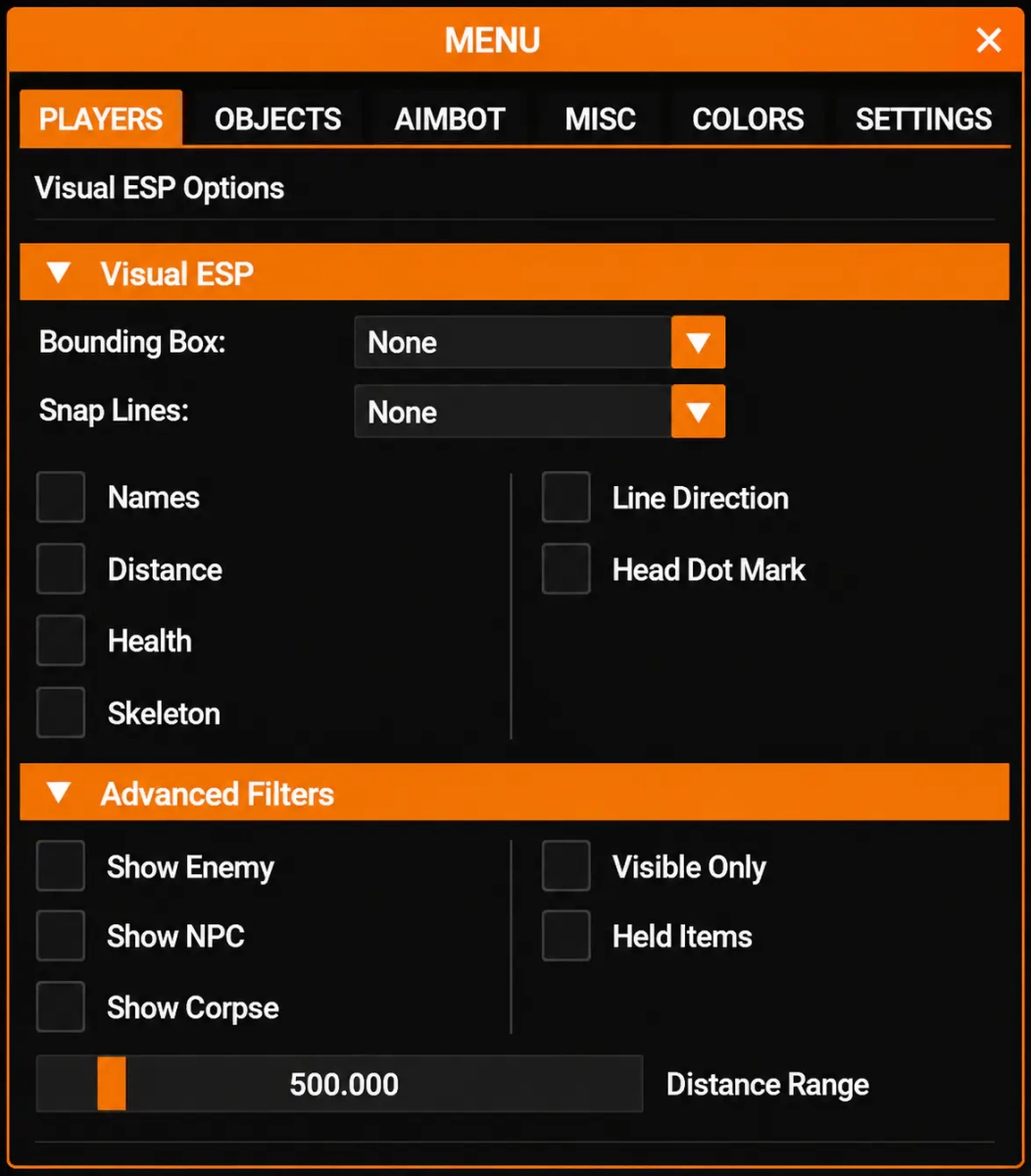
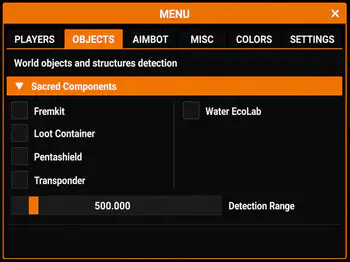
-Supports Win 11 & Win10 [All Versions] -Supports Both AMD/Intel -Supports : Steam Features Enemy ESP Enemy information(skeletons, boxes) Environment esp (containers) colorful palettes enemy and containers distance and more [Menu] [Screenshot]
-

Version 1.0.0
1 download
How To Use ➡️ Click Here -
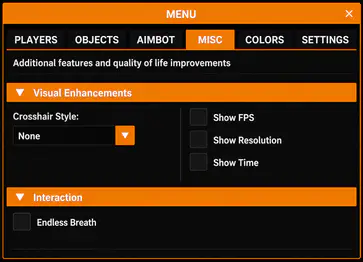
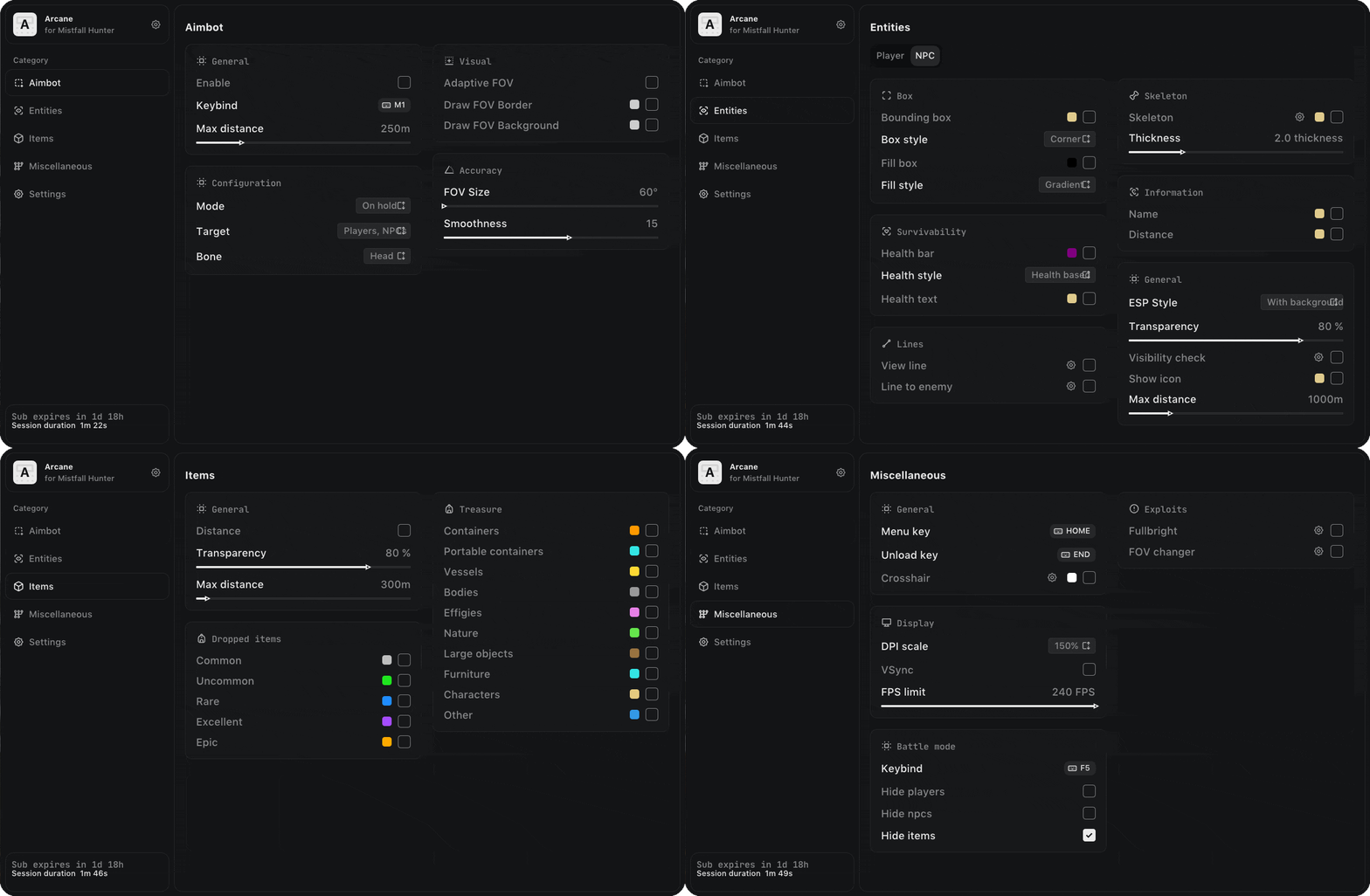
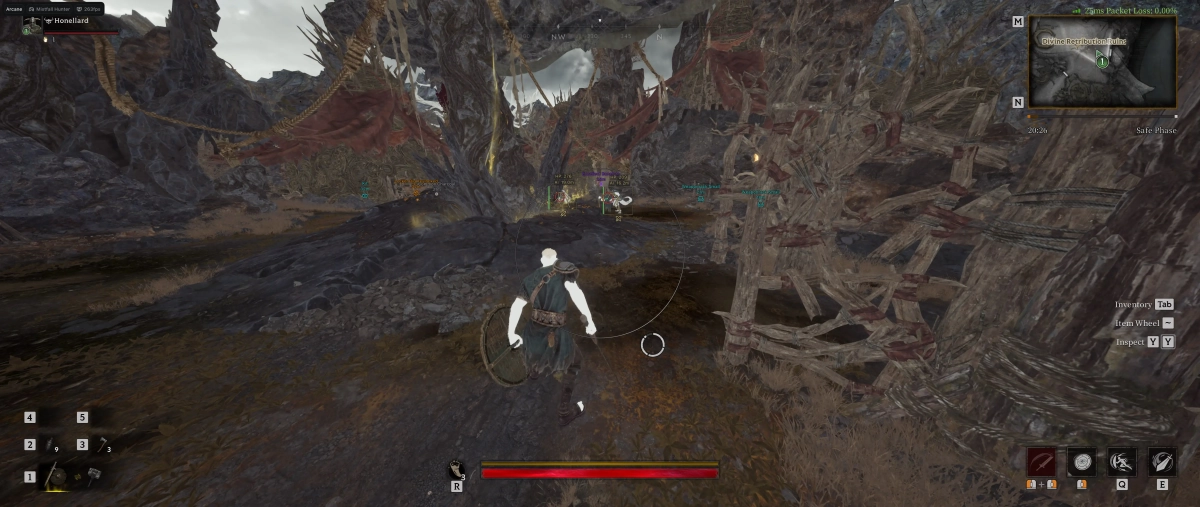
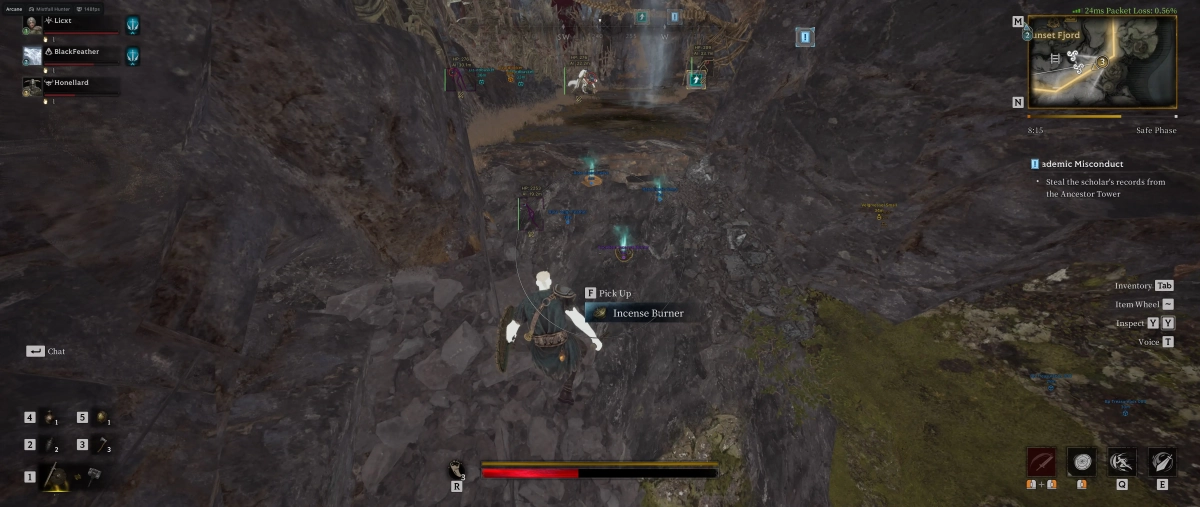
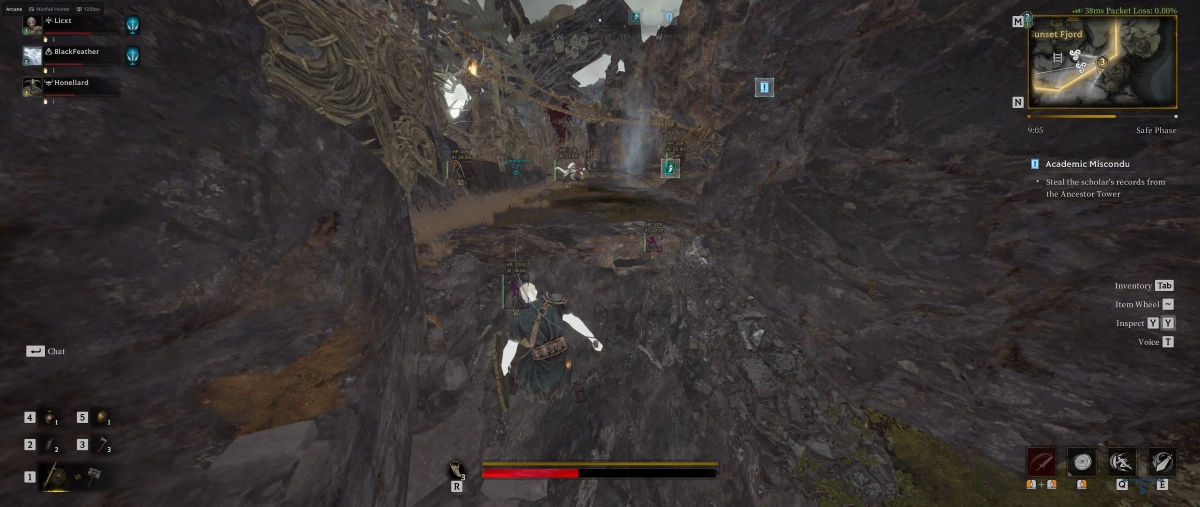
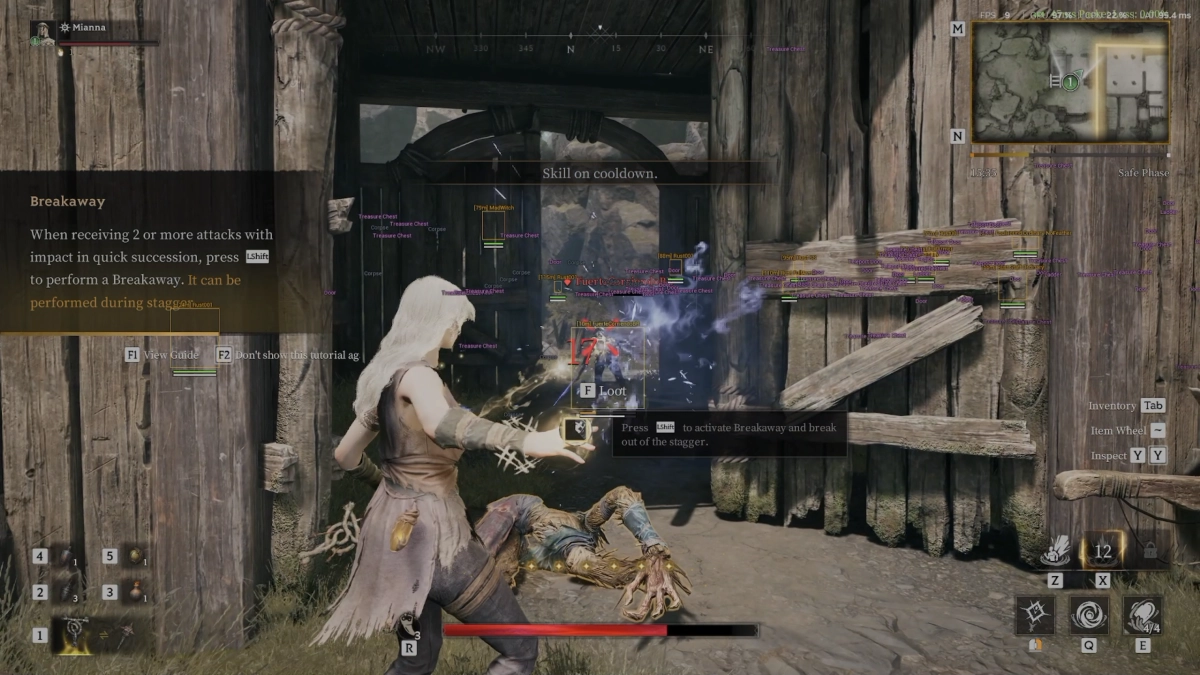
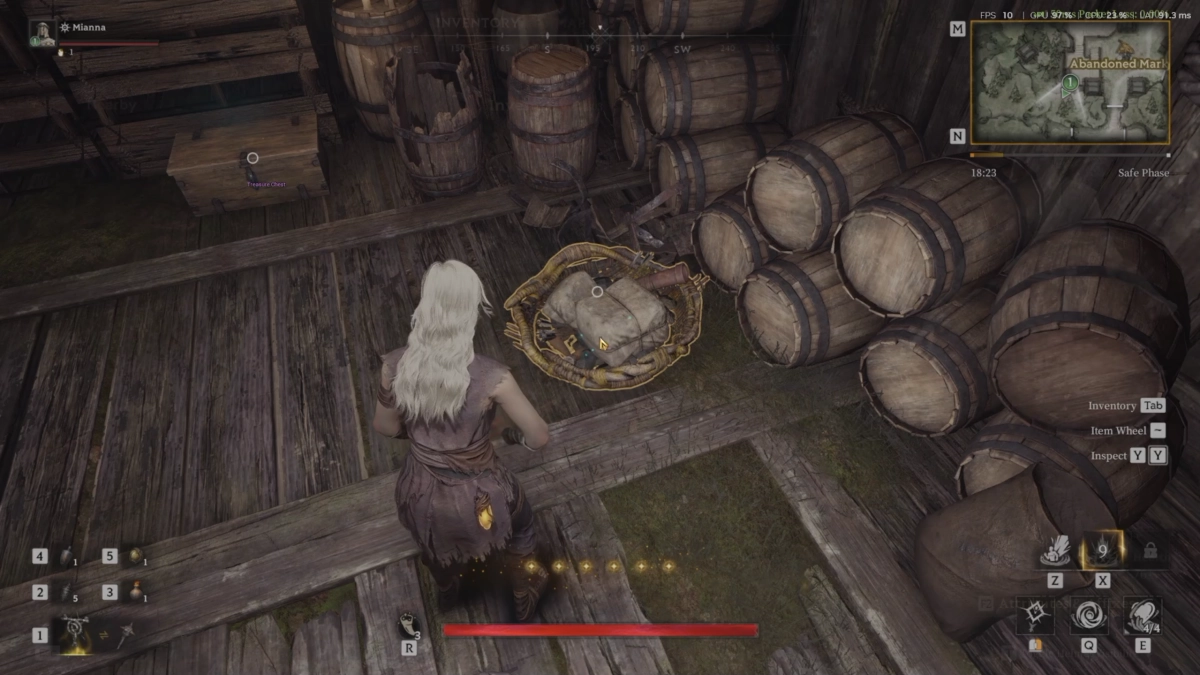
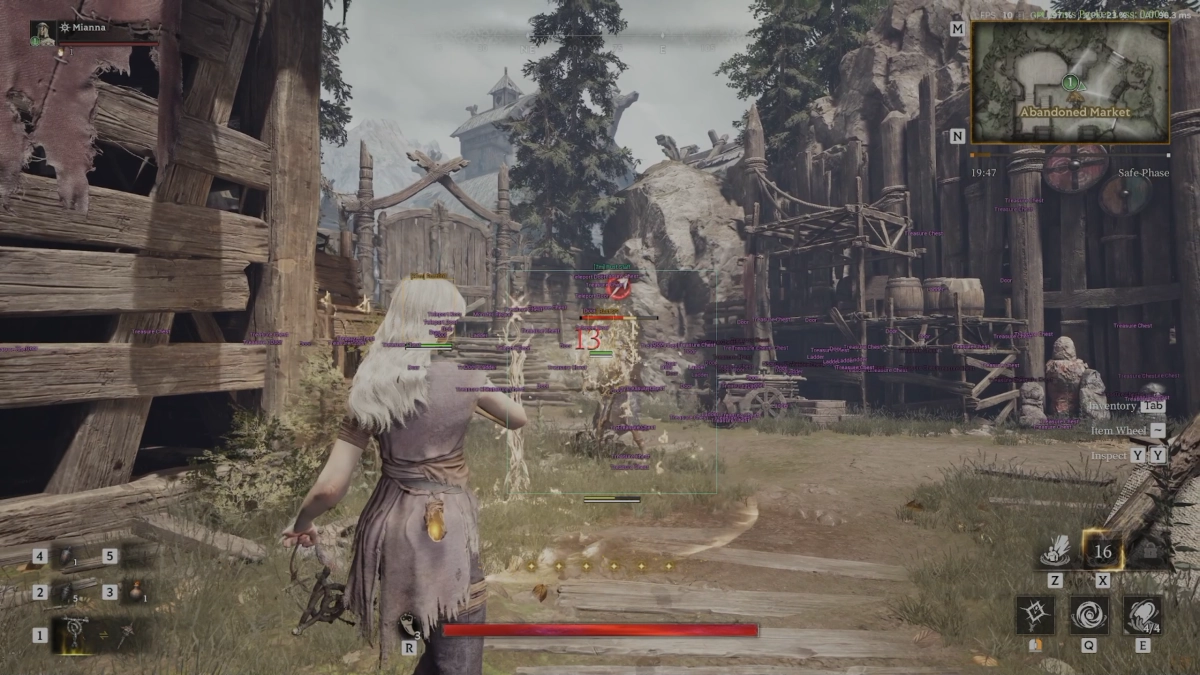
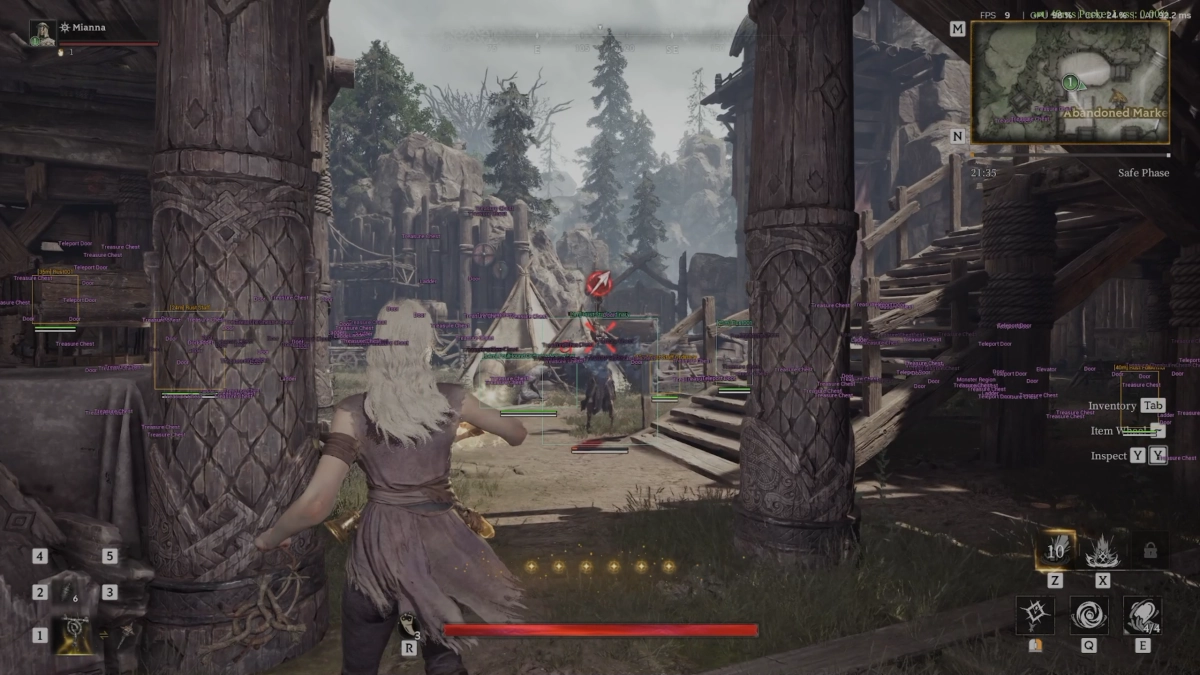
-Supports Win 11 & Win10 [All Versions] 25h2 included -Supports Both AMD/Intel -Supports : Steam Only Features: AIMBOT Enable Keybind Max distance Mode: (Always, On hold) Target: (Players, NPCs) Bone: (Head, Neck, Body, Pelvis) Adaptive FOV Draw FOV Border Draw FOV Background FOV Size Smoothness Visibility check EXPLOITS Fullbright FOV changer PLAYER ESP ESP Style: (No background, With background) Bounding box: (Box, Corner) Fill box: (Static, Gradient) Skeleton: (Head circle, Thickness) View line: (Start color, End color) Line to enemy: (Color, Position) Health bar: (Static, Health based, Gradient) Health text Name Distance Show icon Show team Visibility check Max distance NPC ESP ESP Style: (No background, With background) Bounding box: (Box, Corner) Fill box: (Static, Gradient) Skeleton: (Head circle, Thickness) View line: (Start color, End color) Line to enemy: (Color, Position) Health bar: (Static, Health based, Gradient) Health text Name Distance Show icon Show team Visibility check Max distance ITEMS ESP Distance Transparency Max distance —— Dropped items —— Common Uncommon Rare Excellent Epic —— Treasure —— Containers Portable containers Vessels Bodies Effigies Nature Large objects Furniture Characters Other BATTLE MODE Keybind Hide players Hide NPCs Hide items SETTINGS Menu key Unload key Crosshair DPI scale VSync FPS limit [MENU] [SCREENSHOT]
-
Version 1.0.0
36 downloads
How To Use ➡️ Click Here -
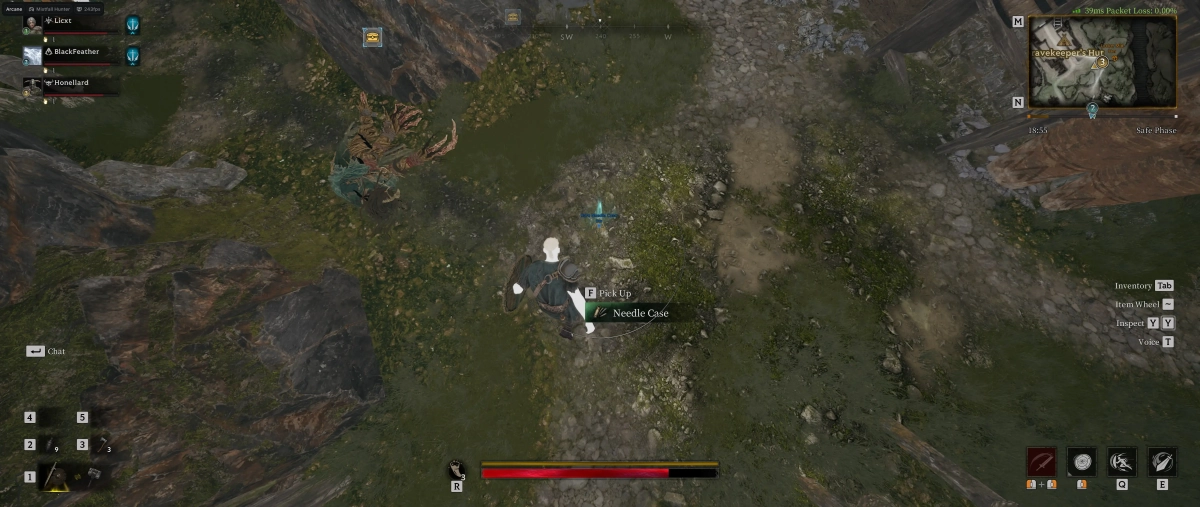
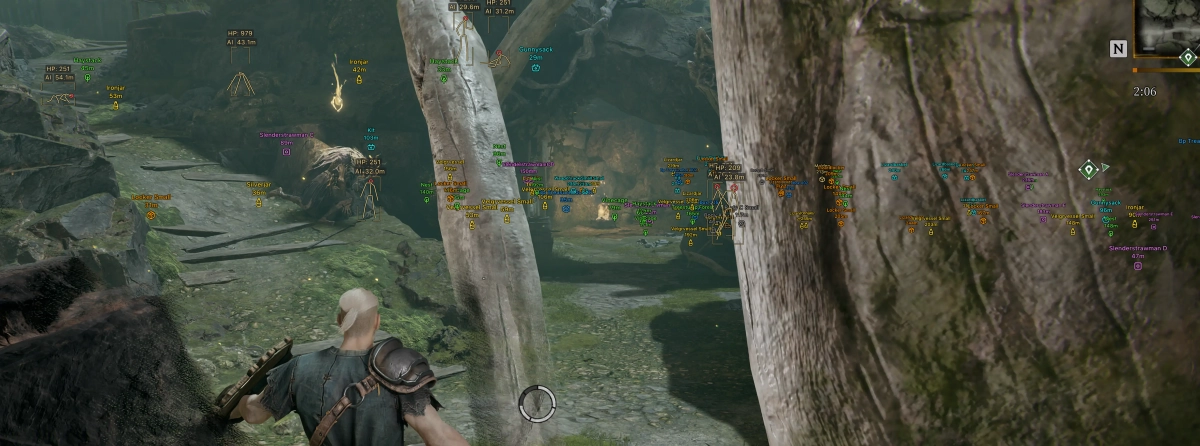
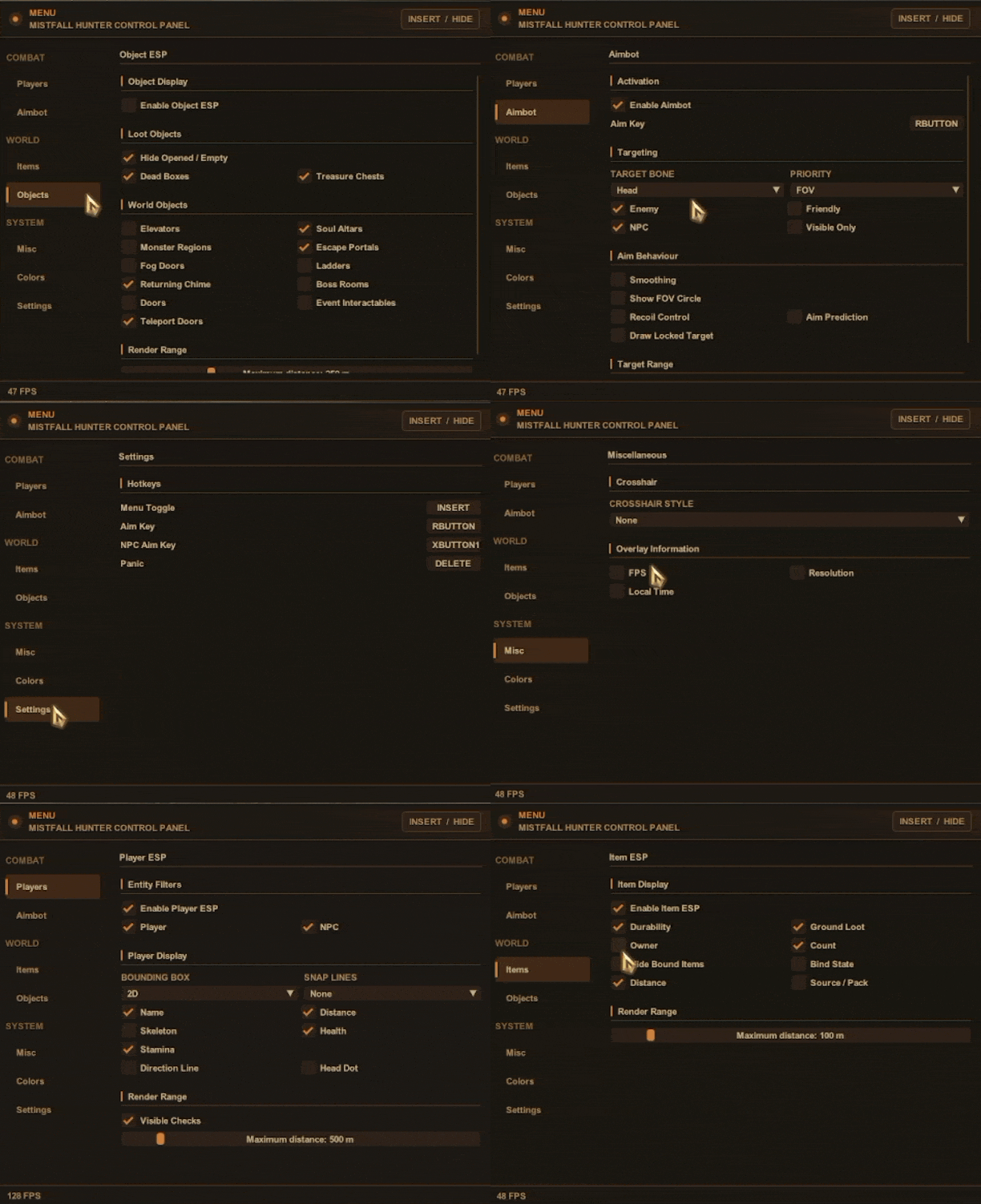
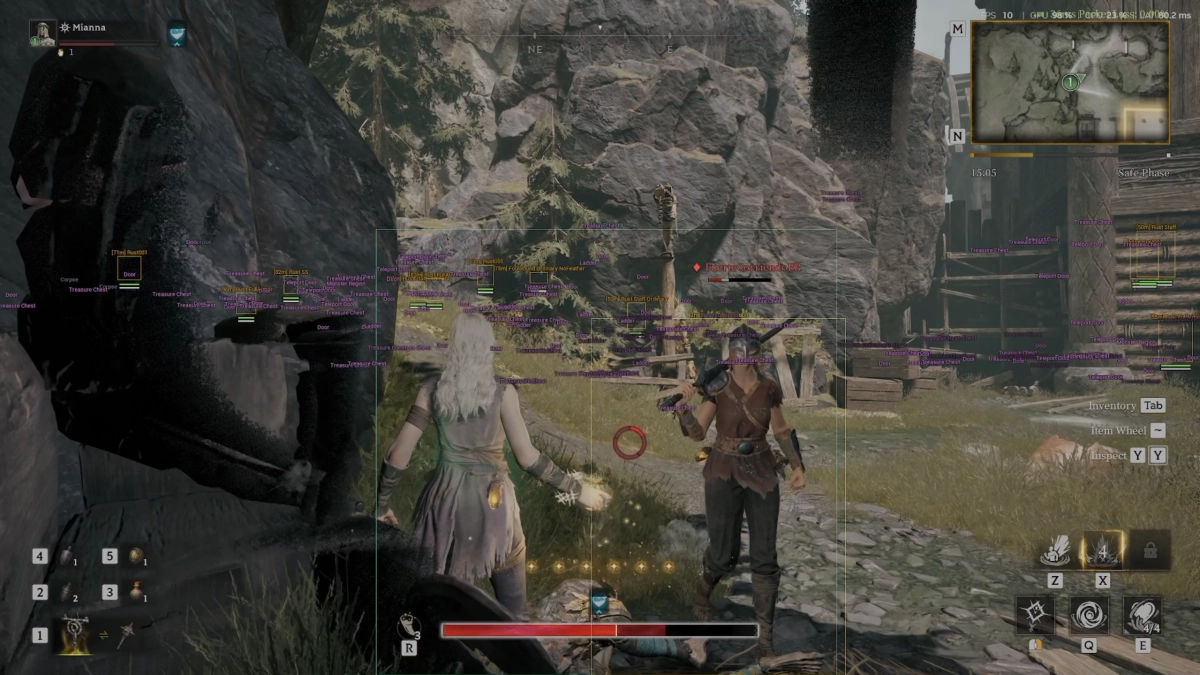
- Supports Windows 10 : (All versions) / Windows 11 supported - English menu - HWID Lock Features: Aimbot Aim key Selector Visible checks Recoil Control Aim to NPC / players FOV angles Target bone ( head / neck / body) Smoothing and distance level Visuals Players visuals NPC / Pals visuals Skeleton 2D boxes Stamina / direction lines Visible checks Items Items ESP (Ground / Drops) Durability Distances ESP Owner visuals Objects Opened /Empty boxes Dead Boxes Treasure chests Ladders Boss Rooms Fog doors Soul Altars MISC Menu key Panic Key [MENU] [SCREENSHOT]
-
Version 1.0.0
13 downloads
How To Use ➡️ Click Here -
- Supports Windows 10 : (All versions) / Windows 11 supported - English menu - Support Steam - HWID Lock Features: AIMBOT Aim key selector Visible Check Colorful palettes Draw FOV Max. Distance Aimbot Smoothness Aimbot Speed Aimbot FOV Visuals Hunter / Survivor perspective Skeleton ESP Max distance Enemy names Colorful palettes MISC No Decoy cooldown Anti-Buried No Gun Cooldown Kill all survivors Anti-Kick Name changer FOV changer AUTO PAINT

.webp.6ff17154121888e4f1b9b209c7a3b305.webp)
(3)(1).webp.ca0c45a8c60e964e468db9fa39518cad.webp)
(1).webp.b0af2e8570d571136a08bd58c6b9ab86.webp)
.webp.dbfc27ede60f6a9984806b34b889b1b5.webp)